9 Best Automated IT Onboarding Software for 2026
Chad BurggrafUpdated 13 min read

Onboarding new employees can be a challenging and time-consuming task for your IT team. They must set up user accounts, configure devices, and provide the right access to your company’s systems, often for several new hires at once.
Done by hand, that work leads to delays, errors and a poor first day. Automated IT onboarding software takes it over, so accounts and access are ready when the new hire arrives.
This article explains what automated IT onboarding software is, the main types, and the nine best tools for 2026, with their key features and pricing. It covers the whole IT side of a new hire’s start: accounts, devices, software and the tickets that coordinate them. If you only need the account side, comparing tools that create, change and remove accounts and groups in your directory and SaaS apps, see our list of user provisioning software. If you’re choosing a tool for HR’s side of onboarding, such as paperwork, welcome content and training, see our list of the best employee onboarding software instead. Large organizations should also read our guide to onboarding software for enterprises, and our review of onboarding and offboarding software covers tools judged on departures as well.
What Is Automated IT Onboarding Software?
IT onboarding software is used by the IT department rather than HR teams or hiring managers. It doesn’t focus on HR processes, such as paperwork, training, buddy assignments and team introductions. Instead, it sets new employees up in the company’s technical environment.
Automated IT onboarding software does that without manual steps. Once a hire is recorded, usually in the HR system, it can create user accounts, add them to the right groups, assign licenses and apps, set up mailboxes and devices, and later update or remove that access when the employee changes roles or leaves.

Why Automate IT Onboarding?
Manual onboarding takes up a lot of IT’s time. Someone has to read the HR email or ticket, copy the new hire’s details into the directory, work out which groups and licenses the role needs, and set up each app.
It’s also prone to error. A missed group or a mistyped attribute means a new hire who can’t reach a system on day one, or one who gets more access than they should. Our guide to Active Directory user provisioning shows how many steps are involved.
Automation removes the copying and the guesswork. Access follows rules, every new hire gets the same treatment, and IT can spend its time on work that needs a person.
Types of Automated IT Onboarding Software
Automated onboarding tools come in several types. Knowing which type you need narrows the field quickly.
1. HR-to-Directory Sync Tools
These tools read new hires and changes from your HR system and write them to your directory, such as Active Directory or Microsoft Entra ID. They suit organizations whose access is built on directory accounts and groups. ezOnboard, Connect to AD and Hire2Retire are examples.
2. Identity and Access Management Platforms
IAM platforms manage identities and sign-in across apps, often with single sign-on (SSO) and multi-factor authentication. Many can provision accounts into connected apps automatically, and some, like JumpCloud, also manage devices. OneLogin and JumpCloud fit here. Our user provisioning software list compares more tools for the account side, such as Okta and Microsoft Entra ID.
3. SaaS Management Platforms
These platforms automate the setup of SaaS apps, such as accounts, groups, licenses and file ownership, through workflows. BetterCloud is the example on this list.
4. IT Service Management Tools
Service desks route onboarding requests to the right teams and track them through to completion. They organize the work rather than doing it, so they pair well with provisioning tools. SolarWinds Service Desk fits here.
5. General Workflow Automation
Low-code tools like Microsoft Power Automate let you build your own onboarding flows across apps. They’re flexible, but you design, build and maintain each flow yourself.
6. All-in-One HR and IT Platforms
Some platforms combine HR, payroll and IT in one product, so onboarding starts and finishes in the same system. Rippling is the best-known example. It works best if you’re willing to run HR on it too.
HR-side onboarding tools, such as applicant tracking systems with onboarding modules, HR onboarding software and employee self-service portals, are covered in our employee onboarding software review.
9 Best Automated IT Onboarding Software in 2026
Here are the top IT onboarding tools available today, along with their key features and pricing:
1. ezOnboard
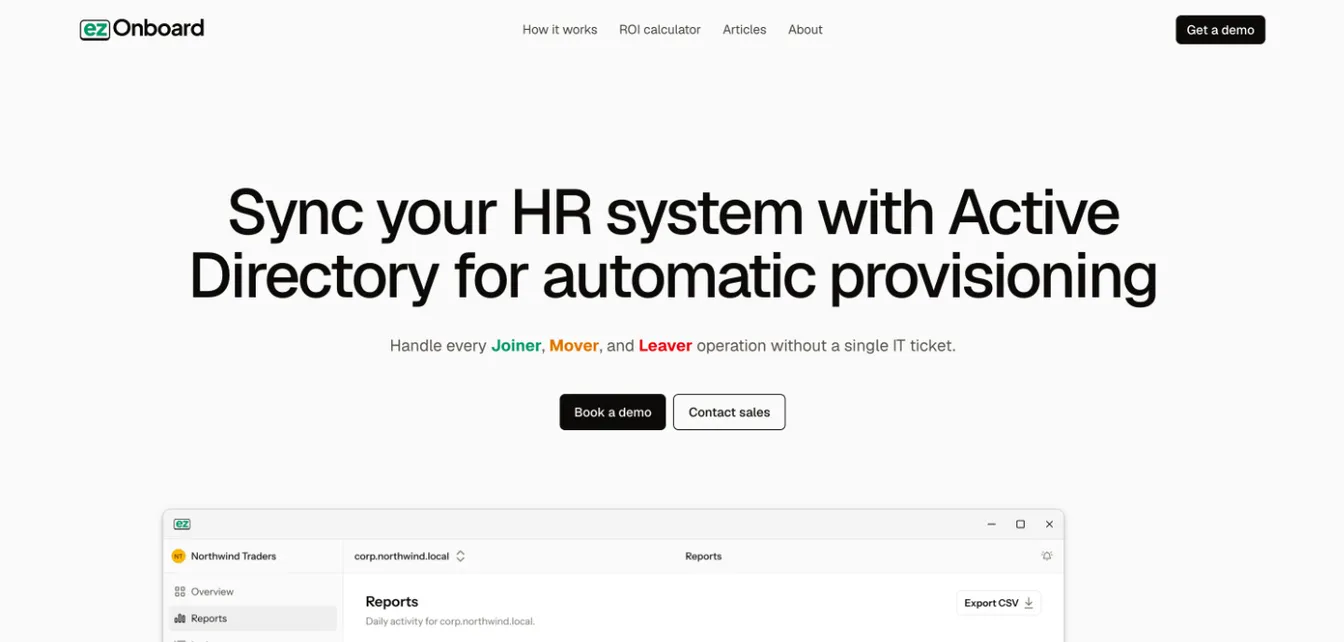
ezOnboard is an HR-to-directory sync tool that automates IT onboarding and offboarding in Active Directory, Microsoft Entra ID and Exchange. ezOnboard vs Aquera compares it with another HR-driven tool.
It reflects approved HR system changes in your directory, from the new hire’s account to later employee lifecycle updates. New hires get their access as soon as HR records them, without HR emailing IT.
Rules decide each account’s OU, groups, licenses and attributes. Safety rails stop any change that would cross your limits, and every change is recorded, which supports cybersecurity compliance.
Key Features:
- Automated onboarding, updates and offboarding from your HR system
- Rule-based groups, licenses, mailboxes and attributes
- Safety rails and notifications by email or webhook
- An auditable record of every change
- License reclamation for leavers
- An agent inside your network, so personnel data stays in your environment
Pricing:
ezOnboard is priced per employee under management, on an annual subscription. For a quote, email sales@ezonboard.io or request a demo. The ROI calculator estimates the return you can expect.
2. JumpCloud
Source: JumpCloud.com
JumpCloud is a cloud-based directory platform that combines identity, access and device management for onboarding and offboarding.
It allows IT teams to automate user provisioning, manage devices across operating systems, and control access. New employees get the tools they need from day one, and departing employees are securely transitioned out.
Key Features:
- Centralized user management
- Automated employee lifecycle updates
- Zero-touch device enrollment and policy-based access control
- Compatible with Windows, Mac, Linux, and mobile devices
Pricing:
JumpCloud sells smaller packages from $9 per user per month (Device Management) to $13 per user per month (Device Identity Management), billed annually.
Its full Platform and Platform Prime plans, which add zero trust, SaaS management and premium support, are now priced on request. A 30-day free trial is available.
3. Connect to AD
Source: ConnecttoAD.com
Connect to AD is a suitable option if your company uses UKG. This software automates the integration between UKG Pro and AD, and it also supports UKG Ready and Microsoft Entra ID.
It syncs employee records between the two systems and handles user provisioning and deprovisioning without manual intervention.
Key Features:
- Automatic user provisioning and deprovisioning
- Attribute and group mapping between UKG Pro and AD
- Email notifications
- Simple or condition-based expressions
Pricing:
A one-year license of Connect to AD costs $6,799, and one-year renewals cost $4,299. New licenses include ten hours of implementation services.
Support for UKG Pro Onboarding is available for a separate $1,200 fee.
4. Hire2Retire
Source: RoboMQ.io
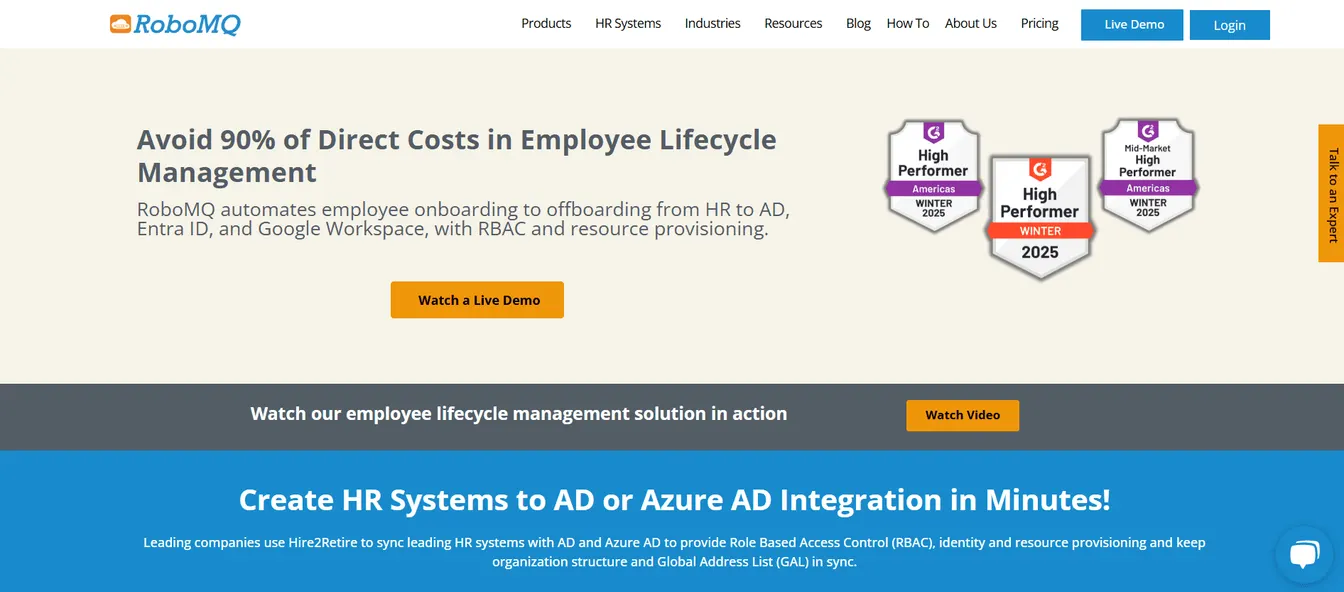
Hire2Retire by RoboMQ is an identity governance and administration (IGA) platform that integrates HR systems with Active Directory, Microsoft Entra ID, or Google Workspace.
It syncs the employee lifecycle from pre-boarding to offboarding, including role changes. RoboMQ offers API and data integration, 24/7 support, proactive monitoring and a dedicated customer success manager.
Key Features:
- HR integration with AD, Entra ID and Google Workspace
- Lifecycle sync from pre-boarding to offboarding
- Proactive monitoring and 24/7 support
- Implementation support
Pricing:
Hire2Retire charges $5 per active employee every month. The subscription includes 24/7 support and unlimited integrations and workflows.
5. BetterCloud
Source: BetterCloud.com
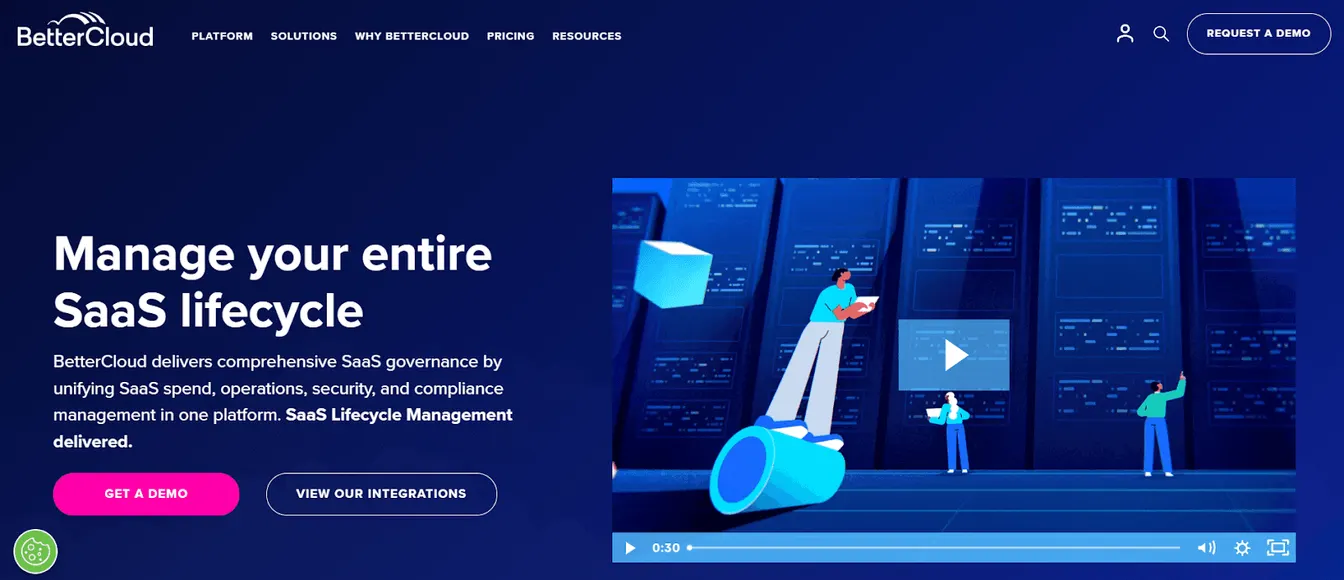
BetterCloud is a SaaS management platform with zero-touch onboarding and offboarding workflows.
Its workflow builder lets IT teams automate user provisioning, lifecycle updates and app management across SaaS apps. Workflows can be triggered by changes in the HR system, which improves security while reducing the risk of human error.
Key Features:
- Zero-touch onboarding and offboarding
- Automated workflow triggers
- Access management
- Audit logs and security alerts
Pricing:
BetterCloud doesn’t publish prices. Quotes depend on your license count, connected apps, and the modules you choose, such as User Automation and Spend Optimization.
6. OneLogin
Source: OneLogin.com
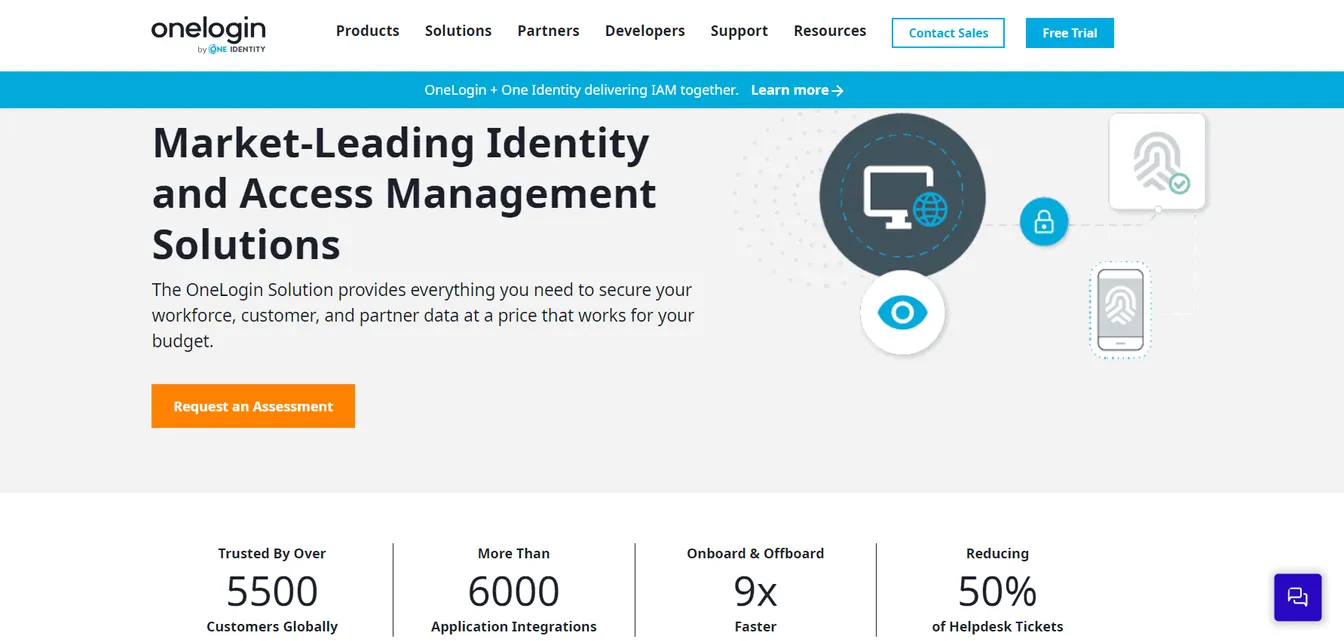
OneLogin is an identity and access management (IAM) platform that simplifies employee onboarding.
It connects to HR systems and directories, like Active Directory and LDAP, to give new employees access to the apps they need on day one. It also supports single sign-on (SSO) and multi-factor authentication (MFA).
Key Features:
- Automated user provisioning and deprovisioning
- SSO for quick access to apps
- Custom mapping and entitlement rules
- Pre-built integrations
Pricing:
OneLogin’s workforce plans start with Basic at $3 per user every month, which includes SSO and MFA but limits lifecycle management to five apps. Essentials removes that limit for $6 per user per month.
The Business plan adds advanced authentication and automation for $10 per user per month. The Enterprise plan is priced on request.
7. SolarWinds Service Desk
Source: SolarWinds.com
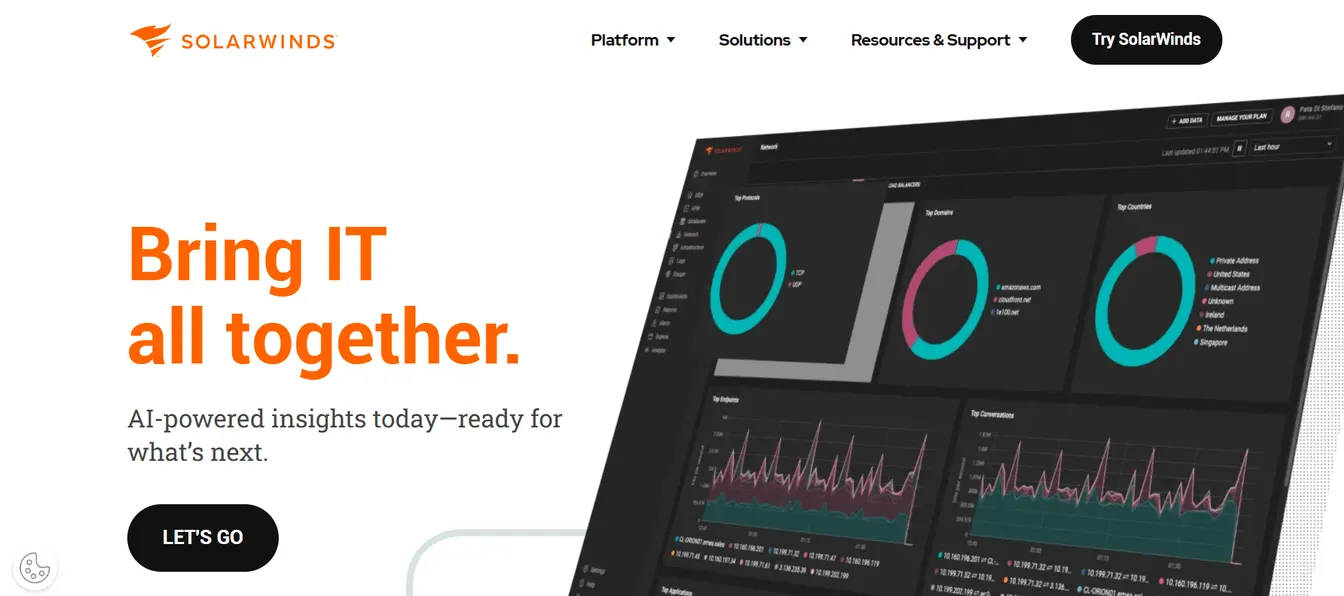
SolarWinds Service Desk is an IT service management platform that helps organize onboarding requests and reduce onboarding tickets. It automates case routing, so onboarding tasks reach the right team quickly.
It also includes IT asset management for discovery and lifecycle tracking, and an employee portal for self-service requests and a knowledge base.
Key Features:
- Service ticket automation
- Incident management using AI
- IT self-service portal
- Asset and inventory management
Pricing:
The Essentials plan costs $39 per technician per month. The Advanced plan, which adds advanced automation and API access, costs $99. The Premier plan costs $124 per technician per month. All plans are billed annually and include unlimited requesters.
8. Power Automate
Source: Microsoft.com
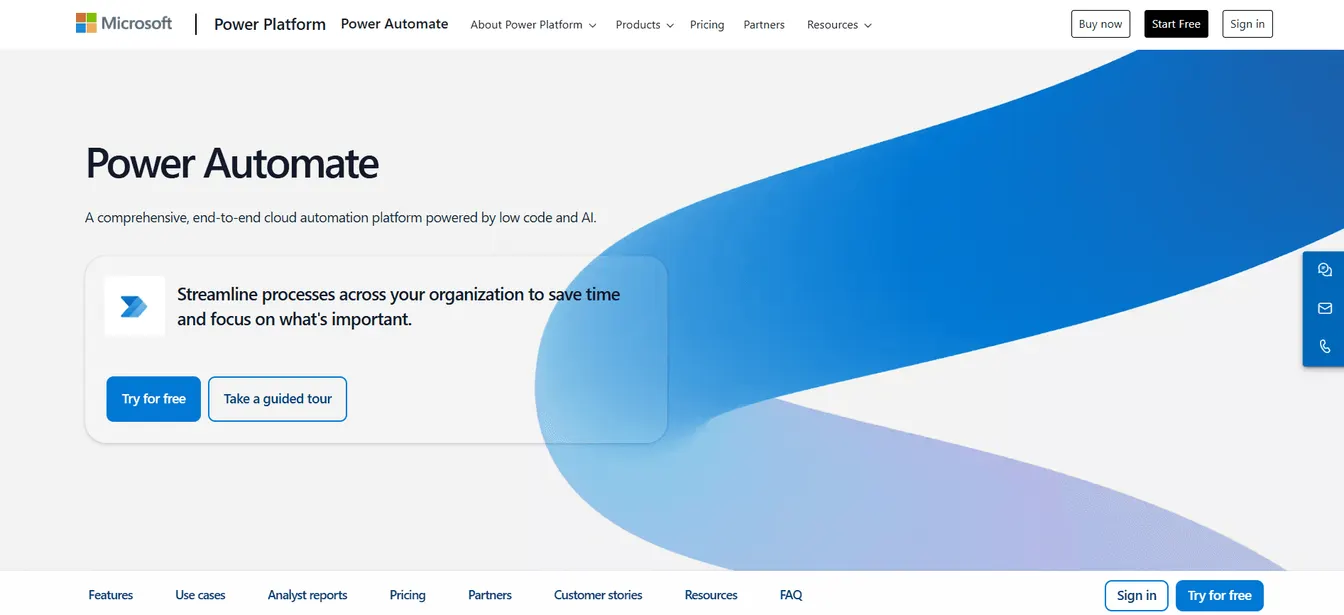
Power Automate is Microsoft’s low-code platform for automating workflows across applications and services.
For IT onboarding, you can build flows that create accounts, assign permissions and request software. It integrates closely with Microsoft 365 and offers connectors for many other apps.
Key Features:
- Low-code workflow automation
- AI-powered process automation
- Task and process mining
- Pre-built connectors for smooth integrations
Pricing:
Power Automate offers a free 30-day trial. The Premium plan costs $15 per user per month, paid yearly.
The Process plan, for unattended desktop or cloud workflows, costs $150 per bot per month. The Hosted Process plan runs those bots on a Microsoft-hosted virtual machine for $215 per bot per month.
9. Rippling
Source: Rippling.com
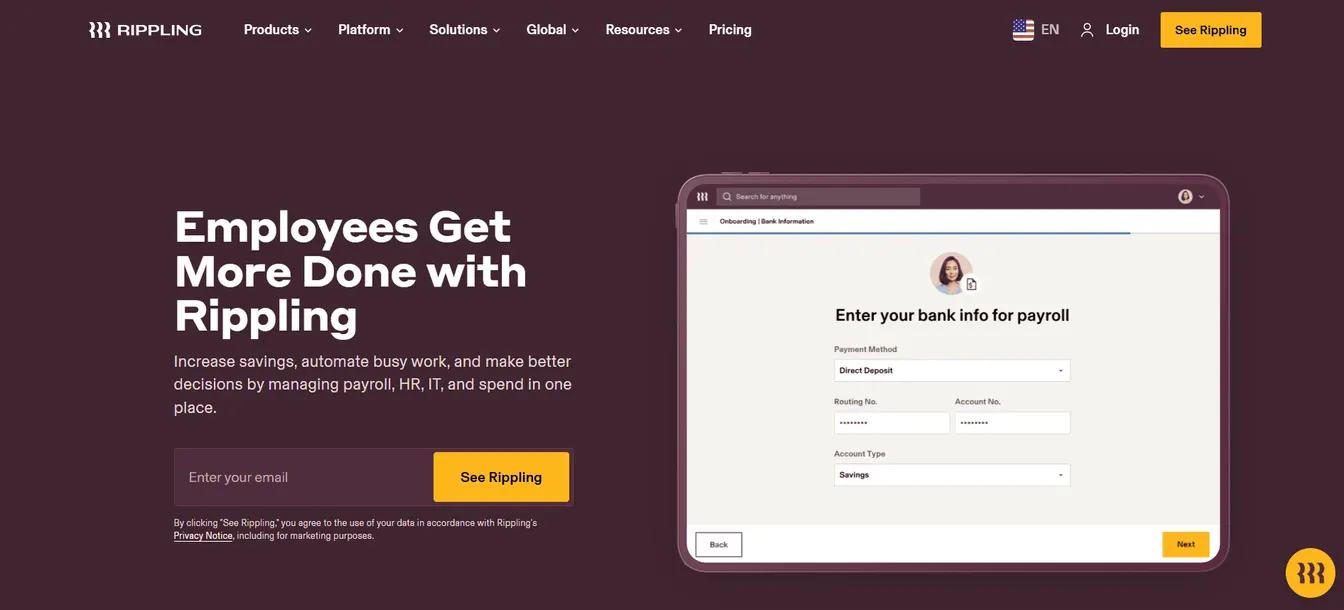
Rippling combines HR, IT and payroll in one platform. Its device management ships new hires pre-configured hardware with security policies enforced from day one.
Rippling integrates with AD and provisions access to applications based on role-specific rules. HR and IT can track onboarding progress in one place.
Key Features:
- Device inventory management
- Centralized identity management
- Onboarding progress tracking
- Integration with AD and other third-party apps
Pricing:
Rippling doesn’t publish full pricing for its products. Quotes depend on the HR, IT, and payroll modules you choose.
Benefits of Automated IT Onboarding Software
Increase Efficiency
Automation takes repetitive tasks off IT’s plate, such as creating accounts, assigning and tracking licenses and setting up access provisioning. New hires can start working immediately instead of waiting on tickets.
Maintain Consistency
Rules give every new hire the same baseline, such as a desktop, email and core apps, plus the access their role needs. Nothing depends on who handled the request.
Improve Security and Compliance
Access follows rules, so new hires get only what their role requires. Automated tools also keep a record of what was granted and when, which helps with audits, and they remove access promptly when people leave.
Improve the Employee Experience
New hires who can sign in and reach their tools on day one feel expected and valued. That makes for a stronger start and better retention.
Save Time and Money
Less manual work means fewer hours spent per hire and fewer errors to fix later. Teams can absorb more hiring without adding headcount.

Key Features of IT Onboarding Software
Integration With Existing Systems
The tool should connect to your HR system, directory, email platform and key apps. This is the feature that matters most: without it, someone still retypes data.
Automation Capabilities
Look for rule-based account creation, group and license assignment, software deployment and device setup, triggered without manual steps.
Customization Options
Every company’s roles and access are different. Look for rules and templates you can tailor to departments, locations and job titles, and for support for your IT onboarding checklist.
Security Features
Look for role-based access control (RBAC), MFA support, data encryption, safeguards against mass changes, and detailed audit logs.
User-Friendly Interface
IT staff should be able to set up and change rules without extensive training. A clear interface also speeds up troubleshooting.
How to Choose the Best IT Onboarding Software
Assess Your Needs
List the most time-consuming tasks in your current process, the systems that need to be connected and any compliance requirements. If you run Active Directory or Entra ID, make sure the tool writes to them directly.
Match the Type to Your Environment
Use the types above. A directory-centric Microsoft shop needs something different from a SaaS-only company or one that wants to replace its HR system too.
Consider Your Budget
Compare setup costs, subscription fees and the cost of building and maintaining any flows yourself. Weigh them against the time saved and errors avoided.
Verify Scalability
Check that the tool can handle growth in users, locations and rules without performance problems or constant reconfiguration.
Review Support and Reviews
Look for responsive support during setup and after, plus documentation and training. Reviews on sites like G2 and Capterra from companies like yours give a realistic picture.
Book a Trial or Demo
Test the tool with your own HR system and directory, and involve both IT and HR in the evaluation.
How ezOnboard Automates IT Onboarding
ezOnboard automates the IT onboarding process for organizations that run on Active Directory, Entra ID and Exchange.
An agent inside your network checks your HR system every few minutes. When HR records a hire, a role change or a departure, ezOnboard turns it into a plan, checks the plan against your safety limits and writes only what changed: accounts, group memberships, licenses and mailboxes. You hear about anything that needs your review, and every change is recorded.
The result is that new hires have their access as soon as HR records them, without an IT ticket. The ezOnboard team helps configure the rules for your environment, and it scales as your headcount grows.
Check the ROI calculator to see how much ezOnboard can save you, or request a demo today.
FAQs About IT Onboarding Software
What software is used for IT onboarding?
Common choices include HR-to-directory sync tools like ezOnboard, Connect to AD and Hire2Retire, identity platforms like JumpCloud and OneLogin, and all-in-one platforms like Rippling. The right one depends on your HR system and directory.
What is onboarding in information technology?
Onboarding in IT involves setting up new employees with the necessary hardware, software, and system access to perform their roles. It ensures new hires have everything they need on day one, which can save time and reduce errors.
What is automated onboarding software?
Automated onboarding software completes onboarding tasks without manual steps. For IT, that means creating accounts, assigning access and licenses and setting up devices as soon as a new hire is recorded.
What is the difference between IT onboarding software and user provisioning software?
User provisioning software manages accounts and group memberships in directories and SaaS apps, for as long as someone works for you. IT onboarding software covers more of a new hire’s setup, such as devices, software and service desk tickets, and often uses a provisioning tool for the accounts.
How does automated onboarding software work?
Most tools watch a source of truth, usually the HR system, for new hires and changes. Rules then decide which accounts, groups, licenses and apps each person gets, and the tool applies them and records what it did.
Can automated onboarding software integrate with our existing HR and IT systems?
Yes, integration is the core of most tools. Check that a tool supports your specific HR system and directory, and how it handles custom fields and rules.
Is automated onboarding software suitable for remote employees?
Yes. Accounts and access don’t depend on location, and tools with device management can ship pre-configured laptops that set themselves up at first sign-in. Remote hires get the same day-one access as office staff.