6 Best Employee Onboarding and Offboarding Software in 2026
Chad BurggrafUpdated 10 min read

Most onboarding software is built around a new hire’s first day. The other end of the employee lifecycle gets far less attention, even though it carries more risk.
When someone leaves, their accounts must be disabled, their devices returned, their files handed over and their final paperwork completed. Miss a step and a former employee keeps access to company systems, or a laptop never comes back.
This article reviews software that handles both ends: the arrival and the departure. Every tool on the list can run onboarding, but we chose them for how well they handle offboarding too. If you only need to onboard, see our reviews of employee onboarding software and automated IT onboarding software. Large organizations should also read our guide to onboarding software for enterprises.
Why Use One Tool for Onboarding and Offboarding?
Onboarding and offboarding are mirror images. Whatever you grant when someone joins, you must remove when they leave. A tool that does both knows exactly what to take back.
Close the Offboarding Security Gap
Security gaps often happen during offboarding. IT may not hear about a departure in time, or may forget an app that was set up years ago. Former employees with live accounts are a well-known risk, as our guide to removing access for terminated employees explains.
A tool that ties access to the employee record can remove it automatically when HR records the departure, on the right date.
Recover Devices and Data
Laptops, phones, badges and licenses all need to come back, and files need a new owner. Tools that track assets from onboarding know what each person has, which makes IT asset recovery far easier.
Keep HR and IT in Step
Most delays come from the handoff between HR and IT. When one system triggers tasks for both teams on joining and leaving, nothing waits on an email.
Give Every Employee the Same Process
Standard workflows make sure every joiner and every leaver gets the same steps in the same order, whoever handles them.
How We Chose These Tools
Every tool had to support onboarding and offboarding with its own workflows. We then judged them on four offboarding questions:
- Access removal: Can it disable accounts and remove app access automatically, on the departure date?
- Devices and assets: Can it track equipment and help recover, lock or wipe it?
- People tasks: Does it handle exit surveys, final documents and final pay?
- HR-to-IT handoff: Does a change in HR trigger IT’s work without a ticket or email?
| Software | Type | Offboarding strength |
|---|---|---|
| 1. ezOnboard | HR-to-directory automation | Disables accounts and reclaims Microsoft licenses from HR data |
| 2. Rippling | All-in-one HR, IT and payroll | One-click offboarding across apps, devices and payroll |
| 3. HiBob | HR platform | Offboarding flows with IT tasks, equipment tracking and exit feedback |
| 4. Freshservice | IT service management | Offboarding requests that fan out to every team that must act |
| 5. Qualee | Employee experience platform | Guided exit journeys with feedback, in a mobile app |
| 6. GoCo | Small-business HR (now part of QuickBooks) | Offboarding checklists and approval chains |
6 Best Employee Onboarding and Offboarding Software Solutions
1. ezOnboard
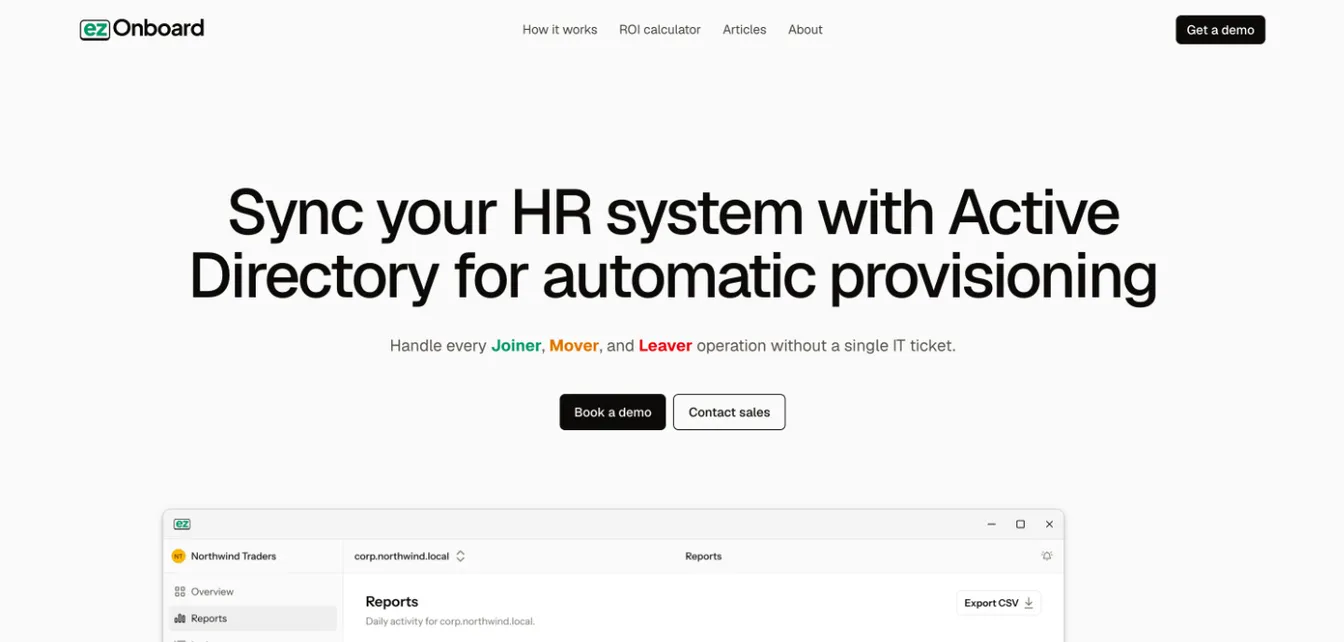
ezOnboard automates the IT side of both onboarding and offboarding by connecting your HR system to Active Directory, Microsoft Entra ID and Exchange.
When HR records a new hire, ezOnboard creates their account and applies your rules for groups, licenses and mailboxes. When HR records a departure, it deprovisions the account on your timeline: it disables it, removes group memberships and reclaims Microsoft licenses. Role changes in between are handled the same way, so access stays right for the whole employee lifecycle.
Safety rails stop any change that would cross your limits, and every change is recorded for audit.
Onboarding: Accounts, groups, licenses and mailboxes from HR data, ready for day one.
Offboarding: Automatic account disabling, access removal and license reclamation, triggered by HR.
Best for: Organizations on Active Directory or Entra ID that want joiners and leavers handled without IT tickets. Pair it with an HR tool for exit paperwork and device collection.
Pricing: Priced per employee under management, on an annual subscription. Email sales@ezonboard.io or request a demo for a quote.
2. Rippling
Source: Rippling.com
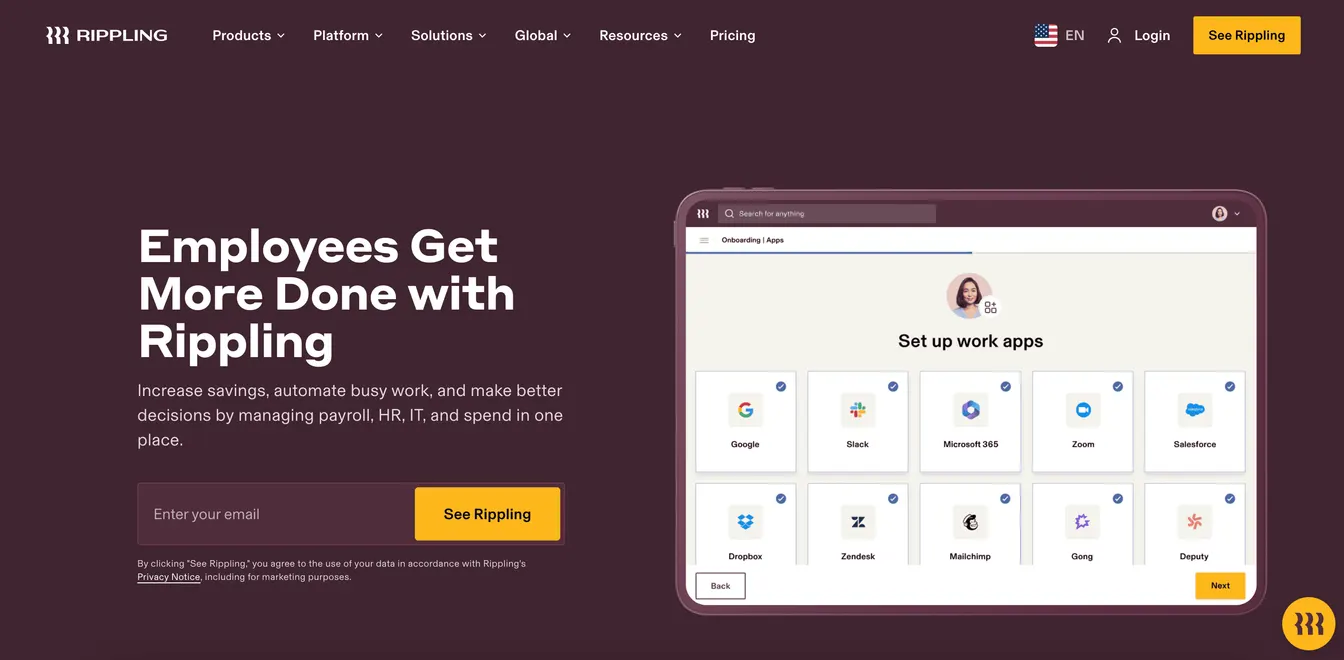
Rippling connects HR, IT and payroll in one platform, which lets it run both ends of the lifecycle from a single record.
On the way in, it enrolls new hires in payroll and benefits, creates their app accounts and ships them a device. On the way out, Rippling says one action suspends accounts, revokes app access, transfers file ownership to the manager and locks or wipes devices. It can also send the departing employee a box to return their device and process final pay.
Onboarding: Payroll, benefits, app accounts and devices in one workflow.
Offboarding: One-click access removal across apps, device lock, wipe and return, and final pay.
Best for: Companies willing to run HR, IT and payroll on one platform.
Pricing: Rippling doesn’t publish full pricing. Quotes depend on the modules you choose.
3. HiBob
Source: HiBob.com
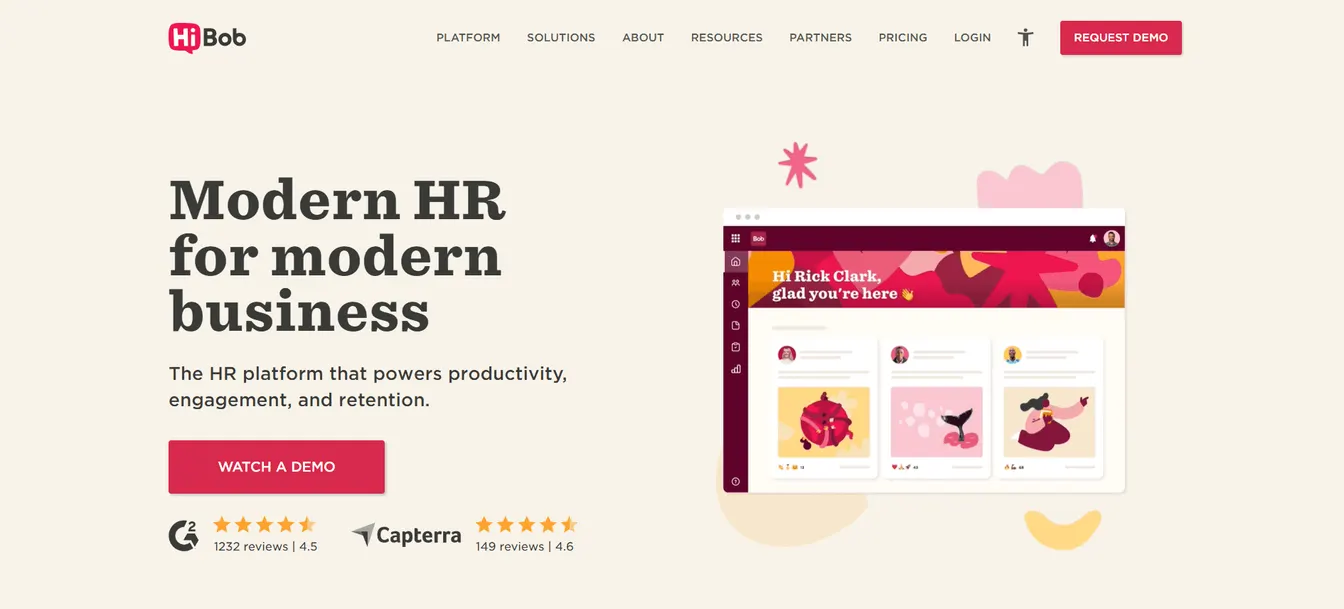
HiBob is an HR platform with dedicated workflows for both joiners and leavers.
Its onboarding flows assign preboarding tasks to HR, managers and IT. Its offboarding module has separate flows for resignations, terminations and fixed-term contracts. Each assigns handover, equipment and payroll tasks to named owners with deadlines up to the last day. HiBob can close system access automatically when the last day ends, tracks each laptop, badge and card until it comes back, and captures exit interview feedback.
Onboarding: Preboarding and onboarding flows with tasks for every team.
Offboarding: Flows by departure type, IT deprovisioning tasks, equipment tracking and exit feedback.
Best for: Mid-sized companies that want HR to drive both processes. Use it with an offboarding checklist so IT’s tasks are complete.
Pricing: HiBob provides pricing through a demo request.
4. Freshservice
Freshservice is an IT service management platform from Freshworks with built-in onboarding and offboarding modules. It doesn’t replace your HR system. It coordinates the work that follows an HR change.
HR raises an onboarding or offboarding request from the self-service portal. Freshservice then creates a child request for each item, such as a laptop, an ID card, an email account or CRM access, and routes it to the team that must act. The same structure works in reverse when someone leaves, covering asset and software deprovisioning.
Onboarding: Requests that fan out into tasks for IT, facilities and other teams.
Offboarding: Matching requests for asset return and software deprovisioning.
Best for: IT teams that already run a service desk and want joiners and leavers tracked like any other request.
Pricing: Starter costs $19, Growth $49 and Pro $99 per agent per month, billed annually, and Enterprise is custom. Freshservice’s pricing table lists lifecycle journeys and out-of-the-box offboarding under Pro and Enterprise.
5. Qualee
Source: Qualee.com
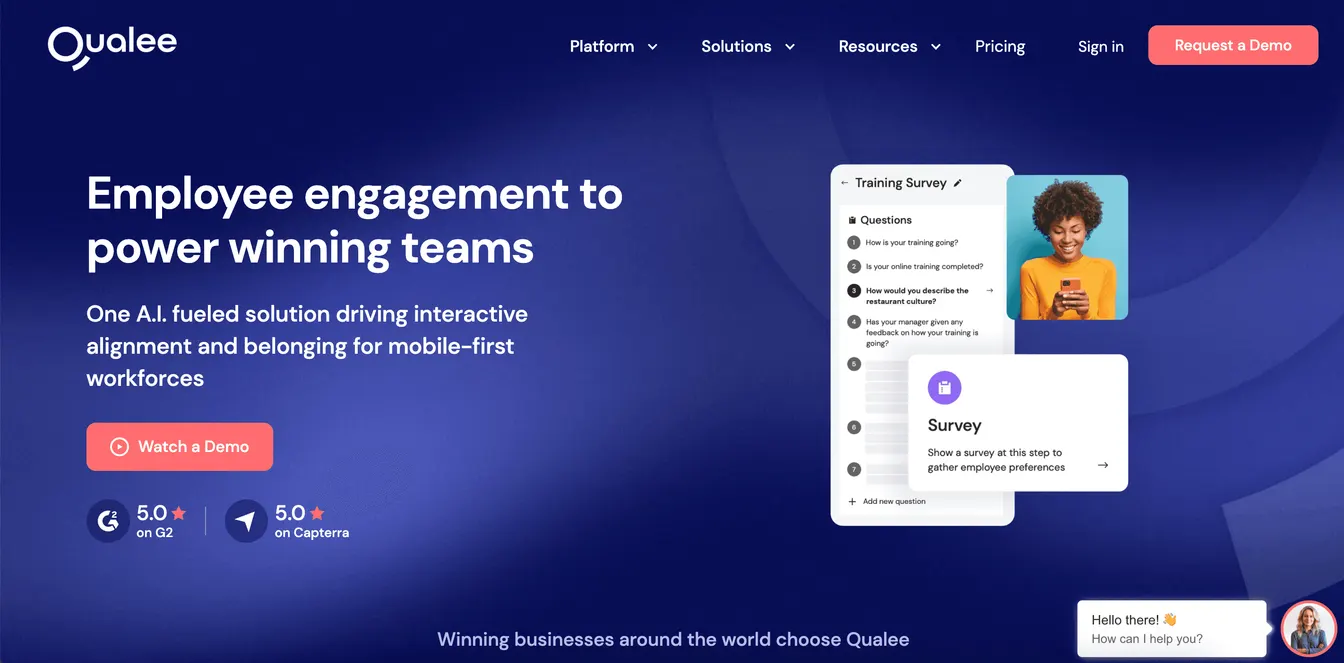
Qualee is an employee experience platform that covers preboarding, onboarding and offboarding through web and mobile apps.
New hires follow customized onboarding journeys with short videos and smart scheduling. Leavers follow a structured exit journey that guides them through their final tasks and gathers feedback along the way, so you can improve the process from their input.
Onboarding: Customized, mobile-first journeys from preboarding onward.
Offboarding: Guided exit journeys with real-time feedback.
Best for: Companies that care about the experience of joiners and leavers, especially with mobile or distributed staff. It doesn’t remove system access, so pair it with an IT tool.
Pricing: The Suite plan, which covers preboarding, onboarding and offboarding, is listed at $250, $1,125 or $4,000 per month depending on company size, on an annual commitment. A pay-as-you-go Onboard plan costs $6 per employee.
6. GoCo
Source: GoCo.io
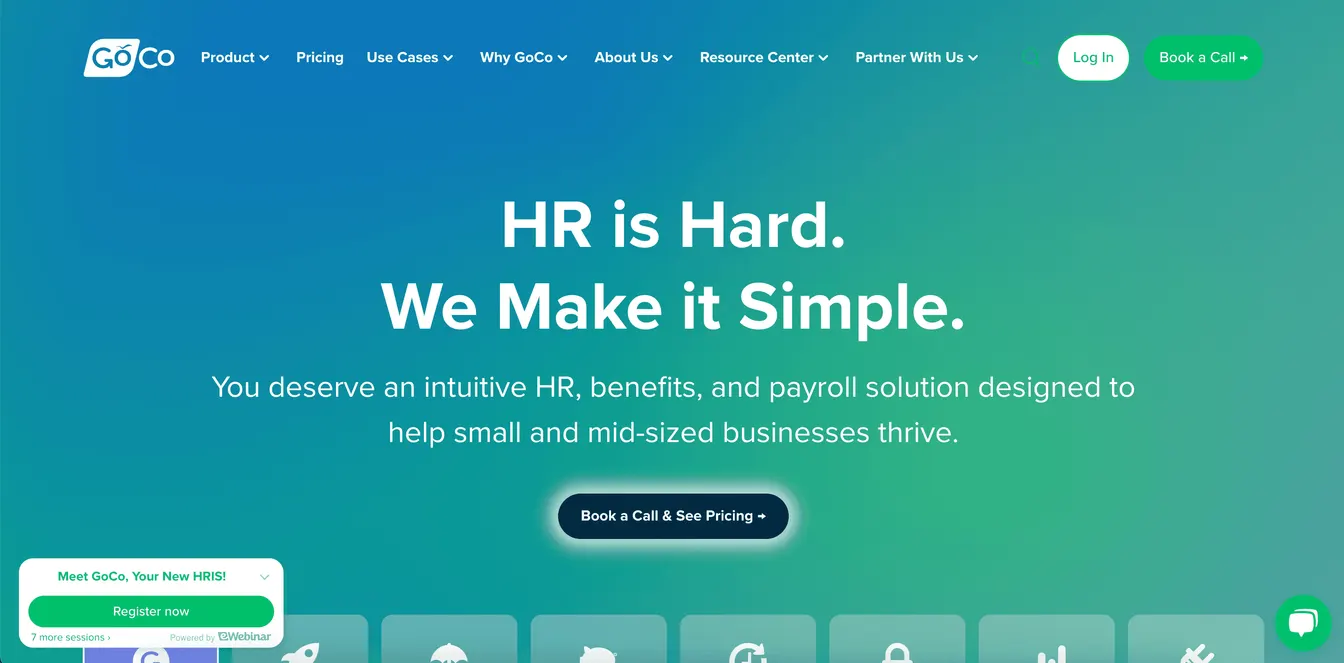
GoCo is an HR, benefits and payroll platform for small and medium-sized businesses. Intuit acquired GoCo in May 2025, and it’s now sold as part of QuickBooks’ HR offering. Existing customers keep the same login and workflows.
It handles onboarding with offer letters, e-documents and self-service, and its workflows include an offboarding checklist that assigns tasks to managers and sends due-date reminders. Approval chains cover offboarding as well as promotions.
Onboarding: Offer letters, e-documents and customizable onboarding workflows.
Offboarding: Offboarding checklists, task assignments and approval chains.
Best for: Small businesses, especially those already on QuickBooks.
Pricing: It’s now priced as QuickBooks payroll and HR bundles. The bundle with automated workflows is listed at $203 per month plus $10 per employee.
Key Features of Onboarding and Offboarding Software
Triggers From the HR Record
The most important feature is that both processes start from the HR system. When HR marks a hire as active, IT’s setup should start. When HR records a last day, the offboarding should be scheduled for that date.
Automated Access Removal
Look for automatic account disabling, app deprovisioning, session revocation and license reclamation. This is the step that most often gets missed by hand, and the one with the biggest consequences. Our guide to employee offboarding automation covers it in depth.
Asset Tracking and Recovery
The tool should know what equipment each person received, and help get it back with return shipping, reminders or remote lock and wipe.
Data Handover
Files, mailboxes and shared drives need a new owner before accounts are removed. Look for automated ownership transfer or tasks that make sure it happens.
Exit Tasks and Feedback
Exit surveys, final documents and final pay belong in the same workflow as access removal, so HR and IT finish together.
Audit Trail
Keep a record of what was granted and removed, by whom and when. Auditors ask for exactly this.
How to Pick the Right Onboarding and Offboarding Software
Find Where Departures Go Wrong
Review recent leavers. Were accounts disabled on time? Did every device come back? Did files reach the right person? The answers tell you which features matter most.
Decide Who Owns the Process
If HR drives everything, an HR platform with IT tasks may be enough. If IT needs access removed automatically, you’ll need a tool that writes to your directory and apps, or an HR platform paired with one.
Check Integrations Both Ways
The tool must read from your HR system and act on your directory, apps and devices. Check each integration you need, for joiners and for leavers.
Read Reviews and Request a Demo
Focus on reviews from companies like yours. In the demo, test a departure as well as a hire, and involve both HR and IT.
Seamless Onboarding and Offboarding with ezOnboard
ezOnboard handles joiners, movers and leavers in Active Directory, Entra ID and Exchange straight from your HR system.
New hires get their accounts and access when HR records them. Leavers lose theirs on your timeline, with licenses reclaimed and every change recorded. Your IT team handles fewer tickets and has a clear record for audits.
Book a demo today, or check this ROI calculator to see how much money ezOnboard can save you.
FAQs About Onboarding and Offboarding Software
What is offboarding software?
Offboarding software helps organizations manage the steps involved when an employee leaves. It handles tasks like removing system access, collecting devices, conducting exit interviews, and saving final documents. It creates a clear process to keep data secure and reduce manual work.
What are offboarding and onboarding?
Onboarding is the process of welcoming and setting up new employees. It includes tasks like account setup, document signing, and system access.
Offboarding is the opposite. It handles access removal, exit paperwork, and equipment return when someone leaves a company.
Why manage onboarding and offboarding in the same tool?
Because offboarding has to undo what onboarding set up. A tool that granted the access knows what to remove, and a tool that issued the laptop knows what to recover.
Do HR platforms remove system access when someone leaves?
Some do, for the apps they integrate with. Many only assign IT a task. Check whether the tool removes access itself, especially in Active Directory or Entra ID, or relies on someone acting on the task.