How to Connect HiBob to AD (Entra ID)? A Guide for IT Teams
Chad Burggraf6 min read

If your business uses the HiBob HRIS system, you can integrate it with Microsoft Active Directory (AD) or cloud-based Entra ID (Azure AD). This connection allows your IT team to sync employee data in real time and provision users efficiently.
In this article, we’ll teach you how to connect HiBob to AD and discuss why you should consider this integration. But first, let’s talk about what this connection means.
What Is HiBob to AD Integration?
Before bringing up integration, you need to first understand the systems involved.
HiBob, or Bob, in short, is a modern human resources platform that helps companies manage employee data, payroll, attendance, and performance.
It features a user-friendly interface and out-of-the-box workflows that transform how your organization onboards new employees. It also supports integration with numerous apps, including Active Directory.
AD is Microsoft’s on-premises directory service that is widely used to manage permissions and network access. Your IT department can control which users can access specific resources across an organization’s network.
Microsoft also offers a cloud-based directory tool called Entra ID (formerly known as Azure AD). It allows your IT team to manage digital identities from anywhere with an internet connection.
When you integrate HiBob with any AD environment, you can instantly sync employee information between the platforms. You no longer have to manually copy and paste details and check if the data is accurate. You can save significant time while keeping your IT infrastructure secure.
Common Integration Applications
Connecting HiBob to AD can simplify several business processes. Below are some common uses of this integration:
- Onboarding new employees: It automatically creates new accounts and assigns appropriate access permissions. This significantly reduces setup time and human error.
- Offboarding departing workers: It ensures immediate deactivation of user access and accounts when employees leave.
- Managing role-based access: It can update permissions as employees move roles. This ensures that the right people have access to the necessary resources.
- Updating employee data: It instantly syncs changes, such as promotions or department shifts, to give you the latest information.
How to Get Started with HiBob to AD Integration?
Now that you know what integration between two systems involves, you’re probably curious about where to start.
You can follow the steps below to establish a smooth and secure connection between HiBob and Active Directory:
1. Access HiBob API Token
First, you need administrator permissions in HiBob.
Log into your account and navigate to the API settings. You should get the SCIM (System for Cross-domain Identity Management) API URL and the secret token.
You’ll need both requirements to enable real-time communication between HiBob and Azure AD.
2. Set Up Active Directory Environment
Next, you should sign into your Azure AD (Entra ID) account with admin permissions.
You need to register HiBob as an application in your Active Directory environment. Configure it as a custom non-gallery app.
After adding HiBob, you can enter the SCIM URL and API token to establish the connection and start syncing data.
3. Assign Mapping Rules
With both HiBob and AD connected, you can establish mapping rules.
Define how user attributes in HiBob should map to Azure AD. You should assign key details, such as name, email, and roles.
Proper mapping ensures that the right user information flows seamlessly between both systems. This reduces the chances of mismatched data and security issues.
4. Run a Provisioning Test
Before going live, it’s important to run a test to verify that the integration works properly.
You can provision a few users and check if HiBob details are accurately reflected in AD. If you find errors, you need to immediately address them to avoid post-deployment issues.
5. Deploy the Integration
After successful testing, you can roll out the integration across your IT environment. This will allow your organization to enjoy benefits like automated onboarding and cost savings.
You must closely monitor this process to ensure all users are synced properly between both systems.
6. Observe Sync Results
The last step involves monitoring the integration. You can use Azure AD provisioning service logs to track sync results.
Watch out for errors and resolve issues as they arise. Doing so can help maintain a strong connection between HiBob and Active Directory.
Why Should You Integrate HiBob with AD?
Integrating HiBob with on-premise Active Directory or cloud-based Entra ID (Azure AD) can transform IT user management. Here are four main reasons to establish a connection between the two systems:
Automate Employee Lifecycle Management
When you connect HiBob to AD, you can automate the process of reflecting employee hires and terminations in real time.
You no longer have to wait for HR to send you an email with new employee data or resignation details. Your AD environment can instantly access information from HiBob.
Once it detects changes, it can automatically provision or deprovision users.
Improve Onboarding and Offboarding Workflows
You can also enjoy faster onboarding and offboarding if you integrate HiBob with Active Directory.
For example, when you add new hires to the HRIS system, you can automatically create their AD accounts and give them access to the necessary tools. Doing so can improve employee experience and accelerate their time to productivity.
Likewise, departing users have their permission rights revoked and accounts deactivated instantly. This no-touch offboarding process ensures you avoid human errors.
It also leaves a positive impression on outgoing employees because they can exit your company smoothly.
Reduce Security Risks
Since integration can give users the correct access from day one, it can mitigate insider threats. It also prevents unauthorized access by deleting permission rights and accounts that ghost employees may use.
Integration also allows you to implement security measures like data encryption, multi-factor authentication (MFA), and single sign-on (SSO). These can protect your company’s IT infrastructure from cyber threats.
Save Time and Money
Automating routine tasks between HiBob and AD can reduce the time and money spent on manual work. It also leads to fewer costly errors and faster issue resolution, allowing your IT team to focus on other tasks that drive business growth.
Automate HiBob to AD (Entra ID) Integration with ezOnboard
Do you want to enjoy all the benefits of integrating HiBob into AD? Want to free your IT team to do more with less? Consider automating the integration process with ezOnboard.
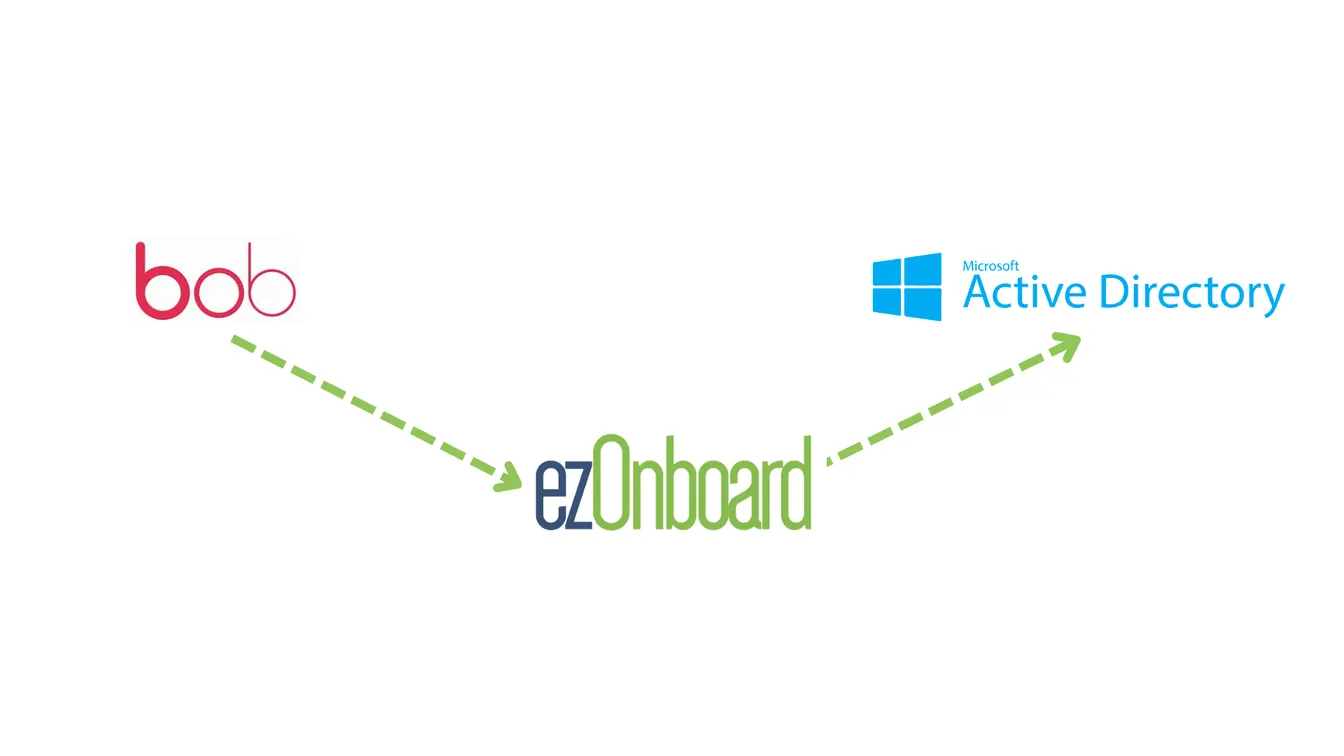
ezOnboard seamlessly connects an organization’s HR software (such as HiBob) to on-prem Microsoft Active Directory and cloud Entra ID (formerly Azure AD). Our HRIS-to-AD integration guides walk through other platforms.
It automatically syncs user information between both systems without requiring manual data entry, saving valuable IT time and resources while maintaining strong security.
With ezOnboard, you can streamline the conventional, often time-consuming onboarding and offboarding tasks, making them more efficient and reducing the risk of errors.
Request a demo or check the ROI calculator to see how much money ezOnboard can save you.
FAQs About HiBob to AD
What is HiBob?
HiBob is a modern HR software designed to handle hiring, onboarding, performance management, and payroll processes. It is ideal for companies seeking an easy-to-use solution for managing human resources.
What do you need to prepare for a successful connection between HiBob and AD?
To achieve a successful integration, you must have admin permissions on both HiBob and Active Directory. You also need API credentials and proper mapping rules for user attributes.
Can you connect HiBob with other apps?
Yes, you can integrate HiBob with productivity tools, accounting software, and other directory services like Google Directory.