10 Best Employee Onboarding Software for 2026 (Detailed Review)
Chad BurggrafUpdated 17 min read

A new hire’s first few weeks shape how they feel about your company. A confusing, disorganized start can leave them disengaged before they’ve really begun.
Employee onboarding software gives every new hire the same well-run start. It collects paperwork before day one, assigns tasks to HR, managers and IT, welcomes the new hire and tracks their progress.
This article compares the best employee onboarding software for the new hire’s experience, from small-business HR suites to free tools and dedicated engagement platforms. It also explains how onboarding workflows route tasks across HR, managers, IT and facilities, and how to roll one out. If you’re choosing for the IT side, such as accounts, devices and access, see our list of IT onboarding software. Large organizations should also read our guide to onboarding software for enterprises, and if you want one tool for departures too, see our review of onboarding and offboarding software.
What Is Employee Onboarding Software?
Employee onboarding software is a digital tool that manages the steps between a signed offer and a productive employee. It replaces paper forms, email chains and spreadsheets with one structured process.
Most platforms share a core set of features: a portal where new hires complete forms and sign documents, task lists for everyone involved, templates for different roles and locations, and reports on progress.
The benefits follow from that structure:
- A consistent experience. Every new hire gets the same steps, whatever their department or location.
- Less admin. Reminders, forms and task assignments run automatically instead of by email.
- Faster time to productivity. Paperwork and setup happen before the first day, so day one is spent on the job.
- Better compliance. Required forms, policy acknowledgments and training are tracked and stored.
- Higher engagement. New hires who feel expected and supported are more likely to stay.
Best Employee Onboarding Software Comparison Table
Here is a side-by-side comparison of the best employee onboarding software solutions today.
| Software | Best For | Standout Feature | Price |
|---|---|---|---|
| 1. ezOnboard | The IT side of a new hire’s first day | Accounts and access in Active Directory and Entra ID from HR data | Priced per employee under management, on an annual subscription. Email sales@ezonboard.io for a quote. |
| 2. BambooHR | Small to medium-sized businesses | New hire packets and an easy-to-use interface | Core: $10, Pro: $17, Elite: $25 per employee per month |
| 3. HiBob | Growing mid-sized companies | Onboarding flows that assign tasks across HR, managers and IT | Pricing not published |
| 4. Gusto | Small businesses that need payroll | Onboarding tied to payroll and benefits enrollment | Simple: $49/month, Plus: $80/month, Premium: $180/month, plus a per-person fee |
| 5. Zoho People | Budget-conscious teams | Candidate portal with conversion to employee | Free for up to 3 users, then from $3 per user per month |
| 6. OrangeHRM Starter | Companies that want a free, self-hosted tool | Open-source HR modules, including onboarding checklists | Free |
| 7. Enboarder | Engagement-focused onboarding programs | Manager prompts and AI-guided onboarding journeys | Pricing not published |
| 8. Greenhouse Onboarding | Companies already hiring with Greenhouse | Handoff from recruiting to onboarding | Pricing not published |
| 9. WorkBright | Remote and seasonal hiring in the US | Mobile-friendly hiring forms and remote I-9 verification | Platform pricing not published. WorkBright+ managed I-9: $25 per I-9 |
| 10. Connecteam | Frontline and deskless teams | Mobile app with documents, e-signatures and training courses | Free for up to 10 users. Paid plans from $29 per month for 30 users |
Top 10 Employee Onboarding Software Solutions
Below is a detailed review of the best employee onboarding platforms:
1. ezOnboard for the IT Side of Onboarding
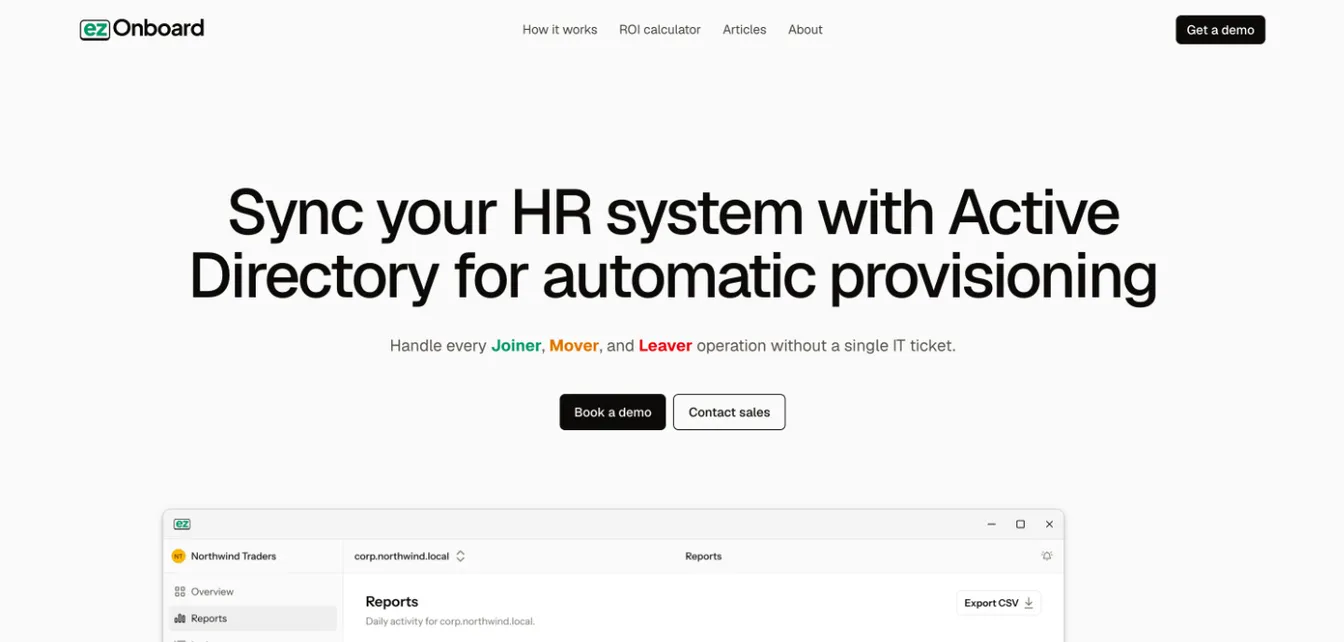
ezOnboard isn’t a typical HR onboarding tool. It handles the part of a new hire’s first day that HR software leaves to IT: their accounts and access.
ezOnboard connects your current HR system to Microsoft Active Directory, Entra ID and Exchange. When HR records a new hire, it creates the account and applies your rules for groups, licenses and mailboxes. It keeps AD in step with later HR changes and handles employee lifecycle management through to departure.
It pairs with any HR tool on this list, so new hires can sign in on day one without an IT ticket.
Pros: It removes manual account setup and the HR-to-IT handoff. The ezOnboard team helps deploy and configure it for your environment.
Cons: It doesn’t cover HR tasks like paperwork, e-signatures or welcome content, so you’ll pair it with an HR onboarding tool.
Features:
- HR system integration: It reads new hires and changes from your HR system.
- Rule-based access: Rules decide each account’s OU, groups, licenses and attributes.
- Safety rails: A change that would cross your limits stops and notifies your team.
- Audit trail: Every change is recorded on your server.
- Agent inside your network: It runs on a server in your environment, so personnel data stays there.
Pricing:
ezOnboard is priced per employee under management, on an annual subscription. For a quote, email sales@ezonboard.io or request a demo. The ROI calculator estimates the return you can expect.
2. BambooHR for Small to Medium-sized Businesses
Source: BambooHR.com
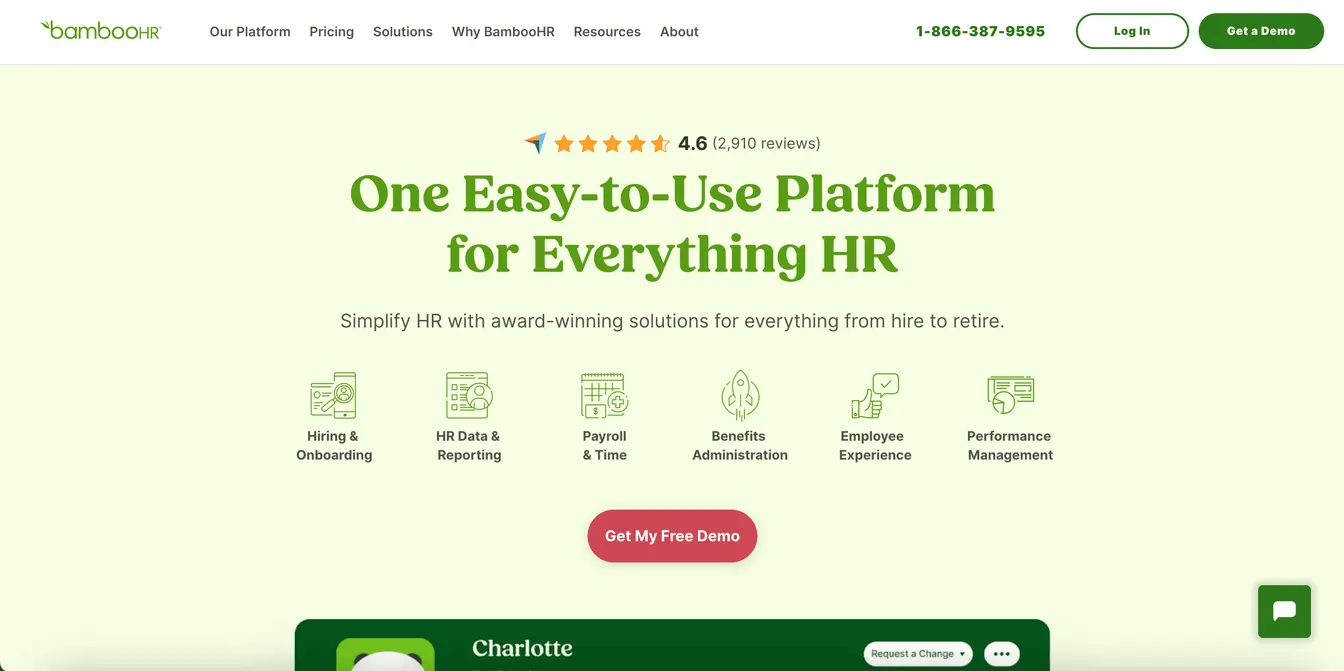
BambooHR is an HR platform built for small and medium-sized businesses, known for its easy-to-use interface.
Its new hire packets let new employees complete documents and e-signatures before their first day. Onboarding task lists can be tailored by role, department and location, and the platform also covers applicant tracking, performance management and reporting.
Pros: BambooHR is easy to learn, and its pricing is published.
Cons: Payroll and benefits administration are priced separately from the core plans.
Features:
- New hire packets: Documents, e-signatures and welcome information before day one.
- Custom onboarding task lists: Tailored by job type, department and location.
- Applicant tracking: A built-in ATS hands new hires straight to onboarding.
- Reporting tools: Reports on HR data to support decisions.
Pricing:
Core costs $10 per employee per month, Pro costs $17, and Elite costs $25. Companies with 25 or fewer employees pay a flat monthly rate instead: $250 for Core, $425 for Pro, or $650 for Elite.
3. HiBob for Growing Mid-sized Companies
Source: HiBob.com
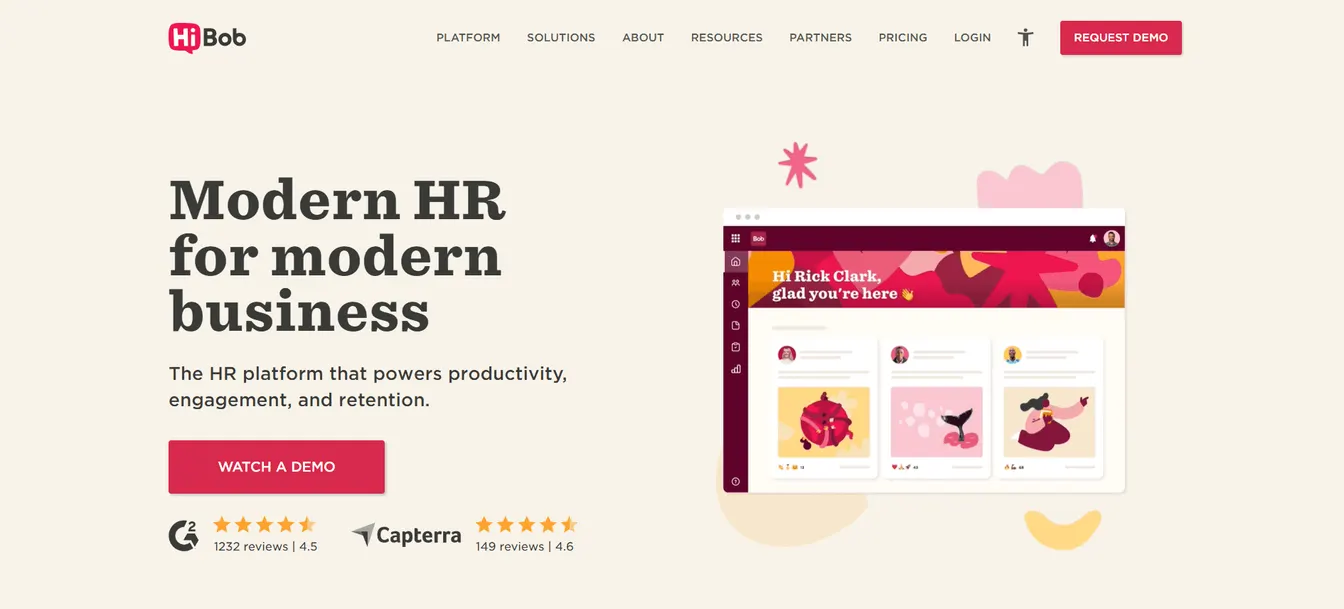
HiBob (Bob) is a modern HR platform aimed at growing, often hybrid or multi-location companies.
Its onboarding flows are triggered by lifecycle events and use role and location logic to assign tasks across HR, managers and IT, including preboarding tasks such as account access and equipment. Documents can be generated and signed in the platform, and people analytics track onboarding and retention KPIs.
Pros: It coordinates onboarding across teams, and its social features help new hires connect with colleagues.
Cons: Pricing isn’t published, and smaller companies may not need its breadth.
Features:
- Onboarding flows: Automated task lists for HR, managers and IT, triggered by the hire.
- Documents and e-signatures: Generated from employee data and signed in Bob.
- Engagement tools: Shoutouts and Kudos help new hires feel part of the team.
- People analytics: Track KPIs on onboarding and retention.
Pricing:
HiBob provides pricing through a demo request.
4. Gusto for Small Businesses That Need Payroll
Source: Gusto.com
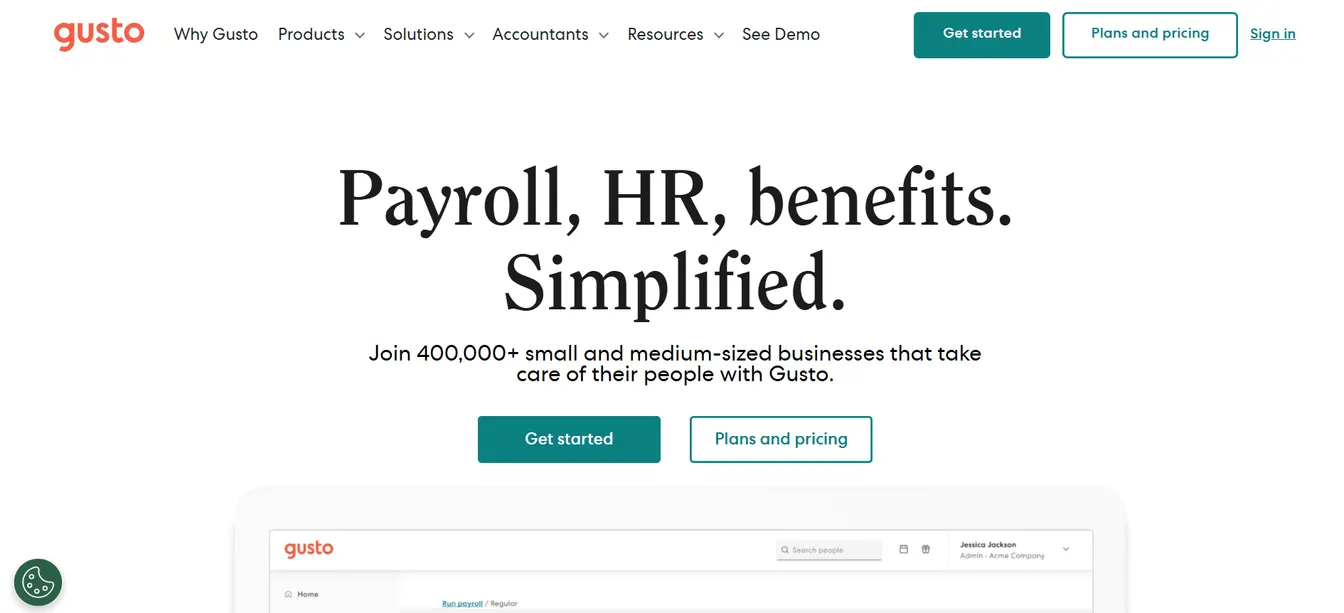
Gusto is a payroll and benefits platform with onboarding built in, popular with small businesses.
New hires complete their tax forms and direct deposit details online and are enrolled in payroll and benefits as part of onboarding. Customizable onboarding checklists cover the rest, and Gusto connects to Microsoft AD through integrations.
Pros: Onboarding, payroll, tax filing and benefits live in one place, which saves small teams time.
Cons: Its onboarding tools are basic on the Simple plan. Advanced onboarding needs Plus or Premium.
Features:
- Self-onboarding: New hires enter their own tax, banking and personal details.
- Onboarding checklists: Customizable templates for onboarding tasks.
- Automated payroll: Payments, tax calculations and filings.
- Benefits administration: Health insurance, retirement plans and other benefits.
Pricing:
- Simple: $49/month plus $6/month per person. Single-state payroll and basic onboarding tools.
- Plus: $80/month plus $12/month per person. Multi-state payroll and advanced onboarding tools.
- Premium: $180/month plus $22/month per person. Adds a dedicated account manager and compliance alerts.
5. Zoho People for Budget-Conscious Teams
Source: Zoho.com
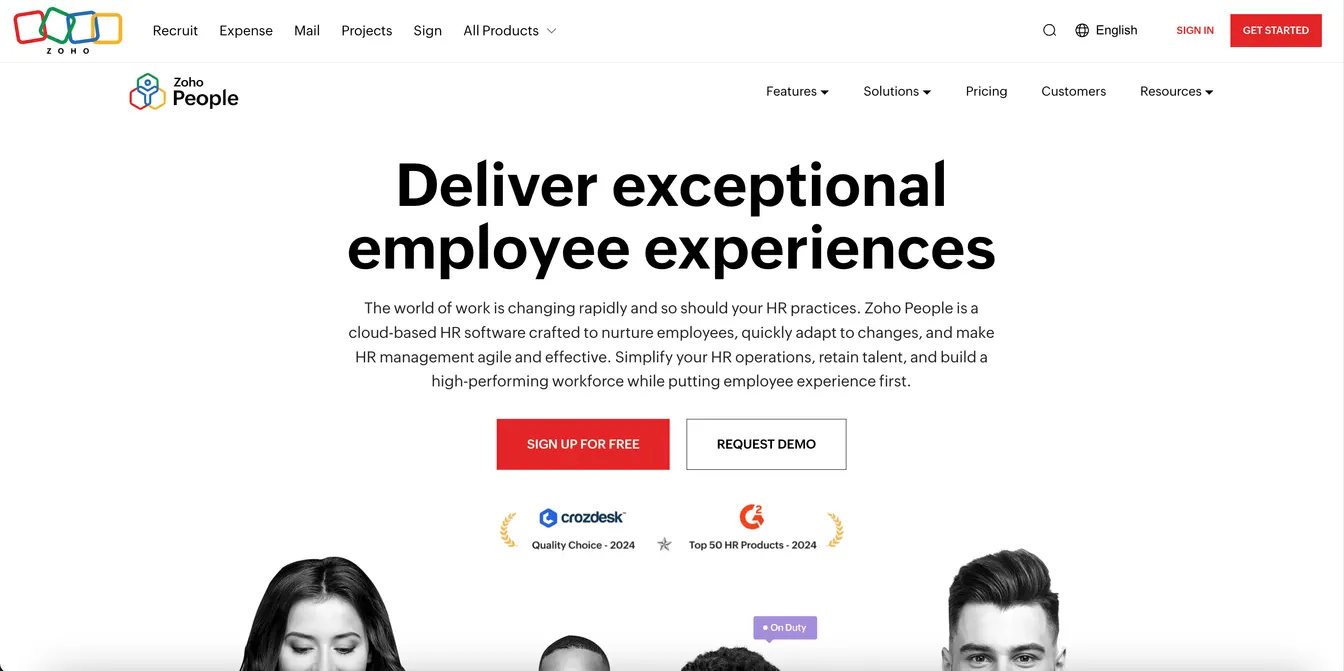
Zoho People is cloud-based HR software with onboarding and offboarding included on every paid US plan.
New hires get a candidate portal with custom forms before they start, and HR converts them to employees when they join. Documents can be signed through Zoho Sign, DocuSign or Adobe Sign, and a self-service portal lets employees handle requests themselves.
Pros: It’s one of the most affordable options, and it fits naturally if you already use other Zoho apps.
Cons: The US free plan covers only three users, so most teams will need a paid plan.
Features:
- Candidate portal: Preboarding forms and documents before day one.
- Convert to employee: Moves a candidate’s details into their employee record.
- E-signatures: Through Zoho Sign, DocuSign or Adobe Sign.
- Self-service portal: Employees manage requests, time off and training themselves.
Pricing:
Zoho People is free for up to three users in the US. Paid US plans, billed annually, are Essential HR at $3, Workforce and Talent at $5, and Enterprise at $8 per user per month.
6. OrangeHRM Starter for Free, Self-Hosted HR
Source: OrangeHRM.com
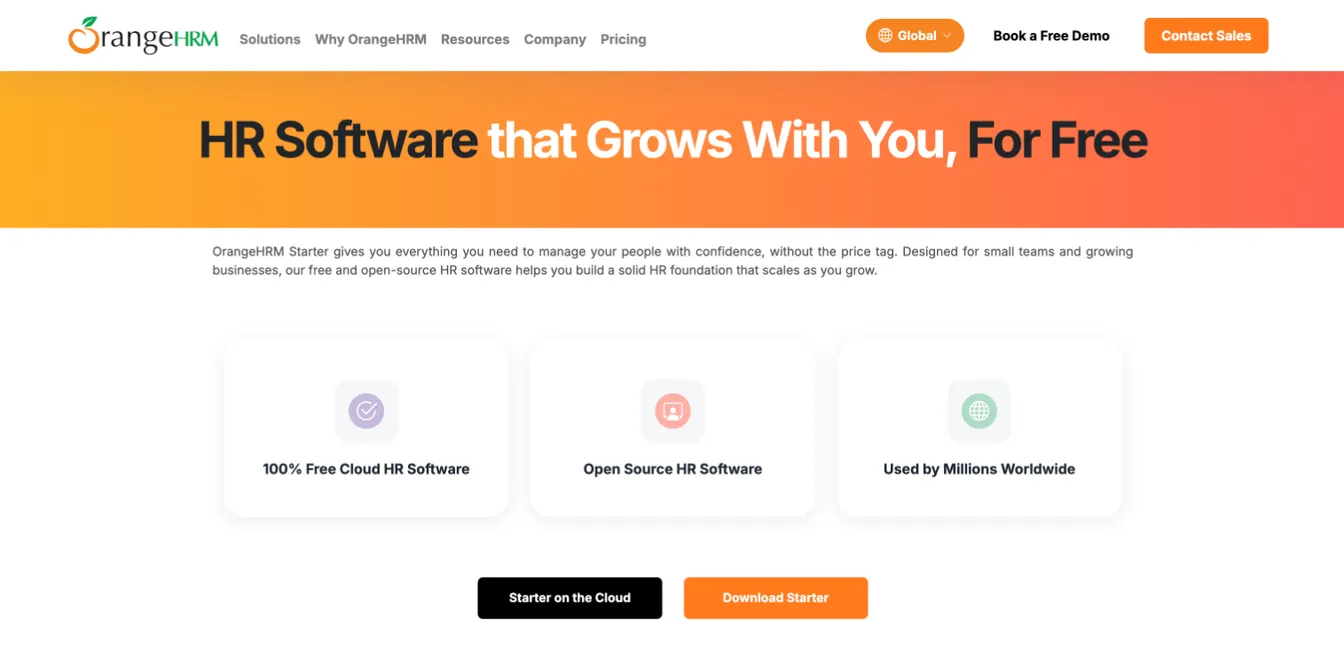
OrangeHRM Starter is the free, open-source edition of the OrangeHRM human resource management system (HRMS). It suits small teams with limited budgets and the skills to run their own software.
It includes onboarding and offboarding checklists, leave management, time tracking, recruitment and performance reviews. Because the source code is open, organizations can adapt it to their own workflows.
Pros: It’s free to use, and you can run it in OrangeHRM’s cloud or host it yourself.
Cons: It has fewer features than the paid OrangeHRM editions, and self-hosting needs technical knowledge to install and maintain.
Features:
- Onboarding templates: Build onboarding and offboarding checklists and assign tasks to the right people.
- Self-service portal: Employees update their own personal information.
- Recruitment: Track candidates through to hire.
- Leave and time tracking: Leave requests and approvals, clock-ins and timesheets.
Pricing:
OrangeHRM Starter is free and open source. OrangeHRM sells paid editions with more features.
7. Enboarder for Engagement-Focused Onboarding
Source: Enboarder.com
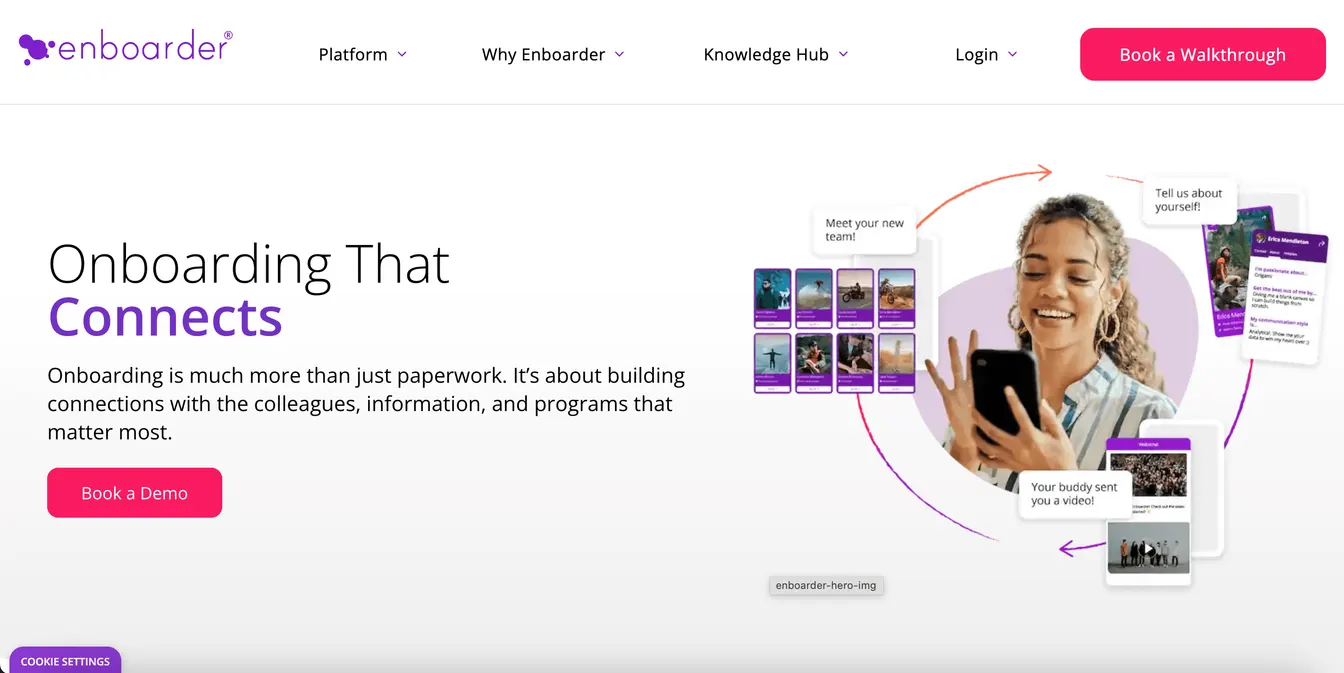
Enboarder focuses on the human side of onboarding. Rather than replacing your HR system, it sits on top of your HR and IT systems and orchestrates the new hire’s journey from preboarding onward.
It delivers the right content to new hires at the right time and prompts hiring managers to take part, from welcome messages to 30-60-90-day plans. AI assistants help build journeys and guide managers.
Pros: It puts managers at the center of onboarding, which is where many programs fall short.
Cons: It needs an HRIS underneath it, and pricing isn’t published.
Features:
- Onboarding journeys: Timed content and tasks from preboarding to the first months.
- Manager prompts: Nudges that keep hiring managers involved.
- AI assistance: Helps build journeys and 30-60-90-day plans.
- HRIS integrations: Journeys start from changes in your HR system.
Pricing:
Enboarder offers tailored quotes.
8. Greenhouse Onboarding for Greenhouse Recruiting Users
Source: Greenhouse.com
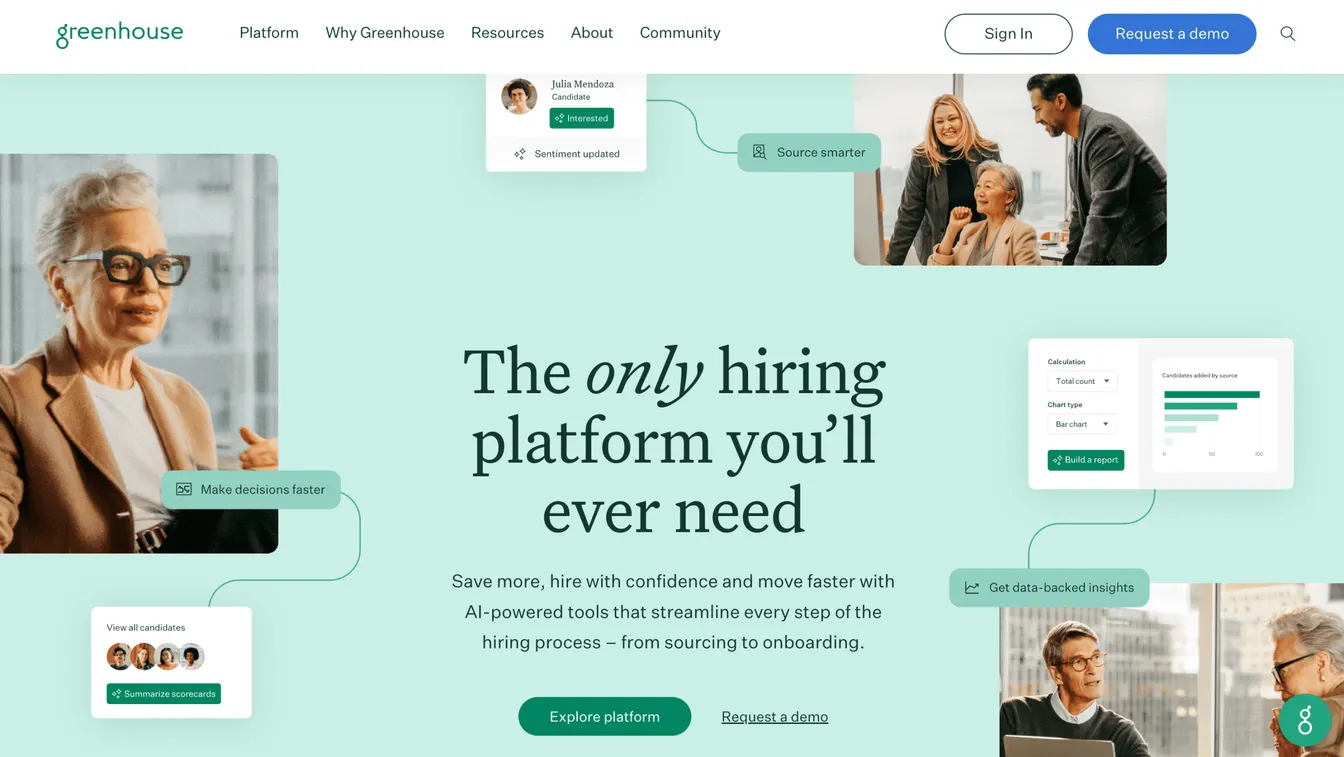
Greenhouse is best known for its applicant tracking system, Greenhouse Recruiting. Greenhouse Onboarding picks up where hiring ends and builds a structured program that starts before the new hire’s first day.
It syncs new hire information from Greenhouse Recruiting to onboarding and your HRIS, so details don’t get lost between systems. Automated tasks and reminders go to everyone involved, based on role, office or employee status, and new hires get a welcome experience with team introductions and a resource hub.
Pros: It connects hiring and onboarding in one flow.
Cons: It adds less value if you use a different applicant tracking system, and prices aren’t published.
Features:
- Recruiting handoff: New hire data flows from Greenhouse Recruiting.
- Automated tasks: Reminders for managers, IT and others based on role and location.
- Welcome experience: Team introductions and a hub of resources.
- Surveys and reports: New hire feedback and progress reports.
Pricing:
Greenhouse provides quotes through a demo request.
9. WorkBright for Remote and Seasonal Hiring
Source: WorkBright.com
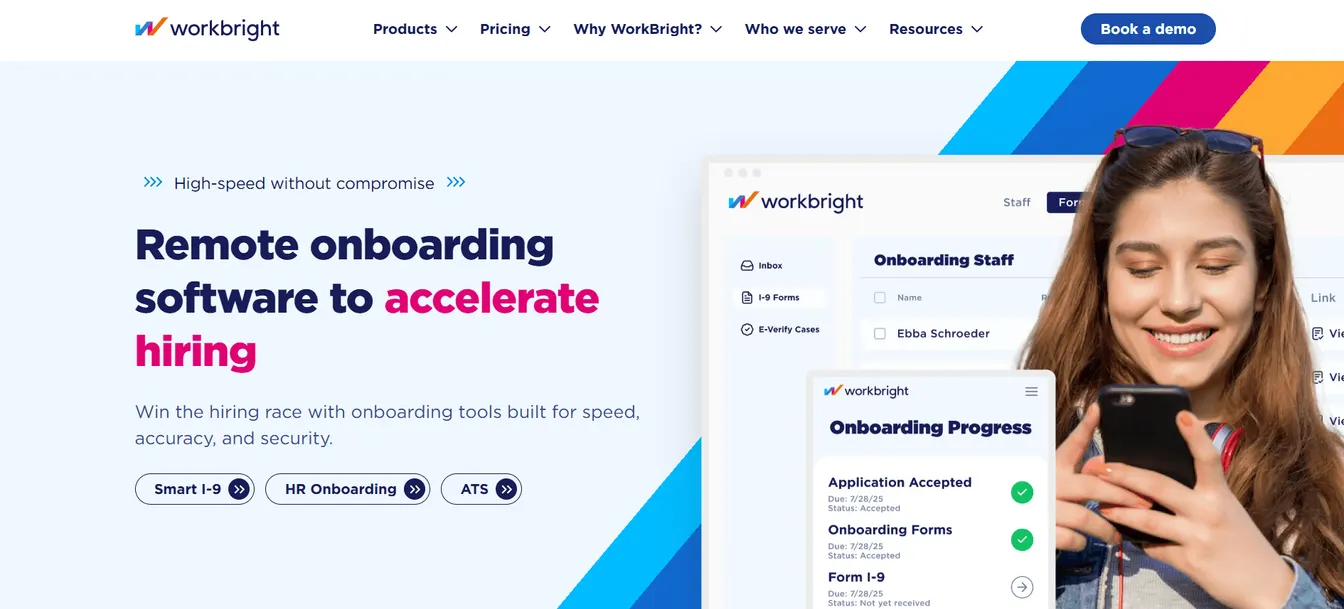
WorkBright is a mobile-first onboarding tool for US organizations with remote, seasonal or decentralized workforces. New hires complete forms and documents from any device.
Its standout is compliance. Smart I-9 guides new hires through remote I-9 completion, and E-Verify checks run automatically.
Pros: New hires can finish everything on a phone, which speeds up high-volume hiring.
Cons: It focuses on forms and I-9 compliance rather than core HR, so you’ll still need a separate HRIS.
Features:
- Digital forms: Tailored onboarding forms completed from any device.
- Smart I-9 and E-Verify: Remote I-9 completion and automated E-Verify checks.
- Secure file storage: Encrypted storage for employee records.
- HRIS integrations: Connects to systems like Workday, UKG and ADP.
Pricing:
WorkBright doesn’t publish platform prices. Its managed I-9 service, WorkBright+, is listed at $25 per I-9.
10. Connecteam for Frontline and Deskless Teams
Source: Connecteam.com
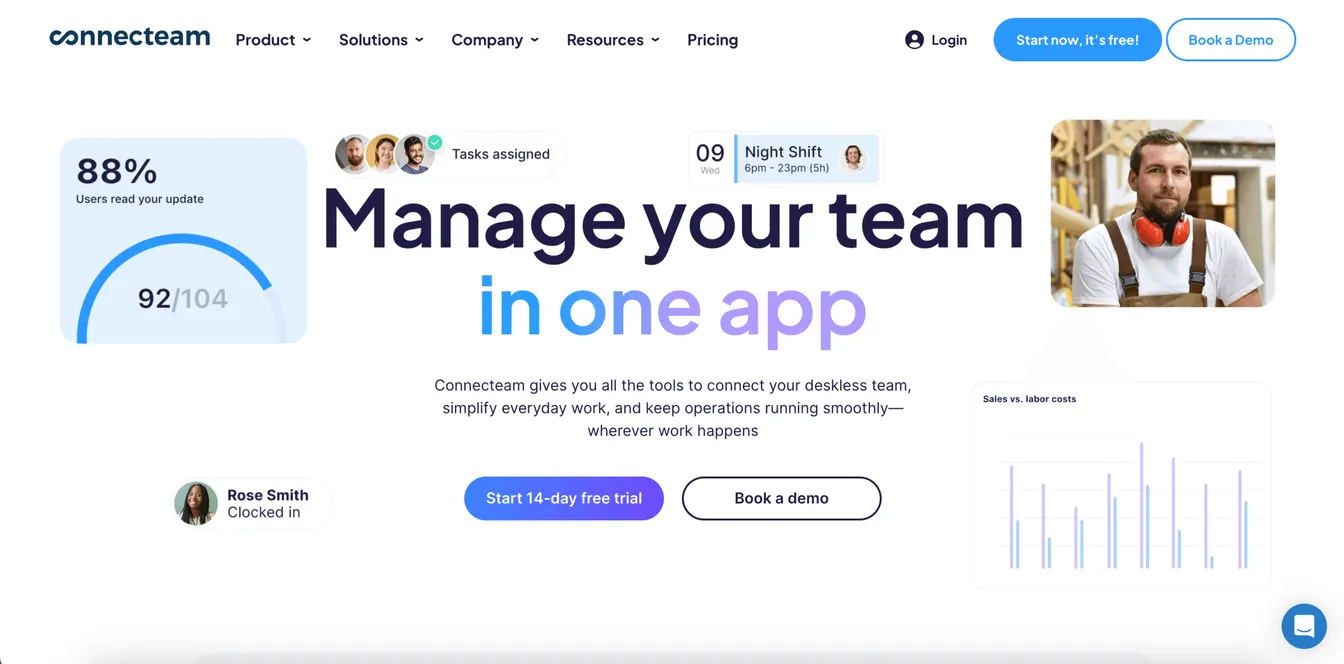
Connecteam is an all-in-one app for teams that don’t sit at a desk, such as retail, hospitality, construction and field services.
Its HR & Skills hub covers onboarding: new hires sign documents in the app, work through training courses and quizzes, and find company information in a resource library. Built-in chat makes introductions easy.
Pros: Everything runs from a mobile app, and small teams can use it free.
Cons: Pricing is per hub, so costs add up if you also need its scheduling or communications hubs.
Features:
- Documents and e-signatures: New hires upload and sign forms on their phones.
- Courses and quizzes: Mobile training for new hires.
- Resource library: Company information in one place.
- Team chat: Introductions and day-to-day communication.
Pricing:
Connecteam is free for up to 10 users. Paid plans are priced per hub, with Basic at $29, Advanced at $49 and Expert at $99 per month for the first 30 users, plus a fee per extra user. Enterprise pricing is custom.
Other Tools Worth a Look
A few more tools fit particular situations:
- Paycor, now part of Paychex, suits companies already running payroll on it. New hires fill out and sign forms on a mobile-optimized portal, and hiring managers get task lists that run from pre-hire to post-hire.
- ApplicantStack suits small teams that want an applicant tracking system and onboarding from one vendor. Its onboarding module adds a branded new hire portal, standard tax forms such as the W-4 and I-9, e-signatures and task checklists, and it offers a 15-day free trial.
- Workday suits large and global organizations whose HR already runs on it. It’s reviewed in our guide to onboarding software for enterprises.
How Onboarding Workflows Route Tasks Across HR, IT and Facilities
An onboarding workflow is the set of tasks between a signed offer and a settled new hire, plus the rules that decide who does each one and when. Most onboarding software is a workflow engine at heart. The portal, documents and welcome content sit on top of it.
What Starts the Workflow
Most workflows start when a hire is recorded, either as an accepted offer in the applicant tracking system or as a new employee in the HR system. From then on, the start date is the anchor. Each task is due a set number of days before or after it, so moving a start date moves every task with it.
Who Gets Which Task
A good workflow sends each team only its own tasks, with a due date and a named owner:
| Team | Typical tasks | When |
|---|---|---|
| HR | Offer letter, tax and right-to-work forms, benefits enrollment, policy acknowledgments | Before day one |
| Hiring manager | Welcome message, onboarding buddy, first-week schedule, 30-60-90-day plan | The week before, then the first months |
| IT | Accounts, group memberships, licenses and mailbox, laptop and phone, sign-in and MFA setup | Before day one |
| Facilities | Desk or workspace, badge and building access, parking, shipping equipment to remote hires | Before day one |
| Payroll | Payroll record, direct deposit, expense card | Before the first pay date |
In the US, the new hire must complete Section 1 of Form I-9 no later than their first day, which is why most tools put it in the preboarding portal.
Rules, Dependencies and Escalations
Templates keep a workflow manageable as roles multiply:
- Conditions: Tasks depend on role, department, location and employment type. A remote hire gets a shipping task instead of a desk, and a contractor skips benefits enrollment.
- Dependencies: Some tasks can’t start until another finishes. The laptop can’t be set up until the account exists, and a badge needs the new hire’s photo.
- Reminders and escalations: Overdue tasks remind their owner, then their owner’s manager, so nothing waits quietly.
- One status view: HR can see every new hire’s progress without chasing each team by email.
Where the IT Handoff Breaks
In most HR onboarding tools, IT’s part is a task or a service desk ticket that says “create an account for the new hire.” Someone in IT still copies the details into Active Directory or Entra ID, picks the groups and assigns the licenses. That step is where workflows stall and day-one access goes missing.
You can close the gap in two ways. Let the HR tool open a ticket in your service desk, so IT’s work is at least tracked, or connect the HR system to the directory so the account is created from the HR record itself. Our list of IT onboarding software compares tools for the second approach, and our IT onboarding checklist covers what IT has to do either way.
Building and Rolling Out Your Workflow
- Map the current process. List every task, its owner and when it happens today, and ask HR, IT, managers and recent hires where it stalls.
- Build templates for your common cases first. Start with your most frequent roles and locations, then add variations.
- Connect the systems. Feed new hires in from your HR system or applicant tracking system, and decide how IT’s tasks reach IT.
- Pilot with a few new hires. Gather feedback from the new hires and every task owner, and fix the bottlenecks.
- Roll out and review. Launch for all new hires, tell managers what changes, and review completion and overdue tasks each month.
What Features Make a Great Employee Onboarding Platform?
A good onboarding system should reduce manual work, integrate with your existing tools and give new hires a clear path. Look for these features:
Preboarding and Self-Service
New hires should be able to complete forms, sign documents and read welcome information before day one, ideally from a phone. Self-service cuts HR’s workload and lets new hires start at their own pace.
Automated Workflows and Task Management
Choose software that assigns tasks automatically to HR, managers and IT when a hire is recorded, and sends reminders when they’re due. One dashboard should show what’s done and what’s overdue.
Integration With HR, Payroll and IT Systems
The onboarding tool should share data with your HRIS, payroll and applicant tracking system, so no one retypes details. Check how it hands over to IT, too. Account creation needs to happen before day one, which is where an IT onboarding tool fits.
Document Management and Compliance
Look for e-signatures, secure storage and tracking of required forms, policy acknowledgments and training. This keeps you ready for audits and makes sure nothing is skipped.
Customization
Every role and location has different needs. Look for templates by role, department and location, branded welcome portals and job-specific training plans.
Security and Data Protection
Onboarding collects some of the most sensitive data you hold, such as tax IDs, bank details and identity documents. Look for role-based access to that data, encryption, an audit trail of who viewed or changed what, and the security certifications your industry expects.
Reporting and Analytics
Reports on completion rates, time to productivity and new hire feedback show where your process slows down and what to fix.
Tips for Choosing the Right Employee Onboarding Software
Identify Your Onboarding Needs
How many people do you hire each year, and where do they work? A small office team, a seasonal frontline workforce and a remote team need different tools. List the steps that cause the most delays today.
Decide What It Should Replace or Join
If you already have an HRIS, check its onboarding module before buying a separate tool. If it falls short, look for a tool that integrates with it rather than one that duplicates it.
Compare Pricing and ROI
Some platforms charge per employee, others a flat rate or per module. Compare the price of the features you actually need, including add-ons, and weigh it against the time saved.
Check Vendor Support
Ask what help you get with setup and training, how support is offered, and which security certifications the vendor holds.
Request a Demo or Trial
Test the platform with real scenarios, including a new hire’s view on mobile. Involve both HR and IT, since both will use it.
Best Practices for Using Onboarding Software
The software is only part of a good onboarding program. These practices get the most from it:
- Start before day one. Send welcome messages, collect paperwork and prepare equipment and accounts ahead of the start date.
- Use a structured checklist. A standard IT onboarding checklist keeps HR, IT and managers working from the same list.
- Tailor onboarding by role. Give each role its own training, tasks and access rather than one generic program.
- Automate the routine. Let the software handle reminders, forms and account creation, so people can focus on welcoming the new hire.
- Measure and improve. Track completion rates and gather new hire feedback, then refine the process.
Effortless Employee Onboarding with ezOnboard
The best HR onboarding tool still leaves IT to create accounts by hand. ezOnboard closes that gap by connecting your HR system to Active Directory, Entra ID and Exchange.
When HR records a new hire, ezOnboard creates their account and gives them the groups, licenses and mailbox your rules call for. New hires can sign in on day one, and IT doesn’t handle a ticket for each one.
The ezOnboard team works with you to deploy and configure it for your environment. To get started, request a demo or check the ROI calculator to see how much money ezOnboard can save you.
FAQs About Best Employee Onboarding Software
What is the best onboarding software?
It depends on your company’s needs and budget. BambooHR suits small and medium-sized businesses, Gusto suits small businesses that also need payroll, and Connecteam suits frontline teams. For the IT side, ezOnboard automates accounts and access from your HR system.
What is onboarding software?
Onboarding software automates and organizes the process of welcoming new employees. It helps HR collect paperwork, managers prepare for the new hire and IT set up accounts, and it tracks progress until onboarding is complete.
What is an onboarding workflow?
An onboarding workflow is the sequence of tasks that takes a new hire from signed offer to productive employee, with an owner and a due date for each. It routes paperwork to HR, preparation to the hiring manager, accounts and devices to IT and workspace and badges to facilities, and reminds anyone who falls behind.
What is the difference between HR and IT onboarding software?
HR onboarding software manages the new hire’s experience: forms, e-signatures, welcome content, training and tasks. IT onboarding software sets up their technical environment, such as accounts, access, licenses and devices. Most companies need both, connected through the HR system.
Is there free employee onboarding software?
Yes. OrangeHRM Starter is free and open source, Connecteam is free for up to 10 users, and Zoho People is free for up to three users in the US. Free plans suit small teams but have limits on users or features.
What are the 5 C's of new hire onboarding?
The 5 C’s are compliance, clarification, culture, connection, and check back. These help businesses create a structured, engaging, and effective onboarding experience.