5 Best User Provisioning Software in 2026
Chad BurggrafUpdated 10 min read

Every employee needs accounts: one in the directory, a mailbox, and one in each SaaS app their role uses. Each account also needs the right group memberships, and all of it has to change when the person changes roles and disappear when they leave.
User provisioning software handles that identity side automatically. It creates, updates and removes accounts and group memberships in directories such as Active Directory and Microsoft Entra ID, and in SaaS apps, usually over SCIM.
This article compares five user provisioning tools and what to look for in one. It’s about accounts and access only. If you’re choosing for the wider IT side of onboarding, including devices, software and service desk tickets, see our list of IT onboarding software. For the concepts behind provisioning, read our guide to user provisioning.
TL;DR
These are the best user provisioning software for 2026:
- ezOnboard, for HR-driven accounts in Active Directory, Entra ID and Exchange
- Microsoft Entra ID, for SCIM provisioning to SaaS apps in a Microsoft environment
- Okta Lifecycle Management, for provisioning to thousands of cloud apps from one identity provider
- ManageEngine ADManager Plus, for Active Directory and Microsoft 365 administration with HR-driven automation
- SailPoint Identity Security Cloud, for enterprise identity governance across many systems
What Is User Provisioning Software?
User provisioning software automates the account work behind the joiner-mover-leaver process. It reads who people are and what they do from a source of truth, usually the HR system or the directory, and applies rules that decide which accounts and groups each person gets.
It works on two kinds of target:
- Directories. Accounts in Active Directory or Entra ID, with their OU, attributes, group memberships and licenses. Because most apps and file shares take their permissions from directory groups, getting the directory right does most of the work. Our guide to Active Directory user provisioning shows the steps involved.
- SaaS apps. Accounts inside apps like Slack, Salesforce or Zoom. Most tools reach these over SCIM (System for Cross-domain Identity Management), a standard API for creating, updating and deactivating users and groups. Our guide to SCIM provisioning explains how it works.
When someone changes roles, the software updates their attributes and groups. When they leave, it disables their accounts and removes their access, which is deprovisioning.
User Provisioning Software vs. IT Onboarding Software
The two overlap, but they answer different questions. User provisioning software decides who has which account and which groups, for the whole time someone works for you. IT onboarding software is broader on day one: it also covers laptops, software installs and the service desk tickets that coordinate the work. Many IT onboarding stacks include a provisioning tool from this list. For tools that cover the whole employee lifecycle, including HR’s side, see our list of employee lifecycle management software.
5 Best User Provisioning Software in 2026
1. ezOnboard
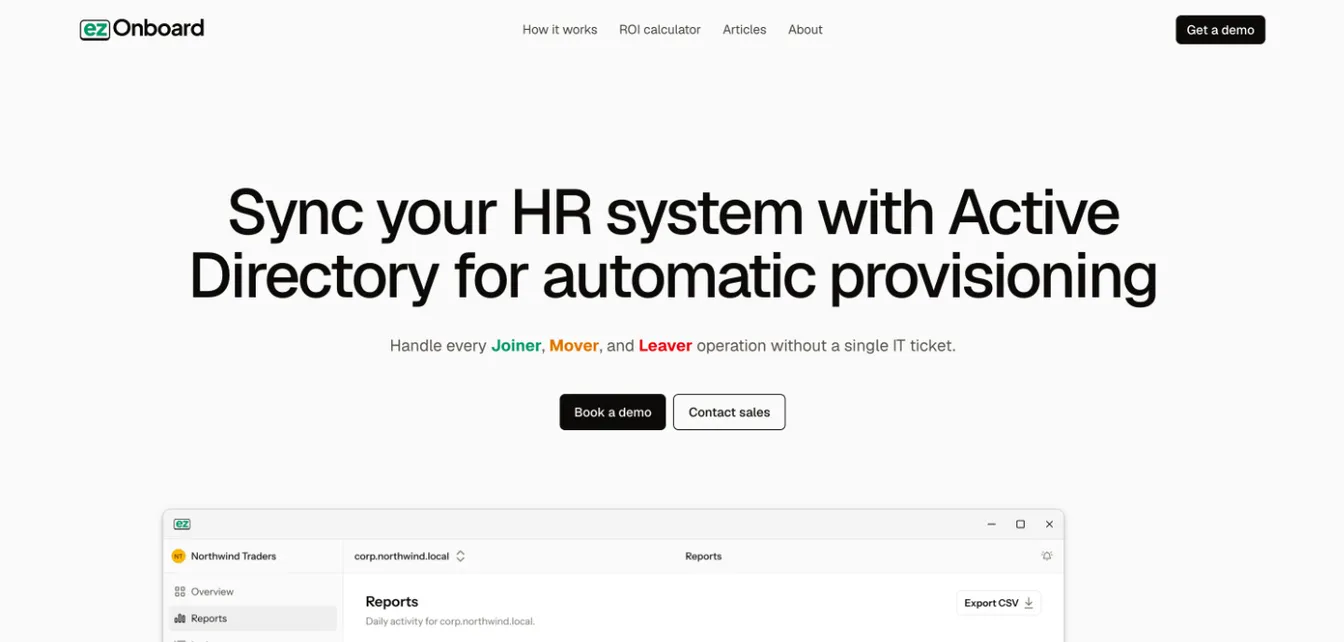
ezOnboard provisions users from your HR system into on-premises Active Directory, Entra ID and Exchange. If you’re also weighing Aquera, ezOnboard vs Aquera compares the two with sources.
An agent inside your network checks your HR system every few minutes. When HR records a new hire, ezOnboard creates the account, and rules decide its OU, groups, licenses, mailbox and attributes. Role changes in HR update the account, and departures disable it, remove its access and reclaim its Microsoft licenses.
Safety rails stop any change that would cross your limits, and every change is recorded. That suits hybrid environments where on-premises AD and Entra ID both hold accounts.
Key Features:
- HR-driven provisioning: Accounts are created, updated and disabled from your HR system’s records.
- Rule-based access: Rules set each account’s OU, groups, licenses, mailbox and attributes.
- Hybrid directory support: One agent manages on-premises AD, Entra ID and Exchange.
- Safety rails and notifications: Changes that cross your limits stop and notify your team by email or webhook.
- Audit trail: Every change is recorded, which supports identity lifecycle management and audits.
- Professional services: The ezOnboard team helps deploy and configure it for your environment.
Pricing:
ezOnboard is priced per employee under management, on an annual subscription. For a quote, email sales@ezonboard.io or request a demo. The ROI calculator estimates the return you can expect.
2. Microsoft Entra ID
Source: Microsoft.com
Microsoft Entra ID has a provisioning service built in. It creates, updates and deactivates users in SaaS apps from the Entra gallery, most of them over SCIM 2.0, and in any other app that supports SCIM. Connectors for LDAP, SQL and web services reach on-premises apps too.
On the inbound side, HR-driven provisioning creates users in Entra ID or on-premises Active Directory from Workday or SAP SuccessFactors. API-driven provisioning accepts users from any other system of record. To run tasks on top, such as emailing a manager before a hire’s start date, Entra ID Governance adds lifecycle workflows.
Key Features:
- SCIM provisioning to SaaS apps: Preintegrated connectors in the Entra gallery, plus generic SCIM 2.0.
- Group provisioning: Pushes groups, not just users, to apps that support them.
- HR-driven and API-driven inbound provisioning: Creates users in Entra ID or AD from your HR system.
- On-premises app provisioning: LDAP, SQL, REST and SOAP connectors.
- Attribute mappings and alerts: Control which data flows where, and get alerts on critical provisioning events.
Pricing:
User provisioning to SaaS apps is included in Entra ID Free. Group provisioning, on-premises app provisioning and HR-driven or API-driven provisioning need Entra ID P1, at $7 per user per month, or P2, at $10, paid yearly. P1 is also included in Microsoft 365 E3 and Business Premium.
3. Okta Lifecycle Management
Source: Okta.com
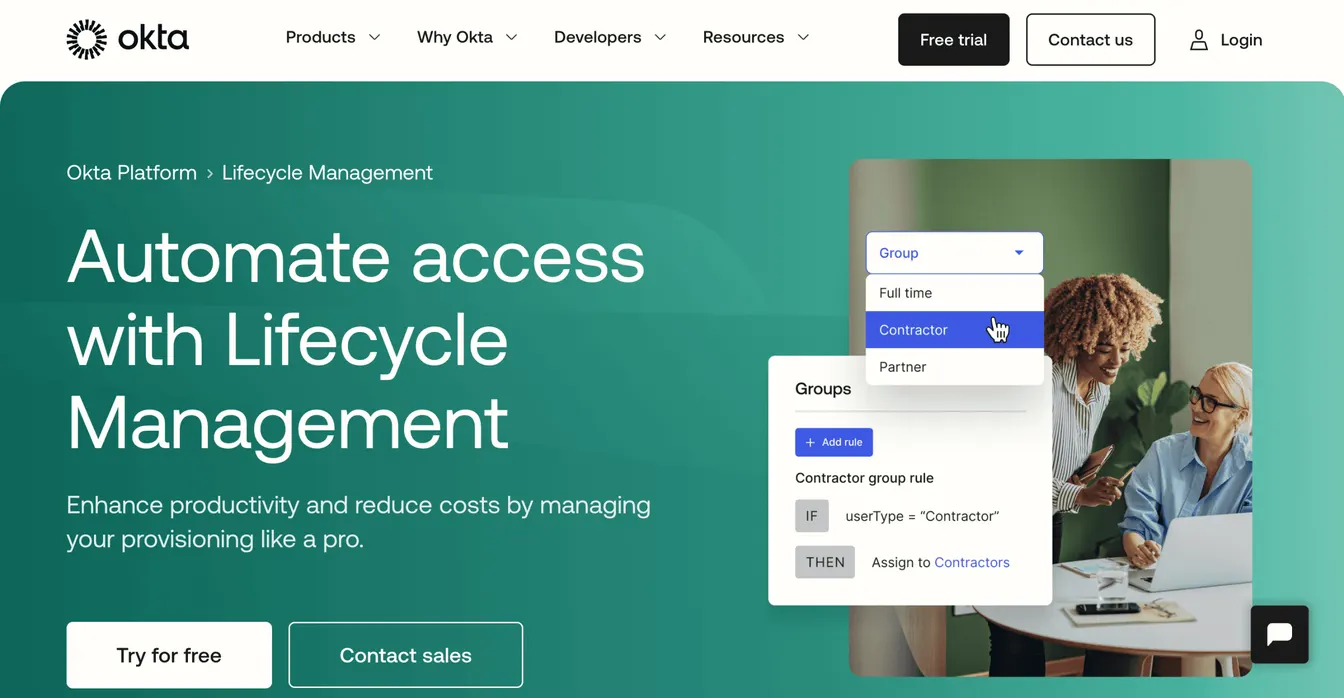
Okta Lifecycle Management connects an HR system, such as Workday, BambooHR or SAP SuccessFactors, to Okta as the source of truth, then provisions accounts into apps over SCIM.
Group rules assign access by attributes such as department or employment type. When a role changes, Okta updates the person’s groups and app access, and when they leave, it deactivates them across connected apps. Okta’s Active Directory agent can also create and update users in on-premises AD, so HR, Okta and AD stay in step. Okta Workflows adds no-code logic for steps the standard connectors don’t cover.
Key Features:
- HR as a source: Imports hires and changes from HR systems.
- SCIM provisioning: Creates and deactivates accounts across apps in the Okta Integration Network.
- Group rules: Assign access by attributes such as department or user type.
- Active Directory provisioning: Creates users in AD through the Okta AD agent.
- Okta Workflows: No-code automation for custom provisioning steps.
Pricing:
Okta sells Lifecycle Management inside its suites. It’s included in Essentials, at $17 per user per month, and above, and is an add-on to Starter, at $6. Okta Workforce Identity has a $1,500 annual minimum.
4. ManageEngine ADManager Plus
Source: ManageEngine.com
ManageEngine ADManager Plus manages and reports on Active Directory, Exchange, Microsoft 365 and Google Workspace from one console, and it runs on your own server.
It can create users in bulk from CSV files or templates, and its Professional edition automates the joiner-mover-leaver process from an HR system. New records in the HRMS create accounts, changed fields update the matching AD attributes, and departures disable accounts and strip their group memberships.
Key Features:
- Bulk provisioning: Create and modify users in bulk with CSV imports and templates.
- HRMS integration: Joiners, movers and leavers from systems such as Workday and BambooHR, in the Professional edition.
- Approval workflows: Route provisioning requests for review before they run.
- Prebuilt reports: Report on users, groups and changes for audits.
- Help desk delegation: Let help desk staff do specific tasks without full admin rights.
Pricing:
ADManager Plus is sold as an annual subscription per domain. The Standard edition starts at $595 a year for one domain and two help desk technicians, and the Professional edition, which adds automation and HR integration, starts at $1,795. A free edition manages up to 100 domain objects.
5. SailPoint Identity Security Cloud
Source: SailPoint.com
SailPoint Identity Security Cloud is an identity governance platform for large organizations with many systems to provision.
It reads identities from authoritative sources such as the HR system and assigns each one a lifecycle state, such as pre-hire, active, leave of absence or terminated. Birthright access, roles and access requests decide which accounts and entitlements each person gets, and connectors create them in Active Directory and other systems. When the lifecycle state changes to terminated, access is revoked or accounts disabled.
Key Features:
- Lifecycle states: Pre-hire, active, leave of absence, terminated and archived, each with its own access.
- Role-based provisioning: Birthright access and roles assigned from identity attributes.
- Access requests and approvals: Policy-based requests with separation-of-duties checks.
- Access certifications: Reviews that confirm or remove access on a schedule.
- Connectors: Active Directory, Entra ID and many enterprise and SaaS apps.
Pricing:
SailPoint doesn’t publish prices. It sells Identity Security Cloud in Standard, Agentic Business and Agentic Business Plus suites, with quotes through a demo request.
What to Look For in User Provisioning Software
A Clear Source of Truth
Decide where identities come from: the HR system, the directory or the identity provider. HR-driven provisioning is the most reliable, because accounts follow hires, changes and departures as HR records them. Check how the tool matches HR records to existing accounts, so it doesn’t create duplicates.
Coverage of Your Targets
List every place accounts live: on-premises AD, Entra ID, Exchange, Google Workspace and your main SaaS apps. Check which ones the tool reaches natively, which over SCIM and which not at all. Apps without SCIM still need a manual step or a custom connector.
Groups and Attributes, Not Just Accounts
An account without the right groups isn’t much use. Look for rules that set groups, licenses, OU and attributes from HR data, and that remove old groups when someone moves. That second part is what stops privilege creep.
Deprovisioning That Matches Your Policy
Check what happens when someone leaves. Can the tool disable rather than delete, move the account to a leavers OU, remove group memberships, reclaim licenses and schedule a later deletion? Our deprovisioning guide covers the steps a policy should include.
Safeguards and an Audit Trail
Automation can make mistakes at scale. A bad HR import shouldn’t disable half your users. Look for limits on mass changes, previews or approvals for risky changes, notifications and a record of every change for audits.
Total Cost
Pricing models vary: per user, per suite, per domain and technician, or per employee under management. Include the higher tier you may need for HR integration, plus implementation and the time to maintain rules.
How to Choose the Right User Provisioning Software
- Start from your directory. If you run on-premises Active Directory, choose a tool that writes to it directly. A cloud identity provider alone won’t keep AD current.
- Match it to your HR system. Check that the tool has a connector for your HR system, not just for the big names.
- Test with real changes. In a trial, run a hire, a department change and a departure, and check every account and group.
- Involve the people who’ll run it. IT will maintain the rules, and HR’s data quality will decide how well they work.
Automate User Provisioning With ezOnboard
ezOnboard provisions users from your HR system into Active Directory, Entra ID and Exchange.
New hires get their accounts, groups, licenses and mailboxes as soon as HR records them. Role changes update their attributes and groups, and departures disable their accounts, remove their access and reclaim their Microsoft licenses. Safety rails stop unexpected mass changes, and every change is recorded.
Request a demo today, or check the ROI calculator to see how much money ezOnboard can save you.
FAQs About User Provisioning Software
What are common provisioning tools?
Common user provisioning tools include ezOnboard, Microsoft Entra ID, Okta Lifecycle Management, ManageEngine ADManager Plus and SailPoint Identity Security Cloud. They create, update and remove accounts and group memberships in directories and SaaS apps.
What is user provisioning?
User provisioning is the process of creating, managing and removing user accounts across systems and applications. It assigns the correct access based on job roles or rules set by IT.
What is SCIM provisioning?
SCIM (System for Cross-domain Identity Management) is an open standard that lets an identity system create, update and deactivate users and groups in an app through a common API. Most user provisioning tools use it to reach SaaS apps.
What is the difference between user provisioning software and IT onboarding software?
User provisioning software manages accounts and group memberships for as long as someone works for you. IT onboarding software covers more of a new hire’s setup, such as devices, software and service desk tickets, and often uses a provisioning tool for the accounts.