6 Best Employee Lifecycle Management Software in 2026
Chad BurggrafUpdated 11 min read

An employee’s time at your company runs from hire to retire. They join, they change roles, teams and managers, and one day they leave. Each of those moments changes what HR records about them, and each should change what they can reach in your systems.
Most software handles one end of that journey. Onboarding tools stop once the new hire settles in, and offboarding checklists start at the resignation letter. Employee lifecycle management software covers the whole run, including the role changes in the middle that are easiest to miss.
This article compares six tools that genuinely handle all three stages, joiner, mover and leaver, and explains the employee data that drives them. For the concepts behind the lifecycle, read our guide to employee lifecycle management. If you only need one end of it, see our lists of employee onboarding software, IT onboarding software, onboarding software for enterprises and onboarding and offboarding software.
What Is Employee Lifecycle Management Software?
Employee lifecycle management (ELM) software keeps an employee’s record and everything that depends on it in step, from the day they’re hired to the day they leave.
It works in two layers. The first is the system of record, usually the HR system, where hires, job changes and departures are entered. The second is everything downstream of that record: accounts, group memberships, licenses, mailboxes, devices and the tasks people need to complete. Some products do both, and others connect one to the other.
The IT side of the same journey is often called the joiner-mover-leaver process, or identity lifecycle management when the focus is on accounts and access.
How We Chose These Tools
Every tool on this list does three things:
- Joiner: It acts on a new hire, from a record in the HR system to working accounts or a guided onboarding plan.
- Mover: It notices a change of job, department, manager or location and acts on it, rather than leaving the old access in place.
- Leaver: It acts on a departure, closing access and starting the exit tasks on the right day.
That rules out some tools that often appear on lifecycle lists. Employee feedback platforms, such as Qualtrics XM and QuestionPro Workforce, survey people at each stage of their journey. That’s useful for retention, but they don’t change the employee record or anyone’s access, so they aren’t on this list.
Employee Lifecycle Management Software Comparison Table
| Software | Type | Joiner, mover and leaver coverage | Price |
|---|---|---|---|
| 1. ezOnboard | HR-to-directory sync | Creates, updates and disables Active Directory and Entra ID accounts | Priced per employee under management, on an annual subscription |
| 2. Workday HCM | HR system of record | Hire, job change and termination processes, with guided Journeys | Pricing not published |
| 3. HiBob | HR system of record | Onboarding flows, approvals for promotions and transfers, offboarding flows | Pricing not published |
| 4. Rippling | HR and IT in one platform | App access, devices and payroll change with the employee record | Full pricing not published |
| 5. Hire2Retire by RoboMQ | HR-to-identity integration | Accounts, groups and licenses across AD, Entra ID, Google and Okta | $5 per active employee per month |
| 6. Microsoft Entra ID Governance | Identity governance | Lifecycle workflows for joiners, movers and leavers in Entra ID | $7 per user per month, on top of Entra ID P1 or P2 |
6 Best Employee Lifecycle Management Software in 2026
1. ezOnboard
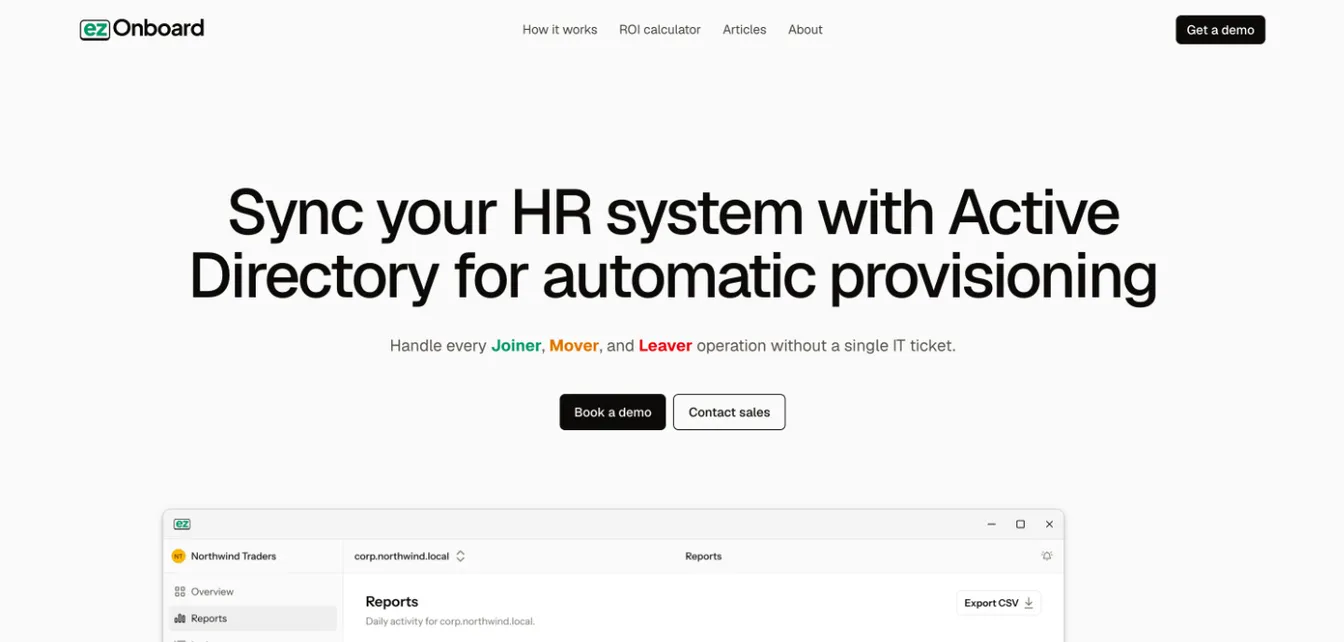
ezOnboard connects your HR system to Active Directory, Entra ID and Exchange, so every stage HR records is reflected in your directory. For how it compares with Aquera, see ezOnboard vs Aquera.
An agent inside your network checks your HR system every few minutes. Rules decide each account’s OU, groups, licenses and attributes, and safety rails stop any change that would cross your limits. Every change is recorded.
Joiner: When HR records a new hire, ezOnboard creates the account with the groups, licenses and mailbox your rules call for.
Mover: A new title, department, manager or location in HR updates the account’s attributes and group memberships, as our guide to automating employee lifecycle updates explains.
Leaver: A departure disables the account, removes its access and reclaims its Microsoft licenses.
Best for: Organizations that run on Active Directory or Entra ID and want their existing HR system to drive accounts.
Pricing: ezOnboard is priced per employee under management, on an annual subscription. For a quote, email sales@ezonboard.io or request a demo. The ROI calculator estimates the return you can expect.
2. Workday HCM
Source: Workday.com
Workday is a human capital management (HCM) suite for large and global organizations, and the system of record for the whole lifecycle in many of them. Hires, job changes and terminations each run as a business process with its own approvals.
Workday Journeys add a guided experience to those moments, with templates for onboarding, job transitions and offboarding. Workday doesn’t create directory accounts itself, so it’s usually paired with an identity tool. Microsoft Entra ID, Okta and HR-to-directory sync tools all read from it.
Joiner: Onboarding plans and journeys from offer acceptance.
Mover: Job change processes, and journeys for promotions, transfers and new managers.
Leaver: Termination processes and offboarding journeys.
Best for: Large organizations that want one global record behind every lifecycle event.
Pricing: Workday doesn’t publish prices. Quotes come through its sales team.
3. HiBob
Source: HiBob.com
HiBob (Bob) is an HR platform for growing, often multi-location companies. Its workflows follow employees through the lifecycle, from preboarding to their last day.
Onboarding flows assign tasks to HR, managers and IT. Promotions, compensation updates and department changes go through approval workflows. Offboarding has separate flows for resignations, terminations and fixed-term contracts, and HiBob can close system access automatically when the last day ends.
Joiner: Preboarding and onboarding flows with tasks for every team.
Mover: Approval workflows for promotions, compensation and department changes.
Leaver: Offboarding flows by departure type, access closed on the last day and equipment tracked until it’s returned.
Best for: Mid-sized companies that want HR to drive each stage, with an integration carrying changes into the directory.
Pricing: HiBob provides pricing through a demo request.
4. Rippling
Source: Rippling.com
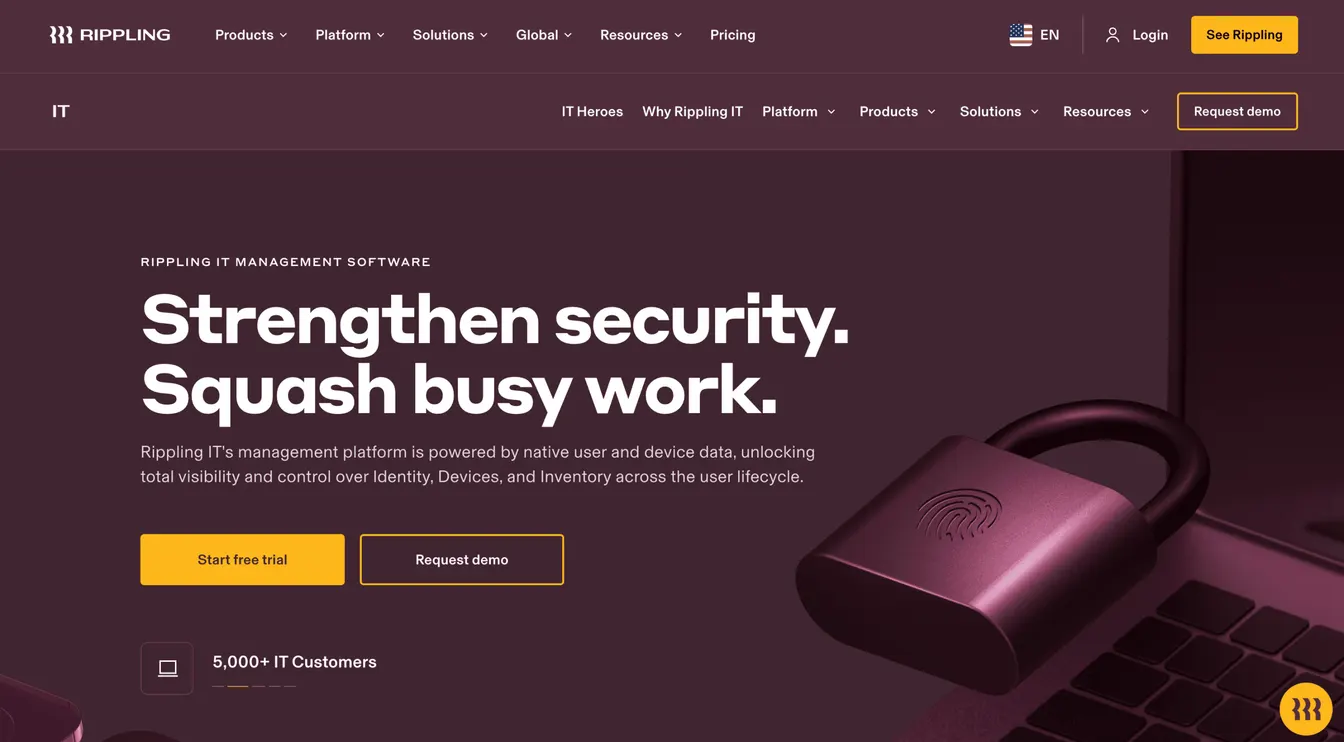
Rippling runs HR, IT and payroll from one employee record, so a lifecycle event in HR is also an event in IT without an integration in between.
It provisions apps and ships devices for new hires, updates permissions and group access when someone changes roles, and suspends access and schedules deprovisioning when they leave. It also supports SCIM and federation with directories such as Active Directory.
Joiner: Payroll, benefits, app accounts and a device in one workflow.
Mover: Permissions and group access update when the employee’s role changes.
Leaver: Access suspended and deprovisioned on schedule, devices locked or wiped, and final pay processed.
Best for: Companies willing to run HR, IT and payroll on one platform.
Pricing: Rippling doesn’t publish full pricing. Quotes depend on the modules you choose.
5. Hire2Retire by RoboMQ
Source: RoboMQ.io
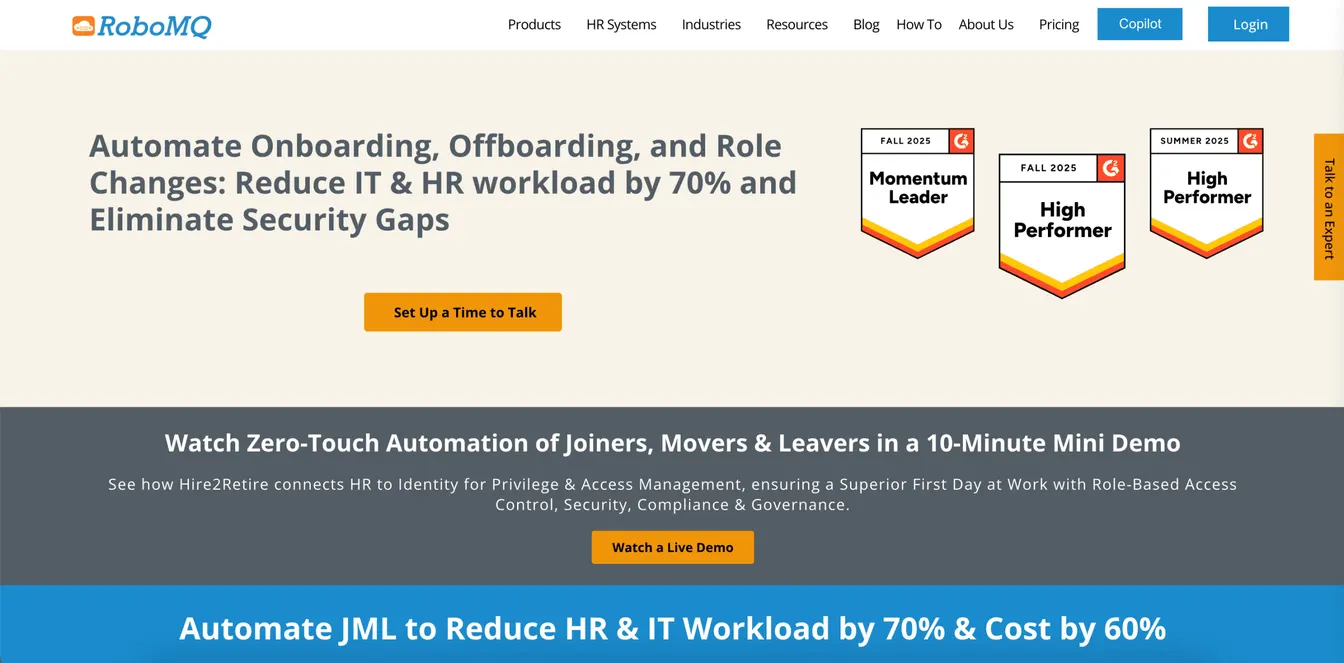
Hire2Retire is a workforce lifecycle automation platform that connects more than 20 HR systems, including Workday, ADP, BambooHR, Paylocity and HiBob, to Active Directory, Entra ID, Google Workspace and Okta.
It creates accounts, assigns licenses and manages OU and group membership for new hires. It updates access through role-based rules when people move, and deactivates accounts when they leave. It also connects to service desks such as ServiceNow, Jira and Zendesk.
Joiner: Account creation, licenses, OUs and groups from the HR record.
Mover: Role-based access updated with job changes.
Leaver: Accounts deactivated and access revoked.
Best for: Teams with several identity targets, such as AD and Google Workspace, that want one integration.
Pricing: Hire2Retire costs $5 per active employee per month, with volume and term discounts. The price includes 24/7 support and implementation.
6. Microsoft Entra ID Governance
Source: Microsoft.com
Microsoft Entra ID Governance adds identity governance to Entra ID. Its lifecycle workflows are built around the three stages, joiner, mover and leaver, and run tasks automatically as users move through them.
Workflows are triggered by a date, such as a set number of days before the employee’s hire date or after their leave date, by a change to an attribute such as department, or by a change of group membership. Tasks include emailing the manager, generating a Temporary Access Pass, adding or removing groups and access packages, and disabling or deleting accounts. HR-driven provisioning from Workday or SAP SuccessFactors, or API-driven provisioning from other HR systems, keeps the attributes current.
Joiner: Pre-hire and day-one tasks, such as a Temporary Access Pass and group assignments.
Mover: Workflows that add and remove access when an attribute such as department changes.
Leaver: Pre-offboarding and last-day tasks, disabling and later deleting the account.
Best for: Microsoft-centric organizations with an HR system that Entra ID can read from.
Pricing: Entra ID Governance costs $7 per user per month, paid yearly, on top of Entra ID P1 or P2. It’s also included in the Entra Suite at $12.
Movers: The Stage Most Tools Miss
Joiners and leavers get attention because they’re visible. A new hire who can’t sign in complains, and an auditor asks about former employees with active accounts. Movers are quieter, and that’s the problem.
When someone moves from sales to finance, they need finance’s access. They also need to lose sales’ access, and that second step is the one that gets skipped. Over a few role changes, an employee builds up access no single role would justify, which is privilege creep.
Lifecycle software handles a move the same way it handles a hire: the change in HR triggers rules that add what the new role needs and remove what the old one granted. Our guide to joiner-mover-leaver automation covers how to set those rules up.
The Employee Data That Drives the Lifecycle
Lifecycle automation is only as good as the HR record behind it. These fields do most of the work:
| HR field | What it drives |
|---|---|
| Employee ID | Matching the person to their accounts, so changes reach the right one |
| Hire date | When the account is created and when onboarding tasks fall due |
| Job title and department | Group memberships, licenses and role-based access |
| Manager | Approvals, the manager attribute in the directory and who gets task reminders |
| Location | OU, office groups, time zone and equipment shipping |
| Employment type | Whether the person is an employee or contractor, and which access they get |
| Status and termination date | When access is disabled and offboarding starts |
Agree with HR which fields are required and who keeps them current. A missing department or a termination date entered a week late becomes wrong access in every connected system.
How to Choose the Right Employee Lifecycle Management Software
- Start from your system of record. If your HR system already handles hires, changes and departures well, you need a tool that carries those events into IT, not a second HR system.
- Check all three stages. Ask each vendor to show a role change, not just a hire and a departure. Look for access that’s removed as well as added.
- Match your directory. Make sure the tool writes to what you run, whether that’s on-premises Active Directory, Entra ID, Google Workspace or a mix. For tools focused only on the account side, see our list of user provisioning software.
- Look for safeguards and a record. Rules that stop mass changes, notifications and an audit trail of every change matter as much as the automation.
- Compare the full cost. Include implementation, connectors and the time to maintain rules, and weigh it against the hours spent on manual changes today.
Automate the Employee Lifecycle With ezOnboard
ezOnboard keeps Active Directory, Entra ID and Exchange in step with your HR system across the whole employee lifecycle.
New hires get their accounts, groups, licenses and mailboxes as soon as HR records them. Promotions and transfers update attributes and group memberships, and departures disable accounts and reclaim licenses. Safety rails stop unexpected mass changes, and every change is recorded.
The ezOnboard team helps configure the rules for your environment. Request a demo to get started, or check the ROI calculator to see how much ezOnboard can save you.
FAQs About Employee Lifecycle Management Software
What is employee lifecycle management software?
Employee lifecycle management software manages an employee’s record and everything that depends on it from hire to retire. It handles onboarding, role changes and offboarding, and the accounts, access and tasks that go with each.
What is the difference between HCM and employee lifecycle management software?
Human capital management (HCM) software, such as Workday, is the system of record for people data, payroll and talent. Employee lifecycle management software can be that system, or a tool that carries its changes into IT systems, such as an HR-to-directory sync tool. Many organizations use both.
What are joiners, movers and leavers?
They’re the three stages of the employee lifecycle from IT’s point of view. Joiners are new hires who need accounts and access, movers are employees changing roles who need their access adjusted, and leavers are departing employees whose access must be removed. Our guide to the JML process covers each stage.
Do employee survey tools count as employee lifecycle management software?
Not on their own. Tools like Qualtrics XM and QuestionPro Workforce measure the employee experience at each stage, which helps with engagement and retention. They don’t act on hires, role changes or departures, so they work alongside lifecycle software rather than replacing it.