7 Best IT Management Software Solutions for 2026 (Free + Paid)
Chad BurggrafUpdated 14 min read

Managing IT infrastructure comes with constant challenges. Cybersecurity risks, system downtime, asset tracking, and user management put significant pressure on your IT team.
As your organization grows, so do the complexities of maintaining networks, troubleshooting technical issues, and maintaining cybersecurity compliance.
IT management solutions help you keep up with these demands. Whether you need to track IT assets, apply the correct permissions, or manage support requests, the right software makes IT operations more efficient.
This article reviews the best IT management software solutions, highlighting their key features to help you make an informed decision.
But first, let’s define IT management software and discuss the different types you might encounter.
What Is IT Management Software?
IT management software refers to a set of tools designed to help IT teams monitor, control, and optimize your company’s technology resources.
It covers everything from compliance management and asset tracking to access provisioning and lifecycle updates.
You may find these repetitive IT tasks difficult to handle simultaneously, especially as your organization scales.
However, with a comprehensive IT management solution, handling software updates, user access, system performance, and security threats becomes more manageable.
It helps you stay proactive rather than reactive. This can significantly reduce downtime and improve IT efficiency.
Different Types of IT Management Tools
IT management software comes in different types to handle various areas of IT operations. Below are the common types of IT management solutions:
Identity and Access Management Systems
Identity and access management, or IAM systems, help you control user permissions. They enforce multi-factor authentication (MFA), role-based permissions, and single sign-on (SSO) to prevent unauthorized access to sensitive IT systems.
IAM systems are especially useful in remote and hybrid working environments. They make sure only authorized personnel can log in and access sensitive data.
Remote Monitoring and Management Software
RMM software platforms can track system health, detect issues, and deploy updates from a remote location. They can streamline operations because they don't require physical access to resources when managing them.
They also help maintain uptime by identifying hardware failures, security threats, and performance slowdowns before they affect users.
Mobile Device Management Platforms
Mobile device management (MDM) solutions are similar to RMM tools. But unlike RMM, which focuses on computer and network device monitoring, MDM software handles smartphones and tablets.
MDM platforms allow your IT team to configure, update, and secure mobile devices remotely. They minimize the risks tied to lost or stolen equipment.
IT Service Management Software
IT service management (ITSM) tools make it easier to handle service delivery and workflow automation.
They help improve response times, track IT issues, reduce onboarding tickets, and ensure efficient resolution of technical problems from a centralized platform.
IT Asset Management Software
IT asset management (ITAM) software can efficiently track all your company’s hardware and software assets.
ITAM platforms allow you to monitor hardware equipment lifecycle, manage license compliance, and prevent unnecessary spending through smarter asset utilization.
Network Management Platforms
Network management platforms provide real-time monitoring of routers, switches, and connected devices.
IT teams use these tools to analyze network traffic, troubleshoot slowdowns, and enforce security policies across all locations.
Backup and Disaster Recovery Tools
Data loss from cyberattacks, hardware failures, or human errors can be costly.
Unified backup solutions from BDR tools prevent these by offering automatic backups, quick disaster recovery, and secure data storage. These features help you maintain business continuity after an outage.
Top 7 Best IT Management Software Solutions for 2026
With countless IT management tools available, choosing the right one can be overwhelming. To help you make an informed decision, we’ve compiled a list of the seven best IT management software solutions.
1. ezOnboard for Identity and Access Management
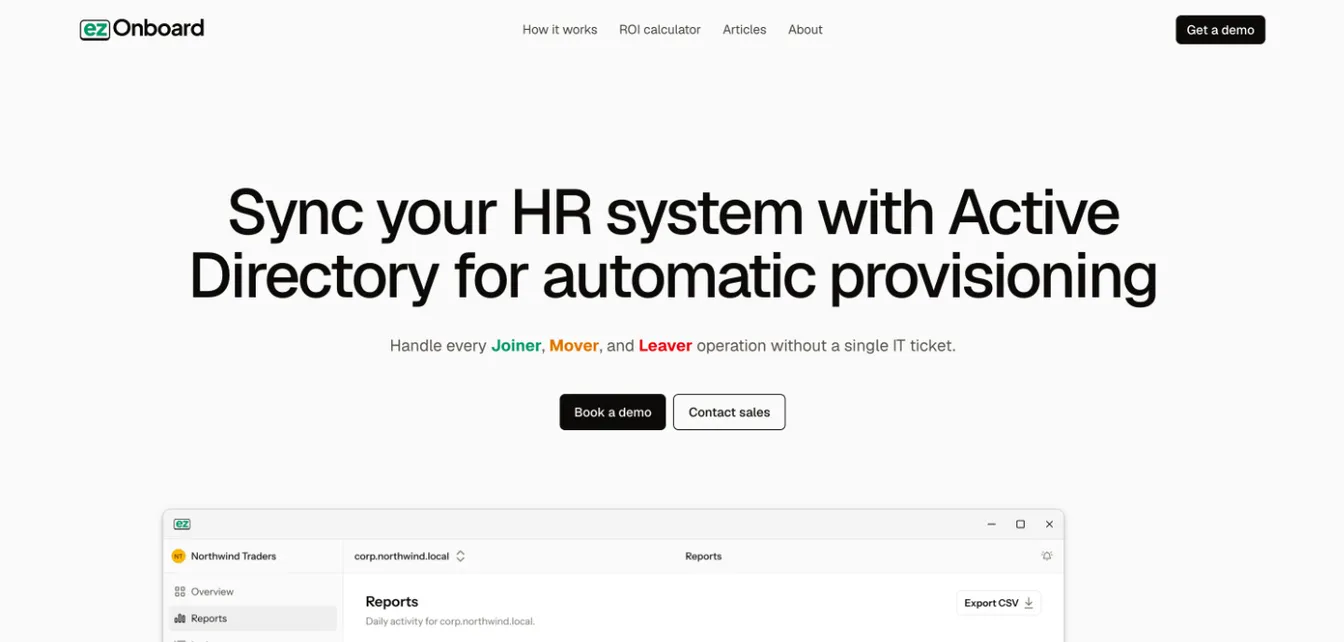
ezOnboard is among the best solutions for identity and access management. It integrates your HR software with Active Directory and Microsoft Entra ID.
Once fully integrated, ezOnboard automates user provisioning for new employees and contractors. It gives you complete control and visibility over permission rights across multiple systems. This reduces the risk of unauthorized access and security breaches.
Additionally, the platform can automatically handle onboarding and offboarding for your organization. It grants access based on roles, manages lifecycle stages, and revokes permissions without manual intervention. It saves valuable time and allows your IT team to focus on business objectives.
Plus, ezOnboard is easy to set up. All you need to do is pre-define your access rules using plug-and-play formulas.
If you don’t have technical expertise, you don’t need to worry because ezOnboard’s team can also configure the platform with you. This allows you to focus on more strategic initiatives.
Key Features:
- Automated onboarding and offboarding: ezOnboard automatically gives users the correct access based on their roles, while departing employees are immediately removed from the system. Thanks to these automated workflows, your service level agreements go from several business days to instantaneous.
- Seamless HR to AD integration: The platform connects your HR platforms to Active Directory to ensure real-time syncing of information.
- Custom notifications and reports: ezOnboard provides full visibility and control over all AD changes to ensure compliance.
- Agent-based deployment: One agent inside your network does the work, so personnel data stays in your environment.
- Integrated professional services: ezOnboard supports you with an expert team that will configure the platform to your specific needs.
Pricing: ezOnboard is priced per employee under management, on an annual subscription. Email sales@ezonboard.io for a quote, or use the ROI calculator to estimate what automation saves you.
2. NinjaOne for Remote Monitoring and Management
Source: NinjaOne.com
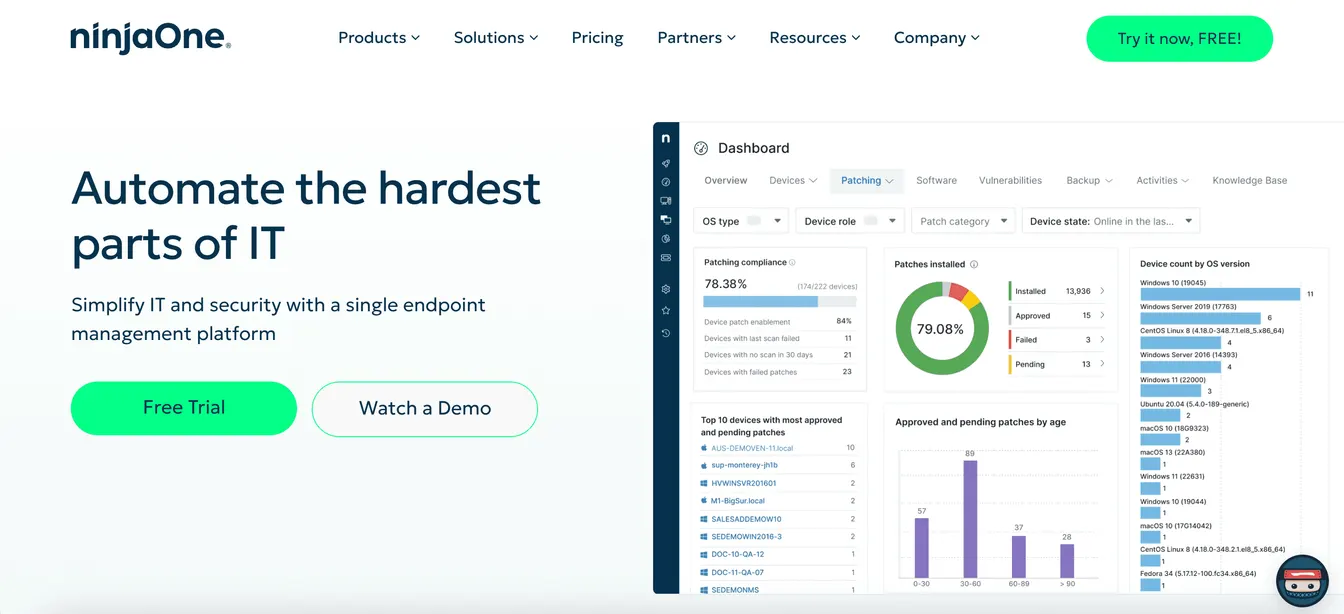
NinjaOne is a cloud-based RMM solution built for IT teams and managed service providers (MSPs). It provides real-time endpoint monitoring, patch management, and remote troubleshooting tools. These features help you maintain control over distributed devices from a single platform.
This RMM platform also comes with automation capabilities. It can automatically deploy software updates, monitor system health, and provide alerts to reduce manual workload.
It even integrates with multiple apps and tools to reduce data silos. This makes NinjaOne a flexible option for IT environments.
Key Features:
- Real-time monitoring: NinjaOne delivers live insights into endpoint performance, system health, and potential vulnerabilities.
- Secure remote access: This allows you to remotely troubleshoot devices with one-click access.
- Automation tools: NinjaOne can automate repetitive tasks, such as app installations, device setups, and patch management processes.
- Self-service portal: It empowers end users to resolve common issues, restore backups, and run approved scripts without IT intervention.
- User-friendly interface: NinjaOne's intuitive interface is easy to learn and quick to navigate, even when managing complex tasks.
Pricing: NinjaOne quotes pricing per device and doesn’t publish a full price list. Its pricing page says endpoint management starts at $3.75 per device per month for 50 or fewer endpoints and drops to $1.50 at 10,000 endpoints. A 14-day free trial is available.
3. ManageEngine Mobile Device Manager Plus for Mobile Device Management
Source: ManageEngine.com
ManageEngine Mobile Device Manager Plus offers an extensive MDM solution for remote workforces. It enables your IT team to monitor, manage, and secure mobile devices from a single console.
ManageEngine supports multiple operating systems, such as iOS, Android, Windows, and Mac. This multi-device compatibility makes it a versatile choice for diverse IT environments.
Another standout feature is security management. It can enforce strict security protocols to protect your network against high-risk devices.
It can even track and manage apps installed on mobile devices. This allows your IT department to manage app licenses and separate corporate data from personal use.
Key Features:
- Device enrollment: ManageEngine lets you enroll mobile devices in bulk using multiple methods, either manual, automated, or self-enrollment.
- Configuration management: The platform lets you configure policies and profiles for different users and associate them with specific groups.
- Remote troubleshooting: With ManageEngine, you can view and control remote devices to diagnose and resolve issues without user involvement.
- Advanced security features: ManageEngine can implement strong passwords, device encryption, and remote locks to protect sensitive data.
- Device lifecycle management: It can track every device from onboarding to retirement. This gives you full visibility into usage, status, and compliance at each stage of the device lifecycle.
Pricing: ManageEngine offers flexible pricing plans to suit different business needs. For its cloud-based platform, the Standard edition costs $1.28 per device every month.
The Professional version is priced at $2.38 per device per month. On-premises solutions are also available at an annual fee of around $9.90 to $17.90 per device. A free edition covers up to 25 devices.
4. Jira Service Management for IT Service Management
Source: Atlassian.com
Jira Service Management, developed by Atlassian, is a full-featured IT service management solution. It helps your IT team handle service requests, incidents, and changes efficiently.
The software makes it easier to track, prioritize, and resolve service operations with better visibility and faster response times.
Jira also includes incident management tools that allow you to respond to IT disruptions quickly. It can minimize downtime and maintain business continuity.
Plus, it uses Rovo, Atlassian’s AI, to handle repetitive tasks. This allows your IT department to focus on critical business operations.
Jira Service Management is now sold as part of Atlassian’s Service Collection, alongside Customer Service Management and Assets.
Key Features:
- Request management: It tracks incoming service desk requests through a unified platform, allowing IT teams to efficiently categorize, prioritize, and assign tasks.
- Incident tracking: Jira unifies your development and IT operations teams to resolve issues immediately.
- Change management: The platform provides contextual information from software development tools to make informed decisions and reduce deployment risks.
- Asset inventory: It can store both hardware and software assets for efficient lifecycle management and cost optimization.
- Knowledge management: Jira empowers users to solve problems on their own through an AI-powered virtual service agent, federated knowledge base, and machine learning search.
Pricing: Jira Service Management is free to use for up to three agents. Its paid Standard, Premium, and Enterprise plans are billed per agent, with volume discounts as your team grows. Check Atlassian’s pricing page for current per-agent rates.
5. Snipe-IT for IT Asset Management
Source: SnipeITapp.com
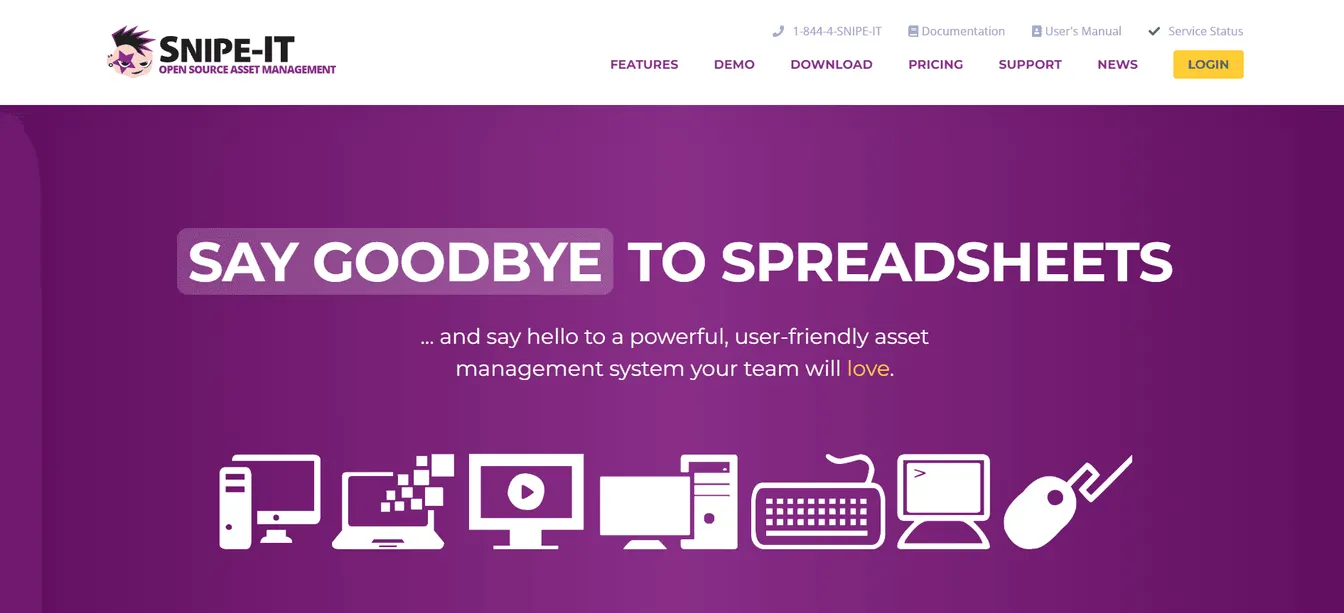
Snipe-IT is an open-source IT asset management system designed for small to medium businesses. It helps your team track hardware, software licenses, accessories, and consumables in one place.
Its web-based interface provides accessibility across various devices and operating systems. This makes it easier to monitor asset assignments, locations, and statuses in real time.
Snipe-IT also offers integrated security features. It uses encryption with brute-force prevention, two-factor authentication (2FA), and HTTPS-only cookies to protect sensitive data.
Key Features:
- Extensive asset tracking: Snipe-IT provides real-time visibility into each asset's location, owner, current status, and usage.
- License management: It can track software licenses, usage, and renewal dates in one centralized dashboard. This ensures compliance and prevents unnecessary purchases.
- Advanced security features: The platform uses strong passwords, brute-force prevention, 2FA, granular access controls, and more.
- Email notifications: These help you stay on top of upcoming warranty expirations, license renewals, low stock, and overdue check-ins.
- API integrations: Snipe-IT can connect to proprietary systems and workflows through its powerful REST API.
Pricing: Snipe-IT’s open-source ITAM software is free to use. However, if you require hosting services, the platform offers paid plans. Basic hosting starts at $39.99 when billed monthly, whereas small business hosting costs $99.99 every month.
6. Auvik for Network Management
Source: Auvik.com
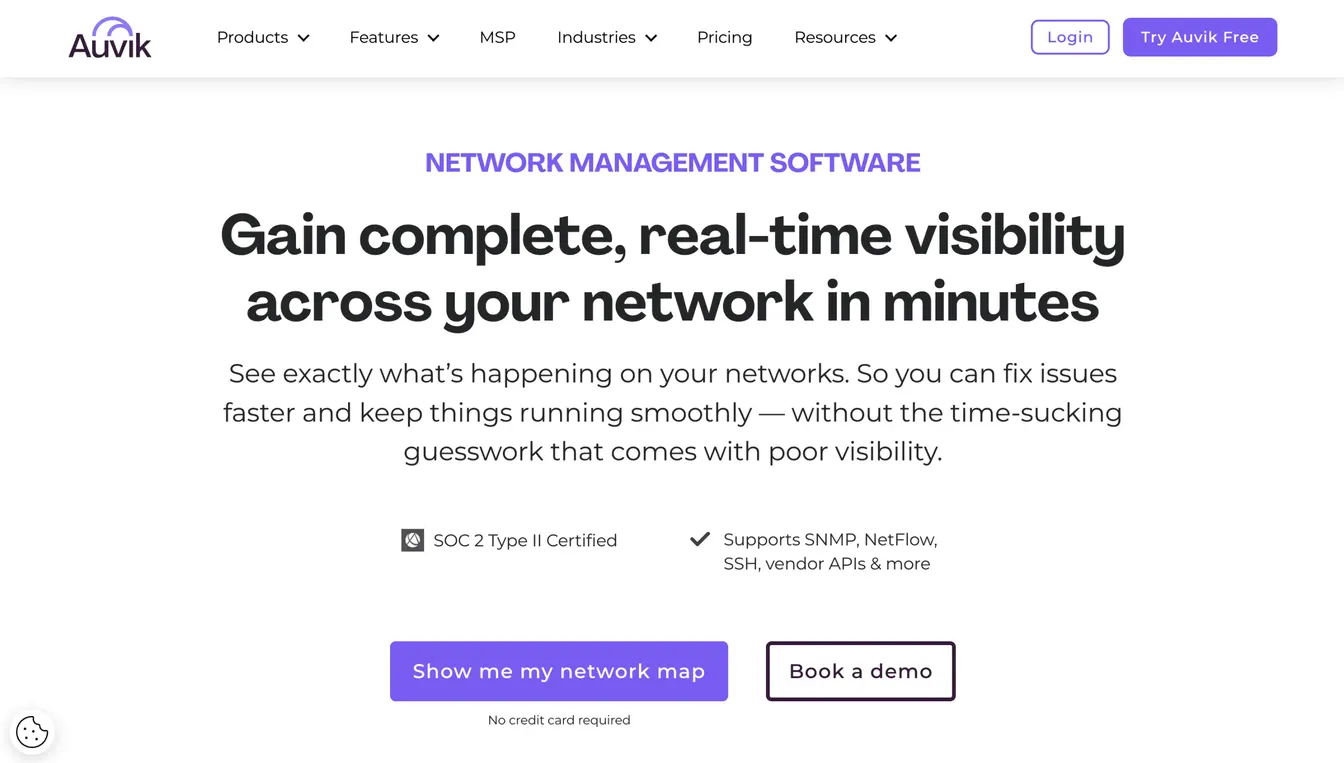
Auvik’s network management solution provides full visibility and control over your company’s network infrastructure.
It offers automated network discovery and mapping. This enables your IT department to visualize device connections and configurations in real time.
Auvik also delivers performance metrics, such as bandwidth utilization, device status, and traffic patterns. Such proactive monitoring allows you to address potential problems before they impact operations.
Key Features:
- Automated discovery and inventory: Auvik automatically scans your network to detect all connected devices and build an accurate inventory within seconds.
- Network mapping: The platform can visualize your network with live topology maps that instantly update as changes occur.
- Configuration management: Auvik can back up device configurations and track every change over time, which removes manual oversight.
- Advanced NetFlow: This provides deep visibility into traffic flows across your entire network, even when the traffic is encrypted.
- Custom alerts: The platform lets you customize alert policies for performance, security, and uptime thresholds.
Pricing: Auvik offers custom pricing depending on specific company requirements. However, the actual cost of their software is not publicly available.
7. Veeam for Backup and Disaster Recovery
Source: Veeam.com
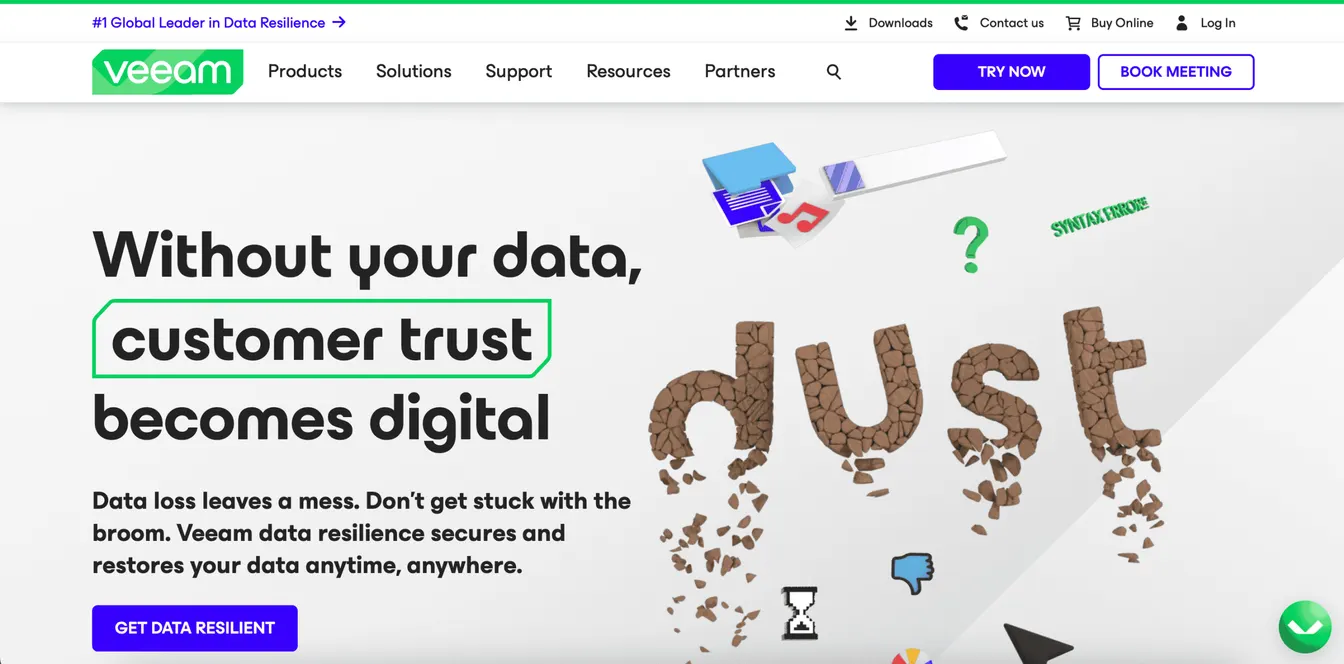
Veeam provides various backup and disaster recovery solutions to ensure data resilience across different environments.
Its flagship product, Veeam Data Platform, offers extensive data protection for virtual, physical, and cloud-based workloads. It minimizes downtime and data loss by performing reliable backup and recovery operations.
The platform even comes with replication capabilities. These allow you to create and maintain real-time replicas of virtual machines, which are important for disaster recovery planning.
Key Features:
- Extensive backup and recovery: Veeam provides fast, reliable backup and restore capabilities for virtual, physical, and cloud environments.
- Advanced replication: The platform creates real-time copies of your critical workloads with built-in failover and failback capabilities for disaster recovery readiness.
- Secure and flexible storage: It can store your backups wherever you need, either on-site, in the cloud, or using hybrid solutions.
- Proactive threat detection: Veeam uses built-in threat detection technology to keep your data safe from ransomware.
- Incident response: Veeam's Cyber Secure program supports fast recovery with automated workflows in the event of a data breach.
Pricing: Veeam offers different pricing plans depending on the product. Veeam Data Platform comes in Foundation, Advanced, and Premium editions, licensed per workload in packs of ten, with pricing on request.
If you simply need SaaS backup for Microsoft Azure, Veeam Data Cloud lists a price of $42 per TB per month.
Benefits of Using the Best IT Management Software
Using any of the IT management platforms above can benefit your business in several ways. Here are the tangible advantages to expect:
Enhanced Operational Efficiency
Your IT teams handle multiple responsibilities daily, from troubleshooting technical issues to managing system performance. Without the right tools, these tasks can become time-consuming and prone to errors.
IT management software can automate routine processes, monitor systems, and optimize resource allocation. This allows your IT department to work smarter, not harder. It ultimately reduces downtime and boosts employee productivity.
Improved Security and Compliance
Cyber threats are a constant concern for any business.
Fortunately, IT management software includes security and compliance management features. It helps you enforce strict security policies, manage access controls, and generate audit trails. This significantly minimizes risks and prevents security breaches.
Cost Savings
Although most IT management tools cost money to deploy, they can save you money in the long run.
Since they automate routine tasks, they reduce the need for manual oversight. They also minimize costly mistakes related to non-compliance or security issues.
Additionally, IT management solutions can track IT assets and automate maintenance schedules. This helps you save money on unexpected repairs, replacements, and downtime-related losses.
Better Decision-Making
IT management platforms provide real-time analytics, automated reports, and performance tracking.
These insights enable you to prioritize urgent issues, improve project management, and make informed decisions that enhance long-term IT strategy.
How to Choose the Right IT Management Platform
Not all IT management tools offer the same features, integrations, or scalability. You should evaluate your needs carefully before making a decision. Here’s how to choose the best solution:
Consider Business Size and Complexity
Choose a solution that matches your current infrastructure and future growth.
For example, if you’re a small business owner, you should prioritize ease of use and implementation. You don’t want to spend significant time training your team on complex tools.
However, if you run a global IT enterprise, you need to look for scalable platforms with automation, advanced security, and multi-site management.
Define Your Budget and Cost Considerations
IT software ranges from free versions with limited features to premium enterprise plans. You should consider licensing costs, implementation expenses, and long-term maintenance fees before committing.
It is also important to assess the IT management tool’s return on investment (ROI). You want software that can save you money in the future by reducing manual workload and minimizing security risks.
Evaluate Key Features
Prioritize features that address your organization’s biggest IT challenges.
For example, if you onboard hundreds of employees every quarter, you need to manage access rights at scale. Choose software with automation capabilities and advanced security controls.
You should also consider real-time monitoring, customization options, and integration with your existing tech stack.
Check Security and Compliance Management
Make sure the IT software meets industry security standards like SOC 2 or HIPAA. Look for built-in encryption, access controls, and audit logs to protect sensitive data.
Read Online Reviews
You should thoroughly research each IT management platform online. You can browse websites like G2, Capterra, or Trustpilot for honest user feedback.
Focus on real-world experiences, support quality, and software performance.
Test the Platform With Free Trials and Demos
Nothing beats personal experience with the tool. You should take advantage of free trials and demos to test the platform for yourself.
Involve IT teams and other stakeholders in this process. Evaluate the tool’s ease of use, customization, and support options to make an informed decision.
Effortless Identity and Access Management With ezOnboard
Efficient identity and access management is important for IT security and operational continuity. Without a structured process, delays in onboarding and offboarding workflows can create security risks, increase workloads, and disrupt productivity.
ezOnboard offers a reliable IAM solution that automates user provisioning, de-provisioning, and role-based access control. It seamlessly integrates your HR software with Active Directory and Microsoft Entra ID. This connection reduces manual data entry and saves valuable time.
ezOnboard can also speed up the onboarding process without compromising security. It ensures that new hires get instant access to the right resources while deactivating departing employees securely.
With ezOnboard, your IT teams can focus on strategic initiatives instead of repetitive tasks.
Book a demo today to get started, or check the ROI calculator to see how much money ezOnboard can save you.
FAQs About IT Management Software
What is IT management software?
IT management software refers to digital tools that can monitor, secure, and optimize your company’s IT infrastructure. These platforms improve efficiency by reducing manual work, preventing system failures, and complying with industry regulations.
What is the best IT service management software?
The best IT service management software depends on your needs and budget. Top options include Jira Service Management software, SolarWinds Service Desk solution, and the ServiceNow platform. It’s important to evaluate their key features to choose the right tool that aligns with your goals and requirements.
What is the best management information system software?
The best MIS software solution varies based on your organization's requirements and goals. Some popular platforms are Microsoft Power BI, Tableau, and IBM Cognos Analytics.
What is an example of IT management?
A great example of IT management is onboarding a new employee. The IT team sets up their laptop, assigns software access, applies security settings, and tracks the device in an asset management system. Tools like ezOnboard automate the account and access part of this process, which helps ensure a smooth and secure start.