Top 9 IT Management SaaS Tools in 2026
Chad BurggrafUpdated 15 min read

Managing IT infrastructure has become more complex than ever. As an IT leader, you should constantly oversee systems across different locations and track the usage of multiple users to keep everything running smoothly.
Traditional management methods often fall short when dealing with the intricacy of modern IT environments.
Fortunately, IT management software-as-a-service (SaaS) platforms allow you to automate workflows, monitor systems, and optimize software assets from a single interface.
In this article, we’ll break down the best tools that empower you to work smarter and not harder. We’ll also share some tips on choosing the right SaaS management software for your IT needs.
But first, let’s talk about the definition of these tools.
What Is IT Management SaaS?
IT management SaaS refers to cloud-based software solutions that help your IT teams efficiently manage systems, resources, and processes within an organization.
Unlike traditional on-premises tools, these platforms operate entirely in the cloud. This means you can oversee IT operations from anywhere. You no longer need to rely on local servers or expensive infrastructure.
IT management SaaS unifies system monitoring, cloud management, software asset management, access provisioning, and security.
It enables you to manage and control everything in one dashboard. This approach saves valuable time, cuts down significant costs, and supports business growth.
SaaS vs. On-Premises IT Management Platforms: Key Differences
Managing IT operations using software-as-a-service is completely different from maintaining an on-premises platform. Let’s look at the main distinctions below:
- Deployment and accessibility: SaaS apps are cloud-based solutions that you can access from anywhere with an internet connection. In contrast, on-premises platforms require physical servers and local networks. They limit access to specific locations.
- Cost structure: SaaS IT management uses a subscription model with predictable monthly or annual software payments. However, on-premises systems involve significant upfront costs for hardware, licenses, and ongoing maintenance.
- Scalability: SaaS platforms allow you to add or reduce resources as your business expands. Meanwhile, on-premises platforms often require costly hardware upgrades for scaling.
- Maintenance and updates: SaaS vendors automatically handle updates and maintenance for your IT department. However, when you have on-premises solutions, your IT team is responsible for ongoing upkeep. This can drain resources and take a lot of time.
9 Best IT Management SaaS Platforms in 2026
After learning the differences between SaaS and on-premise IT management platforms, you’re probably leaning towards the former.
Below are the best SaaS solutions you can consider:
1. ezOnboard
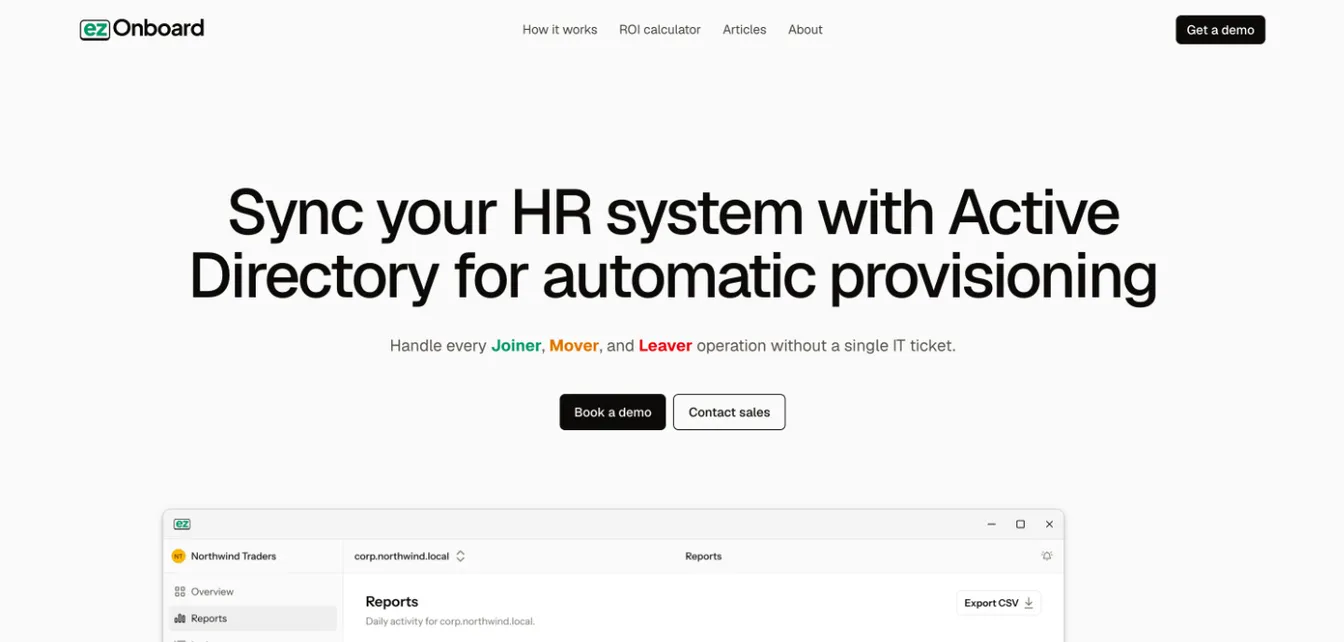
ezOnboard stands out in the SaaS industry with its focus on automating onboarding and offboarding processes.
While it’s not a traditional IT management platform, it adds immense value to your business by handling tasks often overlooked in standard systems.
ezOnboard seamlessly connects your human resource platform, such as Gusto to Active Directory (AD). This means that changes in HR software, such as employees getting a promotion, are instantly reflected in AD. It can automate provisioning, deprovisioning, and user lifecycle management, which leads to smoother transitions within your organization.
ezOnboard goes beyond IT onboarding. When employees leave, it also recovers their Microsoft licenses automatically.
This helps you keep license spending under control.
To get started, request a demo or check the ROI calculator to see how much money ezOnboard can save you.
Pros
ezOnboard frees your IT team to do more with fewer resources through automation.
It can automatically handle employee onboarding and offboarding tasks for you. These include account setup, identity and access management, user deprovisioning, and license reclamation.
All you need to do is predetermine business rules to reflect approved HR changes in Microsoft Active Directory.
Deploying ezOnboard can save your business significant money. You can use this ROI calculator to learn how much your return on investment is.
2. Dynatrace
Source: Dynatrace.com
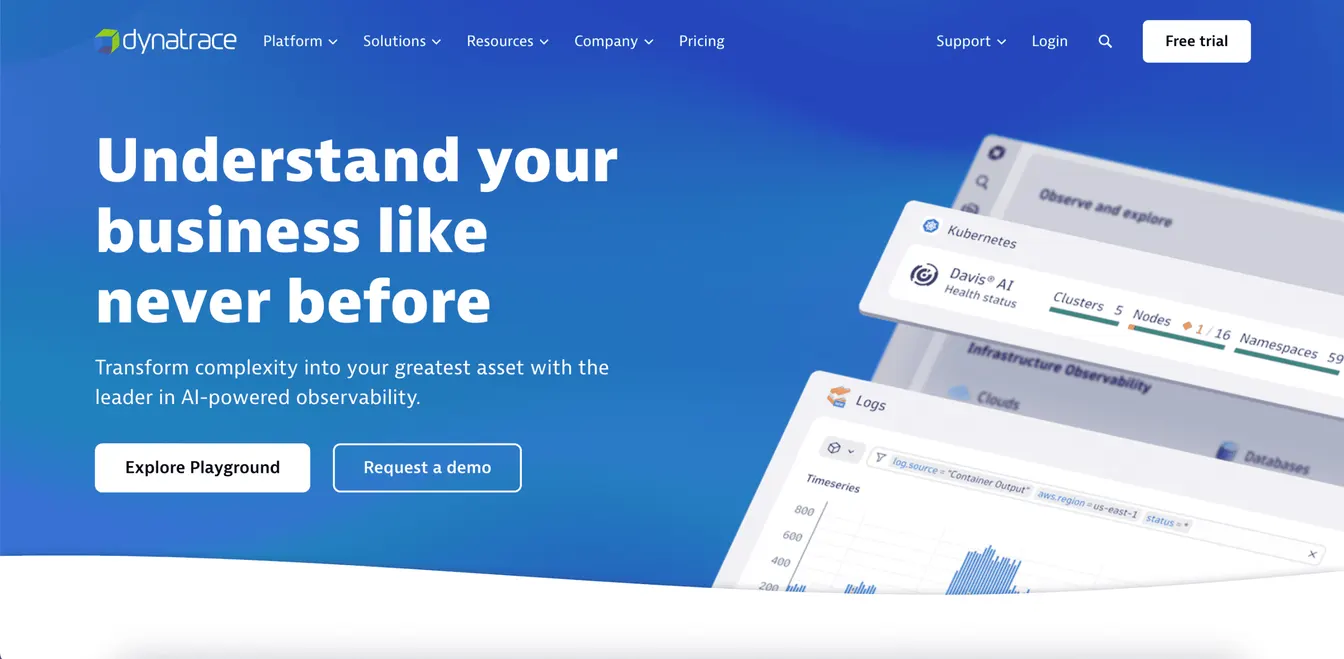
Dynatrace is a modern IT management SaaS platform that excels in application performance monitoring (APM).
It uses its Davis AI engine to monitor and optimize application performance, infrastructure, and user experiences. Designed for dynamic and cloud-native environments, it stores observability, security, and business data in its Grail data lakehouse for analysis in one place.
Dynatrace also features log management and analytics. It enables your IT team to address issues before they impact end users.
Plus, it comes with an automation engine that handles routine tasks. Newer agentic AI features can find the root cause of an incident and suggest or run the fix, and Davis CoPilot lets your team build queries, workflows, and dashboards in plain language.
Pros
Dynatrace combines infrastructure observability, application security, log analytics, and software delivery in one platform.
This makes it easier to manage complex cloud environments and keep up with ever-changing vendor requirements and emerging security threats.
Cons
Due to its extensive features, Dynatrace can be difficult to use at first. Your IT team may also need lengthy training, which can affect productivity.
Some users have also experienced unresponsive customer support. This means you can’t immediately fix issues with the platform if you encounter them.
3. ServiceNow
Source: ServiceNow.com
If you’re a B2B company, you need IT service management (ITSM) software to consolidate all client service requests. One of the most reliable platforms is ServiceNow.
It provides a centralized hub for managing incidents, changes, and service requests. This helps your IT team resolve issues quickly and efficiently, which can boost client satisfaction.
ServiceNow is also powered by AI and automation. It can handle complex workflows and reduce repetitive tasks to improve operational efficiency. In December 2025, ServiceNow completed its acquisition of Moveworks, whose AI assistant lets employees resolve common requests on their own.
On top of these features, ServiceNow integrates with other apps to minimize the need for manual data entry. It accurately syncs data between systems, so you can serve your clients better.
Pros
ServiceNow is an extensive ITSM platform that makes it easier to handle service requests, complex workflows, and security monitoring.
It boasts AI-powered agents and a proprietary Workflow Data Fabric for real-time data access across your IT environment. These can significantly reduce manual tasks and free up IT resources to do more.
Cons
Although ServiceNow offers integrations with multiple SaaS applications, some of them require additional fees.
The pricing for the ITSM platform itself is also relatively steep. It might not be the ideal solution if you manage a small business.
4. Datadog
Source: Datadoghq.com
Datadog is a comprehensive SaaS monitoring platform with real-time observability capabilities. It gives you full visibility into IT systems by monitoring applications, infrastructure, logs, and user experiences. This unified approach helps you address performance issues proactively.
However, what really sets Datadog apart is its library of more than 1,000 built-in integrations, which span cloud services, security tools, SaaS apps, and AI platforms. This makes it easy to collect and analyze data from diverse systems.
Datadog also provides AI-driven insights and automated alerts. These enable you to identify and address anomalies before they escalate.
Plus, Datadog’s customizable dashboards allow you to track important metrics relevant to your needs. It can highlight key performance indicators (KPIs), service-level objectives, and vendor agreements.
Pros
Datadog offers end-to-end visibility into your organization's software portfolio, infrastructure, and logs. It uses turn-key integrations that allow you to see across your entire SaaS environment.
Datadog also has a public RESTful HTTP API. This makes it possible to get full data access over hundreds of SaaS applications.
Cons
The cost of Datadog can increase if your business has higher data usage. It is also difficult for a beginner to learn the platform.
Plus, some reviews mention that Datadog suffers from performance issues. It can take a long time to load system data, which can slow down operations.
5. Zluri
Source: Zluri.com
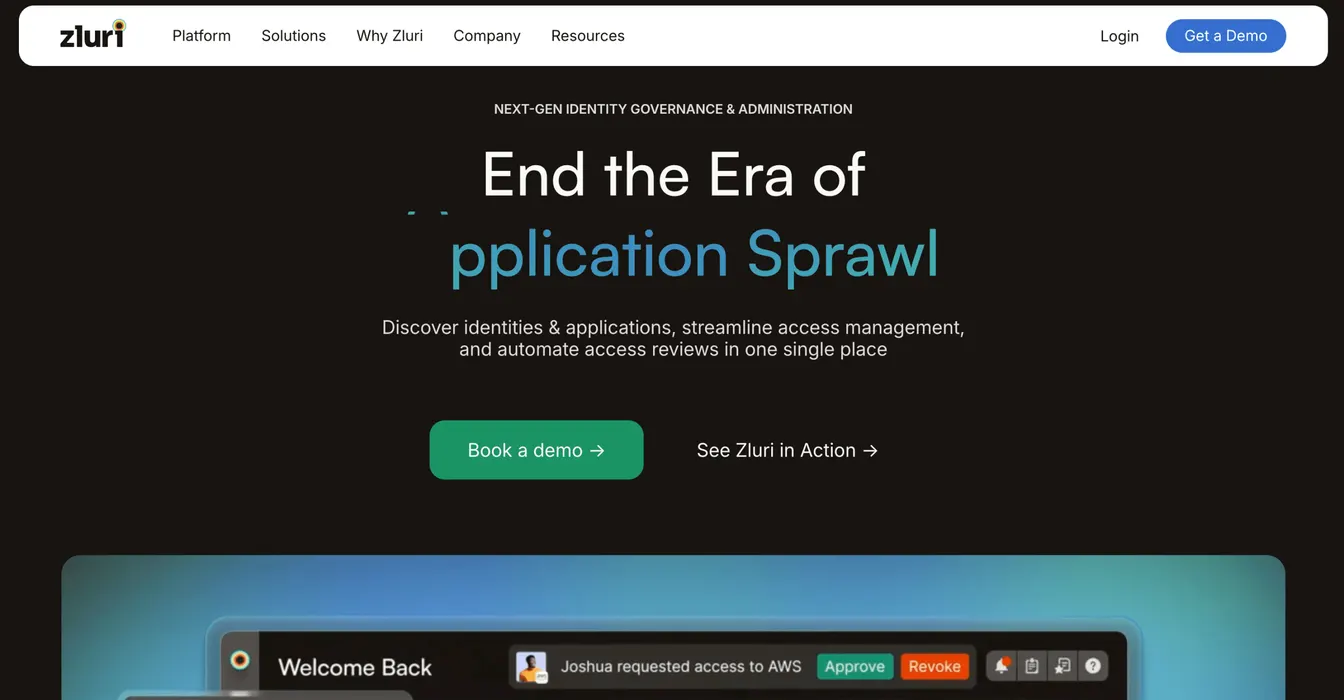
Zluri is known for its modern identity governance and administration (IGA) platform. It now sells SaaS management as one module alongside its identity visibility, governance, and security posture products, so you can oversee both your software stack and who can access it.
It offers real-time visibility into all SaaS purchases, which can prevent redundant or unused tools. This consolidated view can also save valuable time and improve SaaS governance.
Additionally, Zluri offers contract and renewal management tools. It automatically sends notifications to prevent unexpected renewal costs.
The platform can even automate software access controls, permission reviews, and report generation. It strengthens your security posture and helps meet regulatory requirements.
Pros
One of the biggest benefits of Zluri is its extensive SaaS discovery tool. It provides detailed insights into each software asset, including its cost, licensing details, permission rights, current status, and usage trends.
With powerful security features and compliance checks, Zluri also makes sure that your SaaS applications are efficiently managed and resilient in the face of evolving threats.
Cons
Implementing Zluri can be time-consuming for businesses without adequate technical support.
A few users also find it quite complex to integrate Zluri with other SaaS applications. Some integrations may require manual data entry to work, which can be error-prone.
6. BetterCloud
Source: BetterCloud.com
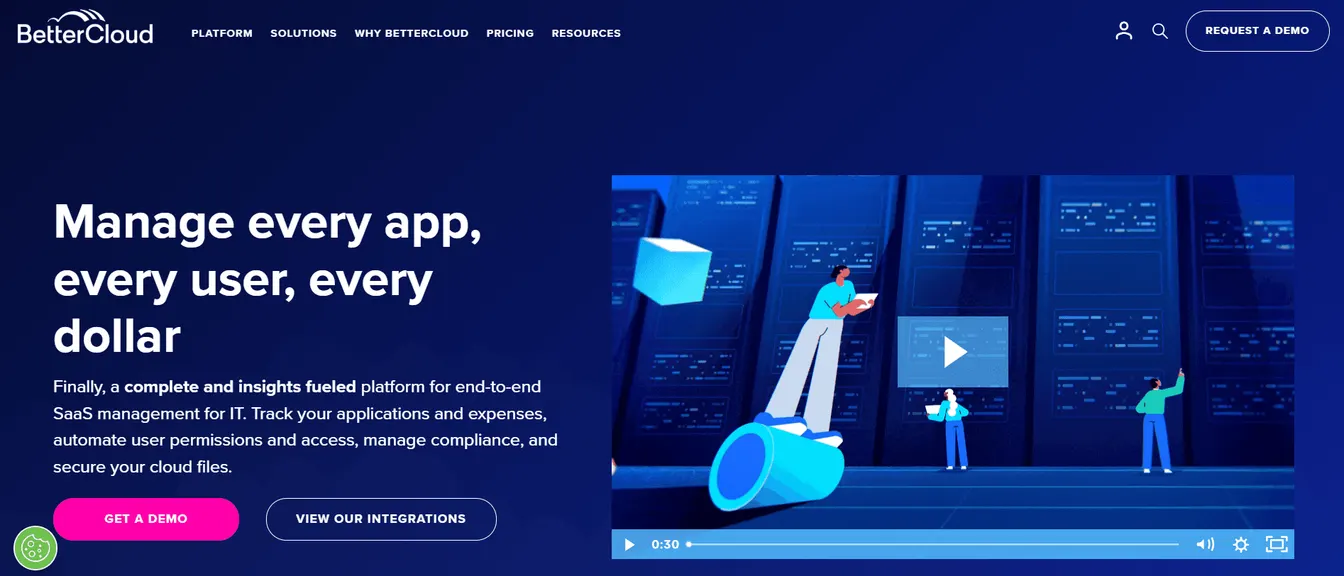
If you’re seeking an effective SaaS management platform, you might want to consider BetterCloud. Cloud governance company CoreStack acquired BetterCloud in March 2026, and the product continues under the BetterCloud name.
It offers end-to-end asset management that lets you track SaaS spending, usage, access rights, and compliance requirements. This can prevent duplicate software licenses and optimize budgets.
BetterCloud also features automated workflows that you can easily configure using a no-code builder, with more than 100 integrations and 1,000 prebuilt actions. A conversational IT Agent can run queries and actions across your SaaS stack, with human approval. It supports instant onboarding and no-touch offboarding, so you can provide a better user experience without manual intervention.
Plus, BetterCloud enforces strict security protocols. It can automatically detect unauthorized user access and lock down files to protect sensitive company data.
Pros
BetterCloud is built with IT employees in mind. It features an intuitive platform that is easy to use and deploy across a company’s technical infrastructure.
It also has a reliable automation tool that can handle routine tasks and support an organization’s SaaS management processes.
Cons
BetterCloud has limited customization features, especially when it comes to automated workflows and email notifications.
This SaaS management solution can also be quite costly for small to medium-sized businesses.
7. Flexera One
Source: Flexera.com
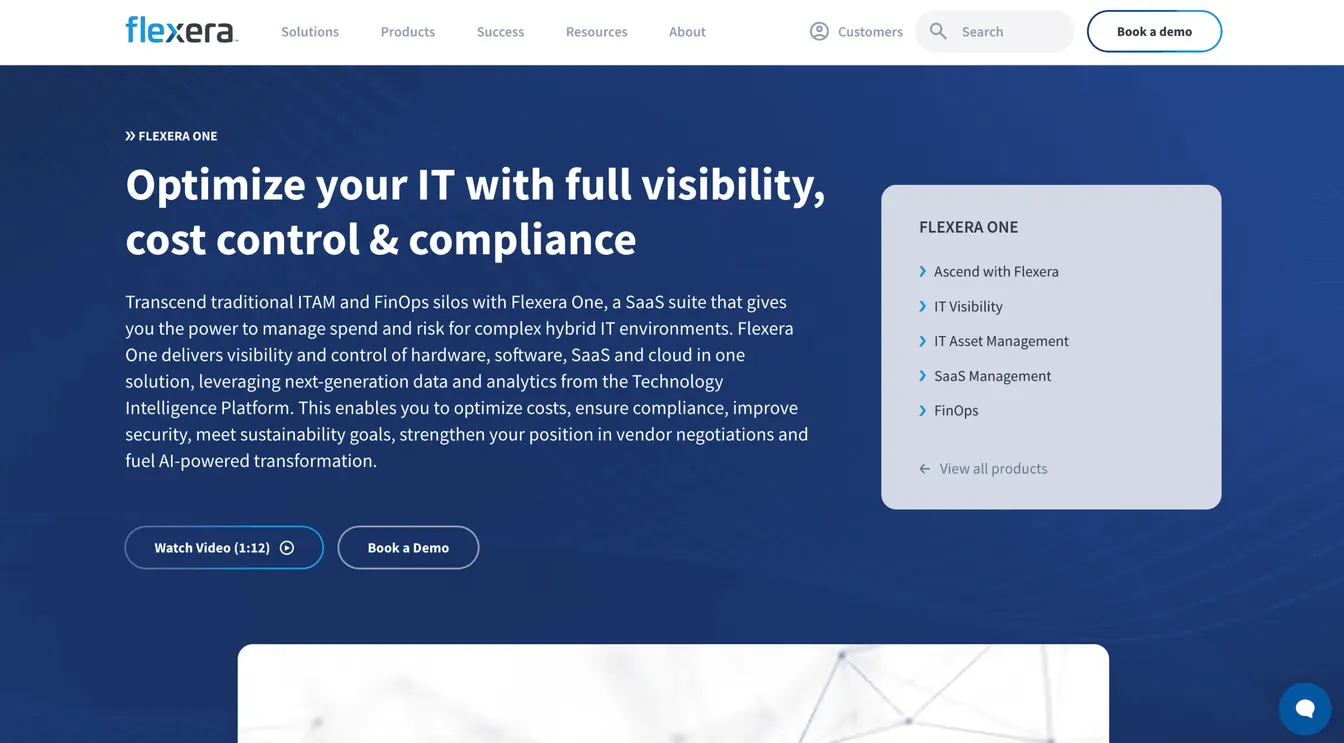
Flexera One helps you oversee complex hybrid environments. It integrates IT asset management (ITAM), SaaS management, and FinOps capabilities into a unified solution. This makes it easier to optimize SaaS spending, maintain compliance, and mitigate security breaches.
Additionally, Flexera One uses advanced analytics to deliver actionable insights. These can pinpoint areas of risk to minimize non-compliance penalties. They can also help you make informed decisions during vendor negotiations to minimize software costs.
Flexera can even integrate with popular platforms, such as Microsoft, IBM, and Oracle. This integration provides in-depth visibility into software usage and improves operational efficiency.
Pros
Flexera One offers a holistic view across cloud, on-premises, and SaaS portfolios. It consolidates software purchases, vendor contracts, asset inventory, and other tools to simplify IT management.
It can also help you identify cost-saving opportunities through detailed analytics and reports.
Cons
Flexera One has a steep learning curve. It requires extensive training, which can take a lot of time and resources.
Some reviews also mentioned that Flexera One has slow and unresponsive customer support. This can be an issue if your company faces problems with the platform. It will take time to resolve bugs or errors.
8. Zylo
Source: Zylo.com
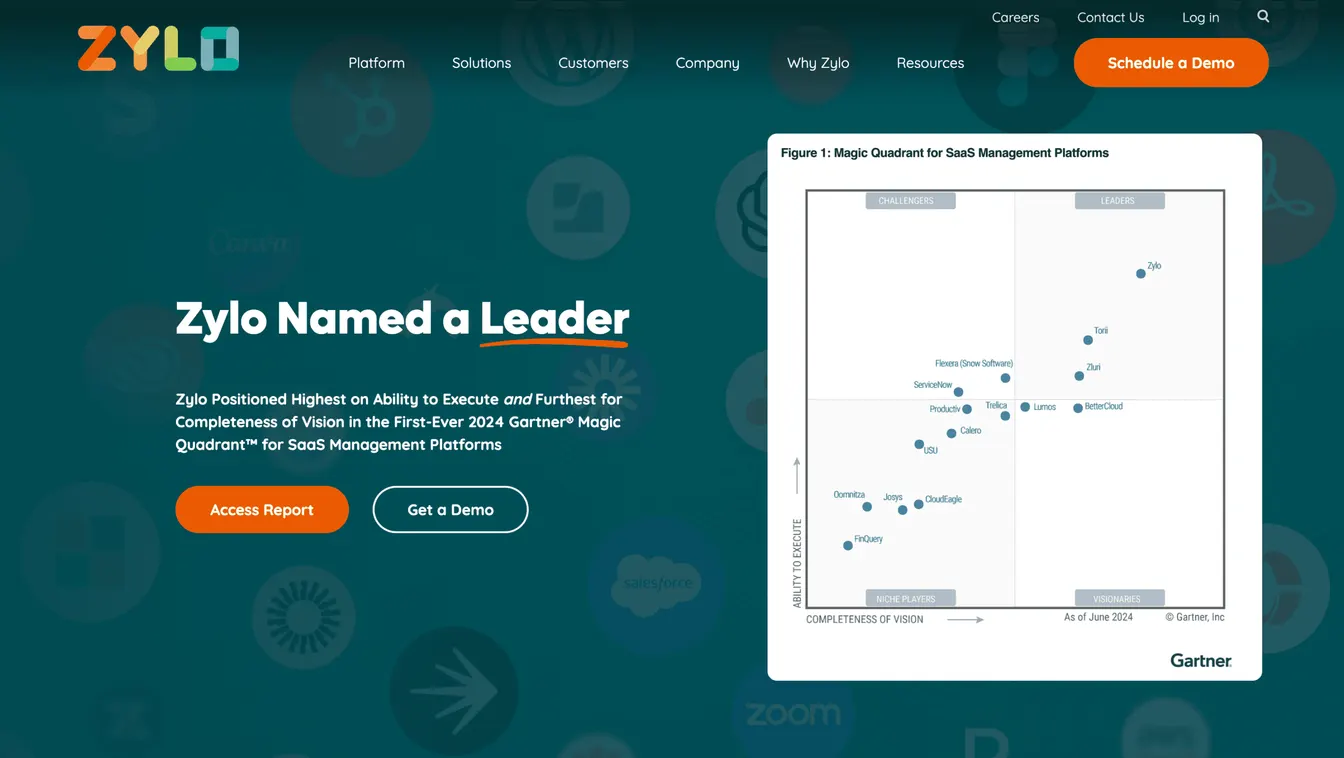
Zylo offers SaaS inventory, license tracking, and renewal management capabilities in one platform. It uses AI to discover and categorize every SaaS application owned by your company.
This platform also provides access to benchmark data drawn from more than $100 billion in AI, SaaS, and cloud spending. It helps you understand how SaaS usage and pricing stack up against your peers.
Zylo then helps you optimize SaaS licenses by suggesting where you can reclaim unused assets, downgrade under‑utilized subscriptions, and manage renewals efficiently. It now tracks spending on AI tools as well.
Pros:
Zylo provides a single platform for IT, procurement leaders, and software asset managers. It detects all SaaS subscriptions, including shadow IT, to reduce costs and manage contracts easily.
Zylo also offers additional professional services to maximize return on investment and free up valuable resources.
Cons:
Zylo’s direct integrations cover only some of the apps it tracks. Usage data for the rest comes from SSO logins or file uploads, which can add manual work for your team.
Zylo also has limited customization options. It would be beneficial if the platform offered more flexible reporting and filtering options.
9. Josys
Source: Josys.com
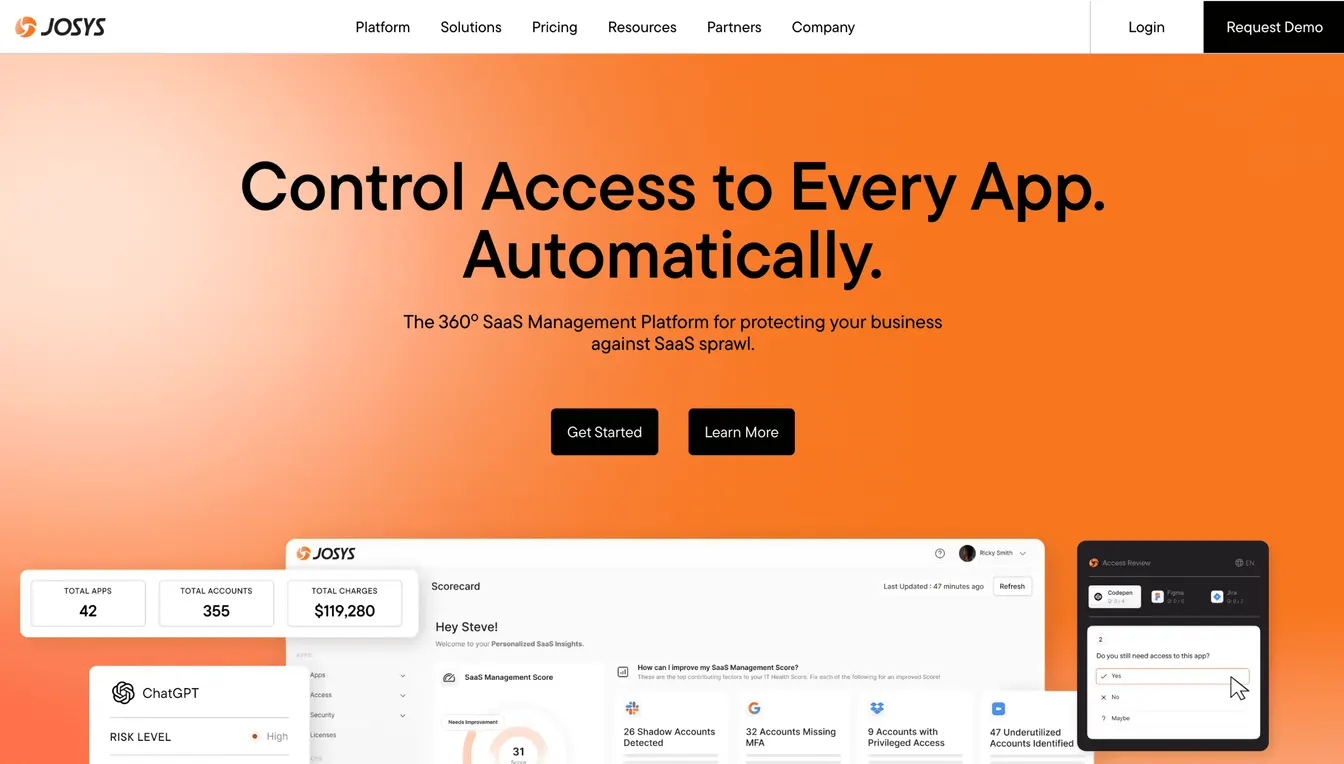
Josys now positions itself as an AI-native identity governance platform, but SaaS management remains at its core. It delivers 360-degree SaaS visibility through a unified dashboard. It shows all apps, users, and license statuses across your SaaS estate. This makes it easier to monitor user access, spot license waste, and manage device lifecycles.
Josys can also improve IT security by automatically detecting and flagging unauthorized SaaS apps. It can even break down the security and compliance risks of each software platform.
Plus, Josys includes automation tools that handle routine tasks, such as license provisioning and continuous monitoring of SaaS usage. This saves valuable time and reduces human errors.
Pros:
Josys consolidates all SaaS investments in one place. It is easy to use the dashboard to manage software licenses and devices.
The SaaS management platform can also stop license waste by detecting redundant apps and adjusting subscriptions based on actual usage.
Cons:
Although Josys's dashboard is straightforward to use, some functionalities leave a lot to be desired. For example, deleting unsupported apps can only be performed one by one rather than in bulk.
It can also be difficult to filter or track certain SaaS apps, especially if they are custom-made. This can add unnecessary complexity to IT workflows.
Benefits of Using an IT SaaS Management Platform
Using any of the SaaS solutions above can benefit your company in several ways. Below is a closer look at each advantage:
Reduce Costs
A SaaS management platform can cut down on business expenses. It doesn’t require expensive on-premise installations because everything is accessible via the cloud or browser.
It also reduces the need for an in-house IT team to manage the platform. Instead, the software vendor takes care of maintenance.
Additionally, a SaaS management platform offers real-time visibility into software usage and costs. It prevents overspending by automatically reclaiming unused licenses and tracking SaaS renewals.
Plus, it can generate detailed reports and analytics that help you negotiate better terms with software vendors. This can lead to significant cost savings.
Support Scalability
Scaling IT systems is easier with a SaaS management platform.
These cloud-based tools grow with your organization. They allow you to add or reduce SaaS subscriptions as needed.
Such flexibility makes sure you only pay for what you use. They can also quickly adapt to changing business demands without compromising system performance.
Boost Operational Efficiency
Most SaaS tools can automate repetitive tasks like employee onboarding, offboarding, software license management, and report generation.
This automation significantly reduces the workload of your IT employees. They can focus on more important tasks rather than being bogged down by administrative burdens or fixing human errors.
SaaS applications even come with built-in integration capabilities. These reduce the need to switch between apps and transfer data manually. Data is automatically reflected across different systems.
Improve System Reliability
A SaaS management platform provides real-time alerts and reminders. It can notify you of any issue, such as unauthorized access or expired licenses. This enables your IT team to address problems proactively before they escalate.
Some SaaS tools also automate software updates and patches to prevent system downtime. It can improve the reliability of your IT environment, which can boost your business reputation and attract more clients.
Strengthen Security and Compliance
SaaS management platforms prioritize security. They help enforce policies, protect sensitive data, and generate reports that highlight suspicious activity.
They also include compliance tools that keep your organization audit-ready. They help save time and money by avoiding penalties.
Key Features of an IT SaaS Management Tool
To maximize the value of an IT SaaS management platform, you should look for the following features:
Centralized Dashboard
A central dashboard consolidates all SaaS data, applications, and users into one place. This eliminates the hassle of switching between multiple interfaces.
It allows you to track SaaS usage, monitor costs, and identify issues right away. It can encourage faster and more accurate decision-making.
Automation Capabilities
Automation tools save your organization valuable time and reduce human errors.
Make sure they can handle routine tasks, such as license renewals, user onboarding and offboarding, and software license optimization, among other tasks.
You should also check if it offers no-code workflows and customization options. These make it possible to tailor the automation to your specific business needs.
Advanced Reporting and Analytics
Look for a SaaS management platform that can generate detailed reports and analytics. It should track application usage and spending to help you discover cost-saving opportunities.
It should also identify trends to support more informed business decisions during vendor negotiations.
However, make sure these reports aren’t difficult to interpret. Prioritize visual dashboards to help you understand complex data.
Built-in Integrations
Your SaaS management platform should work seamlessly with existing systems.
Look for built-in integrations with HR tech stack, identity providers, help desks, and other IT tools that streamline operations.
This reduces manual effort and maintains data consistency across platforms. It frees your IT department to focus on more important tasks.
Asset Management
Another key feature of IT platforms is effective asset management. They should provide an inventory of all active and inactive software licenses.
This makes it easier to track SaaS expenses, software adoption, usage, and contract agreements. It also prevents overspending and helps you negotiate better vendor terms.
Identity Access Management
IAM features can enforce strict user permissions across the board. They make sure that only authorized users can access specific apps or data.
When users leave the company, they can instantly revoke access to SaaS applications. They prevent data breaches and keep confidential systems secure.
Security Backup and Recovery Solutions
Data loss can be catastrophic for any business.
The best SaaS management platforms come with reliable backup and recovery features. They protect sensitive information against accidental deletions and cyber threats.
They also allow quick data restoration, which can significantly reduce downtime.
Considerations When Choosing an IT SaaS Management Platform
After understanding the key features of a SaaS management platform, it’s time to think about what is most important for your organization.
The right tool should meet your unique IT and business needs. Here are key factors to consider when comparing different options:
Cost and Pricing Plans
You should understand the total cost of ownership. Consider subscription fees, integration costs, and potential add-ons.
Then, look for a pricing plan that fits your budget without compromising on the key features. Many platforms offer flexible plans, so select one that matches your usage patterns.
Customization Options
Every organization is different. The best SaaS management platform should allow you to tailor workflows, dashboards, and reports to your needs.
Customization makes sure the tool works seamlessly with your business processes. It can reduce friction and improve adoption across your team.
Vendor Support
Reliable vendor support can make or break your experience with the platform.
Check the level of customer service offered, including availability, response times, and resources like knowledge bases or training materials.
You should prioritize responsive support that helps you resolve issues quickly and minimize disruptions.
Demo or Trial Periods
Finally, test the platform before committing.
Most vendors offer free trials or personalized demos that let you explore features hands-on. You can use this opportunity to evaluate the tool’s ease of use, compatibility, and functionality.
Don’t forget to engage your IT team and other stakeholders during the trial. Get their feedback and make sure the tool meets everyone’s needs.
Successful IT Management with ezOnboard
ezOnboard can transform your company’s IT management strategy by connecting your HR system to Microsoft Active Directory and Entra ID.
Once fully integrated, it can automate onboarding and offboarding workflows. It instantly provisions new users and revokes access when they leave the company. It can also recover departing employees’ licenses to help you control license costs.
ezOnboard even provides full visibility into Active Directory changes. It can strengthen security, maintain compliance, and boost operational efficiency.
To get started, request a demo or check the ROI calculator to see how much money ezOnboard can save you.
FAQs About IT Management SaaS
What is SaaS management?
SaaS management is part of the broader IT management. It refers to the process of managing software assets owned by a company. The goal is to maximize SaaS licenses, optimize costs, and maintain security and compliance.
What is SaaS in the IT industry?
SaaS, or software-as-a-service, refers to a cloud software platform that enables access to tools and applications over the internet without needing local installation or hardware.
What is IT management software?
IT management software is a digital tool that helps you control and organize your tech systems. It can manage SaaS investments, monitor devices, track performance, and secure data from a single platform. This software makes it easier to handle IT tasks without needing technical skills.