9 Best Enterprise IAM (Identity and Access Management) Solutions
Gregg Davis10 min read

If you manage an enterprise IT infrastructure, you handle thousands of user identities while ensuring data security. Keeping up with access privileges and access requests can be a headache, especially if you do it manually.
Fortunately, identity and access management (IAM) solutions exist to help you oversee user accounts in an enterprise setting. With an IAM solution in place, you can guarantee that only the right people have access to company resources. This improves security and maintains compliance.
In today’s article, we’ll explore the top enterprise IAM solutions. We’ll also discuss the key components to consider and the steps to follow when choosing an IAM platform.
Why Do Enterprises Need an Identity and Access Management System?
Identity and access management refers to the framework and technologies used to manage digital identities and regulate user access to your company’s resources.
It’s more than just a security measure for your enterprise. It’s a way to ensure that the right people can access the necessary resources to do their jobs effectively.
Here’s why IAM is important for your enterprise business:
- Enhanced security: It protects company resources by ensuring only authorized users can access them.
- Meet compliance requirements: Since only select people can access sensitive data, IAM helps you meet regulatory requirements. It prevents costly fines and legal issues.
- Increased efficiency: It automates identity management tasks like account creation and user provisioning. This frees up IT time and resources, which results in greater efficiency.
- Improved user experience: It simplifies login processes and access to necessary tools and information.
- Reduced risk: It minimizes the risk of security breaches and unauthorized access. This protects your business from potential losses.
Top 9 Enterprise Identity and Access Management Solutions
Here are the best identity access management solutions for your enterprise business.
1. ezOnboard
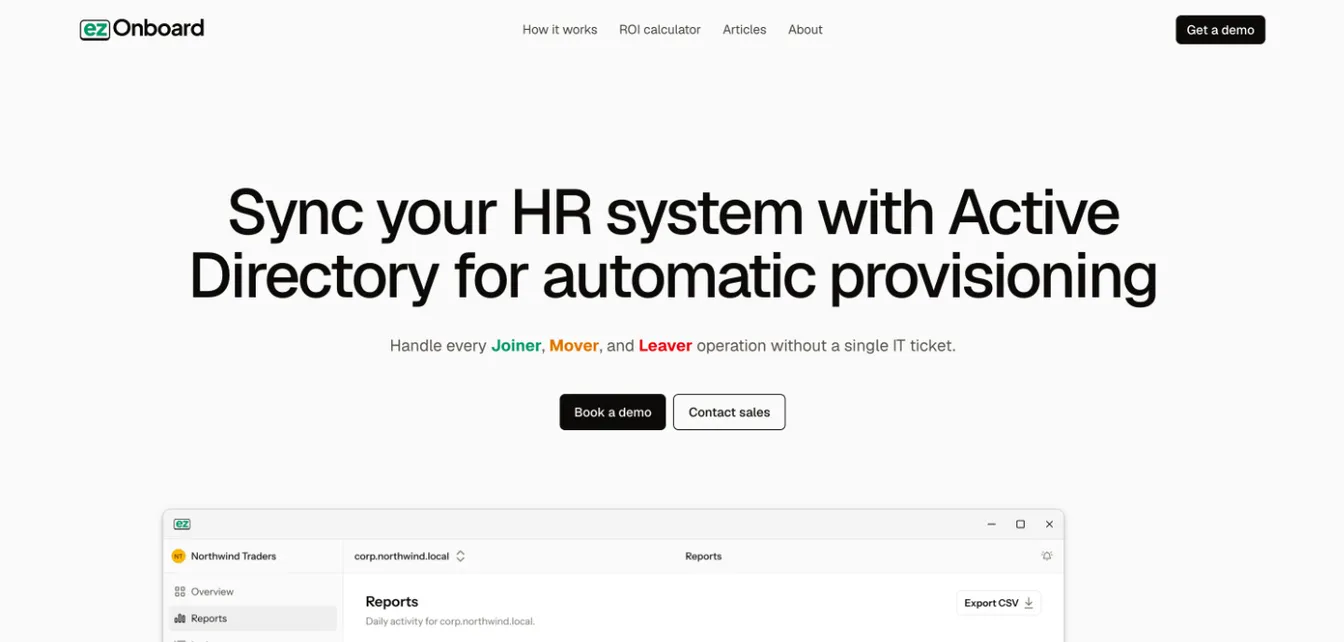
ezOnboard helps businesses with their account provisioning and access management needs. This software can automate IT onboarding and offboarding by integrating your HR system with Active Directory (AD).
ezOnboard is ideal for enterprises experiencing fast growth or high turnover. It can automatically grant access to the necessary resources, update user permissions when needed, and revoke access once an employee quits.
When you choose ezOnboard as your IAM system, you can manage user permissions with minimal human intervention. Doing so saves valuable IT time and resources while maintaining accuracy.
Features:
- Seamless integration with HR systems and Active Directory
- Automated onboarding and offboarding processes
- Automated lifecycle updates for employee identity
- Custom rules for access management
- An agent inside your network that keeps personnel data in your environment
Schedule a demo today.
2. Microsoft Entra ID
Source: Microsoft.com
Microsoft Entra ID, formerly known as Azure Active Directory, offers a cloud-based IAM solution for enterprise businesses. It provides single sign-on, multi-factor authentication, and conditional access policies. These features protect users from cybersecurity threats.
If your enterprise is already using Microsoft products, Entra ID is a great identity management software to have. It connects to Microsoft Office 365 and other Microsoft services. This makes it easier to manage user identities and access rights in a central location.
Features:
- Single sign-on and multi-factor authentication
- Conditional access
- Microsoft app integrations
- Unified IT admin center
- Self-service portal
3. Okta
Source: Okta.com
Okta is a leading identity management service that offers advanced security features for enterprises. It offers two main products: Customer Identity Cloud and Workforce Identity Cloud.
The former gives users access to their digital company resources through SSO and MFA. This allows your company to drive customer acquisition without worrying about security threats.
Meanwhile, the latter is all about providing your employees with the necessary resources to do their jobs well. Workforce Identity Cloud also acts as a universal directory for all your users and devices.
Features:
- Access management using roles and APIs
- Customizable login experiences with different authentication methods
- Privileged access to confidential systems
- A single directory for all IT resources
- Pre-built integrations
4. Oracle IAM
Source: Oracle.com
Oracle Identity and Access Management is a comprehensive solution that provides identity governance, access management, and directory services. It helps enterprises manage the entire user lifecycle and comply with regulatory requirements.
It also features SSO, MFA, and risk-based authentication for secure access management technology.
Oracle IAM is designed to support complex IT environments and can integrate with various enterprise applications and systems.
Features:
- Identity governance and access management
- Single sign-on, multi-factor authentication, and risk-based authentication
- Open APIs integration
- On-demand scaling and capacity
- Available in multi-cloud and on-premises systems
5. Ping Identity
Source: PingIdentity.com
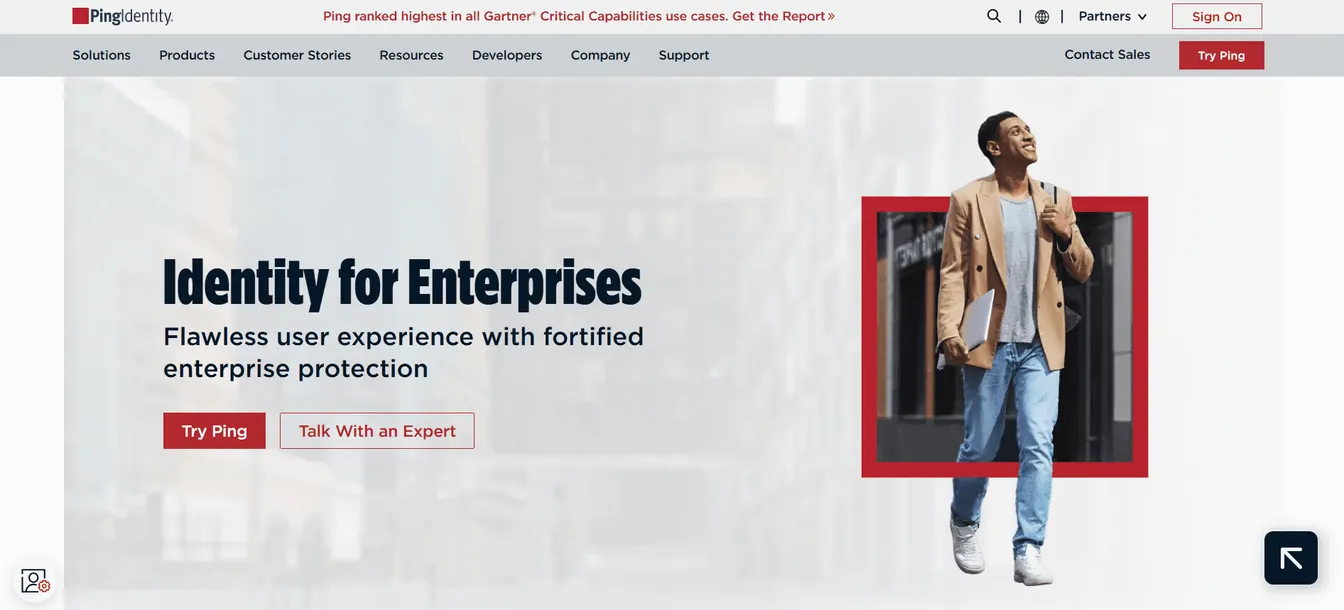
Ping Identity offers a unified platform for identity and access management. It focuses on providing seamless access to applications and data.
Like other IAM systems, Ping Identity supports SSO, MFA, and adaptive authentication. This improves security while providing a smooth user experience.
This identity provider also provides a self-service portal, so users no longer need to submit access requests.
Features:
- Flow templates for seamless access management
- Intelligent authentication methods
- Self-service helpdesk
- Drag-and-drop integrations
- Reusable digital identities
6. SailPoint
Source: SailPoint.com
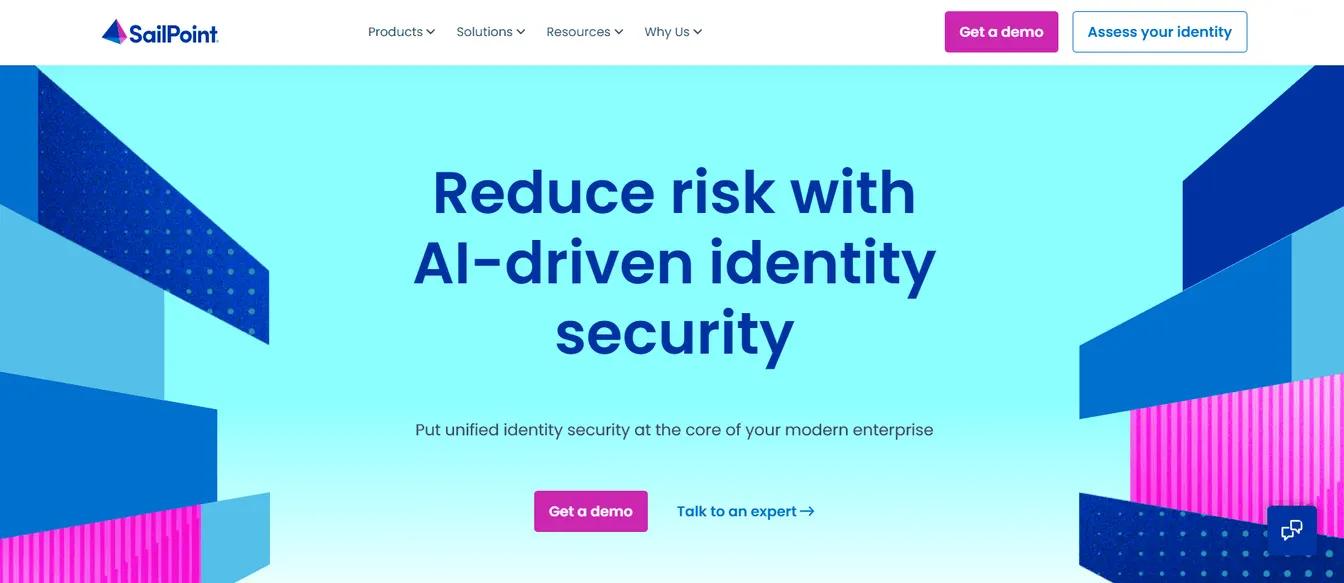
SailPoint understands that effective identity management is the key to enterprise security. As such, it provides extensive visibility into digital identities and control over user access.
It helps you manage the identity lifecycle so users have the right permissions to access the right resources.
SailPoint can also integrate with other third-party apps like Microsoft Active Directory. This helps you extend identity management and security to your company's existing tech stack.
Features:
- Automated lifecycle management
- Strong password policies
- Real-time access risk analysis
- Identity governance
- Extensive integration catalog
7. IBM Verify
Source: IBM.com
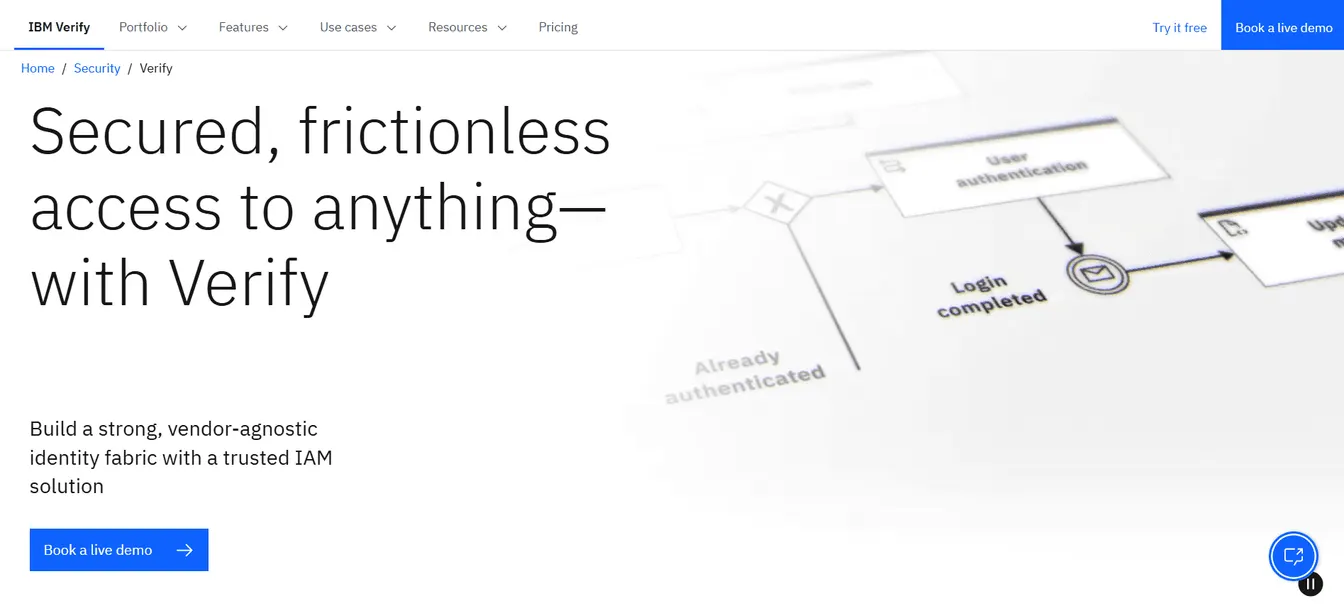
IBM Verify is a cloud-based IAM solution that offers AI-powered context for both consumer and workforce identities. It helps enterprises manage user identities and access across various applications and systems.
IBM Verify also provides drag-and-drop visual flows. These help you connect the identity management software to other systems without coding experience.
Features:
- AI-powered access management solution
- Centralized access control
- Drag-and-drop integrations
- Advanced authentication methods
8. JumpCloud
Source: JumpCloud.com
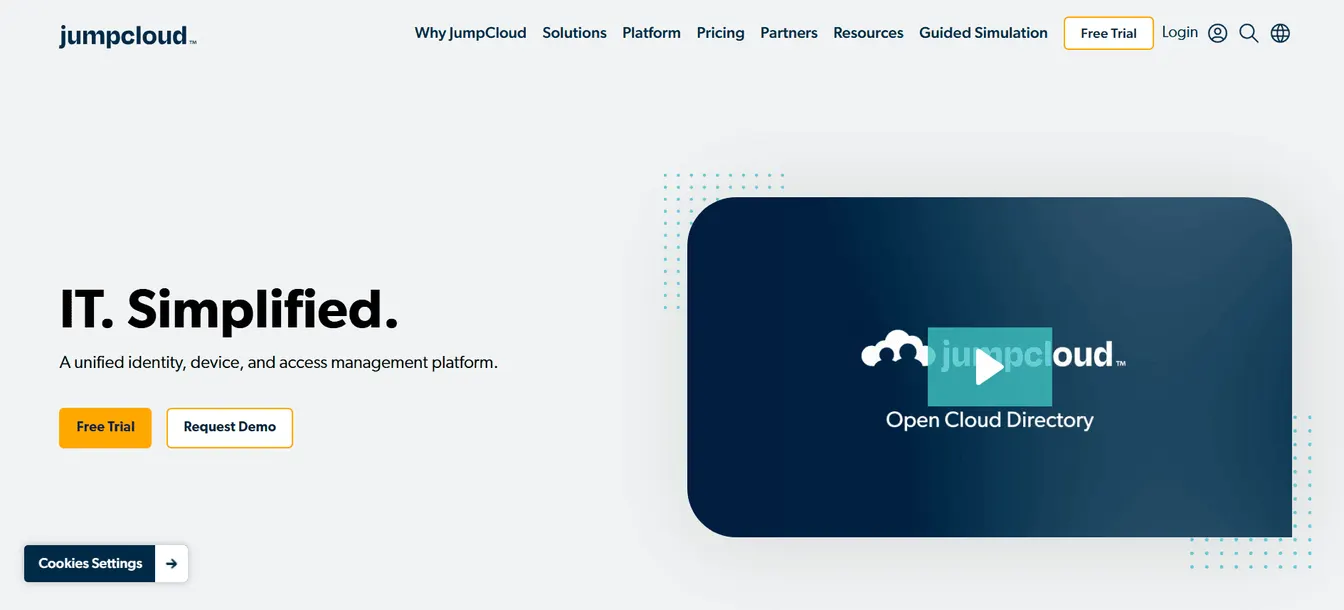
JumpCloud is an open directory service that simplifies identity and access management. It helps you manage and secure identities in one platform.
It also provides SSO and passwordless login flows to improve the user experience without compromising security.
Features:
- A single platform for your enterprise identity management needs
- Passwordless and SSO access
- Automated onboarding and offboarding workflows
- Biometric authenticators
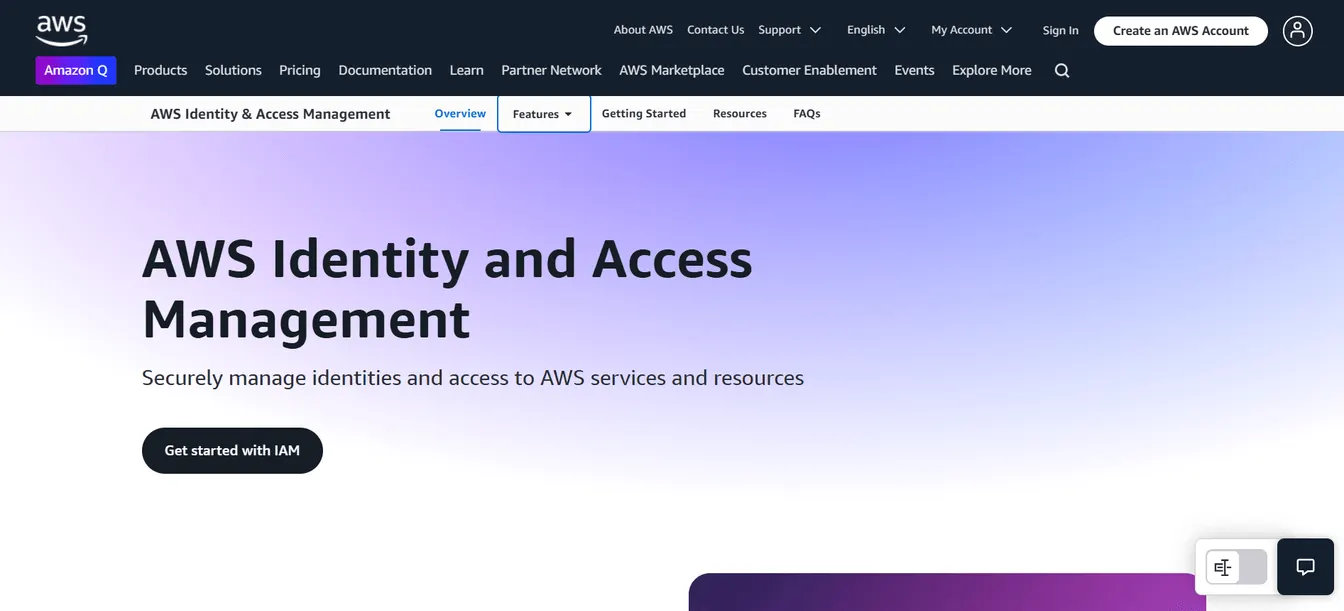
9. AWS Identity and Access Management
Source: AWS.amazon.com
If your enterprise uses Amazon services and resources, AWS Identity and Access Management is a useful tool.
This IAM solution lets you create and manage AWS users or groups. After account creation, it grants access rights based on user attributes, like job role, department, or team name. It lets you protect company resources and minimize security risks.
Features:
- Granular access controls
- Multi-account access and application assignments
- Least-privilege policies for confidential data
- On-demand scaling
What Are the Key Components of Identity Access Management Software?
Below are the key components of any effective identity access management platform.
User Identification and Authentication
User identification and authentication are the first lines of defense in identity and access management. This process verifies that users are who they claim to be.
Common authentication methods include passwords, biometrics, and multi-factor authentication (MFA). Passwords alone are often not enough to protect company data. MFA adds an extra layer by requiring two or more verification methods.
For example, after a user enters the correct password, they need to undergo another authentication process, like entering a one-time password (OTP) sent to their mobile number. This reduces the risk of unauthorized access and keeps sensitive data secure.
Authorization and User Access Control
Once a user is authenticated, the next step is authorization and user access control. This determines what resources the employee can access.
Role-based access control (RBAC) is a popular method. It assigns permissions based on the user’s role within the organization to prevent data breaches.
For instance, an HR manager can gain access to employee records, while an IT administrator can see which systems a specific user has access privileges.
Identity Lifecycle Management
Identity lifecycle management involves managing user identities from creation to deletion. It includes onboarding new employees, updating roles as they change positions, and revoking access when they leave.
Automated processes help you manage access and user identities more effectively, especially in large enterprises.
Let’s say an employee joins your company. Once the HR staff enters their details in the HCM platform, the new hire is given the necessary access based on their role.
When they leave the company, user deprovisioning immediately happens to prevent unauthorized access and potential security risks.
Directory Services
An enterprise IAM system also includes directory services. These help you store and manage user information, such as usernames, passwords, and access permissions.
You can easily manage and secure user data by having important data in one place. You can also make changes once and apply these updates across your entire network.
Single Sign-On (SSO)
Single sign-on (SSO) is another important component of an enterprise identity management system. It allows users to access multiple applications with one set of login credentials.
This prevents the need to make access requests to use a certain application. It frees up your IT department to focus on more strategic tasks instead of reducing IT onboarding tickets.
It also improves the user experience because employees no longer have to remember multiple passwords.
Compliance Management
IAM systems also include tools for compliance management. They help you track user accounts and identify if there is any suspicious activity, like unauthorized entry to sensitive data.
This lets you identify and fix issues promptly to avoid non-compliance penalties and legal complications.
How to Choose the Right Enterprise IAM Solution
Selecting the right IAM solution for your enterprise is an important decision that impacts security, efficiency, and compliance. However, with so many options available, narrowing down your choices can feel overwhelming.
Here’s a step-by-step approach to help you make an informed decision:
Step 1: Assess Your Business Needs
Start by identifying your organization’s specific IAM requirements.
Do you need multi-factor authentication, single sign-on, or privileged access management (PAM)?
Consider your workforce structure, security policies, and compliance requirements to determine which features are non-negotiable.
Step 2: Evaluate Key Features
After determining your needs, you now have a clear idea of which capabilities you need from the enterprise IAM tool.
It's time to evaluate the key features of these different platforms.
For example, if you're specifically concerned about security during onboarding, look for a solution with advanced encryption, zero-trust security principles, and role-based access control.
On the other hand, if your industry has strict regulatory requirements, check if the IAM solution helps you maintain compliance.
Step 3: Prioritize User Experience
Check whether the platform is easy to use or not. Having a complicated IAM system can frustrate employees and lead to security gaps.
Prioritize tools with user-friendly dashboards, intuitive login flows, and adaptive authentication methods to minimize friction during access requests.
The goal is to improve security without disrupting productivity.
Step 4: Check for Integration With Existing Systems
Choose an enterprise IAM solution that integrates smoothly with your existing applications, cloud platforms, and security tools.
Check for compatibility with major cloud providers (such as Microsoft Entra ID and Google Cloud) and business applications (like Microsoft 365 or Salesforce) to guarantee seamless workflows.
Step 5: Compare Pricing and ROI
Lastly, consider the cost of implementing an enterprise IAM platform.
Compare different pricing models—subscription-based, pay-as-you-go, or perpetual licensing—and choose which one fits your needs.
You should also calculate the return on investment (ROI) you get from the software. You can use ROI calculators or read case studies to determine how the platform can benefit your company in the long run.
The best enterprise IAM solution eventually pays for itself by reducing security risks, saving valuable IT time, and improving compliance.
Automate Enterprise IAM With ezOnboard
ezOnboard helps enterprises automate identity management by integrating their HR system with Active Directory. Once employee details are entered into the HR software, this IAM solution automatically creates accounts and grants user access.
Similarly, when a worker quits the company, ezOnboard ensures that the departing employee is immediately transitioned out. This means revoking permission rights and disabling user accounts.
By automating identity and access management, enterprises can enjoy smoother onboarding and offboarding processes.
Request a demo today or check out this ROI calculator to see how much money ezOnboard can save you.
FAQs About Enterprise IAM
What does IAM mean in business?
Identity and access management in business refers to the framework of policies, technologies, and processes that provide individuals with access to the necessary resources at the right time. It can improve a company's security and regulatory compliance by managing user identities correctly.
What is the IAM system?
An IAM system is a technology solution that controls user access to enterprise resources. It includes authentication, authorization, and identity governance features. These help businesses protect sensitive data while ensuring employees, contractors, and partners can securely access the tools they need.
What are the 4 pillars of IAM?
The four key pillars of IAM include identity governance, authentication, authorization, and administration. They play a key role in securing enterprise access and maintaining compliance.
What are the top 5 IAM tools?
The best tools for enterprise identity and access management are ezOnboard, Entra ID, Okta, Oracle, and Ping Identity. It's important to evaluate each platform's features to choose the right one that aligns with your needs and budgets.