7 Best Identity Access Management Tools in 2026
Gregg DavisUpdated 12 min read

Managing user identities and access rights is a constant challenge for IT teams. Employees, contractors, and third-party vendors need access to different systems.
However, granting too many permissions can lead to security risks and compliance violations. On the other hand, restricting access can slow down productivity and create frustration for users.
Identity and access management (IAM) tools help you control who can access what within your IT systems. These can provide several benefits to your company, such as increased security and improved compliance.
In today's article, we will review the best identity and access management tools. We'll also share key criteria to consider when evaluating different IAM solutions.
What Are Access Management Tools?
Access management tools help IT teams control and monitor user access to systems, applications, and data.
These tools guarantee that only the right people can access specific resources based on their role, department, or data security policies.
They work by verifying user identities through authentication methods like passwords, multi-factor authentication (MFA), or biometrics.
After verification, the access management tool grants permission rights through role-based access control (RBAC), attribute-based access control (ABAC), or other security models.
Why Do You Need Access Management Tools?
Managing access rights is easier with dedicated tools. Below are the reasons why access management tools matter:
Prevent Unauthorized Access
Unauthorized access is among the biggest security risks for IT teams. Without secure access management, hackers and former employees can gain entry to systems they shouldn’t.
IAM tools help small businesses and large enterprises implement strong authentication and authorization policies. These guarantee that only the right people can log in and access multiple applications.
Reduce Data Breaches and Cyber Threats
Cybercriminals constantly look for weak access points to steal sensitive data and disrupt business operations. Weak passwords, stolen credentials, and excessive user privileges are common entry points for attacks.
Access management tools reduce security risks by enforcing MFA, RBAC, and single sign-on (SSO). They can also automate user provisioning to prevent manual data entry, which can be prone to human errors.
Some identity and access management solutions can even notify you of unauthorized access attempts and suspicious logins. These allow your IT teams to proactively address security risks before they impact your operations.
Improve IT Efficiency
IT teams often spend hours validating access requests and managing user accounts manually. This increases the risk of errors, security gaps, and delays.
Employees changing roles or leaving the company simultaneously can also add to the complexity. Updating permissions across different systems is time-consuming.
Fortunately, access management tools can automate user provisioning, identity lifecycle management, and other routine tasks. They improve IT efficiency, accelerate response times, and guarantee that users always have the right permissions without unnecessary delays.
By reducing manual workload, IT teams can focus on business-critical tasks.
Maintain Security Compliance
IAM tools help your company achieve and maintain cybersecurity compliance. They automate access controls and enforce strict security policies to meet regulatory standards.
Identity and access management software can also generate real-time reports and audit logs. These make it easier to track and prove compliance to regulatory bodies.
Simplify Onboarding and Offboarding
When new employees or vendors join your company, they need access to software licenses, email accounts, cloud platforms, and internal databases.
Similarly, when they exit your organization, their accounts and permission rights should be instantly revoked.
Without an IAM system, your IT team must manually create accounts and assign permissions. This can cause delays and security risks.
Luckily, access management tools help IT managers grant, modify, or revoke access across multiple applications from a single dashboard.
These can simplify IT onboarding and offboarding. At the same time, they provide positive experiences to both internal and external users.
7 Best Identity Access Management Tools for 2026
Here are the best access management tools to help you oversee permission rights across your organization:
1. ezOnboard
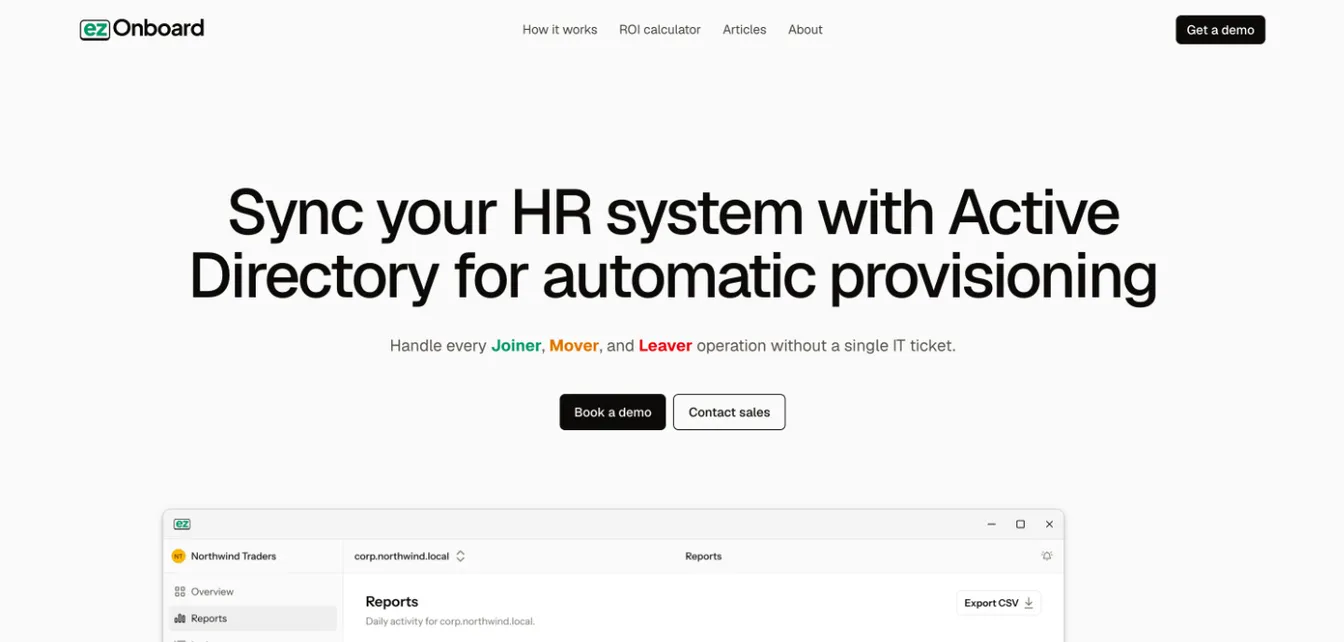
ezOnboard is an identity and access management solution designed to automate IT onboarding and offboarding. This tool simplifies access provisioning, role-based access control, and user management.
It seamlessly integrates your HR software with on-premises Active Directory (AD) and cloud-based Microsoft Entra ID (formerly Azure AD). Once hiring managers enter details in the HR system, the data is automatically reflected in AD.
IT teams can then pre-define access rules based on a user's job title, role, department, or location. This way, onboarding new employees or contractors happens instantly. These users immediately get access to the right tools, which accelerate their productivity and reduce frustration.
Similarly, ezOnboard supports no-touch offboarding. It can automatically revoke access rights and disable accounts when HR records a departure. This prevents former employees or contractors from retaining permission rights to sensitive data and systems.
On top of these capabilities, ezOnboard is fully customizable to align with your specific access management processes. It provides a dedicated customer support team that will deploy the tool based on your needs to help you get the results you seek.
Key Features
- Pre-defined access rules: These allow you to customize permission rights using simple plug-and-play formulas to ensure correct access from day one.
- Seamless HR to AD integration: It can sync data between your HR software and Active Directory environment.
- Automated onboarding and offboarding: It can instantly create accounts, provide access rights, update permissions when needed, and revoke user privileges.
- License recovery: It automatically recovers a departing user’s Microsoft licenses during offboarding.
- Custom notifications and reports: These give you full visibility and control over Active Directory changes.
- Integrated professional services: ezOnboard supports you with an expert team that will deploy and configure the software based on your requirements.
- Agent inside your network: ezOnboard runs on a server in your environment, so personnel data stays there.
Book a demo today to see ezOnboard in action. Or use this ROI calculator to compute savings when using this tool for access and identity management.
2. Okta
Source: Okta.com
Okta is a popular identity provider that can secure access and simplify identity governance across different devices. Its workforce platform now covers AI agents as well as employees and partners.
It offers a single sign-on that allows users to access multiple applications with a single set of credentials. This reduces password fatigue and improves productivity.
Additionally, Okta's multi-factor authentication adds an extra layer of security by requiring users to provide multiple forms of verification before granting access. These usually include one-time passwords (OTPs) sent to a user's mobile phone or biometrics like fingerprints.
Plus, Okta provides a privileged access management (PAM) solution called Okta Privileged Access. This enables you to enforce multi-step approvals, business justification, and time-bound approval durations for improved security.
Key Features
- Single sign-on: It requires a single set of login credentials to access multiple applications.
- Adaptive MFA: It protects your organization against phishing attacks and unmanaged devices by asking for other information before giving access.
- Privileged access: Okta enforces the principle of least privilege to reduce security risks.
- Lifecycle management: It can automate identity lifecycle management to improve productivity and minimize costs.
- Identity governance: It eliminates data silos by generating reports, tracking compliance, and optimizing costs in one place.
3. JumpCloud
Source: JumpCloud.com
JumpCloud offers a cloud directory platform that combines identity, device, and access management. This makes it easier to oversee user identities and control access to various IT resources.
JumpCloud can also improve security and regulatory compliance through SSO, MFA, and conditional access policies.
Additionally, it allows IT teams to connect users to on-premise resources without requiring hardware. This is possible through a cloud lightweight directory access protocol (LDAP).
Plus, JumpCloud provides an integration catalog that enables users to connect to third-party apps. Meanwhile, API services empower IT to create customized workflows and automate complex workflows.
Key Features
- Unified directory platform: It provides a cloud-based directory that centralizes access and identity management across various devices.
- Conditional access policies: These dynamically adjust security policies based on user behavior, device health, and login context.
- Cloud LDAP: It allows seamless authentication for applications and services without needing hardware infrastructure.
- Password manager: It can enforce strong password policies, store credentials securely, and reduce the risk of password-related breaches.
- Integrations with API services: JumpCloud offers an extensive app catalog and API support to integrate with multiple tools and automate workflows.
4. Rippling
Source: Rippling.com
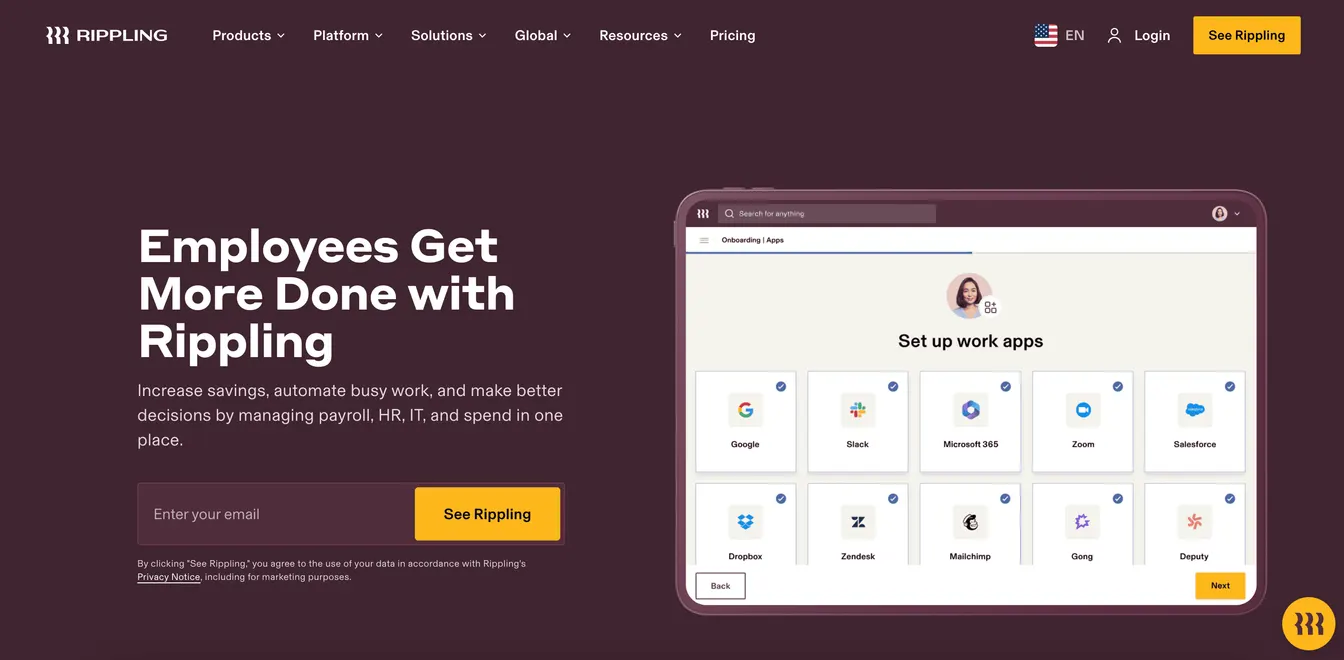
Rippling integrates identity and access management with its human capital management (HCM) software and payroll system.
This integration allows IT administrators to automate provisioning and deprovisioning based on employee status. It guarantees that access rights are consistently aligned with organizational roles.
Rippling also provides real-time visibility into workforce changes during onboarding, transitions, and offboarding. This helps your organization stay on top of access controls and ensures nothing slips through the cracks.
Plus, it can customize alerts and workflows based on any data change inside Rippling's IAM system or connected apps.
Key Features
- Integrated platform: Rippling connects HR, payroll, and IAM into a single platform to make sure user access is automatically updated based on employment status.
- Automated onboarding and offboarding: New employees receive instant access to required applications, while departing users have their access revoked immediately to prevent security risks.
- Advanced access controls: Rippling can enforce RBAC and manage group access using protocols like LDAP or system for cross-domain identity management (SCIM).
- Dynamic behavioral rules: These can strengthen security by automatically adjusting permission rights based on user behavior, roles, and departments.
- Password manager: It allows employees to securely store, share, and manage login credentials while enforcing strong password policies.
5. IBM Verify
Source: IBM.com
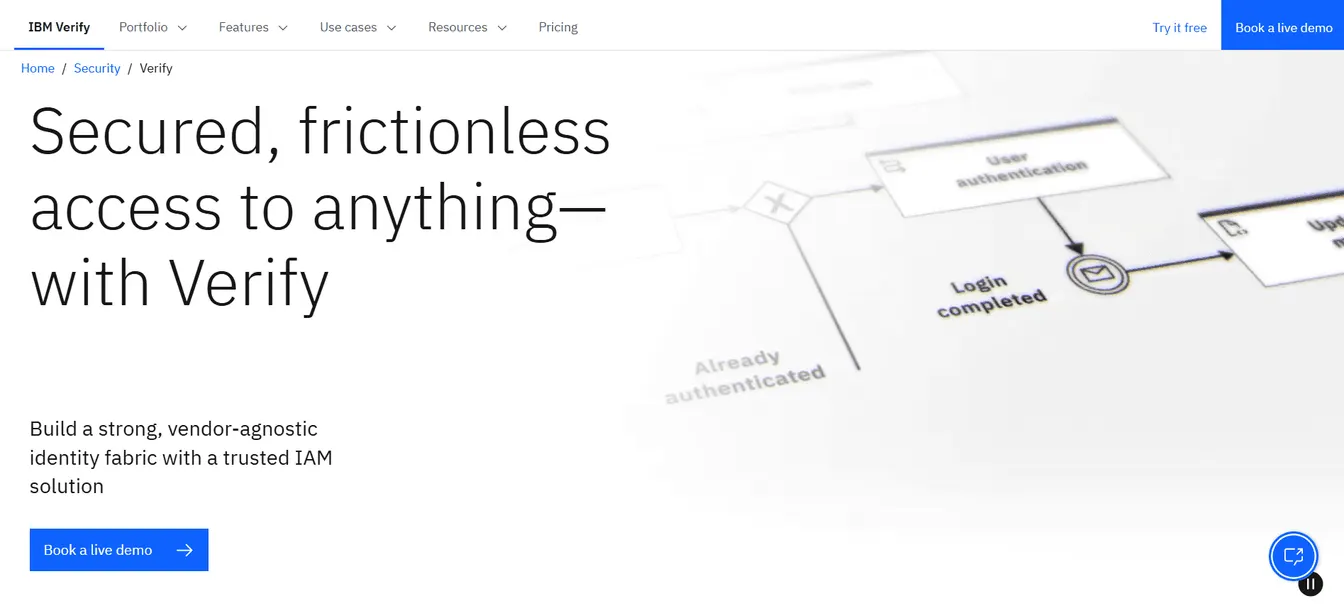
IBM Verify is a secure IAM solution that provides secure and seamless access across diverse environments. It covers both human and non-human identities, such as AI agents.
It enables IT teams to manage permissions on cloud-based licenses, on-premises systems, and mobile applications.
IBM Verify can also integrate your existing identity provider systems with no-code and drag-and-drop visual flows. This orchestration allows you to design workflows for various use cases, such as identity proofing and fraud detection.
It even supports single sign-on, passwordless authentications, and adaptive access to strengthen your company's security posture.
Key Features
- Identity orchestration: It can automate and manage identity workflows across different systems for seamless authentication processes.
- Single sign-on: It centralizes access controls for cloud and on-premises applications.
- Passwordless authentication: IBM Verify uses QR codes, FIDO devices, biometric authentication, and security keys to eliminate the need for passwords.
- Adaptive access: It generates real-time risk assessments that help you adjust authentication requirements based on user behavior, location, and device security.
- Identity analytics: It provides insights into access patterns, user behavior, and potential cyber threats for improved security.
6. Ping Identity
Source: PingIdentity.com
Ping Identity offers an enterprise identity management solution designed specifically for large businesses. Since merging with ForgeRock in 2023, it sells a combined Ping Identity Platform. It centralizes authentication for employees, customers, applications, and devices to improve visibility and efficiency.
Additionally, it enables frictionless authentication through SSO. This allows users to log in once and access multiple applications without repeated authentication requests.
Ping Identity can also enhance security by enforcing MFA and risk-based adaptive authentication. The former requires users to prove their identity by providing at least two pieces of evidence. Meanwhile, the latter automatically adjusts login requirements based on user behavior, device, and location.
Plus, it supports custom identity workflows through its API-first architecture. It helps you improve security while delivering a smooth user experience.
Key Features
- Identity orchestration: Its DaVinci engine lets you design and automate identity workflows without code, using more than 350 connectors.
- User verification: It uses advanced authentication methods, such as multi-factor authentication, biometrics, and risk-based assessments, to verify user identities before granting access.
- API access: Ping Identity can customize workflows and integrations using the cloud-based PingOne APIs.
- Centralized directory: It stores user information in one accessible and secure place to reduce data silos and attack surfaces.
- AI engine: Helix, the AI engine at the core of the platform, supports enterprise-grade security and compliance.
7. OneLogin
Source: OneLogin.com
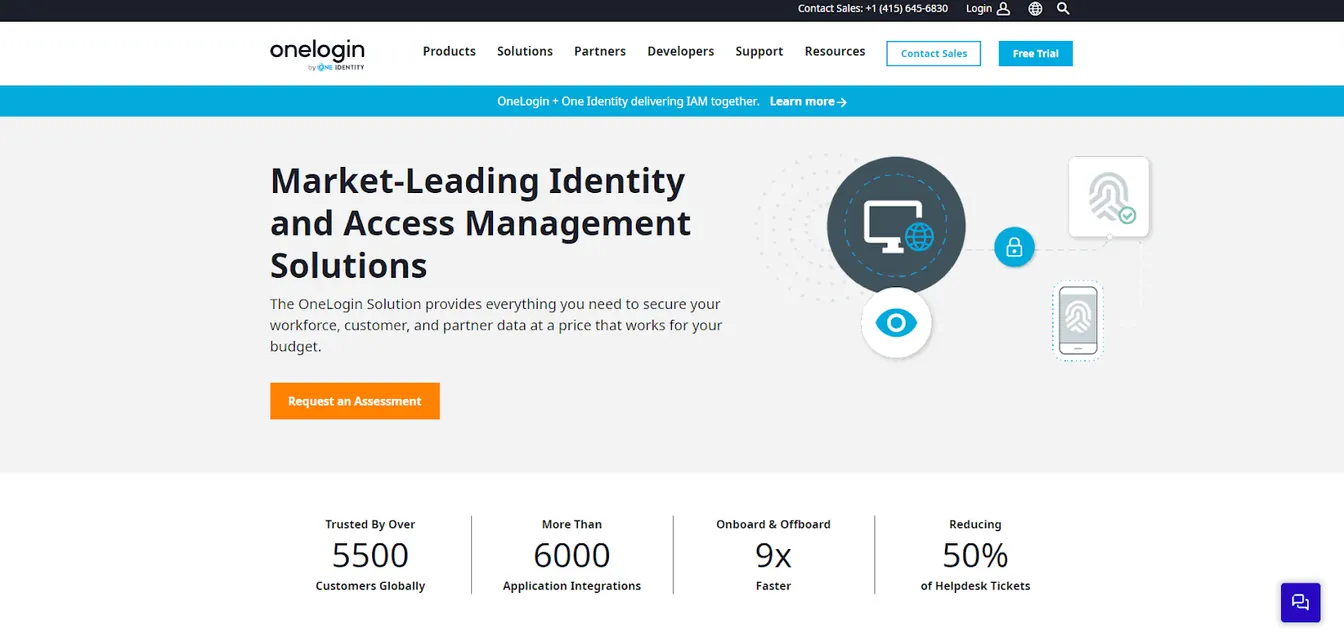
OneLogin, now part of One Identity, is a cloud-based identity and access management solution that helps you secure customer, employee, and vendor data.
It provides a central repository for all connected applications, devices, and users. This makes it easier to manage access rights and reduce security risks.
OneLogin also offers single sign-on, multi-factor authentication, and context-aware adaptive authentication. These ensure that only the right individuals with the necessary permission rights can access sensitive data. At the same time, they enhance user experience by preventing the need for multiple passwords.
Plus, OneLogin has a built-in AI threat engine. It can analyze data from both first-party and third-party sources to identify security risks before they impact operations.
Key Features
- SmartFactor Authentication: OneLogin uses machine learning to assess risk and adapt authentication requirements accordingly.
- Vigilance AI threat engine: It can proactively detect security risks and prevent unauthorized access.
- Advanced directory: It integrates with Workday and Active Directory to ensure seamless user management.
- Identity lifecycle management: It can automate user provisioning and deprovisioning.
- Extensive integrations: OneLogin is compatible with various apps and systems, which enhances the platform's flexibility.
Criteria to Consider When Choosing the Best Access Management Tool
Not all IAM solutions offer the same features, and selecting the wrong tool can lead to security risks, compliance issues, or operational inefficiencies.
Here are some tips for choosing the right access management platform:
Security Features and Authentication Methods
The best access management tool should support strong authentication methods. Look for multi-factor authentication, passwordless verification, biometric logins, and risk-based adaptive controls.
You should also consider role-based access control and attribute-based access control. These can limit permission rights to only what users need.
For security features, seek platforms with automated notifications, threat detection, and end-to-end encryption. These protect your IT system from unauthorized access and cyber threats.
Real-Time Dashboards
Check if your IAM tool provides real-time visibility into user activity. It should allow you to track logins, monitor suspicious access attempts, and view authentication trends.
With a real-time dashboard, you can also identify security risks before they impact operations. Additionally, you can easily manage access policies and maintain regulatory compliance.
Ease of Integration With Existing IT Infrastructure
Select an access management tool that is compatible with your existing IT environment. It should integrate with directory services, cloud platforms, HR systems, and third-party applications.
It's better to invest in a cloud-based IAM solution as it offers more flexibility. It can provide API integrations, SCIM provisioning, and support for hybrid environments.
Compliance and Regulatory Support
If your company operates in a regulated industry, you should choose an IAM tool with compliance tracking features. Look for detailed audit logs and compliance reports that simplify security audits.
Without proper compliance support, you risk fines, legal issues, and potential security breaches.
Pricing and Return on Investment (ROI)
The last factor to consider is the cost of the IAM tool. Make sure it fits your budget. However, keep in mind that the cheapest option is not necessarily the best.
You should also consider both upfront costs and long-term expenses, including maintenance, integration, and training.
Then, calculate the ROI by using calculators or reading case studies. Choose an IAM solution that saves you money in the long run by reducing security risks, ensuring compliance, and improving operational efficiency.
Automate Access Management With ezOnboard
ezOnboard offers an automated access management solution for businesses experiencing fast growth or high attrition.
By connecting HR systems to Active Directory and Entra ID, it can instantly provision and deprovision users based on pre-defined access rules.
ezOnboard eliminates repetitive, error-prone tasks. It allows IT teams to focus on strategic initiatives while users receive a positive onboarding and offboarding experience.
Request a demo to learn more, or check this ROI calculator to learn how much money ezOnboard can save you.
FAQs About Access Management Tools
What is an access management tool?
An access management tool controls and secures user authentication and authorization across company systems. It guarantees that employees, contractors, and partners only have access to the applications and data they need.
What are access control tools?
Access control tools are security solutions that regulate who can enter a system, network, or database. They use permissions, authentication policies, and security protocols to allow or deny access.
What are IAM and PAM tools?
IAM or identity and access management tools oversee user identities, authentication, and access rights across an organization. Meanwhile, PAM or privileged access management tools secure high-level accounts, such as administrators and executives, who have critical system permissions.
What is an example of access management?
A common example of access management is single sign-on. SSO allows users to gain access to multiple business applications using a single set of credentials.