Identity and Access Management for Small Business: Top 5 Tools
Gregg Davis8 min read

Small businesses often overlook security measures due to budget constraints and limited resources. However, managing who can access your company’s sensitive data is important. The last thing you want is for your business records, financial information, and customer data to fall into the wrong hands.
Identity and access management (IAM) solutions monitor and control access to your systems. They ensure that only authorized personnel can see specific company information.
In this article, we’ll review the top five IAM tools for small businesses. We’ll also explain the importance and benefits of implementing an IAM solution.
The Importance of IAM Tools for Small Businesses
As a small business owner, managing identities and user access may be challenging.
You probably lack the budget and resources to implement extensive security measures. For one, there might be insufficient IT staff to handle different users’ access.
As a result, you have to rely on outdated methods, like spreadsheets, to monitor user access. This can lead to human errors, which can be very risky.
Keeping track of who has access to what resources can also become more complicated as your business grows. Maintaining secure access can be difficult as more internal and external users (e.g., suppliers and vendors) are added to your systems. This leaves your data vulnerable to security breaches and cyberattacks.
Fortunately, an identity and access management tool can address these challenges effectively. It provides a centralized platform to manage user identities, which can make monitoring and maintaining secure user access easier.
IAM software also automates identity management. This reduces the risk of human errors and increases IT productivity, making it an important tool for small businesses.
Benefits of IAM Solutions for Small Businesses
Below are the specific benefits identity access management tools can offer for small businesses:
Better Security
IAM solutions improve security by making sure only authorized users can access sensitive information.
They provide multiple layers of protection, such as multi-factor authentication (MFA) and role-based access controls (RBAC), which minimize the risk of data breaches and unauthorized access.
IAM software also allows you to monitor and track user activities to identify suspicious behavior quickly. This proactive approach helps prevent security incidents before they escalate.
Cost Savings
At first, it may seem like implementing an IAM solution is another expense for your small business. But in reality, using it can lead to significant cost savings.
IAM software reduces the need for manual oversight by automating processes. This saves you valuable time and labor costs.
It can also minimize the chances of human errors, which can lead to financially devastating data breaches.
Lastly, it can prevent the costly downtime and loss of productivity that often follow security incidents.
Increased Productivity
IAM solutions simplify access management by allowing employees to access the resources they need without delay.
Features like single sign-on (SSO) make it easier to log in to accounts, saving time and reducing frustration.
Meanwhile, automated user provisioning gives employees the right access from day one, further increasing productivity.
With IAM, IT staff also spend less time managing access issues and more time on strategic initiatives. This efficiency boosts employee morale and contributes to your company’s success.
Improved User Experience
A well-implemented IAM solution improves the user experience by providing seamless access to systems and applications.
Thanks to SSO, employees no longer need to remember multiple passwords. This prevents password management issues and also increases security.
Identity management software can also include self-service portals. They allow users to reset passwords without IT intervention, which helps save time for both users and IT staff.
Top 5 IAM Software Solutions for Small Businesses
Here are the best IAM solutions for small businesses:
1. ezOnboard
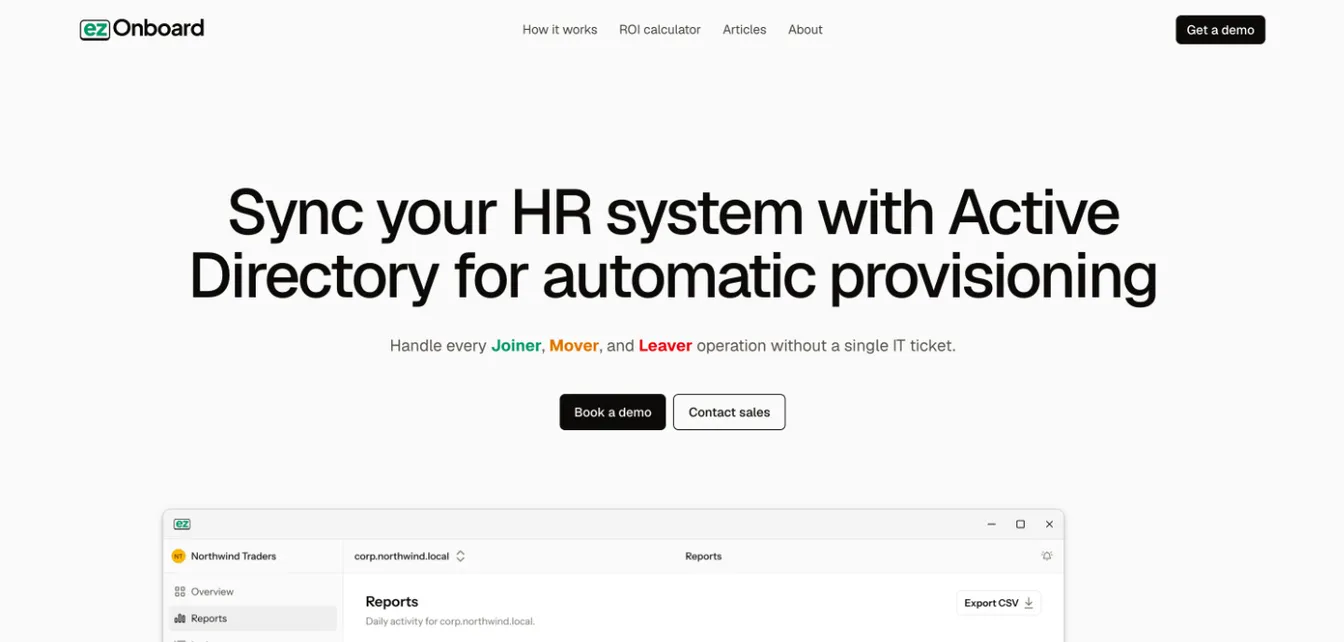
ezOnboard makes it easier for small businesses to manage digital identities and secure user access.
Connecting your HR system with Microsoft Active Directory and Entra ID automates many tasks associated with account setup and access provisioning.
This IAM tool gives new employees correct access to the right resources from day one. It allows you to pre-define access rules to ensure a smooth transition during IT onboarding.
When users leave or change roles, ezOnboard automatically revokes their permission rights to protect sensitive data and critical systems. When users leave, it also recovers their Microsoft licenses to cut costs.
What sets ezOnboard apart from other IAM solutions is its integrated professional services. The experts behind the software will work with you to deploy and configure the platform so you can focus on results.
It’s a great choice for small businesses looking to simplify their onboarding and offboarding processes. Book a demo today to get started!
Key Features:
- Seamless integration with Active Directory and HR software
- Instant account and permissions setup
- Customizable access rules
- Automated onboarding and offboarding
- Real-time reports and notifications
- License reclamation
- Integrated professional services
2. JumpCloud
Source: JumpCloud.com
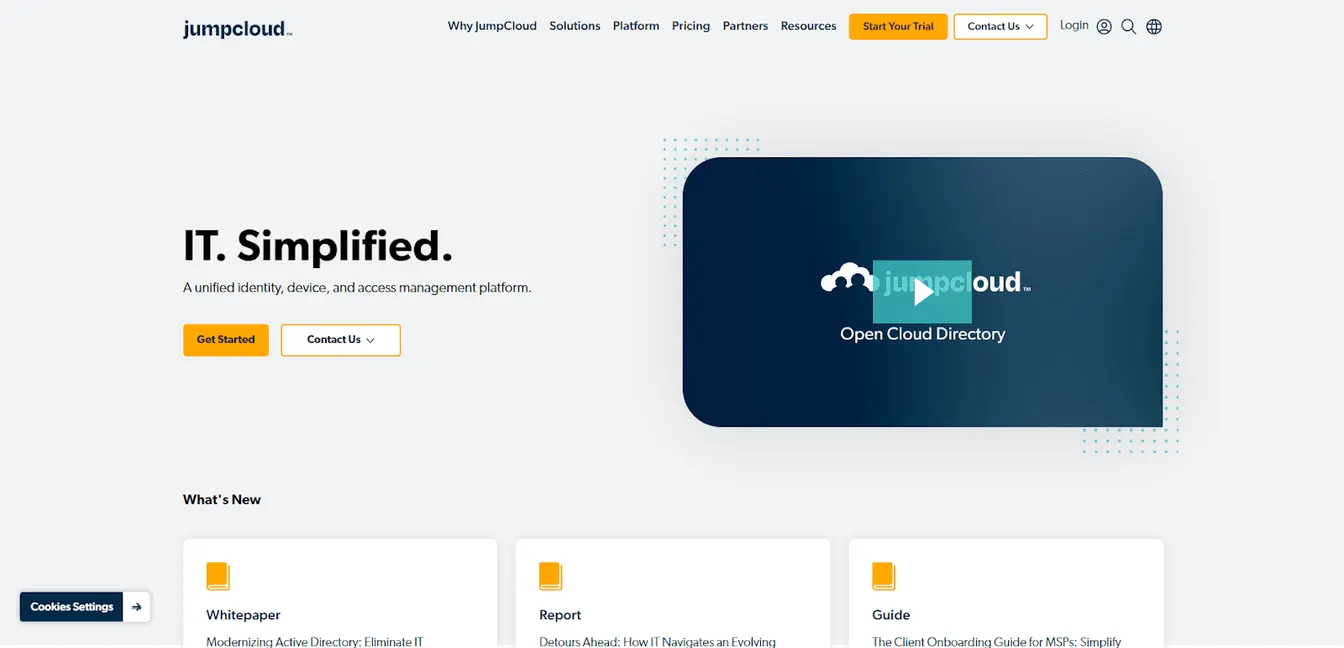
JumpCloud is a versatile IAM solution designed to unify identity, access, and device management. It helps you manage users and devices across various operating systems, such as Windows, Mac, and Linux.
It also improves security by using a built-in multi-factor authentication and a native password manager. These tools make it easier to protect sensitive company information from unauthorized users.
Key Features:
- Unified dashboard for identity and access management
- Built-in MFA and password manager
- Passwordless login
- Open integrations
3. OneLogin
Source: OneLogin.com
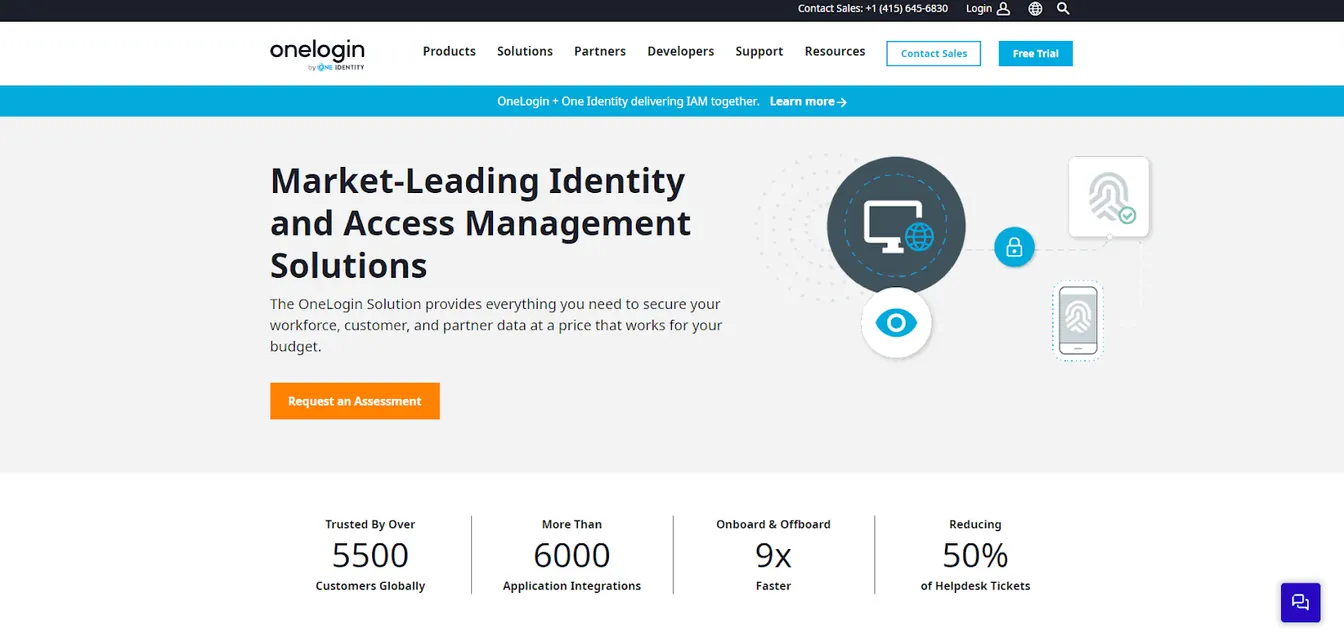
OneLogin focuses on providing secure and simple access management for small businesses. It offers a unified access management platform that integrates seamlessly with several applications and systems.
OneLogin’s advanced security features, such as adaptive authentication and single sign-on, help you protect your data.
At the same time, it improves the user experience, which can lead to increased productivity for your team.
Key Features:
- Centralized identity and access management platform
- SSO, MFA, and adaptive authentication process
- Passwordless login
- Extensive integration capabilities
4. Descope
Source: Descope.com
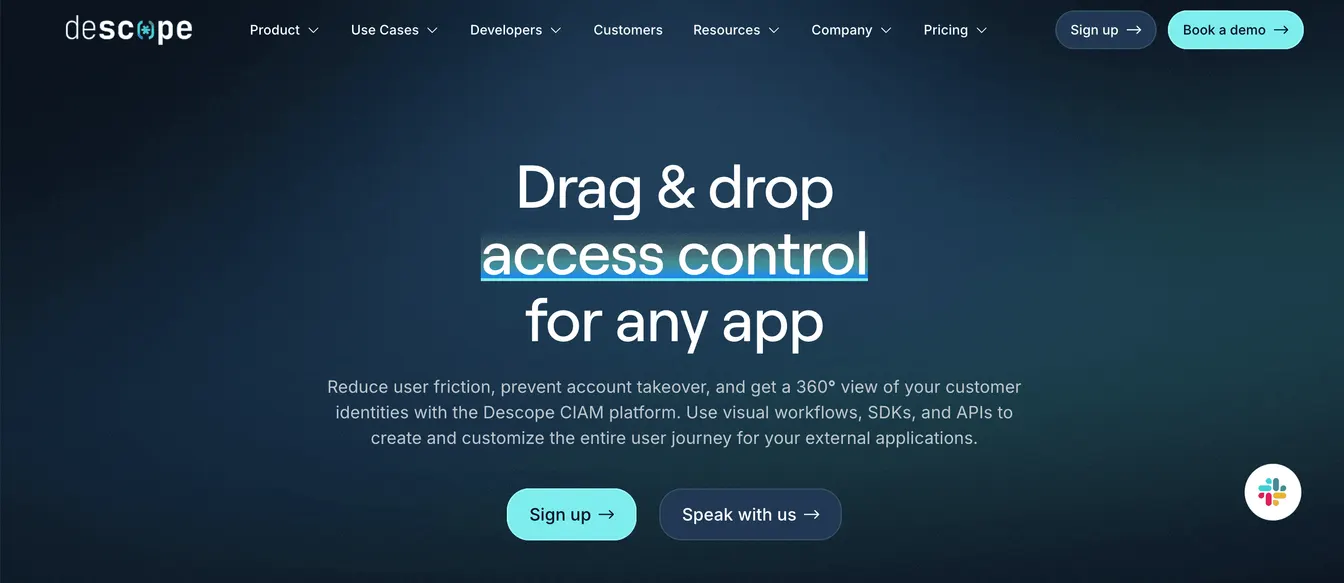
Descope is an identity management software solution that offers seamless user and access management for small businesses.
It provides a drag-and-drop, no-code interface for creating user authentication flows, so even non-developers can configure the platform.
Descope also supports passwordless login, MFA, SSO, and least privilege access. It can improve security while reducing the complexity of managing identities.
Key Features:
- No-code platform
- Multiple authentication methods
- Role-based access control capabilities
- Self-service portals
5. Google Cloud Identity and Access Management
Source: Cloud.Google.com
If your small business already uses Google Workspace, you might want to consider using its own identity and access management solution.
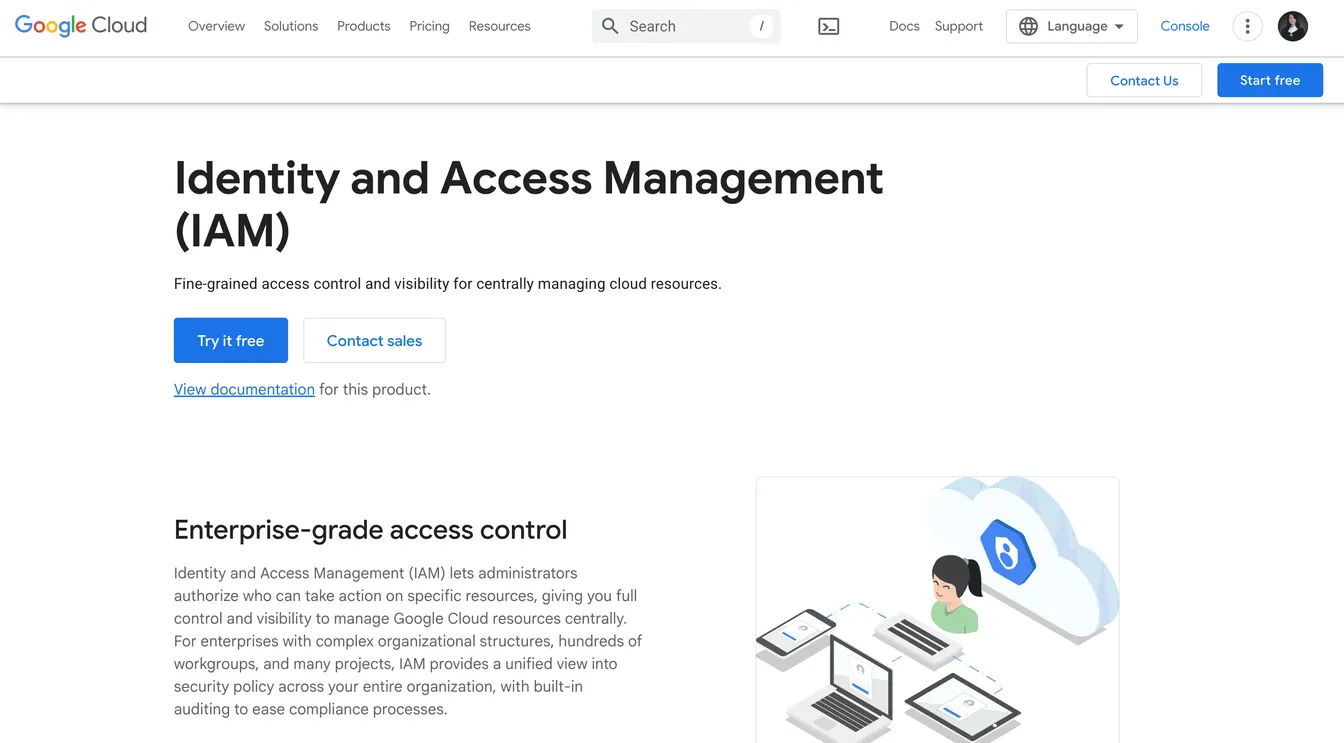
It provides a unified view of permissions across your entire cloud environment. It can also track the authorization, removal, and delegation of access in real time.
This makes it easier to meet compliance and identify risks before they become serious problems.
Google Cloud’s IAM platform even lets you manage resource permissions with minimal human intervention. It can automate processes, which prevents human errors and improves security.
Key Features:
- Easy-to-use interface
- Built-in audit trail
- Automated permission control
- Granular access control policies
Best Practices for Implementing an Identity and Access Management Solution for Small Business
Having the right IAM software isn’t enough if you don’t know how to use it properly. Below are the best practices for implementing an IAM solution in your small business.
Develop a Detailed Implementation Plan
Start by assessing your company’s security needs and identifying key areas where the IAM software can make a difference.
Then, you should outline the steps needed for implementation, such as timelines, resources, and responsibilities.
A detailed plan can keep everyone on the same page and help the project stay on track.
Provide Training and Support
Training is important to make sure all users understand how to use the new IAM solution.
Schedule regular training sessions covering the system’s basics, security protocols, and troubleshooting tips.
You should also clearly and consistently communicate the benefits of the IAM software. This helps increase user adoption and ensures smooth operation.
You can partner with the software vendor to train your team if you have a limited budget and resources. Make sure they offer reliable customer support through various channels (phone, email, or live chat) and detailed documentation.
Set Up User Accounts and Access Controls
With your IAM tool, you can create user profiles and assign appropriate access levels based on roles and responsibilities.
You should also enforce the principle of least privilege so that only authorized individuals can access sensitive resources, such as financial data.
After that, review and update access controls regularly to adapt to organizational changes.
Configure Authentication and Authorization
Now that the accounts are all set up, you can configure authentication and authorization methods to meet your unique needs.
You can implement multi-factor authentication to add an extra layer of security. If you want to simplify the login process for all users, consider setting up a single sign-on.
You can even enable biometrics to make sure only the right person can access sensitive company information.
Conduct Thorough Testing
Before going live, you should test all components, from user provisioning and access controls to authentication mechanisms.
Check if they are working as intended. If not, you should promptly address any issues to reduce the risk of disruptions once the system is fully deployed.
Monitor the IAM Software
Finally, you should continuously monitor your IAM software to maintain organizational security and efficiency over time.
Review access logs and reports regularly to identify potential security threats. Better yet, you can implement automated alerts to notify you of suspicious activities.
Automate Identity and Access Management With ezOnboard
ezOnboard helps small and medium businesses automate identity management by integrating their HR system with Active Directory and Entra ID.
Once employee details are entered into the HR software, it automatically creates accounts and grants user permissions to the necessary resources.
Similarly, when a user exits the company, ezOnboard ensures that the departing employee is immediately transitioned out. This means revoking permission rights, disabling user accounts, and reclaiming licenses.
By automating identity and access management, your business can enjoy smoother onboarding and offboarding processes.
Request a demo today or check out the ROI calculator to see how much money ezOnboard can save you.
FAQs About Identity and Access Management for Small Business
What are the 4 pillars of IAM?
The four pillars of identity and access management refer to authentication, authorization, user management, and centralized directory services. Together, they make sure only the correct users have access to the necessary resources at the right time.
What are the four components of IAM?
The main components of IAM include identity governance, access management, authentication services, and privileged access management (PAM). These parts work together to verify users, manage permissions, track access, and protect sensitive data.
What does an identity and access manager do?
An identity and access manager oversees who can access what systems and data within a company. They manage user accounts, enforce access policies, and monitor for suspicious activity. In small businesses, this role helps prevent breaches and ensures employees have access to only the tools they need.
Does Microsoft have an IAM solution?
Yes, Microsoft offers Azure Active Directory (now known as Entra ID) as its IAM solution. It helps small businesses manage user identities, enable single sign-on, enforce multi-factor authentication, and control access to cloud services. It seamlessly integrates with Microsoft 365 and other third-party apps for seamless user management.