10 Best License Management and Tracking Tools in 2026
Gregg DavisUpdated 14 min read

Businesses of all sizes run a mix of on-premises software and software as a service (SaaS). Keeping track of every license, who has it, and whether it’s used is a big job for IT teams, and doing it by hand in spreadsheets rarely keeps up.
This is where software license management and license tracking tools come into play. They give you one accurate view of what you own and how it’s used, so you can avoid audit penalties, wasted money, and missed renewals.
In this article, we’ll explain what a license tracking tool does, then review the 10 best license management tools available today, with a side-by-side comparison. We’ll also cover the features that matter, how to choose, and how to roll a tool out. For the practice behind the tools, see our software license management guide.
What Does a License Tracking Tool Do?
A software license tracking tool is the system of record for your licenses. It keeps an inventory of what you are entitled to use and matches it against real usage. That turns license management from guesswork into a controllable process.
The best tools go further:
- Discovery and inventory. They detect installed and assigned software across your estate automatically, including apps IT didn’t buy.
- Usage tracking. They show which licenses are actively used and which are dormant.
- Reclamation. They recover unused seats, especially from people who have left.
- Renewal and contract tracking. They alert you before renewals, so you renew on your terms.
- Compliance reporting. They produce audit-ready evidence of entitlements against usage.
Tracking is the visibility layer: knowing what you have and how it is used. Management is the wider practice that uses that data to cut cost and stay compliant. Most of the tools below do both.
When Do You Need One?
You need a dedicated tool when spreadsheets stop keeping up. Common signs are a growing number of vendors, renewals that catch you by surprise, frequent vendor audits, and a nagging sense that you pay for seats nobody uses.
10 Best License Management Tools in 2026
The tools below fall into four groups: HR-driven license automation (ezOnboard), dedicated IT asset management (ManageEngine AssetExplorer, Flexera, EZO AssetSonar), service desks with asset management (ServiceNow, SolarWinds Service Desk, Freshservice), and specialist tools for SaaS (Zluri) and engineering licenses (Reprise, HPCWorks Insight Pro).
1. ezOnboard
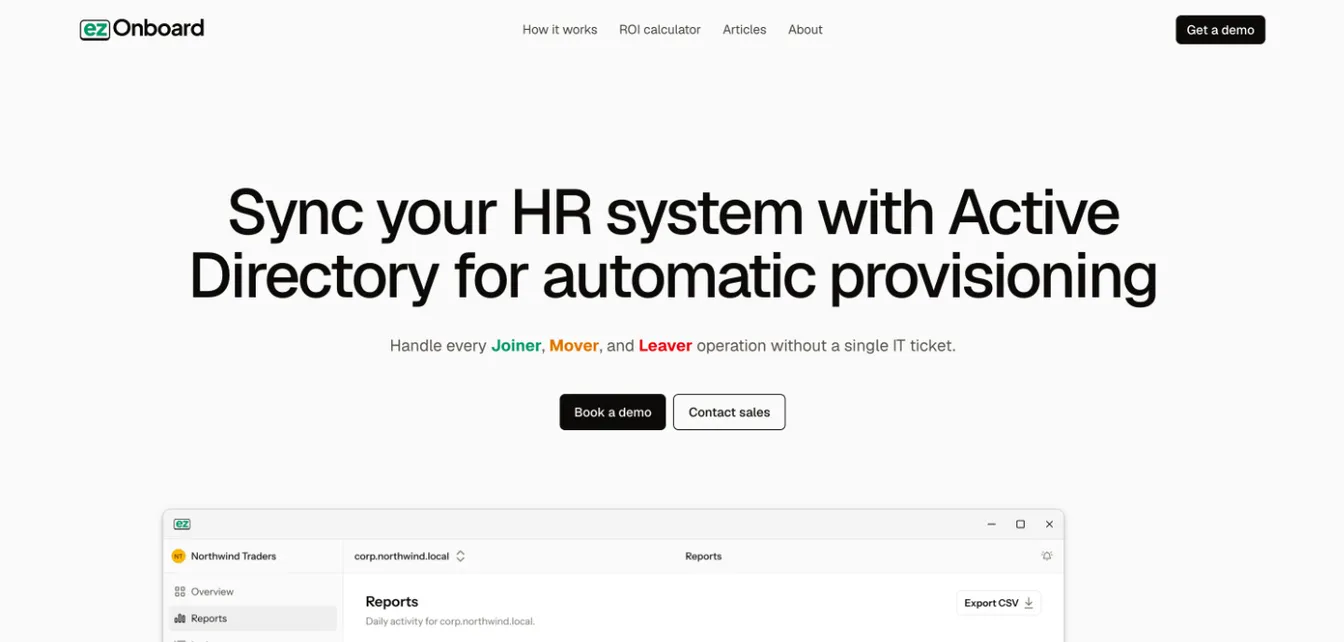
ezOnboard connects your HR system to Active Directory, Entra ID, and Exchange, and automates IT onboarding and offboarding. It isn’t a traditional license tracking tool. Instead, it fixes the biggest source of license waste: Microsoft licenses that stay assigned after people move or leave.
When HR records a hire, ezOnboard creates the account and assigns the groups and Microsoft licenses the role calls for. When someone changes role, it adjusts them. When HR records a departure, it disables the account and recovers the licenses on your timeline. Every change is recorded, which gives you an exportable history of who was granted which access and licenses, and when.
Best for: Microsoft 365 organizations whose license waste comes from leavers and movers.
Key features:
- Integration with HR systems such as UKG Pro and ADP
- Automatic Microsoft license reclamation for leavers
- Custom business rules for user provisioning and deprovisioning
- An auditable record of every change, with export
- Custom notifications by email and webhook
Request a demo today or check the ROI calculator to see how much money ezOnboard can save you.
2. ManageEngine AssetExplorer
Source: manageengine.com
ManageEngine AssetExplorer is a web-based IT asset management (ITAM) tool for software and hardware assets. It discovers assets across Windows, Linux, and macOS and tracks them from purchase to disposal, which helps you comply with license agreements and avoid fees for software misuse.
AssetExplorer is available in the cloud or on premises. A free edition covers up to 50 nodes in the cloud or 25 nodes on premises.
Best for: Teams that want dedicated asset management without a full service desk suite.
Key features:
- Automated asset discovery and inventory
- Software license compliance tracking
- Purchase order and contract management
- Full IT asset lifecycle management
- Software and hardware cost tracking
3. Flexera (FlexNet Manager)
Source: flexera.com
Flexera’s FlexNet Manager supports licensing models from many vendors and gives you visibility into license utilization across your software estate. It helps you get full value from the licenses you have bought before you buy more.
Flexera now leads with Flexera One ITAM, its cloud platform, and still offers FlexNet Manager Suite for organizations that want to run it themselves.
Best for: Large enterprises with complex agreements from major publishers.
Key features:
- Detailed software usage tracking and reporting
- Support for many vendors’ licensing models
- Centralized management of software assets
- Vendor management
- Technology insights
4. ServiceNow Software Asset Management
Source: servicenow.com
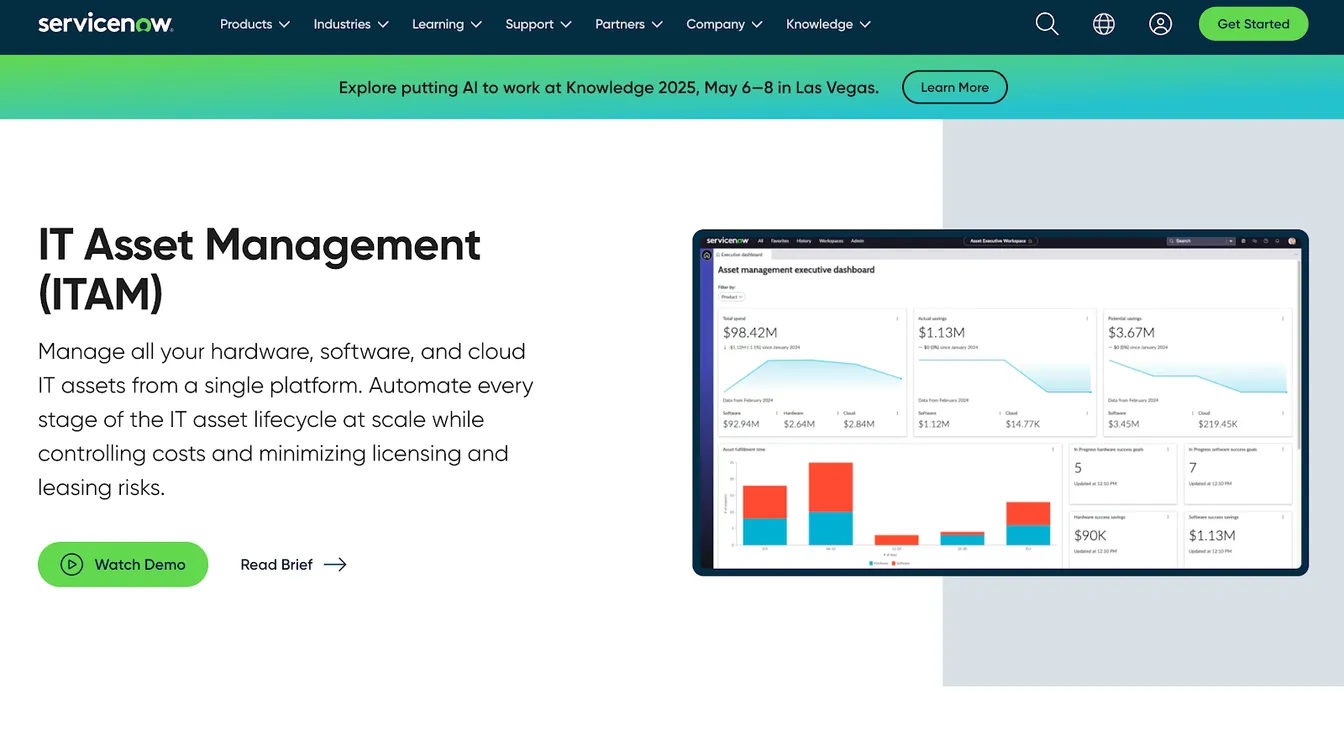
ServiceNow Software Asset Management, part of ServiceNow IT Asset Management, tracks software licenses across the enterprise. It gives you a current view of your compliance position and software usage, with reconciliation that can run weekly or on a schedule you choose.
It also identifies reclamation candidates from usage data and can automate reclaiming them through workflows.
Best for: Large organizations that already run ServiceNow for IT service management.
Key features:
- Scheduled license reconciliation and compliance position
- Usage-based reclamation rules
- Automated reclamation workflows
- Dashboard of true-up costs and potential savings
- Integration with the wider ServiceNow platform
5. SolarWinds Service Desk
Source: solarwinds.com
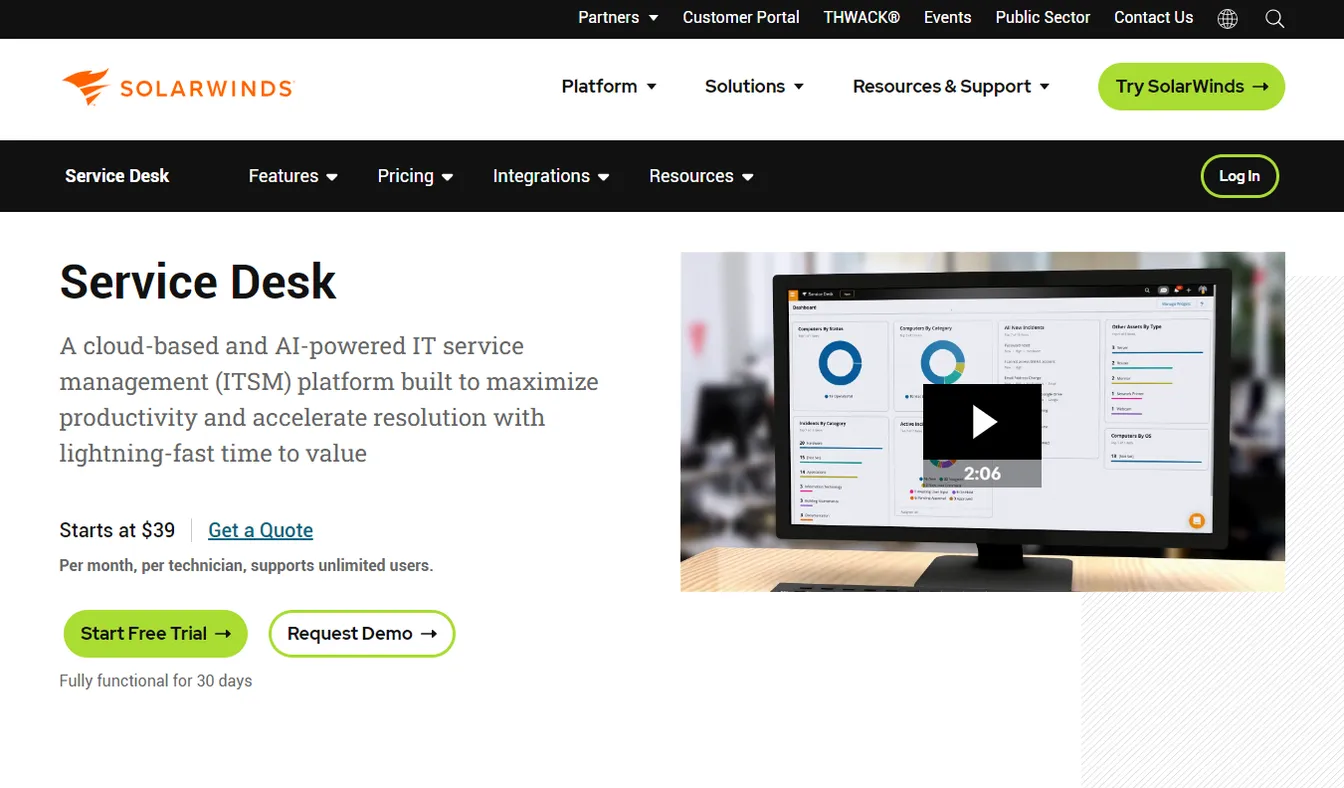
SolarWinds Service Desk is an IT service management (ITSM) platform with software asset management features. It offers real-time visibility into software usage and can detect unlicensed, over-allocated, or unauthorized software. It also keeps an audit trail for compliance documentation and alerts you to contract deadlines and renewal dates.
Best for: Mid-size IT teams that want license tracking inside their service desk.
Key features:
- Software license management within its asset management module
- Software discovery through agents, network discovery, and Microsoft SCCM integration
- Contract and renewal alerts
- Custom reports on inventory, compliance, and licensing trends
- Audit trail for compliance documentation
6. Freshservice
Source: freshworks.com
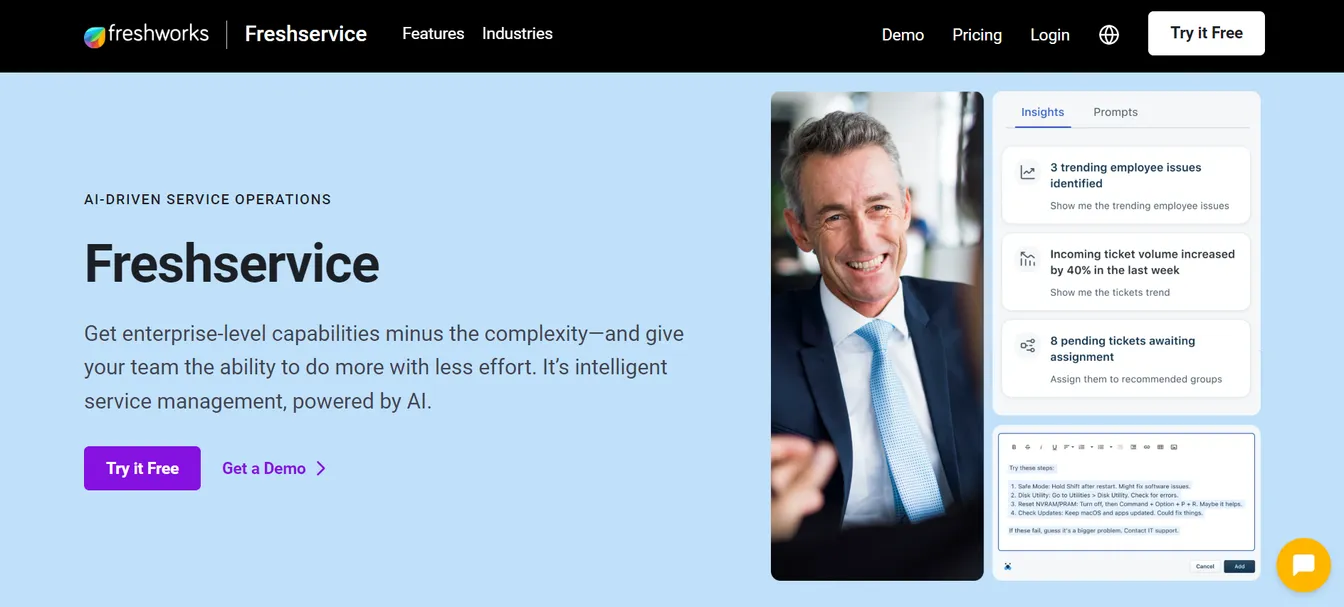
Freshservice by Freshworks includes IT asset management in its IT service management suite. It compares installed software with the licenses you have purchased, which makes it easier to track usage, spot unauthorized installations, and comply with license agreements.
Its contract management keeps software licenses, leases, and service agreements in one place, with renewal tracking.
Best for: Teams already on, or moving to, Freshservice for their service desk.
Key features:
- Software license management and compliance tracking
- Automated discovery across on-premises, cloud, and hybrid environments
- Contract and renewal management
- A CMDB that links assets to their contracts
- Part of a full IT service desk
7. EZO AssetSonar
Source: ezo.io
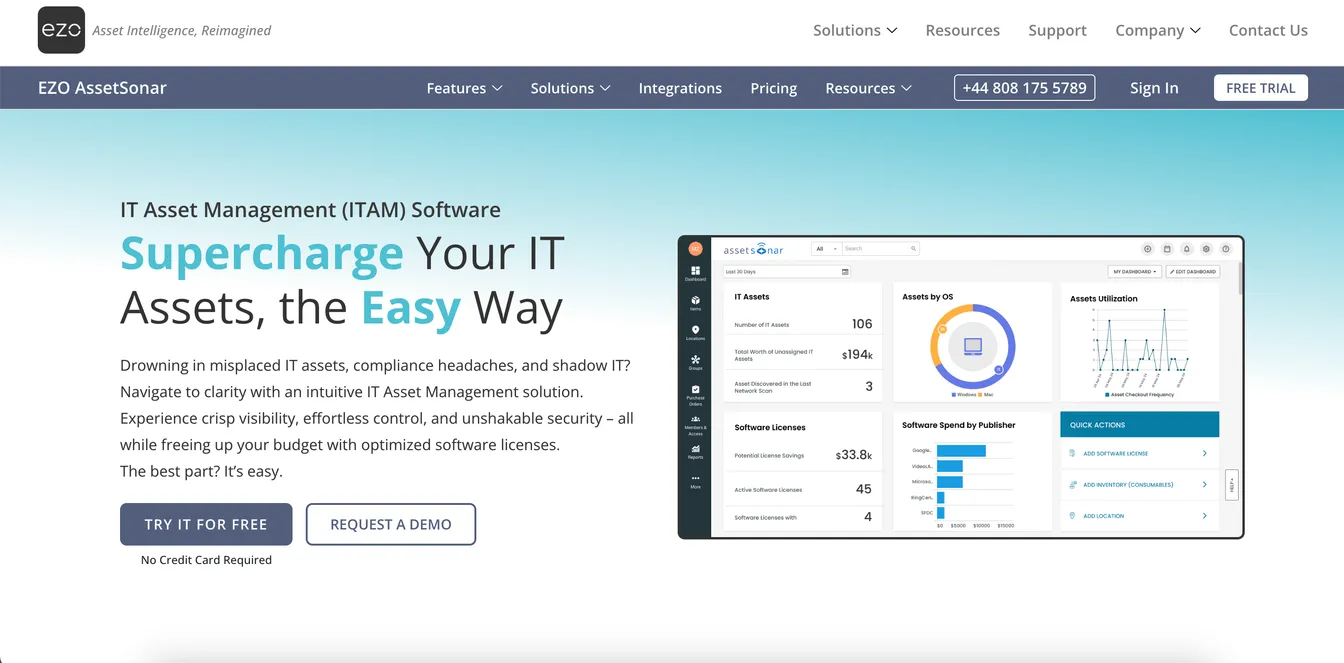
EZO AssetSonar combines hardware and software asset management to help you stay compliant. Its software discovery and normalization features help you find shadow IT and redundant SaaS licenses, and its reports show where you can reallocate resources.
Best for: Small and mid-size IT teams that track hardware and software in one place.
Key features:
- Hardware and software license tracking
- Reporting and analytics on software usage and costs
- Automated alerts for license renewals and expirations
- Network discovery and data consolidation
- Integration with other IT management systems
8. Zluri
Source: zluri.com
Zluri is a SaaS and IT management platform that shows all your software apps in one dashboard. This makes it easier to identify unused or underused licenses and reclaim them.
Zluri now positions itself mainly as an identity governance and security platform, with SaaS management as one of its modules. This makes it a fit if you want license optimization and access reviews in the same tool.
Best for: SaaS-heavy organizations that also need identity governance.
Key features:
- Visibility into SaaS usage, including shadow IT
- Automated license reclamation
- Contract and renewal management
- Access reviews and compliance reporting
- Integration with existing IT systems
9. Reprise License Manager
Source: reprisesoftware.com
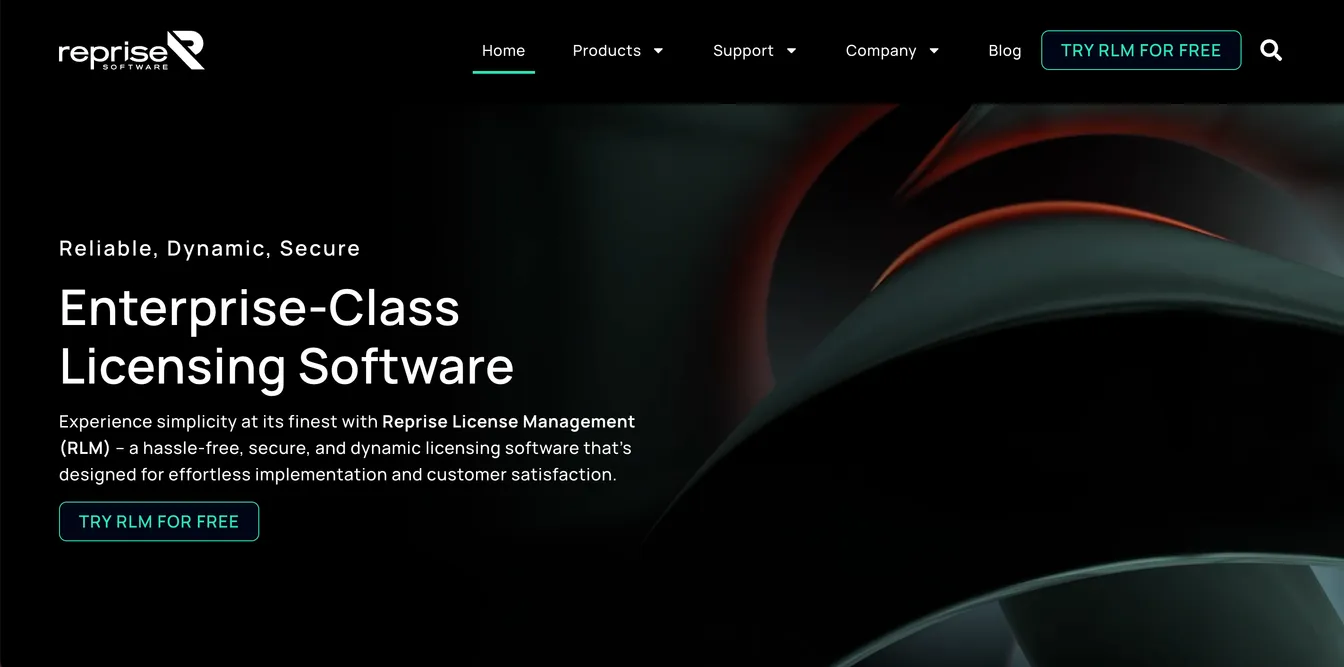
Reprise License Manager (RLM) runs on premises or in the cloud through RLM Cloud. Software publishers use it to license their products, and IT teams that run RLM-licensed applications use its license server to track usage across Windows, Mac, Linux, and mobile platforms.
It supports different license types and generates reports for compliance management.
Best for: Organizations running engineering or scientific applications licensed through RLM.
Key features:
- Support for many licensing models
- Real-time license usage monitoring
- Detailed reporting
- Automatic server discovery
- Access control through a web browser
10. HPCWorks Insight Pro for License Analytics
Source: siemens.com
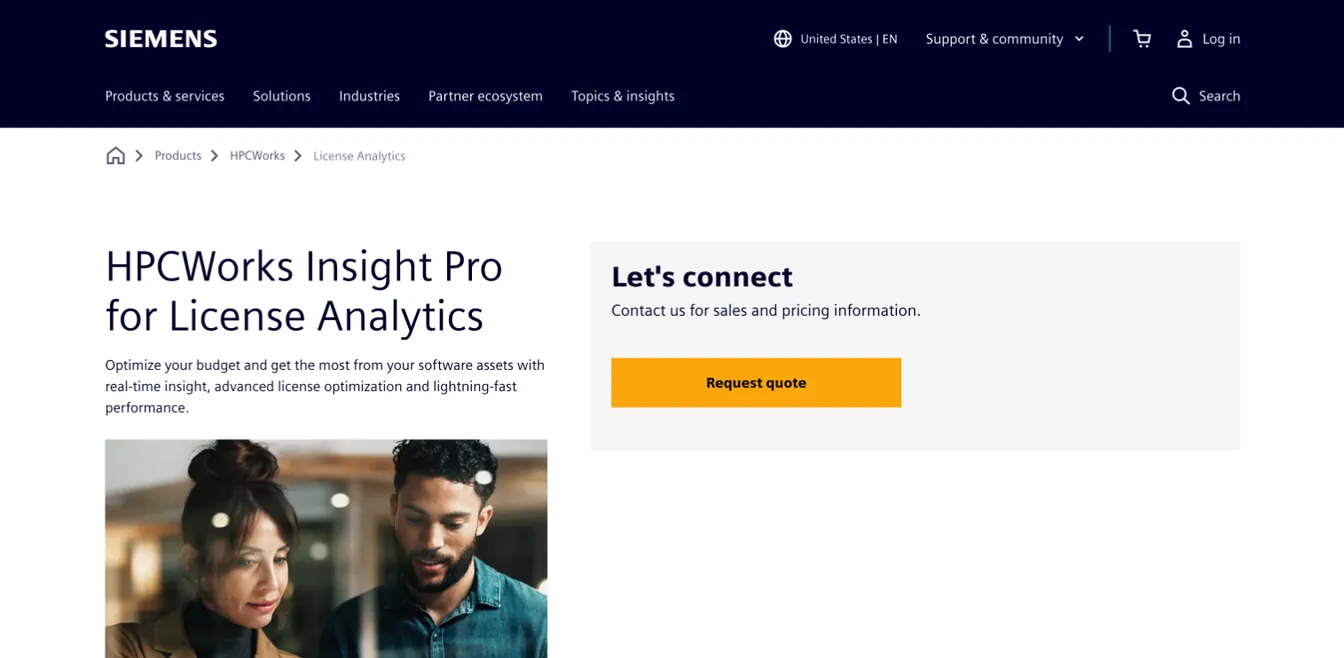
Altair, which built the Software Asset Optimization (SAO) suite, became part of Siemens in March 2025. Its license analytics are now sold as HPCWorks Insight Pro for License Analytics. It provides detailed insights into software usage by department or region.
Insight Pro can also forecast future license use to help you minimize software costs. It identifies underused licenses so you can share them across sites instead of buying more.
Best for: Engineering organizations with expensive floating licenses to share across sites.
Key features:
- Detailed software usage analytics
- Real-time license checkout tracking
- Customizable usage reports
- Forecasting for future software capacity
- Desktop usage tracking with idle-state detection
License Management Tools Compared
| Tool | Type | Strongest at | Best for |
|---|---|---|---|
| ezOnboard | HR-driven onboarding and offboarding | Assigning and reclaiming Microsoft licenses as people change | Microsoft 365 shops whose waste comes from leavers |
| ManageEngine AssetExplorer | IT asset management | Asset discovery and lifecycle tracking, in the cloud or on premises | Teams that need ITAM without a full service desk |
| Flexera | IT asset management | Complex agreements from major publishers | Large enterprises |
| ServiceNow SAM | Service desk with asset management | Reconciliation and automated reclamation at scale | Enterprises already running ServiceNow |
| SolarWinds Service Desk | Service desk with asset management | Discovery, compliance alerts and contract tracking | Mid-size IT teams |
| Freshservice | Service desk with asset management | License compliance and contracts beside the service desk | Freshservice customers |
| EZO AssetSonar | IT asset management | Hardware and software in one place | Small and mid-size IT teams |
| Zluri | SaaS management and identity governance | SaaS discovery and access reviews | SaaS-heavy organizations |
| Reprise License Manager | License server | Floating license usage for RLM-licensed apps | Engineering and scientific software |
| HPCWorks Insight Pro | License analytics | Usage forecasting for floating licenses | Engineering organizations |
ezOnboard doesn’t compete with the others. It closes the gap they all depend on: accounts and Microsoft licenses that stay in step with HR. Pair it with one of the other tools if you also need to cover non-Microsoft software.
Why Do You Need a License Management Tool?
Meet Software License Compliance
Software vendors set strict rules for how their products can be used, and breaking them can mean back-charges and penalties after an audit. A license management tool shows whether you’re using more licenses than you’ve paid for, and it gives you the evidence to prove compliance when a vendor asks. Our guide to license compliance management goes deeper.
Optimize Software Costs
Without a tool, it’s easy to overspend. A license management system quickly identifies unused or underused licenses, so you can cancel them or reallocate them to other teams.
It also helps you pick the right license model. For example, if you have a site license for financial software but most of your finance staff work remotely, usage data may show a per-user subscription is a better fit.
Improve Security
Unlicensed or expired software often misses vendor updates and patches, which leaves your infrastructure exposed. Knowing exactly what is installed, and whether it’s licensed and supported, is the first step to keeping it patched or removing it.
Increase Efficiency
Automated tracking and alerts replace manual checks. That helps you reduce IT tickets and gives IT staff more time for important work.
How to Choose License Management Software
Start with your biggest source of waste and risk.
- Find where licenses leak. For most organizations, it’s licenses left assigned to people who have left. If that’s you, prioritize a tool that ties license assignment to your identity lifecycle and reclaims seats automatically at offboarding.
- Match discovery to your estate. Installed software on managed devices calls for agent or network discovery. A SaaS-heavy estate calls for single sign-on and API connections. Our guide to SaaS software license management covers the second case.
- Weigh audit reporting. If you face regular vendor audits, compare the reports each tool produces. Our guide to running a software license compliance audit shows what auditors ask for.
- Fit it to your service desk. If you already run an ITSM platform, its asset module may be the cheapest place to start.
- Test with your own data. Run a trial or proof of concept against a real slice of your estate before you commit.
Key Features to Compare
- Automated discovery and inventory: A record of your software estate without manual data entry, including license agreements and renewal dates.
- Usage monitoring: Up-to-date usage data, so you can see which licenses need reallocating or cancelling.
- License reclamation: Automated recovery of unused seats. The biggest source is usually licenses left on the accounts of people who have left, so a tool that ties reclamation to offboarding pays off fastest.
- Compliance management: Checks of usage against license terms, with alerts before you exceed a limit.
- Renewal and contract tracking: Contract terms and renewal dates in one place, with alerts.
- Reporting and analytics: Insight into usage and cost, and audit-ready reports.
Integration Capabilities
Choose a tool that integrates with your existing systems, especially your directory, HR system, identity and access management tools, and finance and procurement systems. Integrations keep data flowing without manual re-keying, which is where errors creep in.
Usability and Support
Look for an interface your IT team can learn quickly, with good training materials. Check the vendor’s support options, such as chat, email, and phone, and read reviews to gauge how responsive it is.
Cost and Scalability
Compare the total cost of ownership, not just the price: setup, integrations, maintenance, and support. Check whether the pricing model is a subscription or a one-time purchase, and make sure the tool can handle more licenses and users as you grow.

How to Implement a License Management Tool
1. Plan the Implementation
Define what you want to achieve. Do you mainly want to reclaim unused licenses, or to track every asset for compliance and security? Your objectives set the scope, the stakeholders involved, and realistic deadlines for each phase.
2. Prepare Your Environment
Check that the new tool is compatible with your current systems, and make any upgrades the integration needs before you deploy.
3. Configure the Tool
Set up automated workflows and define how licenses are assigned. For example, everyone in marketing gets a license for design software, while accounting gets financial tools. Proper configuration is the key to getting value from the system.
4. Train Your Team
Train the IT team and anyone else who will use the tool on how to manage licenses and troubleshoot common issues. Keep training going as features change.
5. Test, Launch, and Monitor
Test every function before full deployment and fix issues before go-live. After launch, monitor closely, gather feedback from users, and adjust.
6. Maintain the System
Schedule periodic reviews to keep the tool’s data accurate and the software up to date with the latest features and security patches.
Automate License Reclamation with ezOnboard
ezOnboard reclaims Microsoft licenses automatically when employees leave.
It connects your HR software to Active Directory, Entra ID, and Exchange, and keeps every account in step with its HR record. When employees leave or change roles in the HR platform, ezOnboard automatically reclaims or adjusts licenses and revokes access rights.
Choosing ezOnboard means you stop paying for licenses that former employees no longer use, while providing smooth user onboarding and offboarding.
If you’re interested, request a demo today or check the ROI calculator to see how much money ezOnboard can save you.
Frequently Asked Questions
What is license management?
License management is tracking, controlling, and optimizing the software licenses a company owns. The goal is to comply with licensing terms, avoid overspending, and simplify audits. It usually relies on digital tools to save time and reduce manual work.
What is the difference between license tracking and license management?
Tracking is the visibility layer: knowing what you have and how it is used. Management is the full practice that uses that data to optimize cost and stay compliant.
What is a SAM tool?
A SAM (software asset management) tool oversees all software assets within an organization, including license contracts. It helps companies meet compliance requirements, prevent overspending, and optimize purchases.
Do I need a dedicated tool or can I use Active Directory groups?
For Microsoft 365, assigning licenses through group membership handles assignment and reclamation reliably, especially when an HR-driven process keeps the groups current. Dedicated tools add value when you have many vendors and complex entitlements to track.
How do license management tools help with audits?
They keep a current, exportable record of entitlements against usage, which is exactly the evidence vendors request during a license audit.
Is AWS License Manager free?
Yes, AWS License Manager is free to use. However, you still need to pay for the AWS services and resources you use.