10 Best SaaS Management Software Solutions in 2026
Chad BurggrafUpdated 16 min read

Companies rely on multiple SaaS (software as a service) applications for IT productivity, collaboration, security, and finance.
Without proper management, software subscriptions may pile up, budgets spiral out of control, and security risks multiply. These create hidden costs that often go unnoticed until it’s too late.
SaaS management software provides real-time visibility into a company's SaaS stack. It helps IT teams identify unused software licenses, manage renewals, and reduce security risks.
This article will break down the best SaaS management software, with what each platform does best. We'll also share key features to consider and best practices to help you select and get the most from the right SaaS management solution.
What Is SaaS Management?
SaaS management is the process of monitoring, controlling, and optimizing all the software-as-a-service applications an organization uses. The aim is to make sure every app delivers value, stays secure, and fits the budget.
It's harder than it sounds. SaaS licenses are spread across departments and locations, often bought on individual cards, which makes it hard to know who uses what and how often. A SaaS management platform brings it all into one place. For the licensing side in depth, see our guide to SaaS software license management.
Why Do You Need a SaaS Management Platform?
Your business needs a SaaS management tool to track SaaS usage data, control spending, automate workflows, and improve security.
Without a centralized platform, managing SaaS subscriptions becomes overwhelming. Imagine manually tracking hundreds of SaaS software licenses across different departments. This might lead to missed renewals, security risks, and compliance failures.
A SaaS management platform simplifies license management by consolidating all SaaS investments in one place. It helps you monitor app usage, identify duplicate or unnecessary SaaS licenses, and stay ahead of renewal dates.
By monitoring real-time usage, this software can also reduce SaaS spending. It allows you to retire or reallocate licenses as needed to maximize software investments.
It can even reduce security risks and ensure software license compliance through access provisioning controls and shadow IT removal.
10 Best SaaS Management Software Solutions
Here's a list of the best SaaS management platforms, with what each one does best:
| Platform | Best for |
|---|---|
| 1. ezOnboard | Automated Microsoft license recovery from leavers |
| 2. Josys | Complete SaaS visibility |
| 3. Torii | Eliminating shadow IT |
| 4. BetterCloud | SaaS lifecycle management |
| 5. Zylo | Data-driven spend decisions |
| 6. Zluri | Identity governance with SaaS management |
| 7. Vertice | Reducing SaaS cost |
| 8. CloudEagle | SaaS procurement |
| 9. SpendHound | Renewal management |
| 10. Genuity | Vendor contracts for small and medium businesses |
Let's look at their key features and use cases below:
1. ezOnboard for Automated License Recovery
ezOnboard isn't your traditional SaaS management platform. It offers an automated IT onboarding and offboarding solution that plays a key role in managing your organization's software portfolio.
It works by integrating Microsoft Active Directory and Entra ID with your company's HR software. Once connected, it can automatically onboard new users and give them the groups and licenses they need based on their job titles.
When employees retire or change roles, ezOnboard automatically recovers the licenses they no longer need to help you control license spend. This also improves organizational security and increases IT efficiency.
Plus, ezOnboard records every access change it makes, and the record can be exported. This shows who was granted or lost access, and when.
Key Features
- Automated license recovery
- Audit trail and export
- Group and license assignment
- Seamless Microsoft AD to HR software integration
- Automated onboarding and offboarding
- Custom notifications
- Integrated professional services
Request a demo today to see ezOnboard in action!
2. Josys for Complete SaaS Visibility
Source: Josys.com
Josys provides IT teams with 360-degree oversight and control over their company's SaaS portfolio. It now describes itself as an identity security and governance platform, with license and cost optimization built in.
It offers a unified dashboard that consolidates all SaaS apps, licenses, and user activities into a single source of truth. This significantly reduces security risks and costs.
Josys can also eliminate blind spots by instantly notifying the relevant teams when unauthorized apps connect to the network. It can even generate risk insights that evaluate the security and compliance of each SaaS license.
Plus, the platform has a built-in inventory for effective software asset management. It provides an up-to-date view of assigned devices and their assigned users.
Key Features
- Centralized dashboard for license tracking and optimization
- Instant notifications and flags for approval
- Detailed risk insights
- Device inventory
3. Torii for Eliminating Shadow IT
Source: Toriihq.com
Torii is a SaaS management platform that provides full visibility into an organization's software ecosystem.
It automatically discovers all SaaS applications and AI tools in use, including those adopted without IT approval, known as shadow IT. This helps companies identify unauthorized apps and eliminate shadow IT.
Torii also features real-time alerts, security review triggers, rich application risk profiles, and audit logs. These allow IT teams to prevent risks proactively.
Torii doesn't require device agent installation to work. Instead, it uses AI discovery and SaaS mapping to provide transparency, security, and peace of mind.
Key Features
- AI-powered SaaS app discovery
- Shadow IT risk alerts
- Unified view into SaaS operations
- Agent-less setup
4. BetterCloud for SaaS Lifecycle Management
Source: BetterCloud.com
BetterCloud offers a unified platform that focuses on SaaS lifecycle management. This helps IT teams automate, monitor, and control software usage from onboarding to offboarding.
Additionally, it can automate user provisioning, access control, and license optimization. Workflow automation reduces manual workload and human errors.
BetterCloud can also enforce security policies, remove unused accounts, and manage role-based access throughout an employee’s lifecycle.
Plus, it offers more than 100 integrations and over 1,000 out-of-the-box actions. It also supports custom integrations for complex workflows or niche apps.
CoreStack, a cloud governance company, acquired BetterCloud in March 2026. The platform now also governs AI agents alongside SaaS apps and users.
Key Features
- Software license tracking throughout different employee lifecycle stages
- Drag-and-drop automated workflow builder
- Security policy control and implementation
- Extensive integration library
5. Zylo for Data-Driven Decisions
Source: Zylo.com
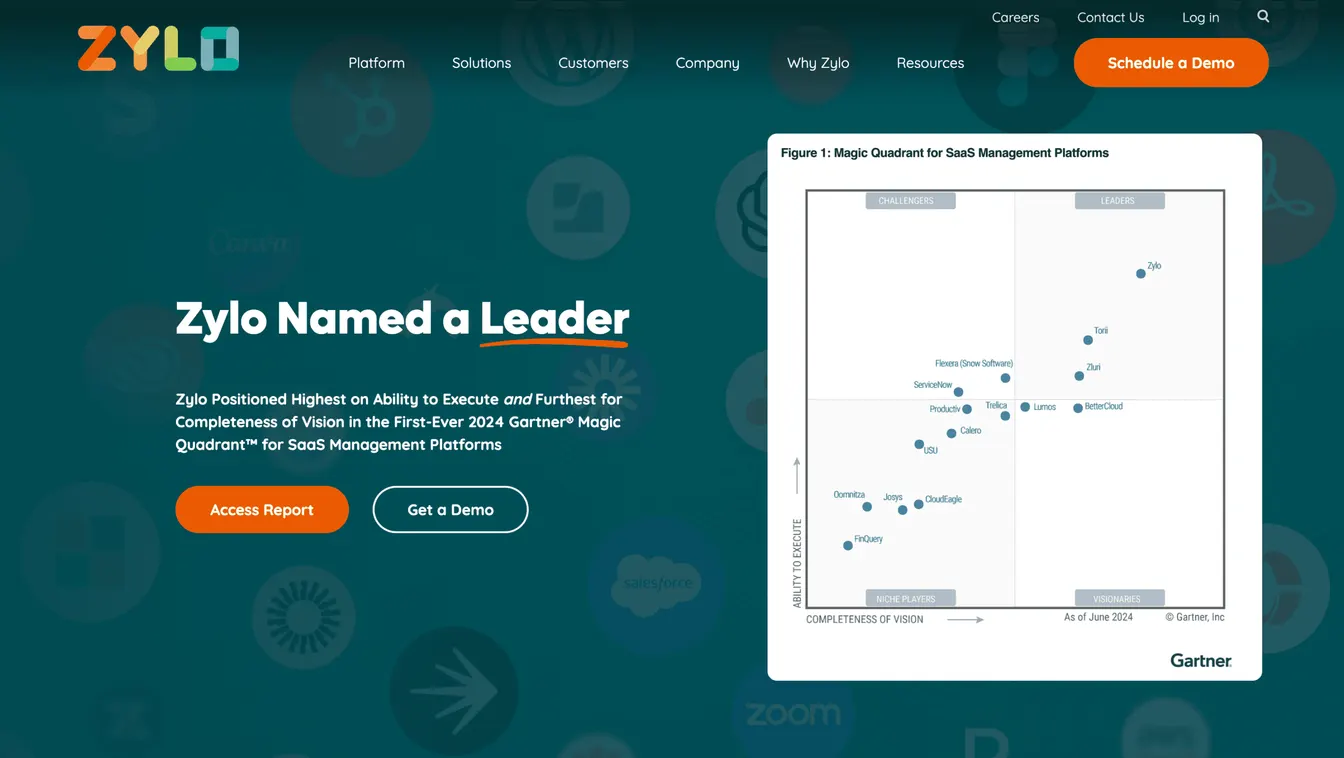
Zylo provides detailed insights into SaaS spend and application usage. These help you make informed decisions about your company's software investments.
It continuously discovers the applications, contracts, and usage across your organization, including AI tools. The platform can quickly identify unused licenses so you can reclaim them.
Additionally, Zylo helps you prioritize renewals by savings potential. Its license price benchmarks compare what you pay with what similar companies pay for the same software.
On top of these capabilities, Zylo’s Clarity AI agents don’t just flag savings. They can draft and run the workflows needed to capture them.
Key Features
- Continuous discovery of apps, contracts, and spend
- AI consumption tracking
- Renewal prioritization and price benchmarking
- Clarity AI agents for savings workflows
Zylo is built for enterprises, so it may be more than a small team needs. Its pricing is quote-based.
6. Zluri for Identity Governance and SaaS Management
Source: Zluri.com
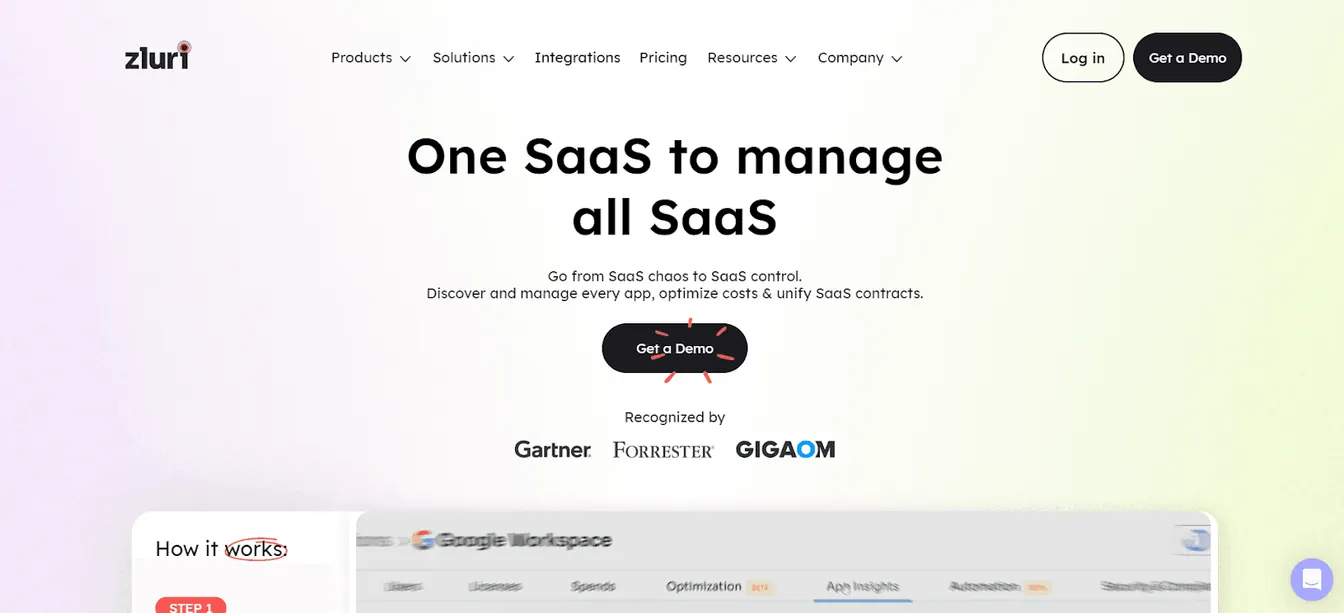
Zluri started as a SaaS management platform and now positions itself as an identity security platform. It combines identity governance, SaaS management, and visibility into non-human identities like service accounts, API tokens, and AI agents.
It gives you visibility into your SaaS stack, including shadow IT, and lets your IT team set strict access rights for sensitive systems. Automated access reviews help you prove that only the right people keep access.
The platform also helps you optimize software spend and manage renewals from one place. Usage data shows which apps are redundant or underused, so you can cut them.
Key Features
- SaaS and shadow IT discovery
- Automated access reviews
- Spend optimization and renewal management
- Visibility into non-human identities and AI agents
7. Vertice for Reducing SaaS Cost
Source: Vertice.one
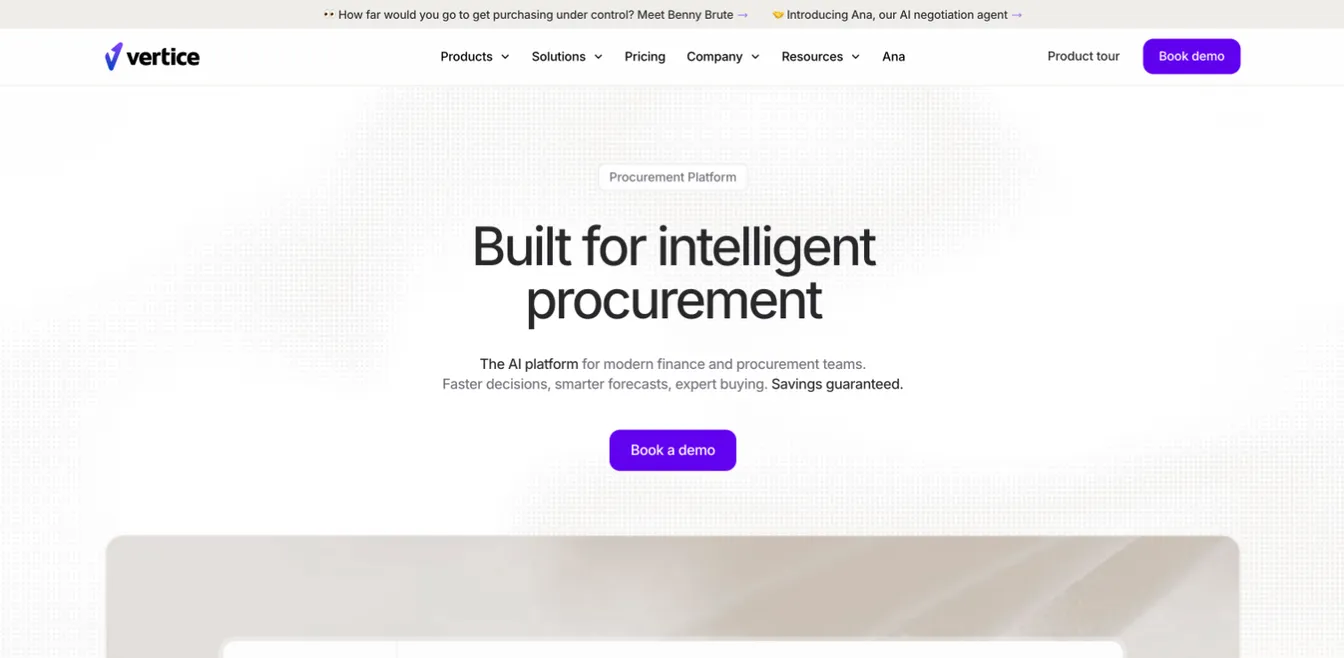
Vertice is a spend management and procurement platform designed to reduce your company's software and cloud expenses.
It provides spend and utilization analytics across your SaaS subscriptions. This allows you to track and manage software investments effectively. For example, if SaaS apps are no longer used, you have the choice to retire them or reallocate licenses to another department to reduce waste.
Vertice also offers expert-led negotiation for SaaS purchases and renewals, backed by pricing data on more than 32,000 vendors. It guarantees savings on the contracts it negotiates.
Plus, the platform includes tools for cutting the cost of cloud infrastructure, along with AI-driven procurement workflows. These help you cut down on software expenses while keeping purchases under control.
Key Features
- SaaS spend and usage analytics
- Expert-led contract negotiation
- Procurement intake and workflow automation
- Cloud cost optimization
8. CloudEagle for SaaS Procurement
Source: CloudEagle.ai
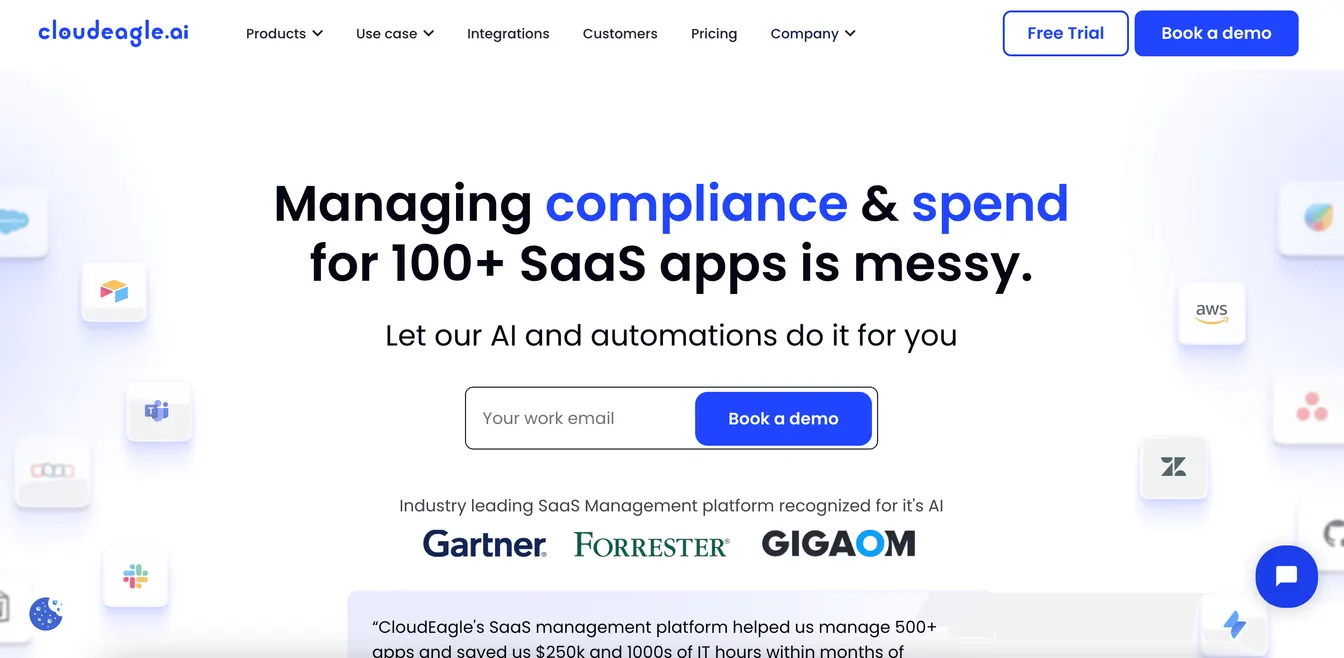
CloudEagle is a SaaS management and procurement platform that allows you to manage compliance and software spending with ease. It has since added AI governance and identity governance, so you can also discover and control AI apps and agents.
It simplifies the procurement process through automated workflows, customizable intake forms, and assisted buying services.
CloudEagle also provides benchmark data and AI-powered insights to help you negotiate better terms with software vendors. This reduces guesswork or dependency on peers.
It can even set up reminders for renewal dates to maintain business continuity and drive better outcomes.
Key Features
- Automated procurement workflows
- Benchmark data
- Instant renewal notifications
- Spend and app discovery
9. SpendHound for Renewal Management
Source: SpendHound.com
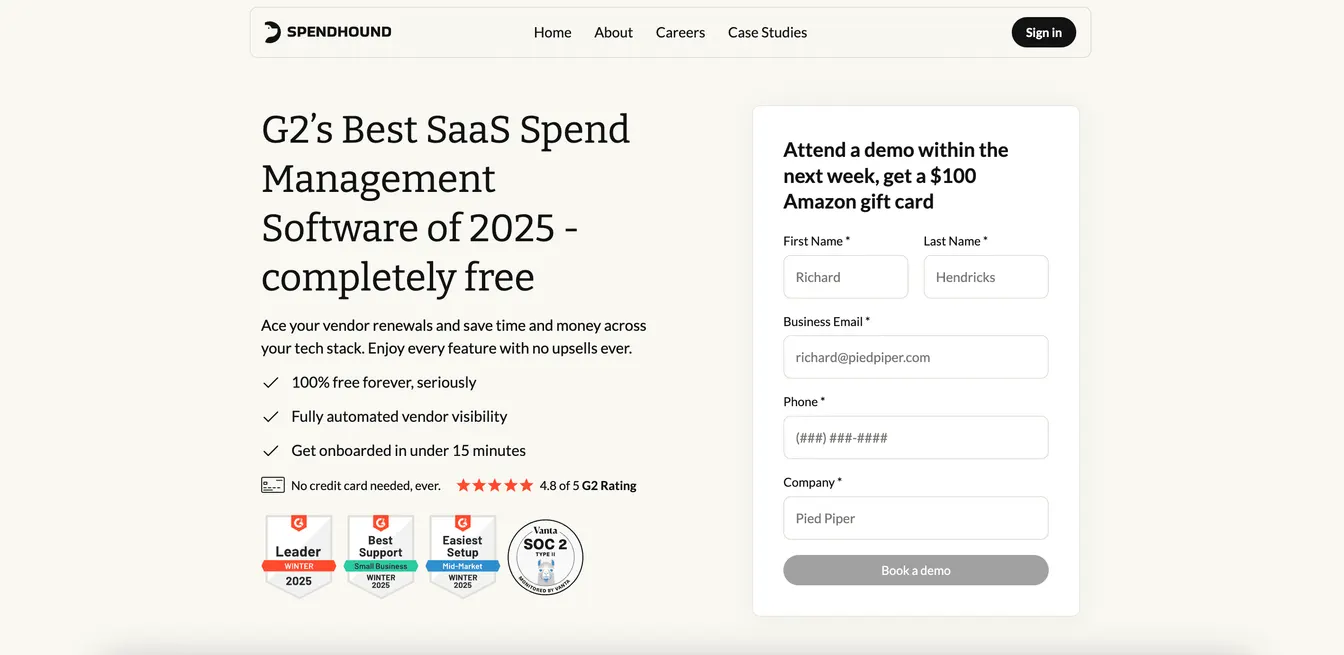
SpendHound, a YipitData company, offers a free platform to automate vendor renewal processes and optimize tech stacks. It now tracks AI and cloud spend alongside SaaS.
It can track upcoming renewals, underused licenses, and redundant software vendors in real time. This ensures you never miss opt-out periods and can proactively manage SaaS license renewals.
Additionally, it lets you know how your price compares to the market average. The platform's detailed vendor playbooks help you avoid overpaying for SaaS applications.
Plus, SpendHound can store all software contracts in one secure place. This makes it easier to access SaaS license data when you need it.
Key Features
- Automated renewal management
- Vendor playbooks for accurate price benchmarking
- Software contract storage
- On-demand negotiation support
10. Genuity for Vendor Contract Management
Source: GoGenuity.com
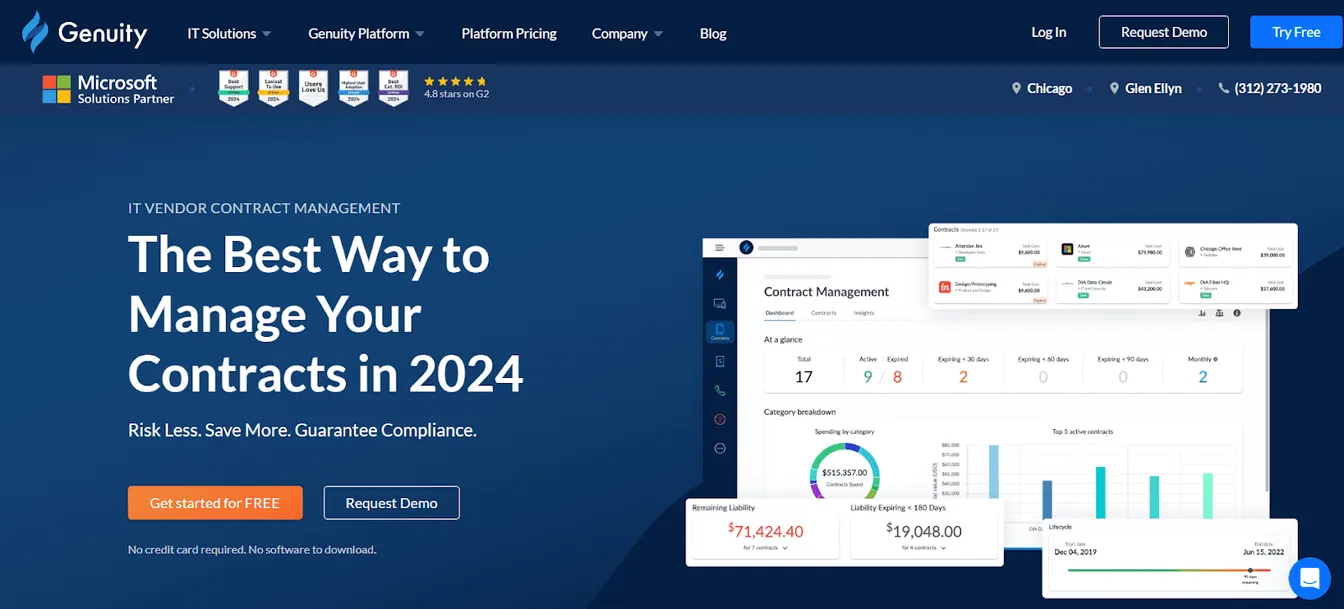
Genuity is an IT management platform made by IT professionals for small and medium businesses. Its SaaS and vendor management module covers spend, software, usage, contracts, and compliance.
It helps you avoid missed renewals and keep track of vendor relationships through automated contract alerts. It also shows software spending and usage trends, so you can decide whether to renew or cancel.
Genuity publishes its pricing, and every plan includes unlimited users. Buying Microsoft licenses, SaaS apps, or security services through its marketplace unlocks the full platform at no extra cost. That platform bundles help desk, asset, contract, telecom, and network monitoring tools, which may be more than a team that only needs SaaS management wants.
Key Features
- SaaS and vendor spend tracking
- Contract storage with renewal alerts
- Usage and spending reports
- Unlimited users on every plan
What to Look for in a SaaS Management Tool?
When evaluating different SaaS management solutions, you should consider the key features listed below. Doing so helps you select the right tool for your company's needs.
SaaS Discovery
Your IT team needs full visibility into every SaaS application in use. A strong discovery feature automatically detects all software, including shadow IT. This prevents security risks and duplicate spending.
Look for a platform that integrates with your directory service, single sign-on (SSO), expense management, and browser extensions for real-time tracking.
Asset Management and Inventory
A centralized system helps you monitor software usage, vendor contracts, and user access in one place. It saves valuable time and reduces errors caused by manual data entry or oversight.
You should also consider a tool that automates license management, flags underutilized apps and provides renewal alerts. These features support proactive software asset management and ensure you don't miss important tasks.
Cost Optimization
The best SaaS management platform should analyze spending patterns, identify waste, and recommend cost-saving actions.
Look for automated license reclamation, renewal tracking, and price benchmarking.
These capabilities keep your SaaS costs under control. At the same time, they help you negotiate contracts with software vendors.
Automated Provisioning
Manual onboarding slows IT down and may affect a new hire's perception of your company.
Choose a SaaS management tool that automates user provisioning and deprovisioning based on job titles, departments, and locations.
This ensures new hires have the correct access to the right tools from day one. Meanwhile, former employees lose access immediately, reducing security risks and software costs.
Security and Compliance
A SaaS management platform holds sensitive data about your users and contracts. Look for strong encryption, multi-factor authentication, and granular access controls.
Also check how it supports compliance. Access reviews, audit logs, and exportable reports make audits much easier.
Reporting and Analytics
You need real-time insights into software usage, spending, and compliance risks to manage SaaS subscriptions effectively.
It's important to look for custom dashboards, automated reports, and predictive analytics. These help you make data-driven decisions and improve SaaS governance.
Integration Capabilities
Invest in a SaaS management tool that integrates with your existing company systems. Check compatibility with your directory services, HR software, onboarding platforms, and security tools.
Seamless connections reduce manual data entry, improve automation, and enhance security policies.
How to Choose the Right SaaS Management Software?
After learning the key features to consider, it’s time to narrow down your options.
Remember, not all SaaS management tools fit every organization. Your decision should align with your specific IT needs, budget, and security requirements.
Here’s how to make the right choice:
Assess Your Current SaaS Environment
Start by auditing your software stack. Identify how many SaaS apps are in use, who has access, and where spending leaks occur.
By understanding your current SaaS landscape, you can easily find the tool that fills gaps and solves your unique pain points.
Compare Key Features
List the must-have features based on your company’s goals.
If you're struggling with onboarding and offboarding, focus on automated user provisioning and software license reclamation.
However, if you need complete visibility to eliminate shadow IT, you should prioritize a platform with unified dashboards.
If you want to save money, look for license optimization and renewal alerts. These allow you to reallocate SaaS apps to maximize investments and avoid penalties for using expired licenses.
Evaluate Ease of Use
Your team will use the SaaS management tool daily. It's important to evaluate the platform's ease of use and implementation.
Look for a simple interface, intuitive dashboards, and a minimal learning curve. This reduces the need for extensive training. At the same time, it improves adoption rates.
Check Scalability
Your SaaS environment will eventually grow, so you should choose a scalable software solution.
Make sure it can handle more apps, automate complex processes, and support additional users as your needs expand.
This prevents the need to replace the tool in the future. It also helps you avoid costly migrations later.
Consider Pricing
Pricing is always an important consideration when choosing any software. You should set a budget and compare different pricing models.
Some SaaS management tools charge per user, while others have flat fees.
Look for transparent pricing to avoid hidden costs in the future.
You can also check if the platform offers a free trial or demo. This allows you to test features before committing.
Research User Reviews and Support
Read customer reviews and case studies to learn about the tool's real-world performance. Look for insights on usability, support, and cost-effectiveness.
Check what support you get, too: onboarding help, training materials, and how quickly the vendor responds when something breaks.
Then, consider both the pros and cons to select a SaaS management platform that meets your expectations.
Benefits of Using SaaS Management Software
Choosing the right SaaS management software can benefit your business in several ways. Here are some of the advantages you can expect:
Reduce SaaS Waste and Unused Licenses
Many companies pay for SaaS licenses they don’t use. These may result from employees leaving, users switching tools, or simply forgetting subscriptions among hundreds of SaaS apps.
A SaaS management solution provides full visibility into your company's software investments. This makes it easier to identify underused licenses and eliminate redundant subscriptions.
It also allows you to reassign licenses instead of buying more, which can significantly reduce unnecessary costs.
Simplify Renewal Management
License renewals often catch IT teams off guard, which leads to unwanted auto-renewals or service disruptions.
A SaaS management platform can track contract end dates, automate renewal reminders, and centralize vendor negotiations. This helps you plan renewals strategically and prevent overpayments.
Maintain Security and Compliance
Using unauthorized apps can expose your IT infrastructure to data breaches and compliance violations.
With a SaaS management tool, you can easily monitor user access, flag security risks, and enforce strict security policies. You can reduce security risks and maintain compliance with regulations.
Automate User Onboarding and Offboarding
The best SaaS management software can automate onboarding workflows. It ensures new hires get the right software instantly to accelerate time-to-productivity.
This platform also supports no-touch offboarding by instantly revoking software access upon an employee's departure. It can also automatically reclaim SaaS licenses to reduce security risks and unnecessary costs.
Improve IT Efficiency
A SaaS management platform centralizes all software data. It can also automate tasks like app discovery, cost optimization, reporting, and software reclamation.
This reduces the need for manual oversight. It can also free IT teams to focus on more strategic projects.
Best Practices for Using SaaS Management Software
Involve Stakeholders
SaaS management isn't just an IT job. Work with finance, procurement, HR, and department heads, who know what each team uses and what it budgets for. Shared ownership aligns purchases with business goals and improves adoption.
Train Your IT Team
Make sure the people running the platform know its automation and reporting features. Training pays back quickly in fewer mistakes and faster work.
Automate Routine Tasks
Use the platform's workflows for repetitive work such as app discovery, renewal reminders, and access provisioning. Automation saves time and cuts errors.
Review Your Stack Regularly
Review app usage, costs, and compliance quarterly or twice a year. Use what you find to cancel redundant subscriptions, adjust budgets, and prepare for renewals.
Automate License Management and Onboarding with ezOnboard
ezOnboard isn't a SaaS management platform, but it automates the account and license changes that keep your stack under control. It integrates Microsoft Active Directory, Entra ID, and Exchange with your company's HR software. Once connected, it automatically assigns users the licenses their roles need.
It can also instantly revoke permission rights and automate license recovery from departing employees. This reduces security risks and stops you from paying for licenses nobody uses.
ezOnboard allows your organization to streamline IT processes, reduce manual workload, and improve operational efficiency.
To get started, request a demo today or check the ROI calculator to see how much money ezOnboard can save you.
FAQs About Best SaaS Management Software
What is SaaS management software?
SaaS management software helps IT teams track, control, and optimize SaaS applications. It provides visibility into software licenses, which makes it easier to monitor renewals and improve security.
What is SaaS spend management software?
SaaS spend management software helps businesses control software costs. It can identify unused licenses, track actual subscription costs, and provide spending insights. It is used by IT and finance teams to analyze software expenses, eliminate waste, and negotiate better pricing with vendors.
What is the average cost of a SaaS management platform?
It varies with features and company size. Some vendors, like Genuity, publish their prices. Most enterprise platforms, like Zylo, quote pricing individually, so you'll need a demo or sales call to get a figure.
What is the most popular SaaS?
The most popular SaaS applications depend on business needs. Common tools include Microsoft 365, Microsoft Entra ID, Google Workspace, Slack, and Zoom.
ezOnboard is also considered a SaaS tool in the IT management sector. It helps you manage users connected to your Active Directory, Entra ID, and HR software, assign licenses, and revoke permissions when needed.
Is ChatGPT SaaS?
Yes, ChatGPT is a SaaS product. It is a cloud-based AI-powered assistant that businesses use for content creation, customer support, and automation.