8 Best IT Process Automation Tools in 2026
Gregg DavisUpdated 18 min read

Manual tasks can drain hundreds of hours from IT teams every month, which could be spent on solving high-priority issues or improving infrastructure. These inefficiencies don’t just slow down operations; they also affect your organization’s bottom line.
This is where IT process automation tools step in. They can automate processes and routine tasks to save time and boost productivity.
In this article, we will review the best IT automation tools, categorized by specific use cases. We’ll also share key features and tips to help you choose the right platform.
But first, let’s define IT process automation and discuss the different types of tools available.
What Is IT Process Automation?
IT process automation involves the use of digital software to automate routine and rule-based IT tasks. It replaces manual processes with repeatable workflows. This helps teams manage complex processes without constant human input.
IT automation tools use triggers, scripts, and workflow processes to handle tasks like employee onboarding or log analysis.
Some tools include intelligent automation, using machine learning algorithms or artificial intelligence (AI) to make decisions or learn patterns.
The goal is to streamline processes across servers, networks, applications, and users. IT teams can set rules once, and the system handles the rest.
IT process automation is a smarter way to optimize business processes and remain competitive in a fast-paced market.
Different Types of IT Process Automation
IT process automation comes in various types. Let’s take a closer look below:
Robotic Process Automation
Robotic process automation (RPA) uses bots to automate tasks that follow simple, rule-based instructions. These include collecting data, resetting passwords, updating databases, or transferring files.
RPA doesn’t require deep system access, as it mainly works via the user interface. It is useful for bridging older IT systems with modern tools.
Many IT teams start with robotic process automation because it’s easy to deploy and delivers fast results without major system changes.
IT Infrastructure Automation
IT infrastructure automation focuses on servers, networks, cloud environments, and configuration management. It helps IT teams maintain system uptime, enforce policies, and deploy software updates without manual effort.
This type of automation can streamline workflows by using scripts, agents, or configuration files to apply changes across multiple systems. It works well in hybrid or multi-cloud setups.
Workflow Automation
This type uses workflow automation tools to build logical sequences for IT processes. Common examples include handling ticket assignments, change management requests, or approvals.
Workflow automation typically uses a drag-and-drop dashboard. This allows users to build automated workflows without writing code, making it useful for non-technical teams.
It works well when tasks follow a consistent pattern and need coordination between people and platforms, such as employee onboarding automation.
Business Process Automation
Business process automation (BPA) goes beyond information technology. It connects IT processes with HR, finance, and operations to support larger digital transformation efforts.
Business process automation solutions can automate business processes like asset procurement, document management, and product development. They support cybersecurity compliance and help align IT with other departments.
IT Service Management Automation
IT service management (ITSM) automation targets service desk tasks, such as ticket routing, service-level agreement (SLA) tracking, and license management.
This type of automation helps IT teams manage growing business operations and reduce ticket volumes. It makes support more predictable and keeps issue handling on track.
Script-Based Automation
Script-based automation uses coding languages like PowerShell, Python, or Bash. The goal is to build custom workflows to handle complex business processes.
This type offers full control over how tasks run and allows for deep integration with internal systems. It is often used when commercial tools can’t meet specific automation needs.
While script-based automation requires more technical skill, it gives experienced teams the flexibility to handle unique scenarios.
Common Applications of IT Process Automation Tools
Below are the common use cases of IT automation tools:
User Provisioning and Deprovisioning
User provisioning is one of the most common areas where IT teams can automate processes. When a new employee joins your company, they need access to email, apps, and systems.
Manual setup takes time and introduces errors. Automation steps in to handle account creation, group assignment, and identity access management without IT oversight.
When someone leaves your organization, user deprovisioning automatically removes access and recovers IT assets. This improves security and saves hours of admin work.
Incident Detection and Resolution
Incident management can take up a big chunk of your IT department’s time.
Workflow automation helps detect, alert, and resolve common issues without human input. For example, when a server crashes, an automated system can restart services, log the event, and notify the relevant team.
It can improve response times and minimize downtime. It also helps standardize how incidents are handled across different shifts or teams.
Patch Management
Staying on top of patches is the key to improved security and performance. However, manually tracking and deploying software updates leaves room for delay and oversight.
IT process automation tools can automate repetitive tasks related to patch management. They can automatically scan your entire infrastructure for missing patches, download the correct updates, and deploy them across different systems.
These tools can even schedule patch cycles during low-traffic hours, send reports, and validate the success of software installations. They reduce risk and improve system health without constantly chasing updates.
Data Backup and Recovery
Automation tools can also handle automatic data backups and recovery. They schedule backups, verify data integrity, and replicate copies across environments.
Recovery actions can also be automated to minimize downtime after failure. This protects critical business systems and makes sure disaster recovery plans are always ready.
Software License Management
Managing software licenses manually can lead to unused subscriptions, compliance gaps, and wasted spending.
With digital process automation tools, IT teams can efficiently manage software licenses used across their company.
Automated tools track software usage, optimize resources, and maintain license compliance with less effort.
They also prevent over-deployment and flag expired licenses to reduce software spending. This leads to increased visibility and control without manual tracking.
Network and Device Monitoring
IT process automation tools help IT keep tabs on system performance, availability, and hardware status. They collect data from devices and trigger alerts based on pre-determined conditions.
For example, if a network switch fails or storage fills up, it notifies the right people or deploys a resolution script. This proactive monitoring prevents network outages and reduces manual oversight.
Compliance and Audit Logging
Audits are stressful when logs are missing or incomplete.
Business process automation software can generate compliance reports, collect logs, and apply policies that comply with standards.
These automated tools can also notify IT staff of policy violations to address them in real time. They take the manual burden off your team and make sure compliance standards are consistently followed.
8 Best IT Process Automation Tools for 2026
Here are the leading IT automation tools based on different use cases:
- ezOnboard for access provisioning
- BigPanda for incident management
- Action1 for patch management
- Veeam Data Platform for backup and recovery
- ManageEngine AssetExplorer for license management
- LogicMonitor for network and device monitoring
- Vanta for compliance management
- Microsoft Power Automate for robotic process automation
Below is a detailed review of each automation tool:
1. ezOnboard for Access Provisioning
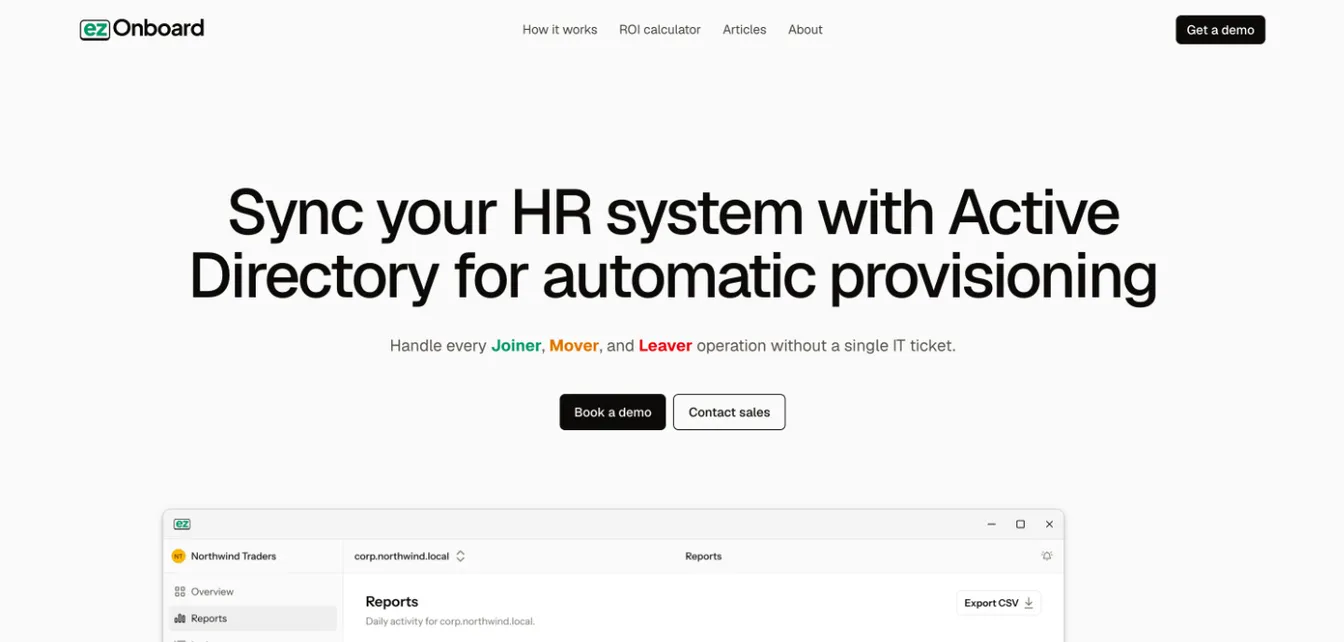
ezOnboard is an automated access provisioning tool built for fast-growing companies.
It seamlessly integrates your HR software with Microsoft Active Directory and Entra ID. This integration allows IT to pre-determine custom access rules and handle provisioning tasks automatically.
Once new employees or contractors join your organization, ezOnboard can instantly create accounts and give users access to the right tools necessary for their jobs.
ezOnboard’s automated solution can also track transitions. For example, if an employee is promoted or moved to another department, their access rights are instantly updated.
ezOnboard even supports offboarding automation by revoking user permissions, disabling user accounts, and forwarding mail to the relevant team members.
Plus, it can recover departing users’ Microsoft licenses to cut license costs.
On top of these capabilities, ezOnboard can instantly generate audit-ready reports and notify teams when issues arise. This prevents compliance issues and reduces manual workload.
Key Features
- Instant provisioning and deprovisioning: It supports hands-free account creation, group assignments, and license activation during onboarding. At the same time, it can handle automated access removal based on terminations or role changes.
- Pre-defined access rules: ezOnboard uses plug-and-play formulas for fast implementation of company access policies.
- Custom reports: These give you full visibility and control over all Active Directory updates.
- Real-time notifications: They can alert the relevant teams of provisioning, deprovisioning, and access changes.
- Automated license reclamation: The platform can automatically reclaim licenses and remove access from departing users.
- Hybrid directory support: It works with on-premises Active Directory, Entra ID, and Exchange.
- Integrated professional services: The experts behind ezOnboard will work with you to configure and deploy the software, making it easier to focus on results.
Book a demo today to see how ezOnboard can benefit your business. You can also check this ROI calculator to see how much money you can save.
2. BigPanda for Incident Management
Source: BigPanda.io
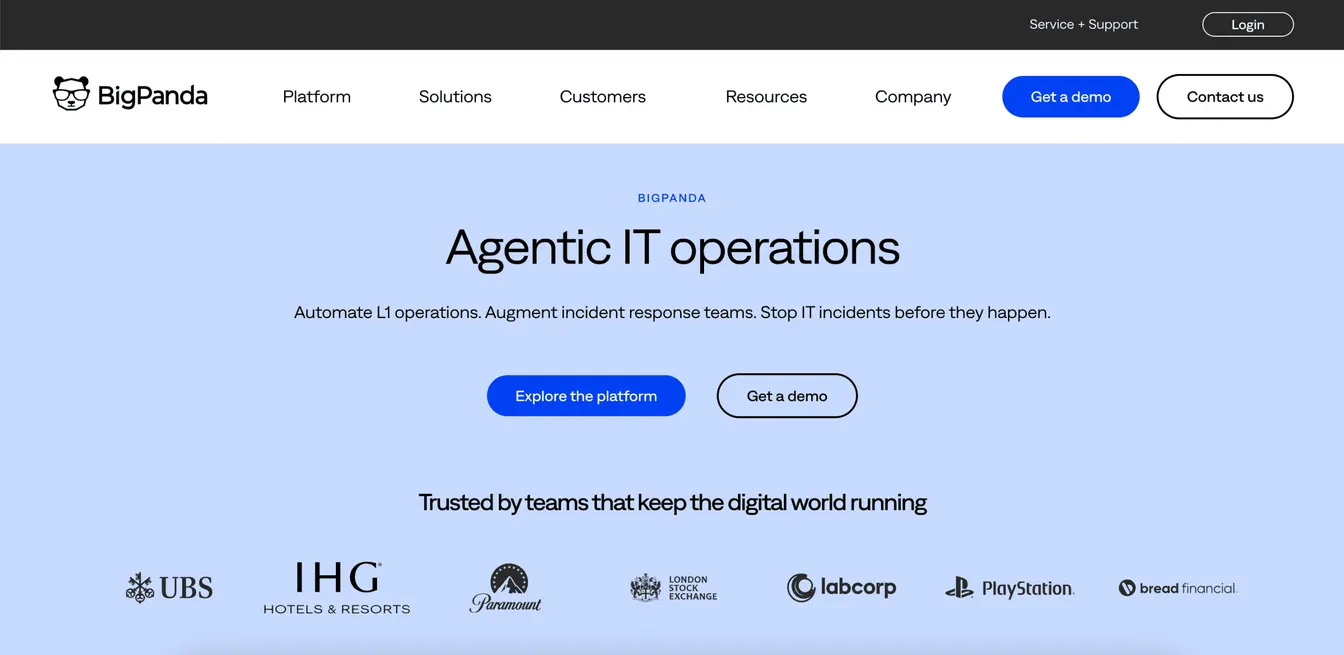
BigPanda is an agentic ITOps platform. It helps IT teams detect, correlate, and resolve incidents faster using AI-powered intelligent automation.
It can instantly pull alerts from system monitoring, change, and topology tools. Then, it uses machine learning to group related events into a single incident. This reduces alert noise and improves visibility.
BigPanda also connects to different ticketing systems to support automated workflows. It simplifies incident management and speeds up issue resolution.
This business process automation software can also generate advanced analytics on one platform. It can enhance collaboration between network operation centers (NOCs), incident management, and observability teams while eliminating security gaps.
Key Features
- AI agents: BigPanda uses AI agents to automate first-line triage and escalations.
- Event correlation engine: It can automatically group related alerts into unified incidents to eliminate data silos and reduce alert fatigue.
- Root cause analysis: It can identify the sources of issues using AI, topology, and change data.
- Automated incident resolution: BigPanda instantly creates incident tickets and notifies the relevant team for faster issue resolution.
- Unified analytics: These provide detailed insights into IT operations to identify areas for improvement and prevent the same issues from recurring.
3. Action1 for Patch Management
Source: Action1.com
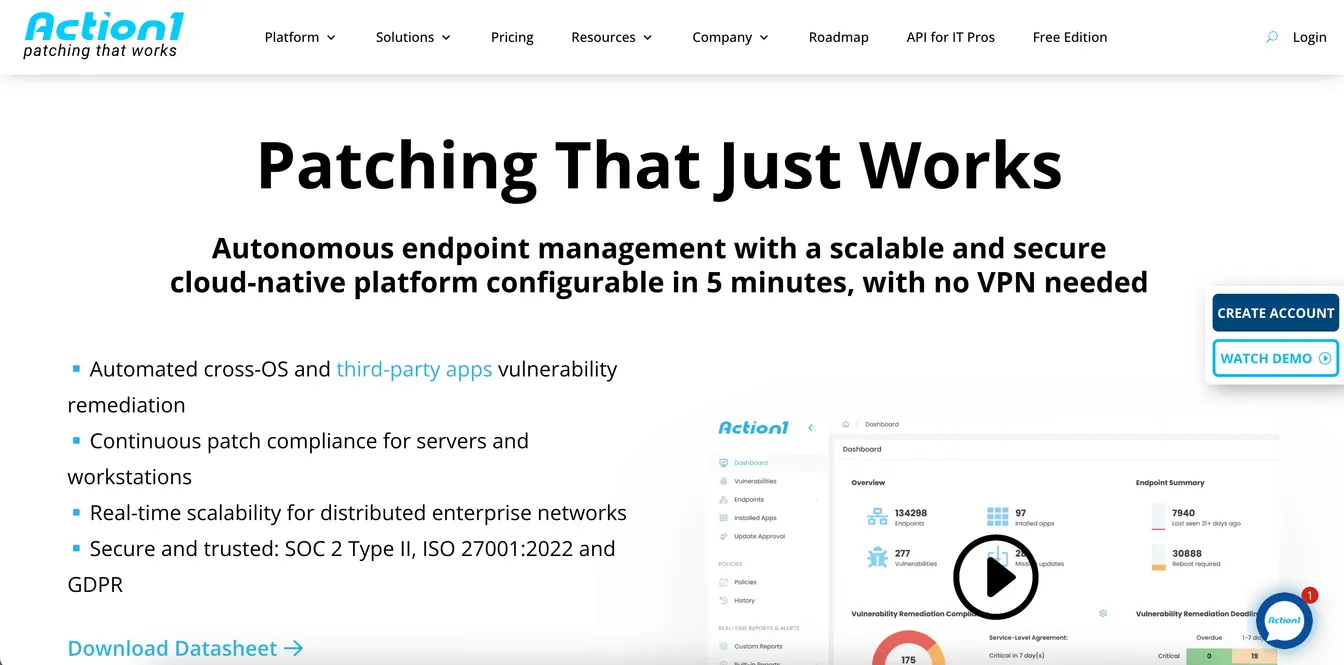
Action1 is a cloud-native platform built for automated patch management across remote and distributed endpoints. It helps IT teams identify missing updates, test patches, and deploy them with zero disruption.
This process automation tool covers Windows, macOS, and Linux updates, plus third-party software patches, such as Adobe, Chrome, and Zoom. Action1 is free for the first 200 endpoints, with no time or feature limits.
It also allows IT to set policies to schedule patches automatically based on severity or risk level. This reduces manual workload and improves security, which enables IT staff to focus on more strategic initiatives.
Key Features
- Cloud-native architecture: Action1 supports remote patching without requiring VPN or local servers.
- Automated patch deployment: It automatically schedules updates based on severity, policy, or risk level.
- Third-party application support: Its patch repository covers more than 600 third-party applications.
- Real-time reporting: Action1 includes live dashboards where you can see patch status, success rates, compliance, and other key performance indicators.
- Rollback capabilities: The platform offers patch removal options for failed or unstable updates.
4. Veeam Data Platform for Backup and Recovery
Source: Veeam.com
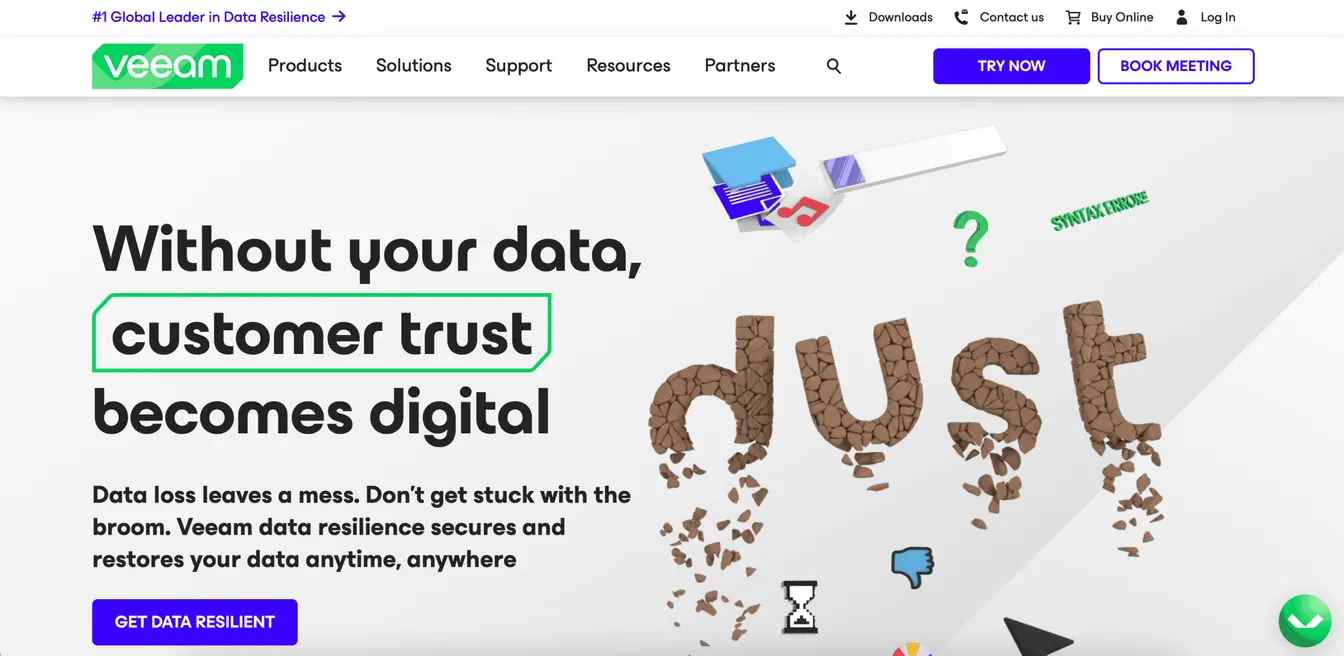
Veeam Data Platform offers automated backup and fast recovery for virtual, physical, cloud, and SaaS environments. It protects workloads across VMware, Hyper-V, Nutanix, Windows, Linux, AWS, Azure, Google Cloud, Microsoft 365, Kubernetes, and other services.
It can automatically run data backups based on defined schedules and policies. This reduces manual work and secures sensitive company information.
Veeam also uses different recovery options, such as full restore, file-level recovery, and instant VM recovery. It prevents downtime and helps maintain business continuity.
Key Features
- Automated backup scheduling: It follows policy-based routines for full, incremental, and differential backups.
- Instant recovery options: The platform can immediately restore virtual machines, files, or databases.
- Cross-platform workload support: Veeam can protect VMware, Hyper-V, Nutanix, Windows, Linux, AWS, Azure, Google Cloud, and Microsoft 365 environments.
- Immutable backups: It uses ransomware-proof storage to prevent unauthorized changes or deletions.
- Routine recovery testing: Veeam can schedule routine validation of backup integrity and recovery readiness.
5. ManageEngine AssetExplorer for License Management
Source: ManageEngine.com
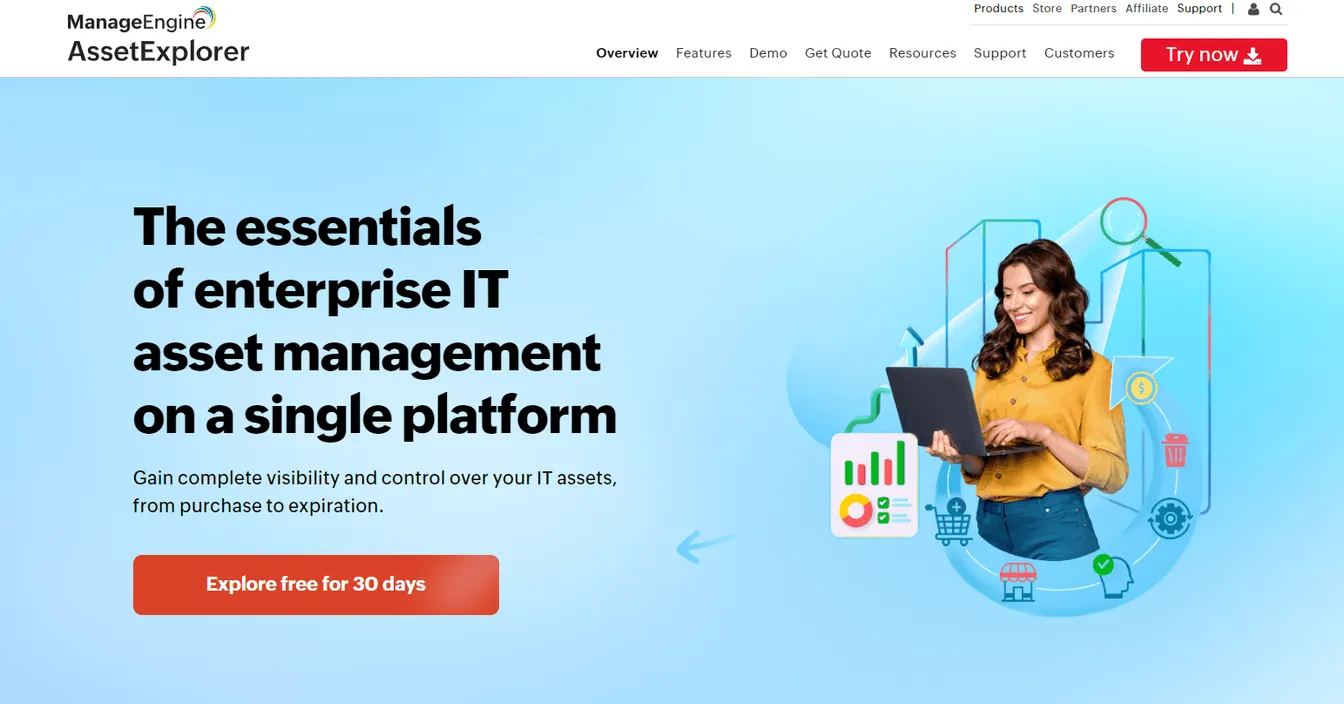
ManageEngine AssetExplorer is an enterprise IT asset management solution with comprehensive license tracking tools.
It can automatically scan your network, detect installed software, and match it with available software licenses. This ensures compliance with end-user license agreements and prevents overuse or underutilization.
AssetExplorer can also advise technology users of expiring contracts or violations. Meanwhile, built-in reports offer clear visibility into license usage and renewal needs.
Key Features
- Automated software discovery: It can automatically scan and discover installed software across all endpoints in your company’s network.
- License compliance tracking: AssetExplorer monitors license usage against purchased license limits to avoid non-compliance issues.
- Contract and renewal alerts: The platform sends notifications for upcoming expirations and renewal dates.
- Real-time reports: These provide detailed insights for identifying unused, underused, or expired software applications.
- Multiple license type support: AssetExplorer can efficiently manage per-user, per-device, and concurrent licenses.
6. LogicMonitor for Network and Device Monitoring
Source: LogicMonitor.com
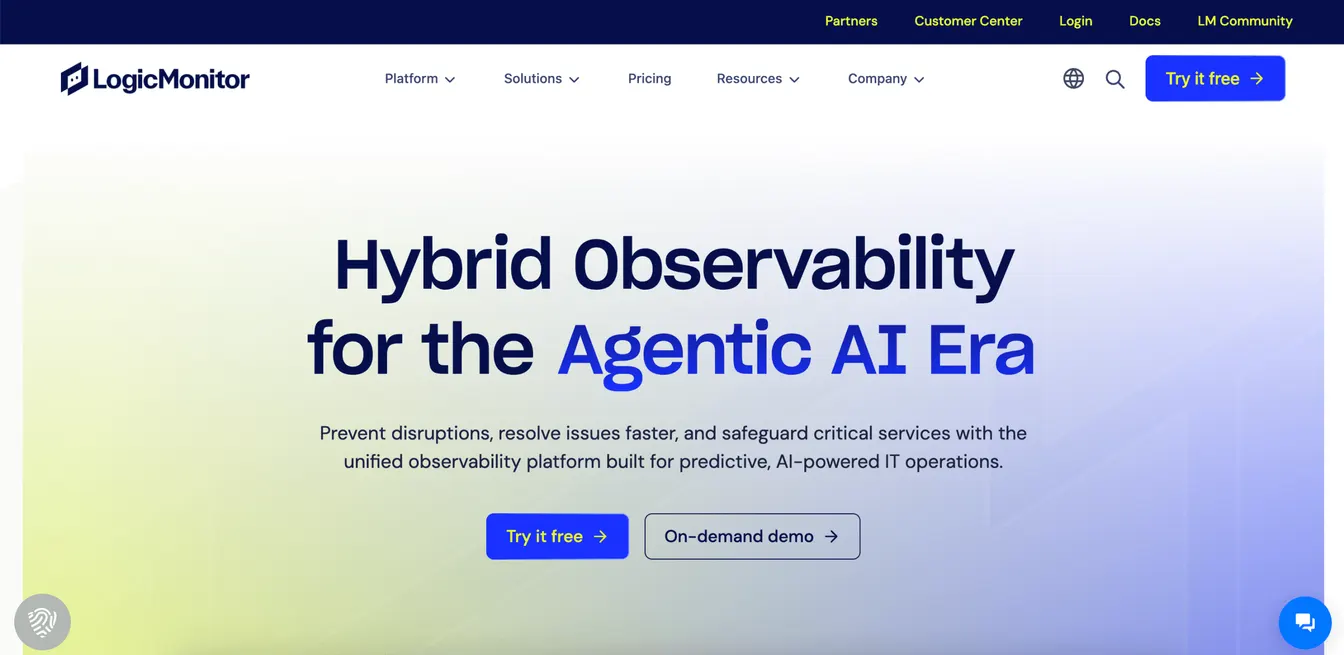
LogicMonitor is a SaaS-based observability platform that provides automated monitoring for networks, servers, cloud resources, and devices.
It discovers infrastructure components without manual input and starts collecting performance data immediately. This gives IT teams access to real-time metrics, predictive alerts, and historical insights.
LogicMonitor can also monitor device health, availability, and utilization across hybrid environments. Custom dashboards help visualize key performance metrics, while alerts notify teams before issues impact business users.
Key Features
- Automated device discovery: It can instantly identify network devices, servers, and cloud assets.
- Real-time performance monitoring: The platform continuously tracks key metrics like CPU, memory, and bandwidth.
- Predictive alerting: It sends early warnings based on thresholds and anomaly detection.
- Custom dashboards: These provide a visual representation of key metrics and system health.
- AI-powered IT operations: LogicMonitor’s Edwin AI correlates events across domains, analyzes root causes, and guides teams toward a fix.
7. Vanta for Compliance Management
Source: Vanta.com
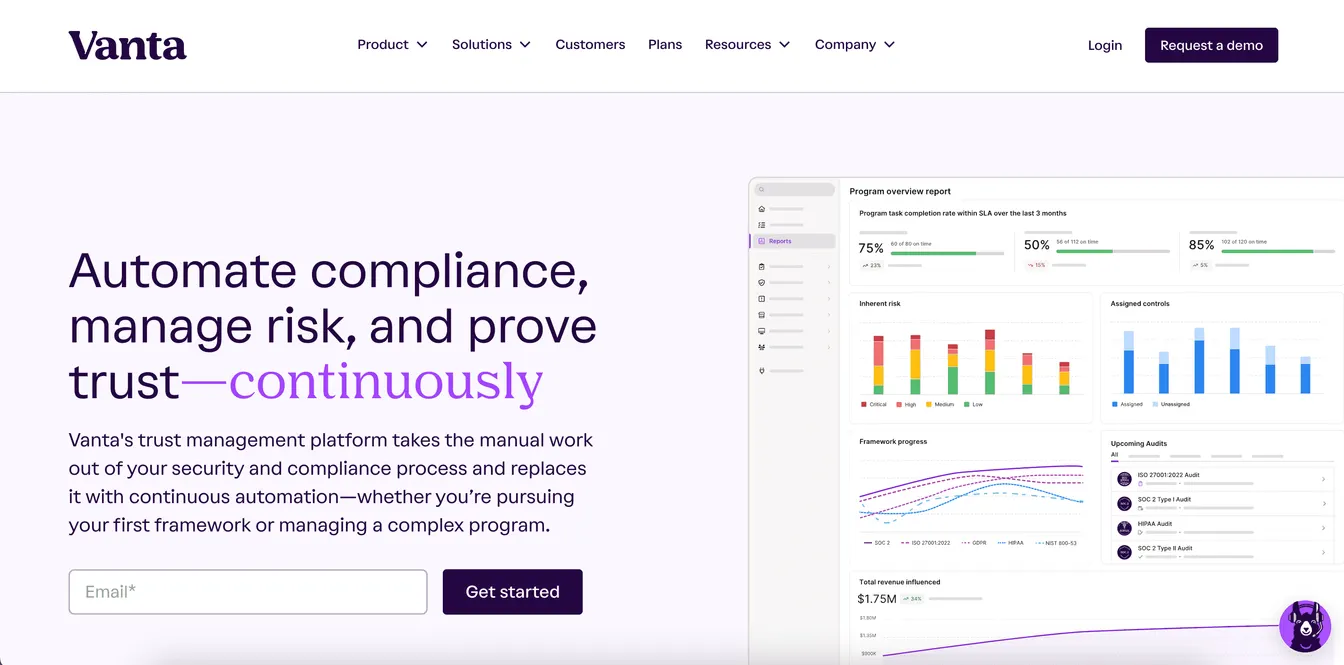
Vanta is a security and compliance automation platform that helps IT teams stay audit-ready throughout the year. It automates the collection of evidence for more than 35 security and privacy frameworks, including SOC 2, ISO 27001, HIPAA, and GDPR. It also lets you customize your own compliance standards.
Vanta can continuously monitor systems, flag issues, and verify controls without manual spreadsheets. Its AI agent also takes on routine compliance work, such as drafting policies and completing security questionnaires.
Plus, Vanta helps you plan, prepare, and conduct audits within the platform. This speeds up the process and keeps different teams on the same page. It can even increase customer satisfaction if clients know that you're committed to meeting high standards.
Key Features
- Automated evidence collection: The platform automatically gathers compliance data across systems and tools.
- Pre-built compliance frameworks: It supports more than 35 frameworks, including SOC 2, ISO 27001, HIPAA, and GDPR.
- Real-time risk monitoring: It can track and notify you when security gaps and policy violations occur within your IT environment.
- AI agent: Vanta’s AI agent automates compliance tasks like drafting policies and answering security questionnaires.
- Audit dashboard: This allows you to plan, prepare, and execute compliance audits within one platform.
8. Microsoft Power Automate for Robotic Process Automation
Source: Microsoft.com
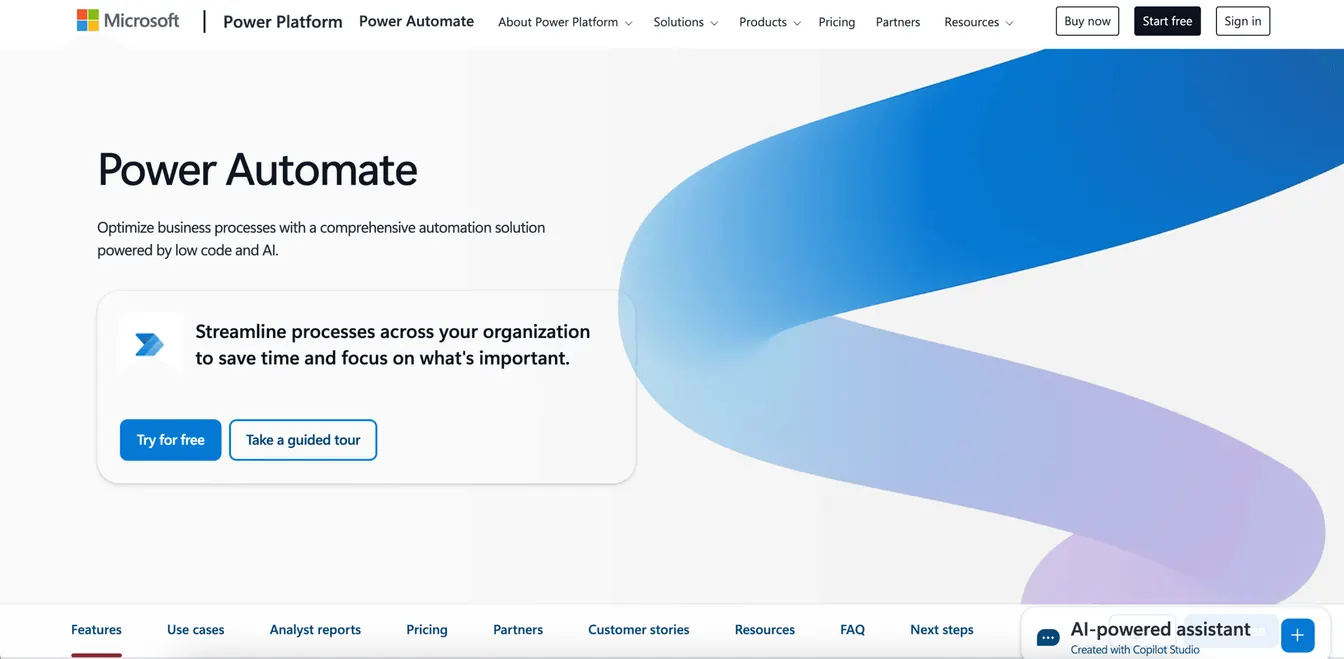
Microsoft Power Automate enables IT teams to build automated workflows using low-code tools and RPA bots. It supports both attended and unattended automation across desktop and web applications.
This robotic process automation tool automates routine tasks, like data entry, file transfers, and report generation. It can automatically handle document management, sync data between systems, and manage approval workflows.
Power Automate can also integrate with other Microsoft apps and services, such as Excel, OneDrive, or Teams. It uses workflow automation to streamline processes without switching between different tools.
Key Features
- Robotic process automation: It relies on attended and unattended bots for desktop automation in legacy systems.
- Low-code workflow builder: The platform lets you build automated workflows without advanced coding.
- AI-powered actions: Power Automate uses Microsoft Copilot, an AI assistant for document processing, form recognition, and recommendations.
- Workflow orchestration: This comprehensive solution provides live monitoring, centralized governance, and elastic scaling for a 360-degree view of IT operations.
- Cross-platform automation: It can support digital transformation through automation-infused Microsoft apps, websites, and agents.
Benefits of IT Process Automation Tools
Using IT process automation tools can benefit your business in several ways. Let’s look at the specific advantages below:
Eliminate Manual and Repetitive Tasks
With automation, your IT team no longer needs to perform daily steps like account creation, license tracking, patch deployment, or process optimization by hand.
These repetitive tasks are handled by workflows that run in the background and ensure consistent execution. That means fewer delays and fewer mistakes. You can focus on other strategic initiatives that directly contribute to business growth.
Improve IT Efficiency
IT process automation speeds up routine processes and improves employee productivity. It can automatically handle process mining, user provisioning, patching, or ticket resolution, which allows your IT employees to work faster.
Automated tools also provide real-time visibility into status and results. This helps IT managers track performance and fine-tune operations without switching between different platforms.
Save Money
IT automation tools reduce costs by cutting the need for manual labor and reducing downtime. It makes sure systems stay available when tasks happen on time and without errors. This helps you avoid extra hours spent fixing preventable issues.
Many tools also help with resource planning, such as reclaiming unused licenses or optimizing cloud spend. Over time, that adds up to lower operating costs.
Plus, business process automation tools help you remain compliant with privacy and security standards. These can eliminate penalties, fines, and legal fees.
Scale IT Operations Without Increasing Headcount
Automated software lets your team manage more users, systems, and changes without burnout. Workflows can handle repetitive actions and complex tasks in the background.
As your company adds locations, services, or cloud systems, automated tools scale with your growth. Your team stays small, but output keeps growing.
Key Features of IT Business Process Automation Tools
After understanding the benefits, it’s time to focus on the features that make these automated tools useful for your IT team.
Workflow Automation
Workflow automation connects individual tasks into structured processes. These workflows run based on triggers, schedules, or conditions. Your IT team can set rules for handling tickets, sending alerts, or assigning tasks.
Many enterprise automation tools offer drag-and-drop dashboards or built-in templates, so you don’t need to write code. Actions happen consistently without manual steps or oversight.
Scripting Tools
Scripting tools give you full control over how and when automation runs. They allow IT staff to write code using different languages, such as PowerShell, Python, or Bash.
This feature is helpful when your existing tools don’t cover unique systems or workflows. Scripting can tailor process automation to your specific needs.
Configuration Management
Configuration management can track and apply system settings across your network. It helps enforce security protocols, keep software versions consistent, and prevent drift.
It lets IT define what settings should be. Then, the configuration management tool checks and fixes anything that doesn’t match.
Alerting Systems
Alerting systems notify your team when something goes wrong. They automatically monitor system performance, availability, or policy changes.
When a condition is met, like high CPU usage or a failed login, they instantly send emails, forward texts, or trigger automated workflows. This means your IT department can quickly respond to issues and minimize downtime.
API Access
API access allows your automation tools to talk to other platforms. It can trigger workflows, pull data, or push updates between systems for a more efficient process.
APIs also support custom system integrations when prebuilt ones don’t exist. They help your existing tools work as one system, which can reduce data silos.
Integration Capabilities
The best automation tool is compatible with the IT management solutions you already use. These include identity providers, ticketing platforms, collaboration tools, and RBAC tools.
Strong integration capabilities let data flow between systems without manual handoffs or human interactions. For example, when a new user is added to your HR software, it can trigger user provisioning in Active Directory.
Tips for Choosing the Best IT Process Automation Software
If you’re still unsure which software to choose, here’s how to pick the right automation tool for your IT team.
Consider What Needs to Be Automated
Start by listing the manual tasks that take up most of your team’s time. These might include user provisioning, patching, or ticket routing.
Look for patterns and repeated steps that slow down IT operations. Talk with other departments to understand shared pain points.
Once you identify top targets, match them to tools that support those specific use cases. This helps you find a reliable automation tool for your needs.
Evaluate Ease of Use
A powerful tool is only helpful if your team can use it. Look for intuitive interfaces, drag-and-drop options, and helpful documentation that covers the setup process.
Check how easy it is to build, update, and monitor automated workflows. Avoid tools that require too much training or rely heavily on scripting if your team isn’t ready.
Assess Key Features
Not every automation tool has the same focus. Some handle automated workflows better, while others excel in user provisioning or incident response.
Match the features to the specific tasks you want to automate. For example, if you need help with vendor onboarding, look for HR integration, contract management, and self-service portals. These capabilities will help you automate the process of welcoming a vendor into your company.
Compare Pricing
Automation tools use different pricing models, such as per-user, per-device, or tiered plans.
Calculate the total cost of ownership, including maintenance and vendor support. Make sure there are no hidden fees to avoid overspending on features you don’t need.
The best IT automation tool saves you time and money in the long run.
Read Online Reviews
Online reviews can show how the tool works in real environments. Check sites like G2, TrustRadius, or IT forums for feedback from other businesses.
Evaluate both positive and negative reviews to set expectations and avoid surprises.
Request Free Demos or Trials
Most vendors offer demos or trial periods. Use them to test real workflows, integrations, and performance.
Trials show if the platform fits your environment and uncover limitations. These help you make an informed decision.
Automate User Provisioning and Deprovisioning With ezOnboard
If your IT team is still managing user access manually, it’s time to switch to automation.
ezOnboard can simplify this transition. The experts behind the software will help you connect your HR system to on-premise Active Directory and cloud-based Entra ID.
Once connected, the platform automatically syncs data and gives users access to the right tools based on their roles.
With ezOnboard, user provisioning and deprovisioning happen instantly. That means faster onboarding and offboarding, tighter access control, lower manual workload, and less risk of human error.
ezOnboard can also generate reports and notifications automatically. These help you stay ahead of Active Directory changes and remain compliant with cybersecurity standards.
Request a demo today to get started! You can also refer to this ROI calculator to see how much money you can save by deploying ezOnboard into your IT environment.
FAQs About IT Process Automation Tools
What is a process automation tool?
A process automation tool is software that performs tasks without manual input. It follows rules or triggers to complete actions like creating accounts, sending alerts, or installing updates. This helps save time, reduce errors, and ensure continuous improvement across systems.
What are examples of automation tools?
Common examples include ezOnboard for automated access provisioning, Microsoft Power Automate for robotic process automation, and BigPanda for incident response.
How to automate IT processes?
You can automate IT processes by using digital tools that replace manual workflows with task automation. This speeds up onboarding, patching, data management or backups, license tracking, and other repetitive tasks.
What are examples of process automation?
Top examples include user provisioning and deprovisioning. When HR adds a new hire to the system, the automation tool instantly creates accounts, assigns permissions, and sends a welcome email without IT intervention.
Once an employee leaves your organization, access is immediately revoked to protect sensitive data and improve security.