8 Best RBAC Tools in 2026 (Full Review)
Gregg DavisUpdated 11 min read

As an IT leader, you deal with hundreds of users, software licenses, and cloud apps. Managing access for each one can be frustrating, time-consuming, and error-prone, especially if you still rely on manual methods.
Role-based access control (RBAC) tools are a game-changer when it comes to identity and access management (IAM).
These platforms help you assign roles, enforce the principle of least privilege, and handle automated user provisioning with ease. They simplify access management, save time, and reduce costly mistakes.
In this article, we'll review eight of the best RBAC tools. Each one offers unique features to help you manage user permissions to IT systems.
1. ezOnboard
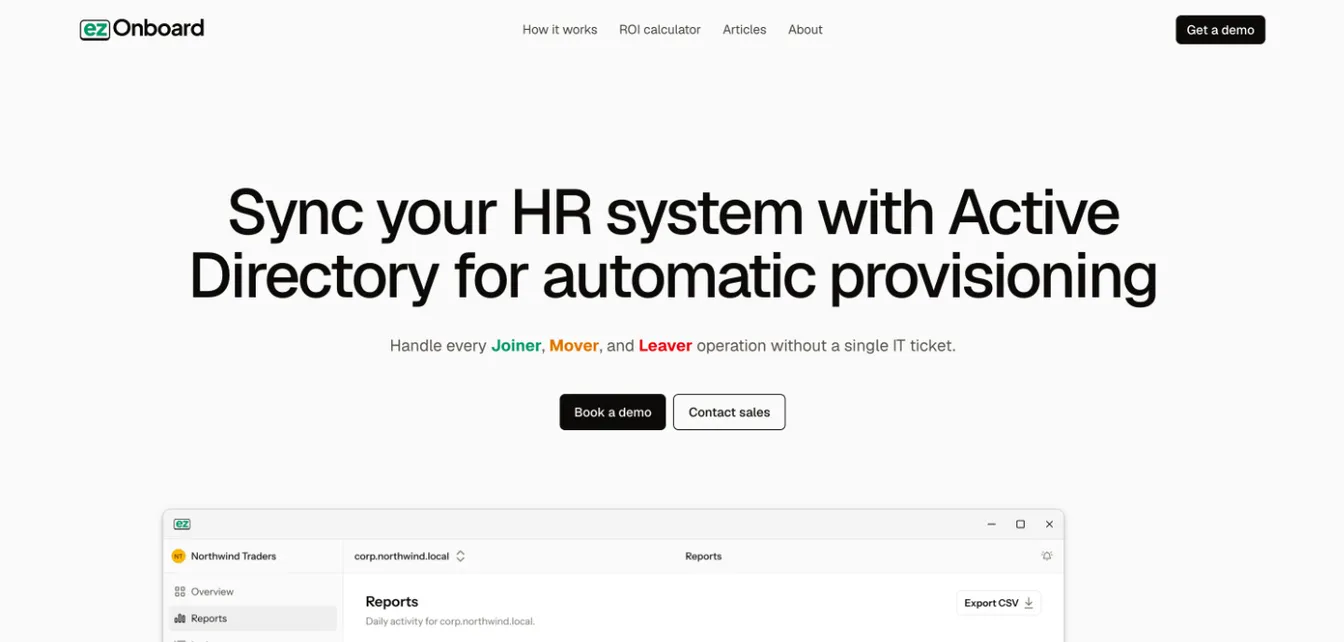
Best for: Fast-growing organizations that want to automate onboarding and offboarding while keeping HR data in sync with Active Directory.
ezOnboard allows you to create custom access rules using plug-and-play formulas. You can implement both role-based access control and attribute-based access control (ABAC).
ezOnboard helps you assign or restrict user access based on job title, department, location, employment type, and other user attributes. No need to write code or build complex logic.
Use the platform to make sure individuals have the right permissions from day one. This can protect sensitive data, maintain security compliance, and ensure a positive onboarding experience.
At the same time, you can keep access rights updated in real time as people change roles, move departments, or leave your organization.
You don’t have to track changes manually or rely on spreadsheets. If a rule is broken or access fails, you immediately get an alert and fix the problem to reduce data security risks.
Plus, you can use it to automate user deprovisioning to instantly remove access and recover Microsoft licenses from departing employees. You stop paying for licenses nobody uses and strengthen security.
Book a demo to see ezOnboard's RBAC tools in action!
Key Features
- HR to AD integration: ezOnboard connects your HR system to Active Directory and Entra ID to automate onboarding, access provisioning, lifecycle updates, and offboarding.
- Plug-and-play access management: Define access control policies using ezOnboard’s easy-to-use rules. You don't have to learn coding or build complex workflows from scratch.
- Automated deprovisioning and license reclamation: Rely on ezOnboard to remove data access and recover Microsoft licenses automatically when someone leaves your organization.
- Runs inside your network: The ezOnboard agent runs on your server, so personnel data stays in your environment.
- Custom reports and notifications: Get alerts by email and webhook, and keep an auditable record of every Active Directory change. You can also export audit trails for compliance purposes.
- Integrated professional services: Work closely with an expert team who will deploy ezOnboard in your IT environment and ensure you get results.
Check this ROI calculator to see how much money you can save with ezOnboard.
2. Microsoft Entra ID (formerly Azure Active Directory)
Source: Microsoft.com
Best for: Organizations using Microsoft 365, Azure, or hybrid environments that need unified identity control.
Microsoft Entra ID offers powerful RBAC tools through its cloud-based access management solution.
Entra ID allows you to control access to all Microsoft services from a central location. You save time and gain increased visibility across your IT environment.
You can assign built‑in roles (e.g., User Administrator or Exchange Administrator) or build custom roles tailored to specific job functions.
You can then enforce least-privilege access by limiting what each role can do. This enhances security and protects sensitive data.
Key Features
- Fine-grained access controls: Grant access based on custom roles specific to apps, users, or departments.
- Secure authentication methods: Keep accounts safe through passwordless authentication, conditional access policies, and multi-factor authentication (MFA).
- Centralized access management: Manage permissions to all existing systems from a single, cloud-based platform.
- AI-powered security features: Microsoft Security Copilot agents in Entra help you find Conditional Access policy gaps, investigate risky users, and streamline access reviews. Security Copilot is now included with Microsoft 365 E5.
- Self-service portal: This allows users to request access or reset credentials without contacting technical teams, which can help reduce IT tickets.
3. Okta
Source: Okta.com
Best for: Companies managing access to multiple environments and seeking developer-friendly control over user roles.
Okta's identity access management tool helps you control and define permissions through roles. You can apply these roles across your IT environment, including internal systems, customer apps, and even APIs.
Okta's Universal Directory lets you store user data in one place. You'll find it easier to assign or remove access as people join, move teams, or leave.
Plus, Okta’s Fine-Grained Authorization (FGA) service, built on the open-source OpenFGA project, lets you define your authorization model in a modeling language that is easy to write and read. Okta helps businesses efficiently manage complex authorization scenarios at scale.
Key Features
- Role-based access control: Assign users to specific roles based on their job title, team, or department. You can then apply RBAC permissions across all apps.
- Fine-grained authorization: Set limits on what authorized users can see or do inside specific apps or services.
- Universal Directory: Manage all users, groups, and devices in one place to ensure seamless access control.
- Top-grade security: Okta helps implement granular access control, adaptive MFA, and passwordless authentication to keep accounts safe.
- Identity lifecycle management: Automate lifecycle updates to improve onboarding and offboarding workflows.
4. JumpCloud
Source: JumpCloud.com
Best for: IT teams looking for unified access control across devices, web apps, and on-premises systems.
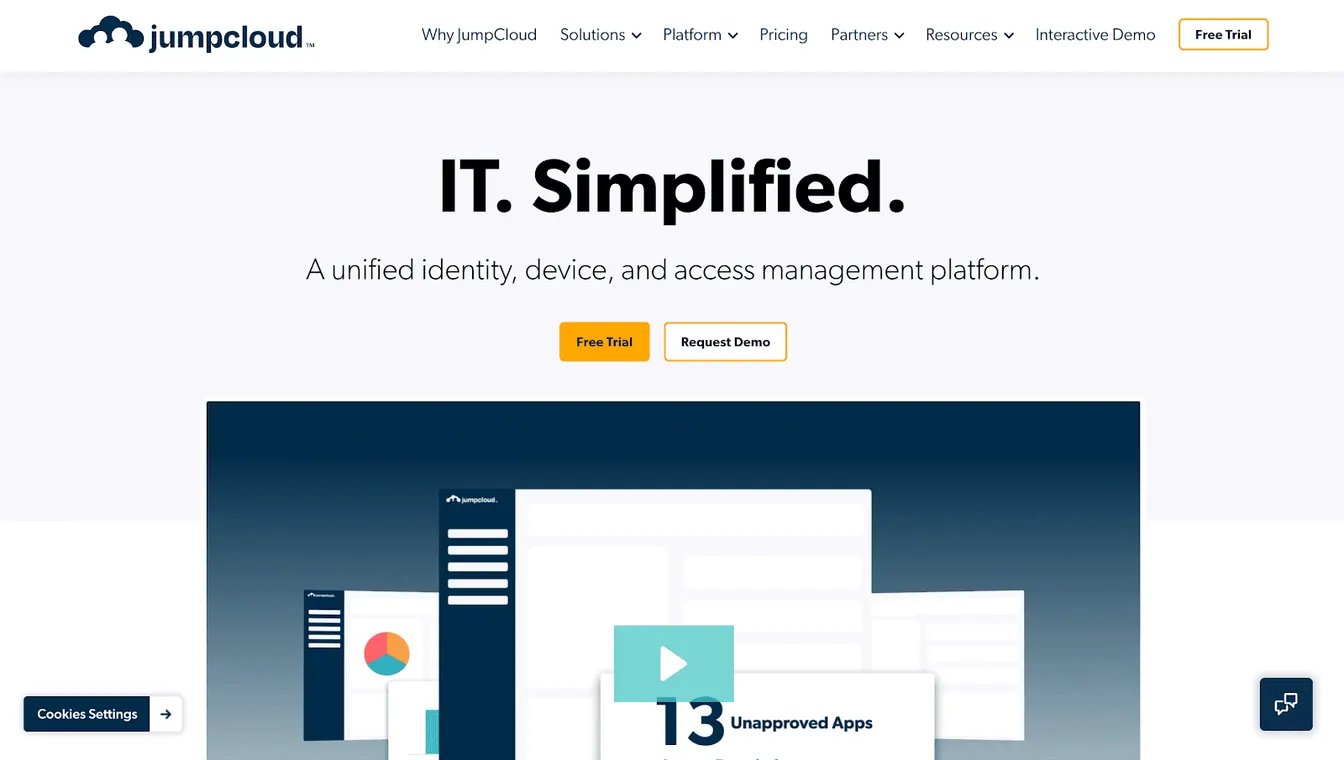
JumpCloud helps you manage user access from a single cloud-based directory. You can create roles based on groups, job functions, or device policies. These roles decide what users can access across applications, VPNs, or network systems.
JumpCloud features multi‑factor authentication and single sign‑on (SSO) to reduce password overload.
You can even build automated workflows to save time and boost operational efficiency. For example, businesses use it to track lifecycle changes and unify digital identities across their IT infrastructure.
Key Features
- Group-based access control: Assign users to different roles or groups before granting them access to the necessary systems.
- Cross-platform permission management: JumpCloud gives you precise control over access rights across different devices and operating systems.
- Extensive security: Enforce MFA, strict device authorization policies, and discretionary access control to reduce security risks.
- Automated event logging: Track logins, policy enforcement, access levels, and user activities in real time.
- End-to-end lifecycle management: The platform automatically handles user provisioning, role updates, and deactivation as people join or leave.
5. SailPoint
Source: SailPoint.com
Best for: Large organizations with complex access control needs and strict compliance requirements.
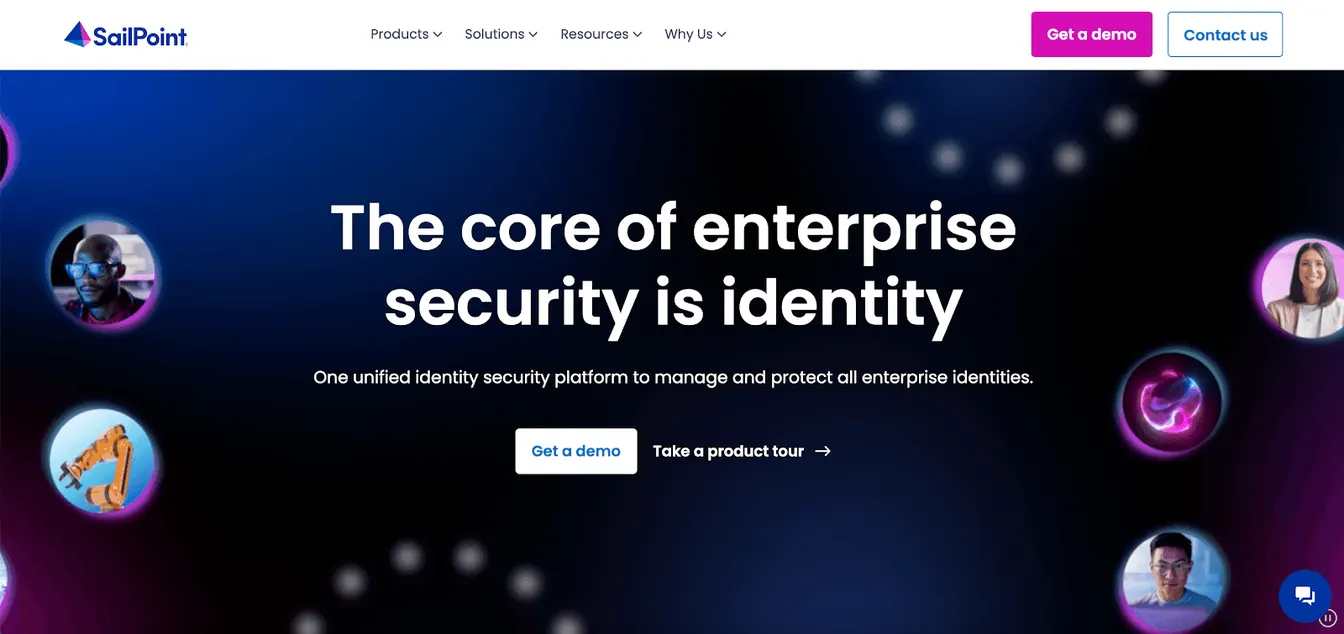
SailPoint's enterprise IAM solution offers various access control models to manage permissions across your entire IT ecosystem.
You define business roles and map them to actual permissions. Alternatively, you can use role mining to simplify thousands of entitlements into logical roles or intelligent clusters.
SailPoint also offers access recommendations by analyzing access patterns within your organization.
Plus, you can generate AI-powered insights and make access management decisions with confidence.
Key Features
- Dynamic access controls: Set access rules based on a user's job title, department, or location.
- Role mining: Speed up role creation and refinement through SailPoint's intelligent clustering.
- Access modeling and recommendations: Get suggestions for new roles based on user behavior and see the impact of changes before applying them.
- AI agents: Use SailPoint’s Harbor Pilot AI agents to build workflows and uncover data-driven insights, and AI-driven analysis to detect abnormal access behavior.
- Automated data discovery: Identify sensitive content across your IT environment and apply the right access policies to protect it.
6. IBM Verify Identity Governance
Source: IBM.com
Best for: Enterprises with complex identity governance needs and strict compliance demands.
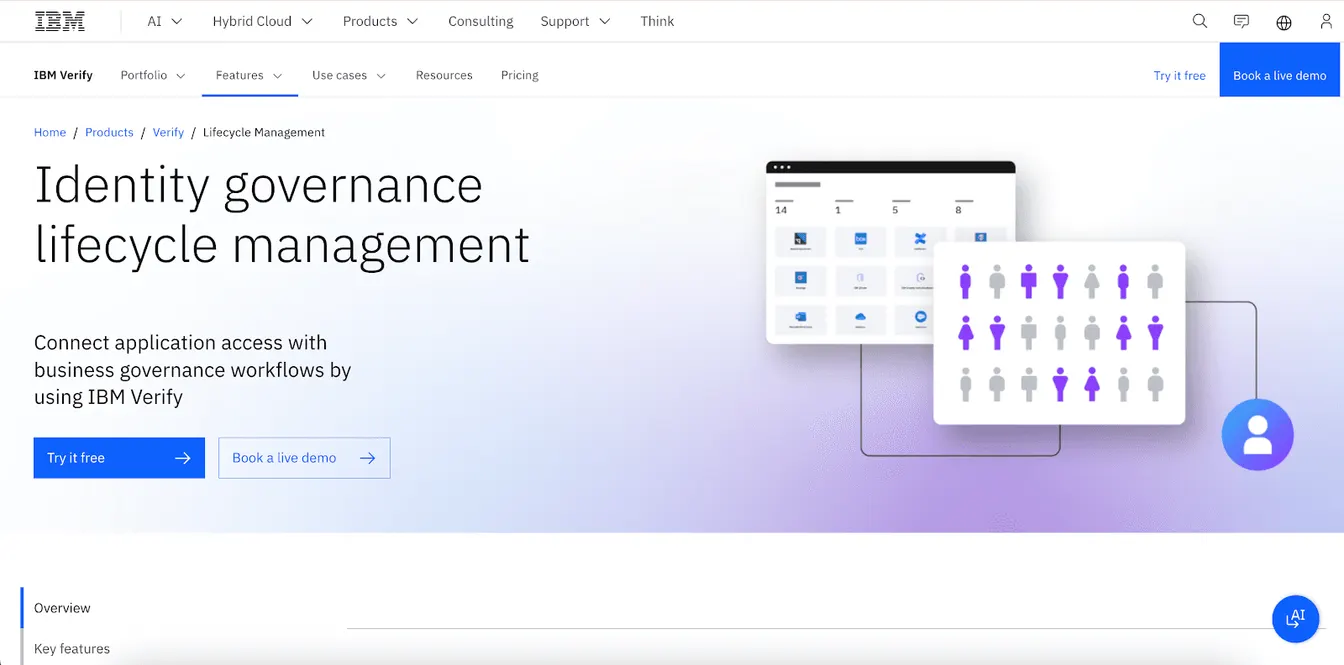
IBM Verify Identity Governance (formerly IBM Security Verify Governance) is IBM’s identity governance and lifecycle management solution for large enterprises. You can run it on-premises or in the cloud. It can manage identities and access throughout a user’s tenure, from day one to separation.
The platform helps delegate access control and application ownership to business managers. These individuals will help you determine where a user or a group needs access to the application instance.
You can also use API-based or SCIM-based provisioning to simplify access management across Active Directory, LDAP, and Oracle Database.
You can even automate recertification campaigns to meet compliance requirements and avoid legal implications.
Key Features
- Access and lifecycle management: Oversee user access across different lifecycle stages.
- Identity provisioning: Use APIs or SCIM to automate user provisioning in on-premises environments.
- Application ownership: Delegate ownership to business managers and empower them to provide access to employees.
- Recertification: Run recertification campaigns based on users, groups, or both to monitor ongoing compliance.
- Passwordless authentication: Pair it with IBM Verify’s access management to implement MFA and other passwordless authentication methods like QR codes and FIDO2.
7. StrongDM
Source: StrongDM.com
Best for: Organizations that need to manage access across servers, databases, Kubernetes, and multi-cloud environments.
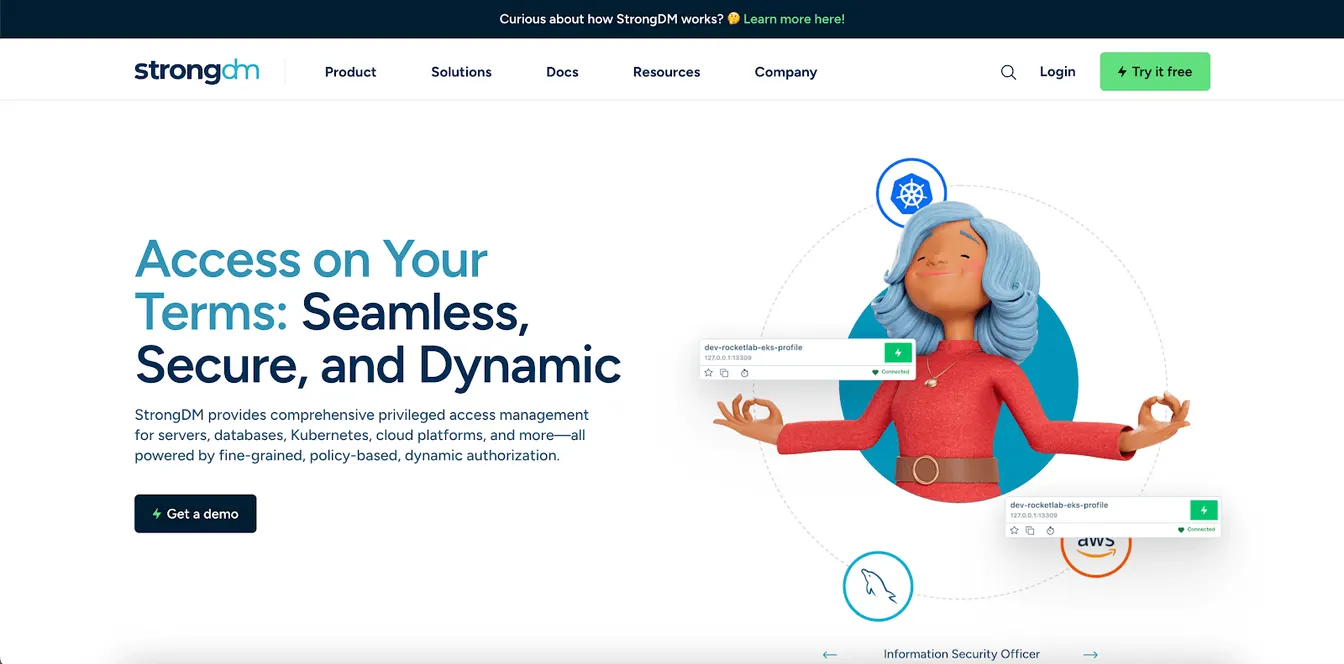
StrongDM goes beyond static permissions by providing policy-based access control. It helps you enforce dynamic and context-aware rules to ensure secure access.
StrongDM is now part of Delinea, which completed its acquisition in March 2026. Delinea is bringing StrongDM’s just-in-time runtime authorization into the Delinea Platform alongside its privileged access management (PAM) tools.
It also serves to provide temporary access to specific users, which can be useful for onboarding vendors or contract-based employees.
With StrongDM, you can even automate provisioning and deprovisioning tasks. You save time and reduce manual workload for your IT teams.
Plus, you get real-time visibility into all permission changes within your environment. You can easily track who accessed what resources for compliance purposes.
Key Features
- Policy-based access management: Set adaptive policies that grant or deny access based on role, resource, and context in real time.
- On-demand access rules: Grant temporary permissions only when needed and revoke them automatically when the task is done.
- Centralized dashboard: Manage access across cloud-native applications, databases, servers, and Kubernetes platforms.
- Automated workflows: Automate provisioning processes to reduce errors and manual workload.
- Extensive audit trails: Gain full visibility into who accessed what systems, when, and why.
8. Fairwinds
Source: Fairwinds.com
Best for: Organizations that need a reliable and scalable solution to manage Kubernetes environments.
Fairwinds helps you manage access in Kubernetes through its open-source RBAC Manager. It lets you define access with simple YAML configuration files.
You set who gets what role in which namespace, and the system applies it for you. This approach keeps your RBAC settings consistent and reduces human errors.
Fairwinds Insights, its commercial platform, adds advanced features like continuous vulnerability scanning, built-in policies, and reviews of your most permissive roles. These can significantly minimize security and compliance risks.
Key Features
- Kubernetes RBAC tools: These help you manage role-based access controls in your Kubernetes implementations.
- Vulnerability scanning: Scan multi-cluster environments against security best practices.
- Policy library: Apply pre-built policies for security, reliability, and compliance.
- Compliance management: Monitor your Kubernetes environments for compliance with industry standards like SOC2.
- Cost optimization: Identify underused resources to avoid Kubernetes waste and reduce associated costs.
Criteria for Choosing the Best RBAC Tool
If you're still unsure which RBAC tool to pick, here are the important factors to consider:
Policy Customization
You need an RBAC tool that lets you define access rules based on your business structure. Look for options that support granular policies tied to roles, departments, or job functions.
Some platforms use templates or low-code setups to make policy building easier. This helps you maintain consistency and avoid mistakes.
Integration Capabilities
Make sure your RBAC tool connects to your existing systems. These include your identity providers, HR software, cloud platforms, IT management software, and ticketing tools.
The best solutions offer pre-built integrations and open APIs for flexibility. They make sure access policies remain in sync across different devices, operating systems, and environments.
Scalability
Invest in an RBAC tool that can handle more users, devices, and apps as your company scales.
You should also look for seamless cloud support, especially if you still manage an on-premise system. You might need to upgrade your infrastructure.
When you choose a scalable solution, you avoid switching tools in the future. That saves money and time spent on re-training your team on the new platform.
User-Friendly Interface
A clean, intuitive interface helps both IT admins and business users. You don’t want to waste time digging through confusing settings.
Look for RBAC tools with clear dashboards, easy role creation, and quick access reviews. These can reduce training time, lower mistakes, and improve software adoption.
Security Features
Security should always be a top priority. Verify that your RBAC tool supports MFA, data encryption, session logging, and least-privilege enforcement.
Some platforms also include alerts for risky access behavior or policy violations. These features can reduce data breaches and unauthorized access.
Compliance Reporting
Invest in RBAC tools that help you meet audit and compliance requirements. Look for detailed logs, role change histories, and scheduled access reviews.
Check whether you can export and share reports with auditors. You should also be able to generate audit trails when needed.
Vendor Support
Fast and reliable customer support matters, especially if you face issues with the RBAC platform. Research what kind of help the vendor offers, such as email, chat, phone, or dedicated support tiers.
You may also want access to documentation, onboarding help, and active community forums. These help you fix problems on your own without relying on the vendor.
Pricing and ROI
Finally, weigh the cost of the platform against what you get. Some tools charge per user, while others follow feature-based pricing.
In addition to the subscription fees, you should also consider onboarding costs, support plans, and training.
The right RBAC tool will help you save money in the long term by reducing manual workload, preventing security incidents, and ensuring compliance.
Automate Access Provisioning With ezOnboard
Ready to simplify access management and eliminate manual onboarding headaches? Choose ezOnboard as your RBAC tool.
You can define access rules using easy plug‑and‑play formulas tied to title, department, or employment status. You get instant provisioning and deprovisioning as people join, move roles, or depart your organization.
ezOnboard works by integrating your HR system with Active Directory and Entra ID. Access policies and lifecycle updates are automatically synced from HR to your directory. This saves time, reduces manual workload, minimizes errors, and strengthens security.
Schedule a demo today or check this ROI calculator to see your potential cost savings.
FAQs About RBAC Tools
What is an RBAC tool?
An RBAC tool refers to digital software that controls permission rights based on roles. It works by assigning a specific role to a user, such as an employee, manager, or admin. This role defines what they can do in your systems.
What is an example of an RBAC?
A good example of RBAC is giving your HR team access to payroll systems but blocking them from using IT tools. Instead of assigning permissions one by one, you assign the “HR” role, which includes the right access to certain platforms.
What is the RBAC technique?
The RBAC technique uses job roles to decide which actions users can take in systems or apps. It’s different from attribute-based access control, which considers multiple factors (time, location, or device) before granting access.
RBAC focuses only on individual roles, making it easier to manage for IT teams.
What are the different types of RBAC?
You'll encounter three main types: core RBAC, hierarchical RBAC, and constrained RBAC.
Core RBAC assigns permissions directly to roles, while the hierarchical version allows inheritance of permissions. For example, a "Manager" role can also have the access rights of an "Employee" role on top of managerial permissions.
Constrained RBAC adds separation of duties (SoD) to the hierarchical model. It prevents users from holding conflicting roles.