IAM Automation: Benefits, Challenges, and the Best Tools
Gregg Davis9 min read

Managing hundreds or even thousands of digital identities across multiple systems is a constant challenge for IT teams.
Every new hire needs the right level of access from day one, and departing employees should have their accounts disabled to avoid security risks. On top of that, vendors, partners, and temporary staff often require short-term access that you also need to track and audit.
Identity and access management (IAM) automation steps in to automate identity and access management tasks. It takes care of the repetitive work so you can focus on more strategic initiatives.
In this article, we'll cover the top benefits of IAM automation. We'll also discuss the challenges to expect and the best tools you can use to address those difficulties.
What Is IAM Automation?
IAM automation is the process of using software tools to handle identity and access management processes that would otherwise require manual effort.
It involves assigning, updating, and revoking user access across systems and applications without constant IT intervention.
IAM automation doesn't rely on staff to approve every request or update every account manually. Instead, it applies predetermined rules to make these actions happen in a consistent way.
This means your IT team can manage user identities faster, with fewer mistakes, and in line with your company's security policies.
Key Benefits of IAM Automation
IAM automation can benefit both your IT and security teams in several ways. Here are the advantages you can expect:
Speed Up Identity Access Management Tasks
IAM automation makes user account creation and access provisioning faster and more consistent.
Instead of waiting days for manual approvals, new employees can get what they need in minutes. They can start contributing to your company from day one.
Automated user provisioning also helps your IT team keep up with growing user bases and access to multiple applications.
You spend less time overseeing manual tasks and reducing onboarding tickets. You can now focus on strategic projects that drive business growth.
Reduce Human Errors
Manual work and guesswork often lead to mistakes, like giving someone too much or too little access.
With IAM automation, user provisioning and identity management tasks happen automatically.
All you need to do is define the rules once, and the system will grant the appropriate access every time you onboard new employees or revoke them during IT offboarding. You significantly reduce the chances of committing an error.
IAM automation also guarantees accuracy across different accounts, which helps you avoid downtime or security gaps.
This level of consistency gives you peace of mind, knowing that the system handles identity management reliably every time.
Enhance Security
IAM automation promotes consistent enforcement of access rules, which can prevent accidental oversharing of sensitive data.
It also applies the principle of least privilege, making sure employees only have the permissions they need for their roles.
If the employee switches to a new department or gets promoted, IAM systems can detect and manage these workplace changes. These tools will instantly update permission rights to reflect new roles and avoid privilege creep.
IAM automation even supports no-touch offboarding by instantly revoking access, reclaiming licenses, and recovering IT assets from a departing employee. It protects your infrastructure from potential security threats.
Improve Compliance
IAM automation generates audit trails through automated processes to simplify compliance management.
Instead of gathering evidence manually, your IT team can produce accurate logs in minutes. This reduces stress and saves time during surprise audits.
You can instantly show proof of compliance with rules like HIPAA and SOC 2. You avoid paying fines or facing other legal consequences.
Boost Productivity and User Experience
Slow access reviews or approvals frustrate employees and delay projects. IAM automation helps by providing the appropriate access at the right time.
When employees have the necessary resources, they work more efficiently. This also increases user satisfaction and engagement levels.
Your IT team can also benefit from IAM automated workflows. The reduced workload means fewer manual tasks and more time to focus on higher-value work. It can even boost operational efficiency.
Increase Cost Savings
Manual identity management processes cost money, both in valuable staff time and in security risks.
Fortunately, IAM automation helps you achieve significant cost savings over time. It cuts down on labor costs by reducing the time IT staff spend on repetitive tasks, such as onboarding, offboarding, and access reviews.
It also lowers expenses tied to mistakes, since fewer manual errors mean fewer hours wasted solving user management issues. IAM automation reduces the chance of costly security incidents, which often lead to downtime, identity data loss, or even regulatory fines.
Plus, it reminds your IT team to retrieve company-owned assets and software licenses used by former employees. This prevents you from buying the same resources for a new hire. You can simply reassign them to save money.
Challenges in Automating IAM Processes
Despite its benefits, IAM automation also comes with several challenges. Here are the common difficulties you might face:
Addressing Skill Gaps
IAM automation introduces tools and concepts that many IT employees may not be familiar with. Learning how to configure policies, manage workflows, and oversee automated processes often requires new skills.
Without proper training, your team may make mistakes that compromise efficiency or organizational security.
As an IT leader, you need to invest in upskilling staff and make sure there is enough in-house knowledge to maintain these systems.
Consider partnering with vendors or external consultants during setup to reduce the learning curve and help your team succeed.
Implementing IAM Automation Into Legacy Systems
Many companies still rely on existing systems that were never designed to integrate with modern IAM solutions. Connecting these systems to IAM automation platforms can be difficult and time-consuming.
Legacy enterprise systems often lack APIs or connectors, which can force your IT teams to create workarounds. This can delay projects and increase costs.
To address this challenge, you should assess compatibility early, prioritize upgrades where possible, and roll out automated workflows in phases.
Addressing Resistance to Change
Employees and IT staff alike may resist IAM automation because it feels like a loss of control.
For IT teams used to managing every access request, automation can seem risky. Meanwhile, end users may worry about delays or errors if access permissions don’t fit their needs.
Clearly explain the benefits of IAM automation solutions to reduce resistance. Involve stakeholders early and demonstrate how automated user provisioning speeds up daily work.
Keeping Data Accurate and Updated
IAM automation depends on reliable information about employees, contractors, and partners.
If HR or Active Directory data is outdated, the system may assign the wrong user roles or fail to revoke access when someone leaves. This creates security gaps and undermines trust in the system.
You should establish strong data governance practices to keep identity sources clean and updated. Conduct regular audits and integrate IT systems with your HR tech stack to keep data accurate.
Customizing Workflows
Not every company has the same needs when it comes to IAM automation. For example, different departments might require unique access approval rules or employee onboarding steps.
Defining the right automation scope can be tricky, especially in large organizations. Overly complex workflows can slow down adoption, while simple ones may leave security gaps.
You should work closely with department managers to design automated workflows that fit unique requirements. Make sure to test these workflows before rolling them out widely to avoid disruptions.
Monitoring Automated Systems Continuously
Even the best IAM automation setup cannot run without oversight. Security threats evolve, employees change departments, and access patterns shift over time.
Without continuous monitoring, the system may grant inappropriate access rights or miss signs of misuse.
Regularly review logs, track system performance, and adjust policies as needed to meet evolving access requirements. You can also set up automated alerts to identify unusual behavior and keep systems secure.
3 Best IAM Automation Tools
To implement the practices mentioned above, you can use these best IAM tools:
1. ezOnboard
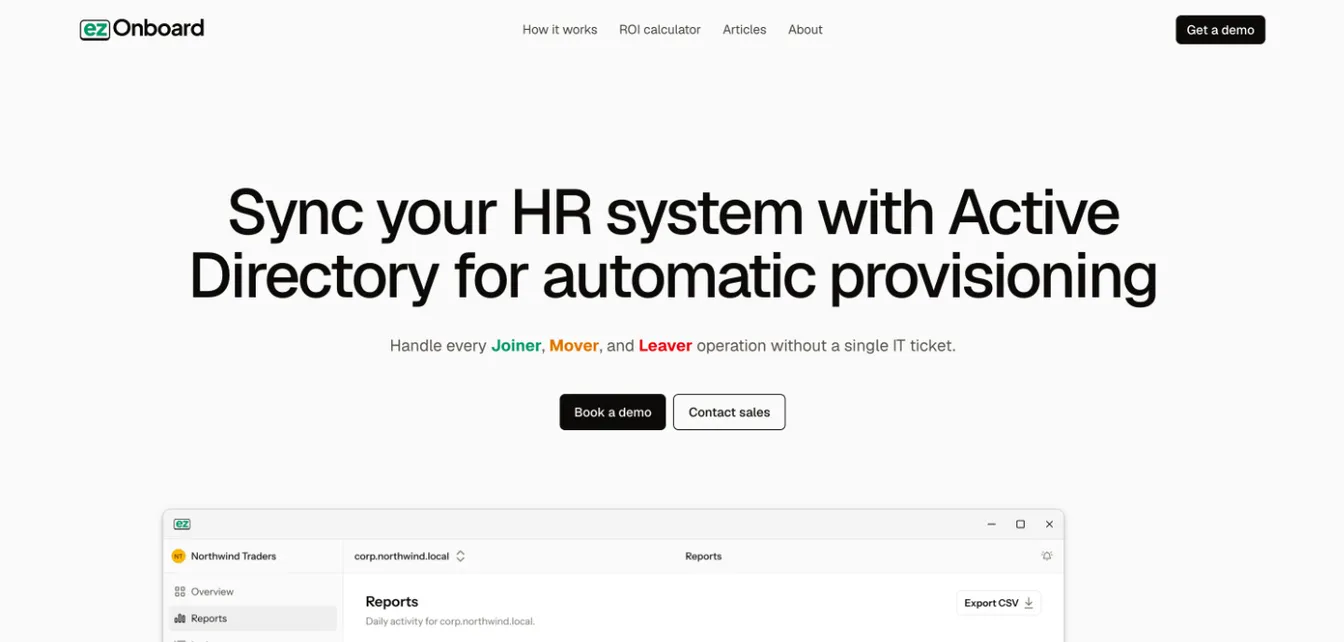
ezOnboard connects your HR system with Active Directory and Entra ID to fully automate identity and access management tasks.
It lets you define access rules through simple plug-and-play formulas. You can grant user access rights based on job title, department, or location.
ezOnboard can also reflect your approved HR system changes in Active Directory. This means permissions are automatically updated when employees change roles or get promoted.
During offboarding, the platform promptly revokes accounts and reclaims licenses to protect sensitive systems from unauthorized access.
Plus, it can generate custom reports to help you track onboarding and offboarding processes in real time. Your IT team retains full visibility of all AD changes while improving organizational security.
2. Okta
Source: Okta.com
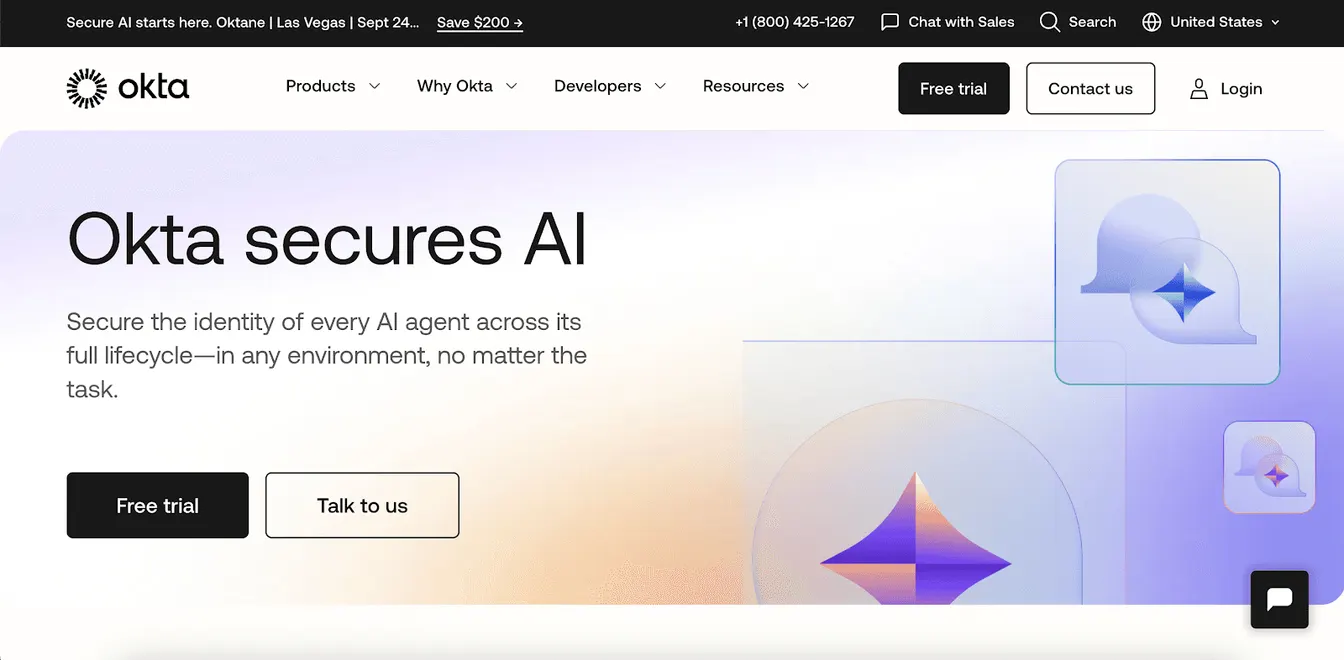
Okta's Workforce Identity platform simplifies identity and access management for your IT team. It automates provisioning and deprovisioning tasks.
This means new hires gain access to the right tools immediately, while former employees are automatically removed from systems. It removes slow manual tasks and boosts operational efficiency.
Okta can also detect security threats in real time. The platform can then secure access, devices, and other non-human identities before serious damage occurs.
3. Ping Identity
Source: PingIdentity.com
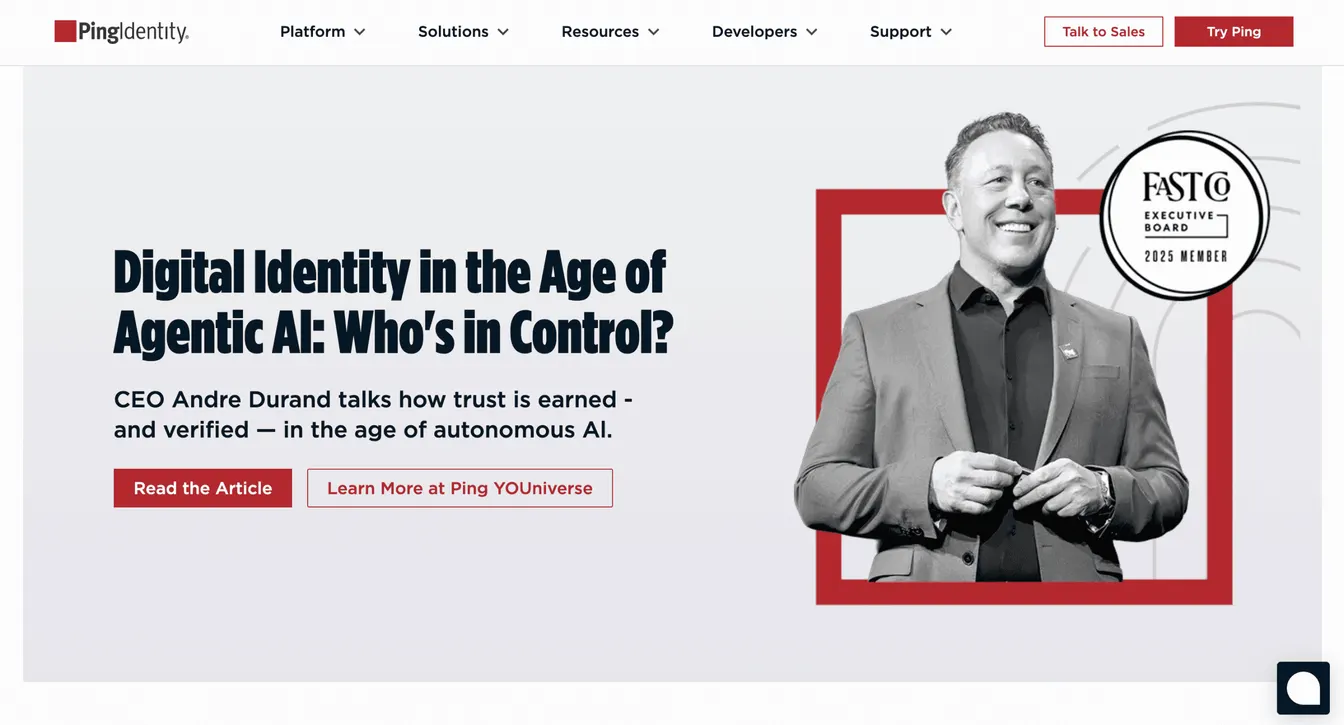
Ping Identity is an AI-powered identity management platform that automates onboarding and offboarding processes. This makes it easier to keep identities in check without constant manual oversight.
The platform also features adaptive authentication, seamless single sign-on (SSO), and granular controls. It allows you to adjust permissions based on context and risk level. This helps protect sensitive systems while making sure employees have what they need for their jobs.
Plus, it uses AI to prevent fraud and analyze risks in real time. It can improve organizational security and support compliance efforts.
Criteria for Choosing the Right IAM Automation Tool
If you're still undecided, you should evaluate these key criteria when choosing the best IAM tool:
- Ease of use: The tool should be simple to manage, with an interface that allows you to configure workflows without coding.
- Integration capabilities: Seamless integration with HR systems, directories, and cloud applications keeps identity data consistent across all connected platforms.
- Security features: Strong authentication, auditing, and policy controls protect sensitive resources and reduce the risks of unauthorized access.
- Role-based access control: Look for RBAC tools that let you assign permissions based on job functions to simplify user management.
- Self-service capabilities: Check for self-service portals that empower employees to handle simple tasks themselves, like password resets or access requests. This can significantly reduce IT workload.
- Real-time reporting and analytics: Built-in dashboards provide visibility into user activity, access trends, and compliance readiness.
- Pricing: Choose a tool that matches your budget. You should also consider potential long-term savings.
- Vendor support: Reliable vendor support, training, and documentation help you resolve issues in no time.
Seamless Identity and Access Management Automation With ezOnboard
ezOnboard automates identity and access management by integrating your HR software with Microsoft Active Directory and Entra ID.
It automatically provisions and deprovisions accounts based on HR data. This means users always have the right access from day one and lose it the moment they leave your organization.
This approach saves IT teams time. It also improves security and compliance across the board through custom notifications and reports.
Schedule a demo today to get started or check this ROI calculator to see how much money you can save with ezOnboard.
FAQs About IAM Automation
What is IAM automation?
Identity and access management (IAM) automation refers to the process of using software to assign, update, and remove permissions automatically. This reduces mistakes, saves time, and improves security.
What are the four pillars of IAM?
The four pillars of IAM are authentication, authorization, user management, and a central user repository. These help you verify identities, grant permissions, manage accounts, and store identity data in one place.
What does IAM stand for?
IAM stands for identity and access management. It is the practice of managing digital identities and controlling access to systems and data.
What are the four A's of IAM?
The four A’s of IAM are Authentication, Authorization, Administration, and Audit. These elements protect sensitive company systems while keeping identity data consistent and compliant.