How to Connect Eddy to AD (Entra ID): 5 Easy Steps
Chad Burggraf6 min read

If your company uses Eddy’s all-in-one HR software, you can connect it to an identity and access management solution like Microsoft Active Directory (AD) or Entra ID (Azure AD).
Doing so transforms how you handle user data, security, and automation.
In this post, we’ll teach you how to link Eddy HR to AD. We’ll also discuss the other benefits of integration below. You can find the same walkthrough for Workday, ADP and others in our HR integration guides.
Prerequisites Before Connecting Eddy to Active Directory
Before starting the integration, you should prepare a few things to ensure a smooth and stable connection.
First, you should have an Eddy account with admin-level access.
You’ll also need an on-premise Active Directory environment or a cloud-based Entra ID (formerly known as Azure AD) license. Make sure you have administrator permissions for either solution.
Then, you should keep your network fortified against cyber threats. You can invest in a free or paid firewall and update all your software systems. Consider using license management software to track your assets.
You can even shop the SaaS market and pay for a third-party connector solution. This platform will automatically link Eddy to Microsoft AD in just a few clicks.
But if you want to use the cheaper, manual method, you can refer to the step-by-step integration guide below.
5 Steps to Connect Eddy to Active Directory
After referring to the integration requirements above, you can proceed with syncing Eddy HR data to your AD environment. Follow these five simple steps:
1. Configure API Access in Eddy
While Eddy supports out-of-the-box integrations with several apps, it lacks pre-built connections with Active Directory.
If you want both systems to communicate, you must obtain API documentation from Eddy.
To do this, you should log in to Eddy’s admin hub and navigate to the API settings. From there, you can generate the necessary API keys.
Take note of these credentials because you’ll need them later to authenticate API requests.
After configuring API access, you must double-check permissions to allow data sync between both platforms.
2. Prepare Active Directory
Next, you need to set up your AD environment to receive information from Eddy. This typically involves reviewing AD user groups and defining how you want Eddy to manage user accounts within the directory.
You’ll also need to set up rules for syncing profiles and configuring permissions in AD to accept integration.
Don’t forget to check for any posted updates or patches for Active Directory (Entra ID). Having an updated AD environment will prevent missing or wrong details during the integration process.
3. Map User Attributes
Now that both systems are ready, you can establish mapping rules.
During this process, you should map user data from Eddy (such as employee IDs and roles) to corresponding attributes in AD (like usernames and access levels).
Think of it as a way to ensure that the two platforms can communicate clearly. This is important for data accuracy and operational efficiency.
4. Test the Connection
Before going live, you must run small-scale tests to confirm that user data syncs correctly between both systems.
You can create test accounts to see how Active Directory user provisioning and deprovisioning actions behave.
Then, check for issues like incomplete data transfers or permissions errors in Eddy. Current inspection of the integration can help you identify weak points or potential mismatches in the system.
After detecting these problems, you should quickly resolve them to prevent costly downtime or an overhaul of the entire integration.
5. Monitor the Integration
Once you’ve confirmed that everything is working properly, you can launch the integration.
This doesn’t mean you can rest, though. You should continuously watch the connection between Eddy and AD. Regular checks can help maintain a stable connection over time.
To simplify this task, you can set up alerts. Doing so can notify your IT team if synchronization stops or fake details need to be replaced.

Benefits of Integrating Eddy with AD
After learning how to link Eddy to Active Directory (Entra ID), you’re probably curious about the advantages of this integration. Here’s how it can benefit your IT operations:
Centralize User Management
When you integrate Eddy with AD, you can centralize all user management tasks in one place. You no longer need to manage multiple platforms separately.
Since data automatically flows between Eddy and AD, you can easily track user footage or activity across different systems.
You can conduct audits and security checks anytime and anywhere, whether at the office or in an airplane.
Automate Onboarding and Offboarding Processes
Integration can also transform IT onboarding and offboarding workflows by automating processes.
It allows you to instantly set up new employees with the right credentials. It can also automatically revoke access and delete accounts when someone leaves your company.
Think of this automation as a prop that keeps everything running efficiently without constant manual oversight.
Improve Security
Connecting Eddy to Microsoft AD can strengthen your company’s security posture.
This integration consolidates access control, allowing you to manage permissions on one platform.
For example, it automatically provisions new users based on their roles. This reduces the chances of breaches or unauthorized access to company systems.
It can also support data encryption, multi-factor authentication (MFA), and single sign-on (SSO). These offer a stronger defense against cyber threats and give props to your security strategy.
Reduce IT Workload
Without integration, you must handle user management tasks manually, which can take up a lot of time and effort. Manual data entry also risks errors.
Fortunately, syncing information between Eddy and AD can significantly reduce your IT team’s workload. It handles all routine tasks, so you can focus on more important activities that drive business growth.
Save Money and Time
Since integration automates identity management and reduces security risks, it can save your business money and time.
You no longer need additional resources to manage users across your IT environment. You can rely on automation to finish tasks accurately. Plus, you can minimize issues that may lead to costly audits or downtime.
Let ezOnboard Connect Eddy to AD (Entra ID)
ezOnboard seamlessly connects an organization’s HR management software (such as Eddy) to traditional, on-prem Active Directory or cloud Entra ID (Azure AD).
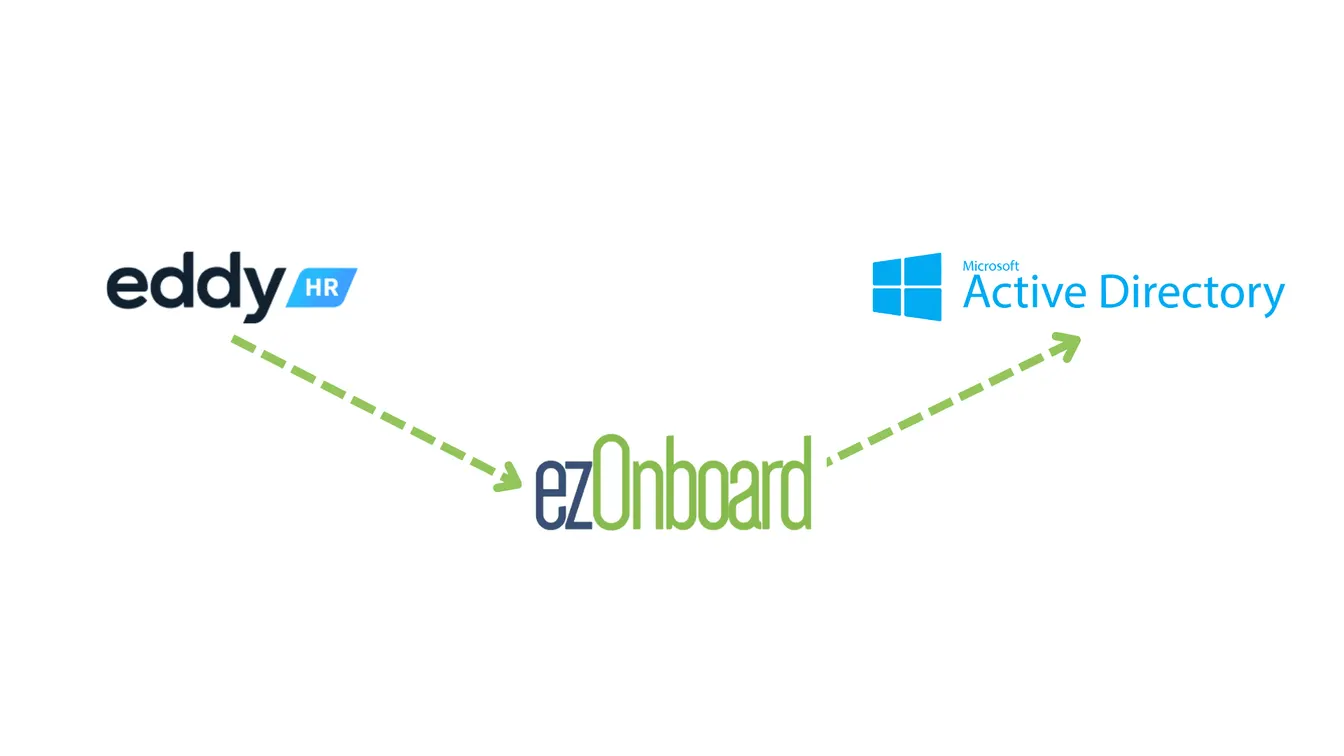
Once fully integrated, it automatically reflects Eddy user data in AD and Entra ID based on pre-defined rules.
With ezOnboard, you can transform the traditional, often cumbersome, onboarding and offboarding processes into more efficient and error-free operations.
Request a demo today or check the ROI calculator to see how much money ezOnboard can save you.
FAQs About Eddy to AD
What is Eddy?
Eddy is a comprehensive HR management suite that combines onboarding, employee management, and payroll in one platform. It can also simplify recruiting on social media sites, including LinkedIn, Facebook, and X (formerly known as Twitter).
What are the costs involved in integrating Eddy with AD?
The price of linking Eddy to AD (Entra ID) depends on your company’s current software setup, the level of customization needed, and any additional services required. You can contact Eddy’s customer support or third-party connector software vendor for specific pricing related to your integration needs.
How do you maintain a strong connection between Eddy and AD?
To keep a strong connection, you should regularly monitor the integration for sync issues. You can schedule periodic tests to identify and address problems quickly.