How to Connect Deel HR to AD (Entra ID): A Step-by-Step Guide
Chad Burggraf5 min read

Does your company use Deel HR to manage employees? Consider integrating this human resources platform with Microsoft Active Directory (AD) or cloud-based Entra ID (formerly Azure AD).
When you connect Deel HR to AD, you can simplify IT tasks like user provisioning and deprovisioning, employee lifecycle updates, and identity management.
You can also make the HR journey go smoothly, as employee data is automatically synced between both systems. This frees up your HR manager to focus on other important activities rather than being bogged down by administrative tasks.
In this article, you’ll learn the six basic steps to establishing the connection between Deel HR and Active Directory. You’ll also discover the other benefits of this integration below.
Understanding Deel HR to AD Integration
Before connecting Deel to Active Directory, you should first understand what this integration involves.
Deel is a popular HR platform designed to hire and manage global teams. It helps businesses efficiently handle new hire contracts, run payroll, and stay compliant with international laws.
On the other hand, Active Directory is an on-premises directory service developed by Microsoft. It can handle and secure user access within a network.
Microsoft also offers a cloud-based tool called Entra ID (Azure Active Directory). It allows IT teams to manage accounts and access rights in real time.
Integrating Deel HR with AD means automating how user data is synchronized between systems. You can expect faster employee onboarding and offboarding, simplified user lifecycle management, and secure access control.
This integration can also reduce manual oversight, minimize errors, and save valuable time for your IT team.
6 Steps to Connect Deel HR to Active Directory
Now that you understand what the integration entails, you can follow this step-by-step guide to connect Deel HR to Microsoft AD (Entra ID).
1. Configure the Deel HR Platform
First, make sure Deel works with your company’s current setup. This involves configuring the platform to authenticate requests, which is important for the next integration steps.
To do this, log into your Deel HR account, go to More > Developer, and open the Access Tokens tab. Generate an organization token, give it a name, and select only the read scopes your integration needs. Copy the token right away, because Deel won’t show it again.
2. Set Up Active Directory Environment
The next step is to prepare your Active Directory management console. You must have admin permissions to configure a service account specifically for this integration.
You should also group employees based on their roles, worker type, or geographical location. This structuring will help with the mapping process later.
3. Connect Deel HR to AD Through Deel’s API
Once you configure both systems, you can link them. Deel exposes worker data through its REST API and a SCIM 2.0 API, which lets Deel act as the source of truth for user records.
Deel doesn’t push users into identity systems on its own. Its documentation says direct SCIM provisioning from Deel to identity providers isn’t natively supported, so a middleware service or scheduled job has to read users from Deel and create or update them in on-prem AD or cloud Entra ID.
If your company uses Okta, Okta’s catalog also includes a Deel HR integration for provisioning users from Deel.
4. Map User Attributes and Permissions
After syncing Deel HR to Active Directory, you can map user attributes in both systems. Common fields include names, email addresses, and job titles.
Proper mapping ensures that employees always have the right access to resources. This is an important onboarding strategy for companies around the world.
5. Create a Sandbox Testing Environment
Before going live, you should set up a sandbox environment to verify that the integration is working as expected.
Run a few test scenarios such as adding new employees or provisioning users in Active Directory. You can use this time to identify and fix issues.
6. Enable User Provisioning and Deprovisioning
Once satisfied with your sandbox tests, you can automate user provisioning and deprovisioning.
This means that when you add direct employees to Deel HR, their accounts and permission rights are automatically set up in AD. Similarly, when workers leave the company, their access will be instantly revoked.
Why Should You Integrate Deel HR with Active Directory?
Connecting Deel HR to AD (Entra ID) can transform your business operations in several ways. Below are the top reasons why you should consider this integration.
Simplify Employee Lifecycle Management
Integration allows you to handle users across your IT environment from a single platform. This can simplify employee lifecycle management tasks.
It also supports automated workflows, making it easy to add or remove users (e.g., employees, vendors, or independent contractors) from both systems.
Improve Security and Compliance
As more users and multiple legal entities are involved in your business, it’s important to have centralized control over who can see sensitive data.
Fortunately, integrating Deel HR with AD ensures that only authorized users can access company resources. This reduces security risks and helps your organization meet cybersecurity compliance.
Increase Productivity
By automating user provisioning and deprovisioning, IT teams can focus on higher-value tasks. They no longer need to create accounts or manage access manually, which leads to improved productivity.
Reduce Costs
Eliminating manual processes reduces the chance of costly errors. For example, you no longer have to worry about mismatched employee details due to manual copy-and-paste.
The connection between Deel HR and AD also minimizes IT overhead related to user management, which translates to savings for remote or global teams.
Let ezOnboard Connect Deel HR to AD (Entra ID)
Integrating Deel HR with your AD environment doesn’t have to be complicated. You can automate the process by using ezOnboard.
This software solution integrates an organization’s HR system (such as Deel) with on-premises Active Directory or cloud Entra ID (Azure AD). It enables seamless data synchronization between the two platforms. Deel is just one of the HR systems in our directory integration guides.
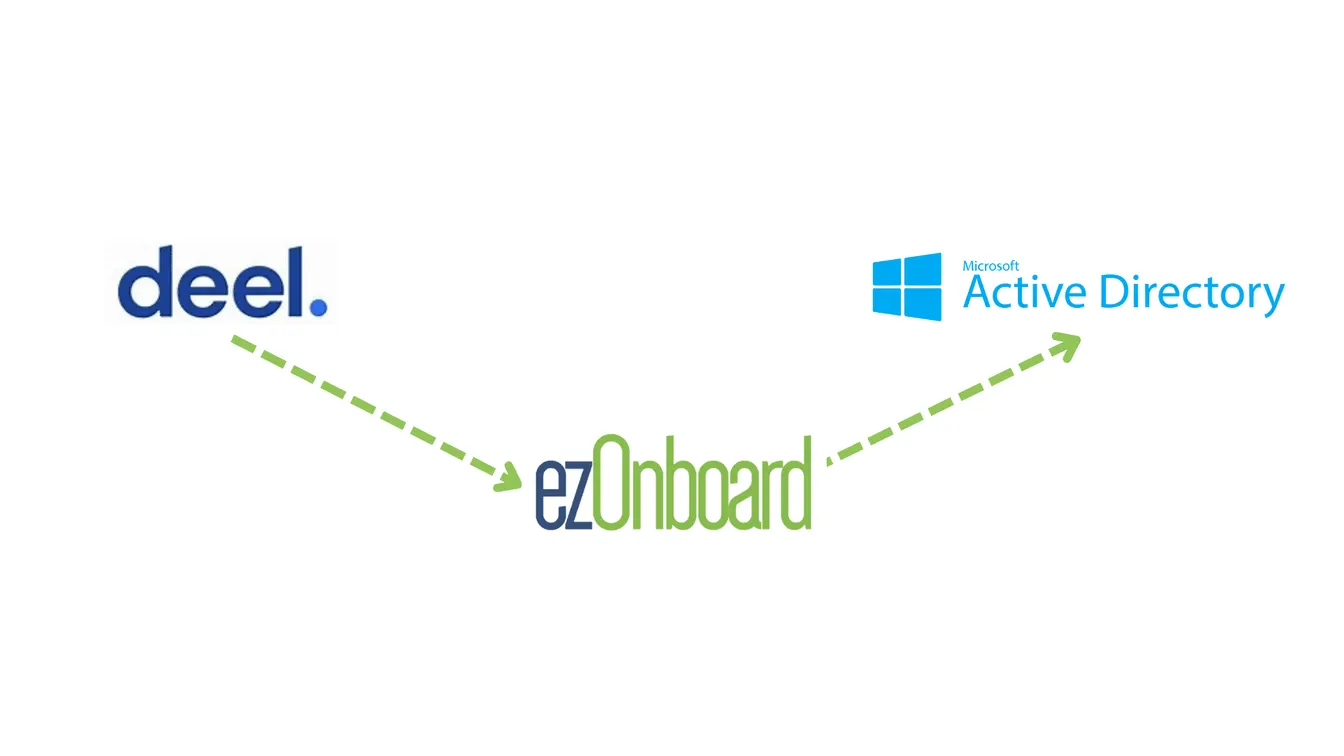
ezOnboard helps make traditional onboarding and offboarding simpler, faster, and more accurate. Your IT team can set up and manage user accounts effortlessly.
Request a demo or check the ROI calculator to see how much money ezOnboard can save you.
FAQs About Deel HR to AD
What is Deel HR?
Deel HR is an all-in-one human resources platform that helps companies manage employees from different countries. It combines reporting, self-serve onboarding, process automation, and app provisioning for more efficient HR management.
Deel also offers a REST API and a SCIM 2.0 API. You can use them to connect Deel to Active Directory or Entra ID through middleware or a sync tool, as well as to payroll providers, performance management platforms, and other tools.
What are the benefits of connecting Deel HR to Active Directory?
Integrating Deel HR with AD (Entra ID) simplifies user management, improves security, automates routine tasks, and saves your business money. Thanks to this integration, managing a global workforce is simpler than ever.
What security measures should I implement when integrating Deel HR and AD?
You can implement multi-factor authentication (MFA), single sign-on (SSO), and encryption to protect data during the integration. You should also limit your Deel API token to the scopes the integration needs and store it securely, since it grants access to employee data.