Remote to AD (Entra ID) Integration: How to Get Started?
Chad Burggraf7 min read

If your organization uses the Remote global HR platform, you likely manage user accounts and recruit top talent around the world.
While this software is powerful, you’re probably looking for a way to combine data with other solutions you own to simplify user management.
Fortunately, Remote HR supports Active Directory integration. This connection ensures that employee and contractor information is automatically updated across multiple systems. It also provides remote support, so you can automatically add users as they are accepted into your company.
In today’s article, we’ll walk you through the steps of integrating Remote’s HR solution with on-premises Microsoft Active Directory or cloud Entra ID (formerly known as Azure AD).
We’ll also discuss the benefits of this integration below. But first, let’s take a closer look at what these two platforms offer.
An Overview of Remote to AD Integration
Remote is a global HR software solution designed to help companies across different locations manage their employees. It can handle recruitment, onboarding, payroll, and employee management in one powerful digital platform.
Active Directory (AD), on the other hand, is an on-prem Microsoft directory service that oversees network permissions and authentication.
Entra ID (Azure Active Directory) is a cloud-based version of traditional AD. It allows IT teams to manage user accounts and access from a remote location.
Integrating Remote with your AD environment allows IT teams to automate routine business processes, such as employee onboarding and access management. It also automatically updates AD credentials when changes are applied to the Remote HR system.
This integration ensures employees always have the right level of access. It can minimize risks and keep your system secure, among other benefits we will discuss below.
How to Integrate Remote HR to AD? 7 Steps to Get Started
After learning what the integration involves, you might wonder where to start. You can follow these seven steps to establish a smooth connection between Remote HR software and Active Directory.
1. Define Your Business Objectives
Before anything else, you should determine your goals when integrating Remote with AD (Entra ID).
Do you want to automate IT onboarding for a smoother employee transition into your company? Or perhaps you need to view your global team from a single location for reporting and audit purposes.
You should involve both HR and IT teams during this discussion. You should also assess how this will affect your employees, ensuring they are provisioned automatically based on their roles.
When you set clear expectations from the start, you can develop a solid integration plan that will benefit your entire organization.
2. Prepare Requirements
The next step involves preparing technical requirements for the integration. You typically need three things:
- A Remote.com account
- An on-premise Active Directory account or cloud-based Azure provisioning service
- Administrator permissions to both platforms
You can also use an optional third-party software solution that will automate Remote to AD integration for your business.
In addition to these prerequisites, you can check if your Microsoft Windows operating system is updated.
Similarly, your domain controller should be optimized to handle identity security requests. Doing so prevents access issues and ensures a stable foundation for the integration process.
3. Obtain API Access in Remote
Once you have everything ready, you can acquire API access from Remote. This allows you to control the remote session and manage data flows between your HR platform and Active Directory environment.
To retrieve the Remote API, you should create a sandbox environment. Log into your Remote account and go to the Integrations control panel.
Next, you can click Remote API > Access API to access the link to the sandbox environment. In this framework, you can add a company or user for testing.
Then, sign into the company or user account to generate an access token. You should agree to the Remote API terms and conditions to proceed.
4. Configure Active Directory Environment
After setting up API access, you should prepare your on-prem AD or cloud Entra ID to accept data from Remote HR software. Make sure your domain controllers can validate user access on your network.
You should also map attributes like names, email addresses, roles, and departments. Next, consider assigning users to the appropriate security groups in AD for accurate access control and policy enforcement.
You can use the Group Policy Management Console (GPMC) to manage all these groups. Then, you can link user objects, such as sites, domains, and organizational units (OUs), to an Active Directory container.
5. Test the Connection
Before full deployment, you should thoroughly test the integration in Remote’s sandbox environment.
You can start by syncing a small group of users and checking if their details are correctly reflected in AD.
You should also verify that permissions are correctly assigned and that you have remote desktop control over user management.
If you find any mismatched details or inaccurate access rights, you must immediately address them during this testing phase. Doing so can prevent downtime or mistakes once you go live.
6. Deploy the Integration Across Your IT Infrastructure
After testing, you can roll out the integration across your IT infrastructure.
Sign in to your Remote account and generate an access token. To create an API token, follow the same instructions above.
Then, you should change the path of your authentication requests from the sandbox environment to the live framework.
7. Monitor and Maintain the Connection
Your job doesn’t stop after deployment.
You should regularly monitor the integration to verify everything is working as expected. This involves checking if user data remains synced and permissions are updated.
You can also schedule periodic audits to evaluate whether the integration meets your business needs.
Benefits of Integrating Remote with Active Directory
Connecting Remote Global HR software to AD (Entra ID) can transform how your IT team manages digital identities and access. Here’s a closer look at the key benefits you can expect from this integration:
Automate Employee Lifecycle Management
When you integrate Remote with AD, you can automate employee lifecycle management. This means that user accounts are automatically created, updated, or deactivated based on HR records.
This automation eliminates the need for manual intervention and minimizes the risk of human error. At the same time, it helps you efficiently manage Active Directory user accounts across different locations.
Simplify Onboarding and Offboarding Processes
IT teams often spend time on onboarding and offboarding. However, with Remote to AD integration, these processes become more straightforward.
During automated onboarding, IT teams no longer need to create accounts or assign permissions manually. Instead, as soon as HR enters the employee’s details into Remote, the system automatically provisions user access to the required resources.
Similarly, when users leave your organization, the integration instantly deletes accounts or revokes their permissions. Effective IT offboarding prevents unauthorized remote access to sensitive company data.
Enhance Security
Another benefit of Remote to Active Directory integration is improved security.
It ensures that only authorized users (based on pre-defined rules or employee roles) have access to your systems. This helps strengthen onboarding cybersecurity.
If there are changes to user information, the integration automatically reflects these corrections in Active Directory.
For example, when an IT employee switches departments, they can no longer access remote server administration tools or other IT-related software. Knowing that permissions remain current and secure gives you peace of mind.
The integration can also minimize the risk of unauthorized access by revoking the permissions of departing remote users. Once no longer needed, their accounts can also be deleted to minimize security vulnerabilities.
Improve Operational Efficiency
Manually managing remote utilities and devices across multiple systems is time-consuming and error-prone.
Fortunately, with Remote and AD working together, your IT department can remotely connect to both platforms and manage access more effectively.
It reduces the need to switch between different platforms to handle IT tasks. Instead, your staff can create a user account, grant permission rights, and track user logs from a single dashboard.
Integrating Remote with Active Directory can also automate routine activities, freeing your IT team to focus on more strategic projects. At the same time, it can reduce the risk of mistakes associated with manual data entry.
Increase Cost Savings
Since the integration automatically handles administrative tasks, your team can cut down on manual work. This saves your business valuable time and resources.
IT teams no longer need to handle user provisioning and deprovisioning manually, allowing them to prioritize higher-value tasks that can generate revenue.
Additionally, when integration runs smoothly on your Windows server, your IT infrastructure may experience fewer errors.
It can reduce the risk of costly security breaches or compliance issues. This directly translates into cost savings for your organization.
Seamless Remote to AD (Entra ID) Integration with ezOnboard
If you want to enjoy the benefits of integration without overburdening your IT teams, consider using ezOnboard.
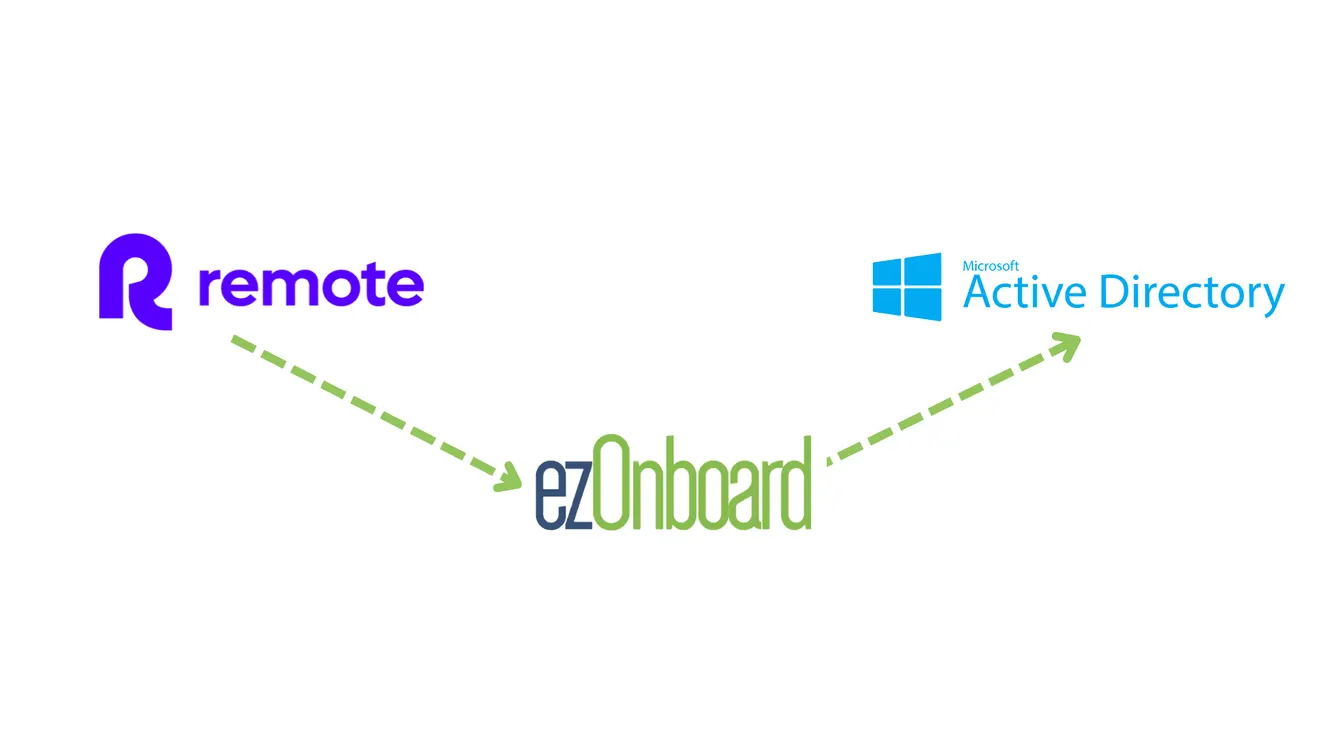
This software solution seamlessly integrates an organization’s HR platform (such as Remote) with on-prem Microsoft AD and cloud-based Entra ID (Azure AD). It automatically establishes the connection using pre-defined rules so your IT department can focus on more important tasks. Teams on Deel or another HR platform can find their setup in our collection of Active Directory integrations.
With ezOnboard, you can transform the traditional, often cumbersome, onboarding and offboarding processes into more efficient and error-free operations. You can reduce manual oversight and improve productivity across the board.
Request a demo or check the ROI calculator to see how much money ezOnboard can save you.
FAQs About Remote to AD
What is Remote?
Remote is a global HR platform that helps businesses manage employees, payroll, benefits, and compliance for remote teams. It simplifies global hiring by handling employee contracts and local laws.
What are the integration requirements for connecting Remote to AD?
You will need Remote API access, a configured Active Directory environment, and access to your remote computer for testing purposes. You can also use third-party software like ezOnboard to automate the integration between both systems.
How do you maintain a strong connection between Remote and Active Directory?
You should regularly check for synchronization errors, conduct audits, and update your security settings to maintain a strong connection between both systems.